


OpenClaw AI Automation: Integrating AI-Driven Security and Compliance Monitoring for WordPress and Hosting Environments (Part 16)
March 17, 2026
OpenClaw AI Automation: Implementing AI-Powered Content Moderation and Spam Filtering for WordPress (Part 17)
March 18, 2026Introduction to Advanced Anomaly Detection and Incident Management
In the previous parts of this OpenClaw series, we’ve explored how to configure AI agents for workflow orchestration, predictive analytics, and multi-agent collaboration. Now, in Part 15, the focus shifts to advanced anomaly detection and automated incident management — two critical capabilities that ensure your business operations remain resilient and uninterrupted.
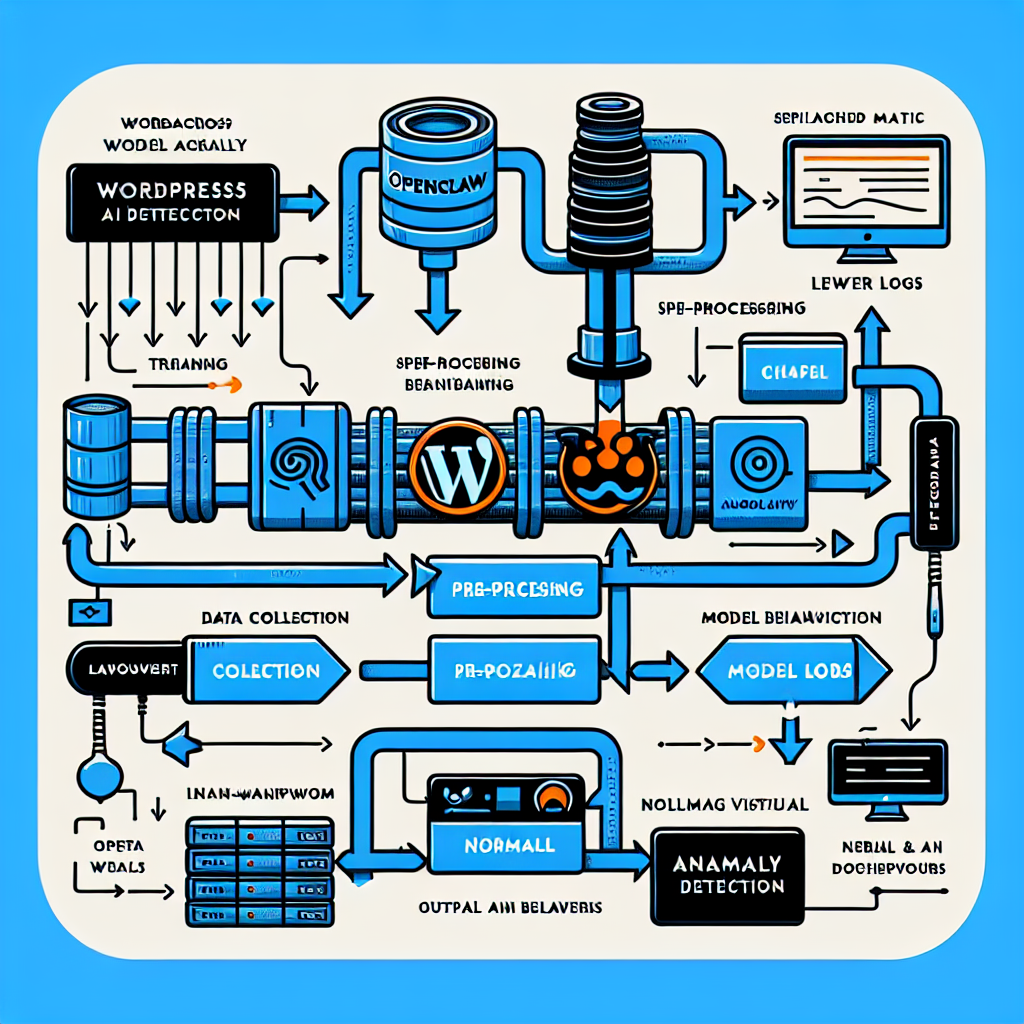
Advanced anomaly detection leverages AI models to identify subtle, complex, or emerging issues in your WordPress sites and hosting environments before they escalate into critical failures. Coupling this with automated incident management allows immediate, intelligent responses that minimize downtime and operational impact.
Why Advanced Anomaly Detection Matters

Traditional monitoring tools rely on fixed thresholds and simple alerts, which can lead to alert fatigue or missed early warnings. OpenClaw’s AI-powered anomaly detection enhances this by learning normal behavioral patterns over time and detecting deviations that are statistically significant or contextually unusual.
This approach is essential for environments where usage patterns evolve rapidly, such as e-commerce spikes, plugin updates, or security events.
Key Benefits
- Early detection: Identify potential issues before they affect users.
- Reduced false positives: AI models reduce noise from routine fluctuations.
- Context-aware alerts: Consider dependencies and environment state.
- Continuous learning: Models adapt to new baselines and changes.
Implementing Advanced Anomaly Detection with OpenClaw
This section walks through setting up anomaly detection pipelines using OpenClaw AI agents operating within WordPress and hosting contexts.
1. Data Collection and Feature Engineering
First, comprehensive data collection is fundamental. This includes:
- WordPress metrics: page load times, error logs, user activity, plugin behavior, database query performance.
- Hosting environment metrics: CPU, RAM usage, disk I/O, network throughput, server logs, and uptime records.
- External signals: API response times, third-party service availability.
OpenClaw agents can be configured to gather this data continuously via built-in connectors and custom scripts.
2. Selecting and Training Anomaly Detection Models
OpenClaw supports multiple AI models tailored to anomaly detection, such as:
- Statistical methods: Moving averages, z-score thresholds for univariate data monitoring.
- Machine learning: Isolation Forest, One-Class SVM for multivariate anomaly detection.
- Deep learning: Autoencoders and LSTM networks for temporal/spatial anomaly detection in time-series data.
For example, an LSTM-based OpenClaw agent can learn typical server load patterns and flag deviations indicating potential DDoS attacks or hardware degradation.
3. Integration with WordPress and Hosting Monitoring
To achieve seamless anomaly detection, OpenClaw agents integrate with WordPress dashboards and hosting control panels via APIs or custom plugins. This integration enables real-time visualization of anomalies and facilitates immediate incident management workflows.
Automated Incident Management: From Detection to Resolution
Detecting anomalies is only half the battle. Timely, automated incident management ensures rapid mitigation and minimal business disruption.
Building Automated Incident Workflows
OpenClaw allows defining granular incident workflows triggered by anomaly detection events. These workflows typically include:
- Alert generation: Notify relevant stakeholders via email, SMS, Slack, or WhatsApp AI support agents.
- Incident classification: AI agents assess severity and potential impact, prioritizing incidents accordingly.
- Automatic remediation: Execute predefined recovery scripts, such as restarting services, rolling back plugin updates, clearing cache, or scaling server resources.
- Escalation management: Forward unresolved incidents to human operators with detailed diagnostics.
- Post-incident review: Log incident outcomes and update AI models for continuous learning.
Example: Automated Recovery for WordPress Plugin Failures
Suppose an anomaly is detected in plugin response times or error rates. OpenClaw agents can:
- Trigger alerts to the site admin and technical team.
- Automatically disable the problematic plugin to restore site functionality.
- Initiate a backup restoration if the anomaly persists.
- Log all actions and notify the team for further investigation.
Practical Implementation: Step-by-Step Guide
Step 1: Configure Data Sources in OpenClaw
Use OpenClaw’s interface to connect WordPress metrics and hosting server logs. For WordPress, install the OpenClaw monitoring plugin that collects performance and error data. For hosting, configure SSH or API access to gather system metrics.
Step 2: Train and Deploy Anomaly Detection Agents
Using the OpenClaw AI dashboard, select the suitable model (e.g., Isolation Forest for combined metrics). Train the model on historical data, validate accuracy, and deploy agents to monitor live data streams.
Step 3: Define Incident Management Rules
Create workflows triggered by anomaly alerts. For example, specify that high-severity CPU usage anomalies trigger server auto-scaling scripts and notify the DevOps team.
Step 4: Test and Refine
Simulate anomalies by generating controlled errors or resource spikes. Observe agent detection accuracy and incident response effectiveness. Refine thresholds, workflows, and notifications as needed.
Advanced Tips for Optimizing Anomaly Detection and Incident Management
- Use ensemble models: Combine outputs from multiple AI models to improve detection reliability.
- Leverage contextual metadata: Incorporate user sessions, traffic sources, and recent deployments to reduce false alarms.
- Implement adaptive thresholds: Allow AI agents to adjust alert thresholds dynamically based on seasonal trends and business cycles.
- Integrate with ticketing systems: Automatically create incident tickets in tools like Jira or Zendesk for better tracking.
- Establish feedback loops: Use incident outcomes to retrain and improve detection models continuously.
Case Study: Maintaining Uptime During High Traffic Events
A mid-sized e-commerce site integrated OpenClaw’s anomaly detection to monitor server load and transaction errors. During a Black Friday sale, the AI agent detected unusual spikes in database query latency and CPU usage. Automated incident workflows instantly scaled hosting resources and cleared database caches, preventing downtime and lost sales. Post-event analysis helped refine AI models for future events.
Conclusion
Advanced anomaly detection combined with automated incident management powered by OpenClaw AI agents provides a proactive, intelligent approach to maintaining business continuity. By leveraging continuous learning AI models, integrated monitoring, and automated workflows, small business owners and technical operators can reduce downtime, improve reliability, and focus on growth.
In the next installment, we will explore integrating AI-driven security and compliance monitoring, further enhancing your WordPress and hosting environment defenses.

