


OpenClaw AI Automation: Implementing AI-Driven Automated WordPress Security Hardening and Threat Prevention (Part 64)
April 16, 2026
OpenClaw AI Automation: Implementing AI-Driven Automated WordPress User Role and Permission Management (Part 65)
April 17, 2026Introduction to Automated User Role and Permission Management
Managing user roles and permissions is a critical aspect of maintaining a secure and efficient WordPress website. As your site scales, manual oversight becomes cumbersome and error-prone. In Part 65 of our OpenClaw AI Automation series, we dive deep into how AI-driven automation can revolutionize WordPress user role and permission management. Leveraging OpenClaw AI agents, businesses can implement dynamic, context-aware access control that adapts to changing user needs and security policies.
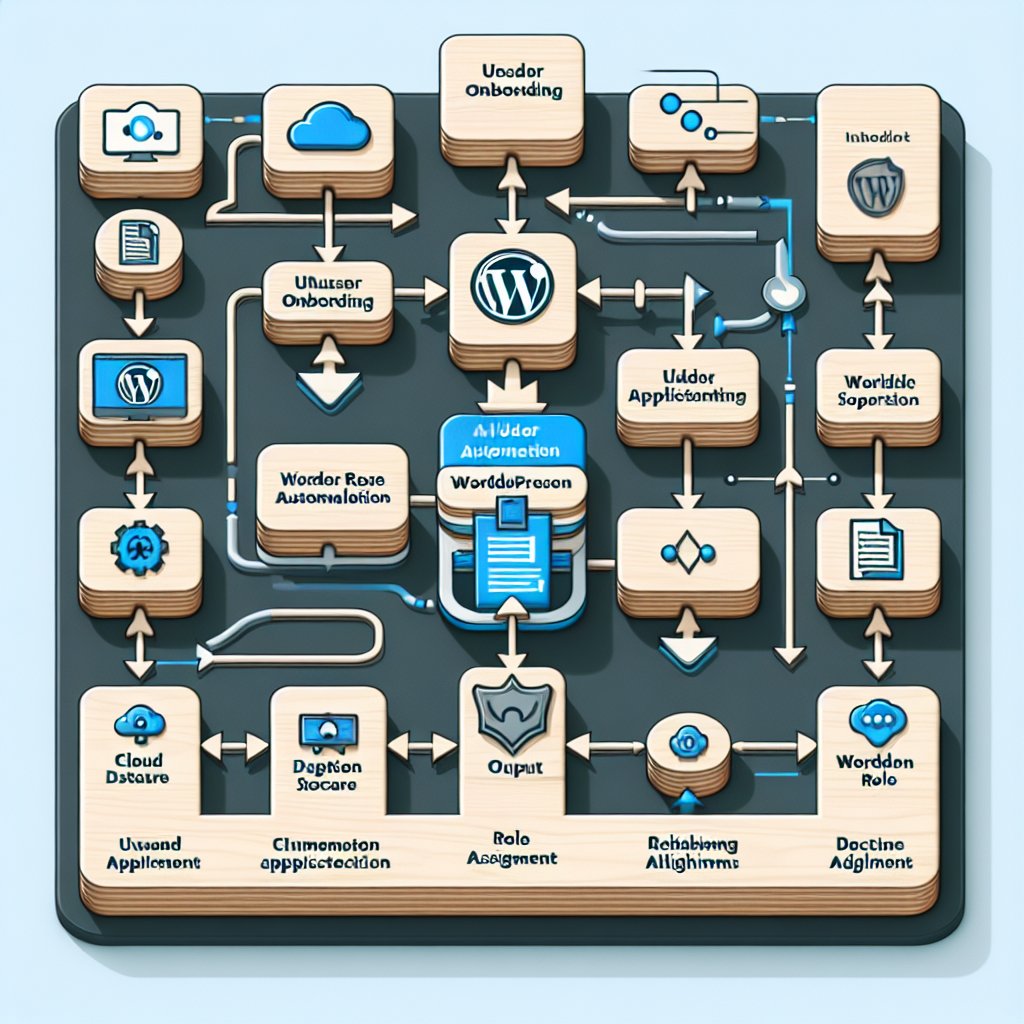
Why Automate User Role and Permission Management?
Traditional user management involves assigning predefined roles like Administrator, Editor, Author, Contributor, and Subscriber. However, these roles are often too rigid and require manual updates when your team structure or business processes evolve. Automation provides several advantages:
- Consistency: AI agents enforce role policies uniformly, reducing human error.
- Scalability: Automatically onboard new users with appropriate roles without manual intervention.
- Security: Proactively adjust or revoke permissions based on detected anomalies or behavioral changes.
- Efficiency: Free up administrative time by automating routine permission audits and updates.
Core Concepts for AI-Driven Role Management
Before implementing automation, it’s essential to understand these foundational elements:
Custom Role Definitions
OpenClaw AI agents can help define granular custom roles tailored to specific business functions beyond WordPress defaults. For example, a “Content Moderator” role with publishing rights but no plugin access.
Dynamic Permission Assignment
Permissions can be assigned dynamically based on user attributes such as department, project involvement, or geographic location. OpenClaw uses data inputs and AI rules to adjust permissions in real-time.
Behavioral Analytics Integration
By integrating user behavior analytics, AI agents can flag unusual activity patterns and temporarily reduce permissions or alert administrators automatically.
Practical Implementation with OpenClaw AI Agents
Let’s walk through a practical example of automating role and permission management using OpenClaw AI.
Step 1: Define Business Rules for Roles and Permissions
Work with your business stakeholders to outline role responsibilities and acceptable permission scopes. For instance:
- Marketing team members get Editor roles limited to blog posts only.
- Support staff have Contributor roles with comment moderation rights.
- Administrators have full access but require multi-factor authentication.
Step 2: Configure OpenClaw AI Agent for Role Assignment
Using OpenClaw’s workflow builder, create an AI agent that:
- Receives new user data from onboarding systems or form submissions.
- Matches user attributes against predefined business rules.
- Automatically assigns appropriate WordPress roles via REST API integration.
This agent can run periodically or trigger on new user creation events.
Step 3: Automate Permission Audits and Adjustments
Set up a scheduled OpenClaw agent that:
- Analyzes user activity logs for anomalies (e.g., login from unknown IPs, sudden escalation in privileges).
- Cross-references user roles with current business needs (e.g., if a user changes department).
- Adjusts roles or notifies administrators if discrepancies are found.
Step 4: Implement Automated Role Revocation and Expiration
For temporary roles or contractors, configure OpenClaw to:
- Automatically revoke permissions after project completion or contract end date.
- Send automated reminder alerts to managers for role renewals.
Security Best Practices in Automated Role Management
Automation must enhance—not compromise—security. Consider these best practices:
- Least Privilege Principle: Always assign the minimum permissions necessary for users to perform their tasks.
- Multi-Factor Authentication (MFA): Enforce MFA for roles with elevated privileges automatically via AI triggers.
- Audit Trails: Maintain detailed logs of all automated role changes for compliance and troubleshooting.
- Human-in-the-Loop: For critical permission changes, design workflows that require administrator approval triggered by the AI agent.
Example: OpenClaw Workflow YAML Snippet for Role Assignment
name: User Role Assignment Automation
on:
  user_creation:
    trigger: true
jobs:
  assign_role:
    runs-on: ubuntu-latest
    steps:
      - name: Fetch User Attributes
        run: |
          # Fetch user department and role requirements
          USER_DEPT=$(fetch_user_department ${{ inputs.user_id }})
      - name: Determine Role
        run: |
          if [ "$USER_DEPT" = "Marketing" ]; then
            ROLE="editor"
          elif [ "$USER_DEPT" = "Support" ]; then
            ROLE="contributor"
          else
            ROLE="subscriber"
          fi
      - name: Assign Role via WP REST API
        run: |
          curl -X POST https://example.com/wp-json/wp/v2/users/${{ inputs.user_id }}/roles
            -H "Authorization: Bearer ${{ secrets.WP_API_TOKEN }}"
            -d '{"roles": ["'$ROLE'"]}'
Integrating with WordPress Role Management Plugins
OpenClaw AI agents can interact with popular WordPress role management plugins such as Members or User Role Editor via their APIs or custom REST endpoints to enable more sophisticated control.
Monitoring and Reporting
Leverage OpenClaw to generate periodic reports on user role distribution, permission changes, and security incidents related to access control. These reports help maintain compliance and identify improvement areas.
Challenges and Considerations
While automation offers significant benefits, be aware of these challenges:
- Complex Organizational Structures: Mapping roles in large organizations might require intricate rule sets.
- Data Privacy: Ensure user attribute data used for automation complies with privacy regulations.
- Fallback Mechanisms: Prepare manual override options if AI agents malfunction or misclassify roles.
Summary
Automating WordPress user role and permission management with OpenClaw AI agents improves security, reduces administrative overhead, and scales access control seamlessly. By defining clear business rules, integrating behavioral analytics, and enforcing security best practices, organizations can maintain tight control over user privileges dynamically and efficiently.
In the next part of this series, we will explore AI-driven automated WordPress content approval workflows with version control and audit trails to further enhance editorial governance.

