


OpenClaw AI Automation: Enhancing Security and Compliance with AI-Driven Governance (Part 6)
March 10, 2026
OpenClaw AI Automation: Advanced AI Agent Orchestration and Custom Workflow Scaling (Part 8)
March 11, 2026Introduction
In the previous parts of this OpenClaw series, we covered foundational concepts, integration strategies, scaling techniques, and robust monitoring for AI agents. Now, in Part 7, we shift our focus to creating advanced custom workflows and enabling collaboration between multiple AI agents within the OpenClaw ecosystem. These capabilities are essential for businesses looking to automate complex, multi-step processes that span different systems and require coordinated AI decision-making.
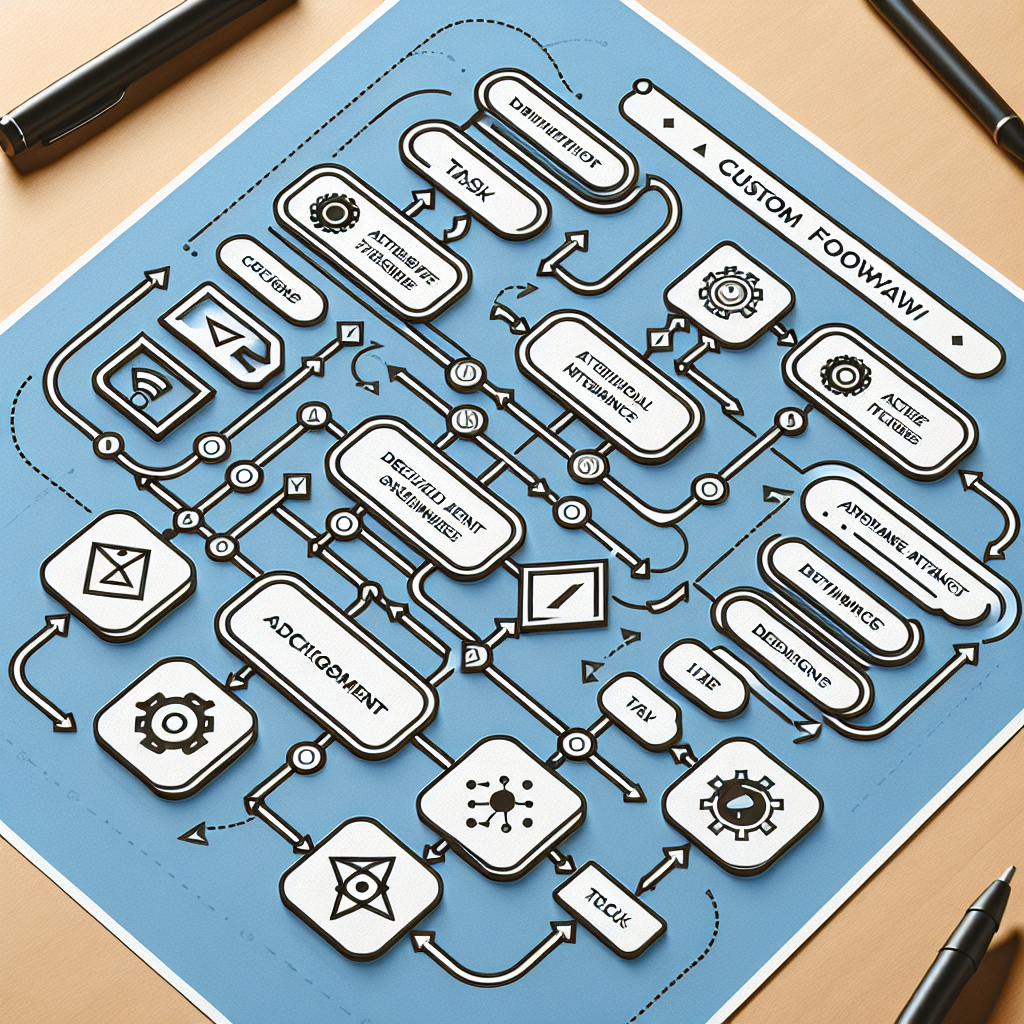
By mastering custom workflow design and multi-agent collaboration, you can unlock new levels of automation efficiency, reduce manual intervention, and enhance your operational agility.
Why Advanced Custom Workflows Matter

Simple automation workflows are great for straightforward tasks like answering FAQs or processing single-step requests. However, real-world business operations often involve intricate sequences with branching logic, conditional triggers, and cross-departmental coordination. Custom workflows allow you to:
- Map complex business processes: Model real workflows accurately, including approvals, exception handling, and parallel tasks.
- Integrate diverse systems: Connect OpenClaw AI agents with CRM, ERP, payment gateways, and cloud services seamlessly.
- Automate dynamic decision-making: Use AI to analyze context and data at each step to choose the best automated action.
Example: Automating Customer Onboarding
Consider a subscription business onboarding new customers. The workflow might involve:
- AI agent verifies customer identity and credit status.
- Conditional step: If credit check passes, proceed; if not, trigger manual review.
- Send welcome emails and setup instructions automatically.
- Update CRM and billing systems.
- Schedule follow-up support check-ins.
This workflow involves sequential and conditional logic, integration with external data sources, and multi-agent collaboration.
Step-by-Step Guide to Creating Advanced Custom Workflows in OpenClaw
1. Define Your Workflow Objectives and Steps
Start by clearly documenting the business process you want to automate. Identify:
- Key stages and decision points
- Systems and data sources involved
- Expected outcomes and exceptions
Use flowchart tools or whiteboards to visualize the process.
2. Design Workflow Using OpenClaw’s Workflow Builder
OpenClaw provides a visual workflow builder that supports conditional branches, parallel tasks, loops, and API integrations.
- Drag and drop nodes: Represent tasks, decisions, and triggers.
- Configure conditions: Use expressions to define branching logic based on data inputs.
- Integrate external systems: Connect to REST APIs, databases, or message queues.
Tip: Modularize complex workflows by creating reusable sub-workflows for common tasks.
3. Assign AI Agents to Workflow Tasks
Each task node in your workflow can be assigned to an AI agent specialized for that function. For example:
- Use an AI agent trained on customer support to handle inquiries.
- Assign a data extraction agent to parse forms or documents.
- Deploy an analytics agent to evaluate customer risk or behavior.
This modular agent assignment enables flexible, scalable automation.
4. Configure Event-Driven Triggers and Notifications
Set up triggers that initiate workflows automatically based on external events such as:
- New customer signup
- Incoming support ticket
- Payment failure notifications
Additionally, configure notifications to alert human operators for exceptions or approvals.
5. Test and Iterate
Before production, thoroughly test workflows with real or simulated data. Monitor execution paths, AI agent outputs, and integration points. Refine logic and agent parameters iteratively for optimal performance.
Enabling Collaboration Between Multiple AI Agents
Complex workflows often require multiple AI agents to work together, exchanging information and coordinating actions. OpenClaw supports multi-agent collaboration through:
- Shared Context and Messaging: Agents can share state and messages via a centralized context management system.
- Orchestrated Task Handoff: Workflow nodes route tasks between agents based on their specialization.
- Concurrent Processing: Parallel agent execution enables simultaneous handling of different workflow parts.
Practical Collaboration Scenario
Imagine a support automation workflow where:
- An initial AI chatbot agent gathers customer issue details.
- The data extraction agent analyzes attached documents.
- The sentiment analysis agent assesses customer tone to prioritize urgency.
- The routing agent assigns the case to the best-suited human or AI resolver.
These agents operate as a coordinated team, improving resolution speed and accuracy.
Implementation Details for Multi-Agent Collaboration
Centralized Context Store
OpenClaw uses a centralized context store where agents read and write shared data in real-time. This ensures all agents work with up-to-date information and reduces duplication.
Message Passing and Event Queues
Agents communicate asynchronously via message queues. For example, when one agent completes data extraction, it posts a message triggering the next agent.
Agent Orchestration Engine
The orchestration engine manages task assignments, handles retries on failure, and balances load between agents. It tracks workflow progress and triggers notifications.
Real-World Implementation Example: Multi-Agent Invoice Processing Workflow
Consider automating invoice processing, which includes:
- AI agent extracts invoice data from PDFs.
- Another agent validates data against purchase orders.
- AI agent flags anomalies for human review.
- Payment agent schedules payments in accounting software.
- Notification agent updates finance teams and suppliers.
Each step is an AI agent collaborating via shared context and event-driven triggers, ensuring seamless end-to-end automation.
Best Practices for Advanced Workflow and AI Agent Collaboration
- Start Small and Modular: Build smaller workflows and agent components, then combine them as needed.
- Monitor Agent Performance: Continuously track AI accuracy, response times, and error rates.
- Implement Fallbacks: Design workflows to fallback to manual handling when AI confidence is low.
- Maintain Clear Documentation: Document workflows, agent roles, and data flows for ongoing maintenance.
Conclusion
Advanced custom workflows and multi-agent collaboration are powerful levers to unlock the full potential of OpenClaw AI automation. By designing thoughtful, modular workflows and enabling AI agents to work together intelligently, businesses can automate complex processes that were previously impossible to scale.
This part of the series equips you with both conceptual understanding and practical steps to implement these advanced capabilities. In the next installment, we will explore how to leverage real-time analytics and AI-driven insights to continuously optimize your OpenClaw workflows.

