


OpenClaw AI Automation: Advanced AI Agent Orchestration and Custom Workflow Scaling (Part 8)
March 12, 2026
OpenClaw AI Automation: Mastering AI Agent Debugging, Performance Tuning, and Real-World Deployment (Part 9)
March 13, 2026Introduction to Advanced Agent Orchestration and Workflow Scaling
Building on previous parts of this series, Part 8 focuses on elevating your OpenClaw AI automation setup by orchestrating multiple AI agents efficiently and scaling custom workflows dynamically. This ensures your automation adapts to growing business demands while maintaining robustness and flexibility.
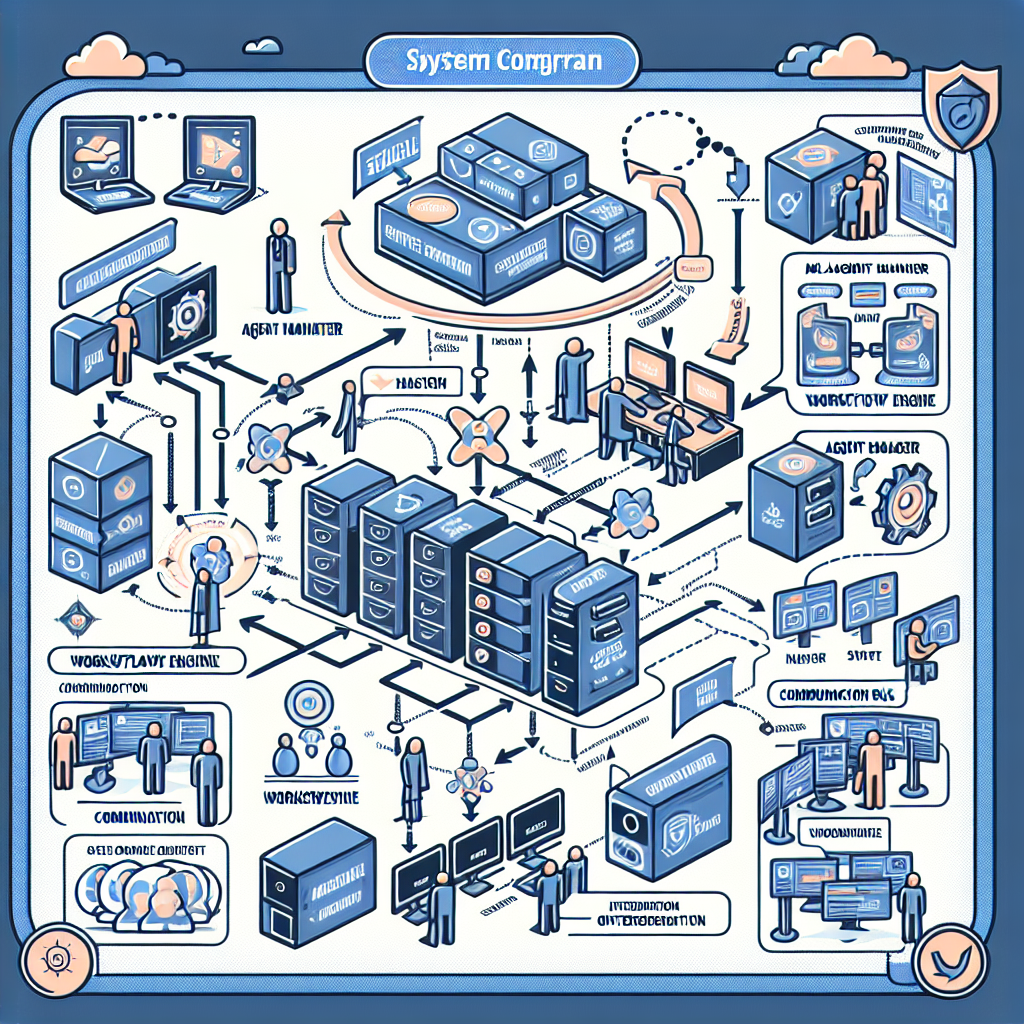
Why Advanced Orchestration Matters

In complex business environments, a single AI agent rarely suffices. Orchestrating multiple specialized agents enables parallel processing, fault tolerance, and task delegation tailored to specific functions such as customer support, WordPress site management, and hosting operations.
Effective orchestration:
- Enables clear task routing between agents
- Supports dynamic load balancing
- Facilitates error handling and fallback strategies
- Improves overall system scalability and maintainability
Key Components of OpenClaw Advanced Orchestration
OpenClaw’s architecture supports advanced orchestration through:
- Agent Manager: Central control unit for instantiating, monitoring, and routing tasks among AI agents.
- Workflow Engine: Defines custom workflows and their branching logic, integrating multiple agents seamlessly.
- Communication Bus: Message queue or event-driven system enabling asynchronous and synchronous communication between agents.
Example: Multi-Agent Customer Support Workflow
Consider a WordPress-based e-commerce site using OpenClaw for AI-assisted customer support:
- Agent A: Handles initial inquiry classification (billing, technical, general).
- Agent B: Processes billing-related questions with access to payment databases.
- Agent C: Manages technical support by querying WordPress site diagnostics and logs.
- Agent D: Escalates complex cases to human operators with summarized context.
The Agent Manager routes queries accordingly, while the Workflow Engine defines the conditional logic based on inquiry type and agent responses.
Implementing Dynamic Workflow Scaling
Scaling workflows dynamically involves adjusting agent instances and task routing in response to load and business rules. OpenClaw supports this via configuration APIs and adaptive orchestration patterns.
Step 1: Monitor Agent Performance and Load
Use OpenClaw’s built-in monitoring hooks or integrate third-party monitoring tools (e.g., Prometheus, Grafana) to track:
- Agent response times
- Queue lengths
- Error rates
Step 2: Define Scaling Policies
Set thresholds to trigger scaling actions. For example:
- If Agent B’s queue length exceeds 50 tasks, spawn an additional instance.
- If error rates spike, reduce load and invoke fallback agents.
Step 3: Automate Scaling via Orchestration API
OpenClaw’s orchestration API enables programmatic control over agent instances and routing rules.
// Example: Auto-scale billing agent based on queue length
async function autoScaleBillingAgent() {
  const queueLength = await getAgentQueueLength('billing-agent');
  if (queueLength > 50) {
    await openClaw.orchestration.spawnAgent('billing-agent');
    console.log('Spawned additional billing agent instance');
  }
}
setInterval(autoScaleBillingAgent, 30000); // Check every 30 seconds
Practical Integration with WordPress and Hosting Environments
Advanced orchestration can be integrated tightly with WordPress and server management workflows. For example, orchestrate agents to:
- Automate WordPress plugin updates after verifying site health
- Run periodic vulnerability scans and alert support agents
- Manage VPS resource allocation based on site traffic and AI workload
Example Workflow: Automated WordPress Maintenance
- Health Check Agent: Runs diagnostics on site uptime, performance, and error logs.
- Update Agent: Applies plugin and core updates if health checks pass.
- Backup Agent: Creates site backups prior to updates.
- Notification Agent: Sends summary reports to admin via email or Slack.
The Workflow Engine coordinates these steps with conditional branching, rollback on failures, and notification triggers.
Real-World Case Study: Scaling AI-Powered Support During Seasonal Traffic Spikes
A UK-based retailer using OpenClaw AI agents for WhatsApp and chat support faced surges during holiday sales. Implementing advanced orchestration allowed:
- Dynamic spawning of support agents based on incoming message volume
- Load balancing across regional AI instances to reduce latency
- Fallback routing to human support during peak failure rates
This setup reduced average response times by 45% and maintained customer satisfaction despite tripled inquiry volumes.
Tips for Optimizing Advanced Orchestration
- Modularize Agent Responsibilities: Keep agents focused on specific tasks for easier maintenance and scaling.
- Implement Robust Logging: Detailed logs help diagnose bottlenecks and failures in workflows.
- Use Feature Flags: Gradually roll out new workflows or agents to minimize disruptions.
- Test with Realistic Load: Simulate peak conditions to validate scaling policies and failover.
Conclusion
Advanced AI agent orchestration and workflow scaling with OpenClaw unlock powerful automation capabilities that grow with your business. By leveraging agent managers, workflow engines, and dynamic scaling techniques, you can create resilient, efficient AI ecosystems tailored to complex WordPress and hosting environments.
In the next part of this series, we will explore automated AI-driven security governance and compliance monitoring to further safeguard your AI automation infrastructure.

