


OpenClaw AI Automation: Advanced Automated AI-Driven Email Marketing Campaigns for WordPress (Part 28)
March 25, 2026
OpenClaw AI Automation: Integrating AI-Driven Automated CRM Workflows for Enhanced Customer Management (Part 28)
March 26, 2026Introduction to WhatsApp AI Customer Support Bots
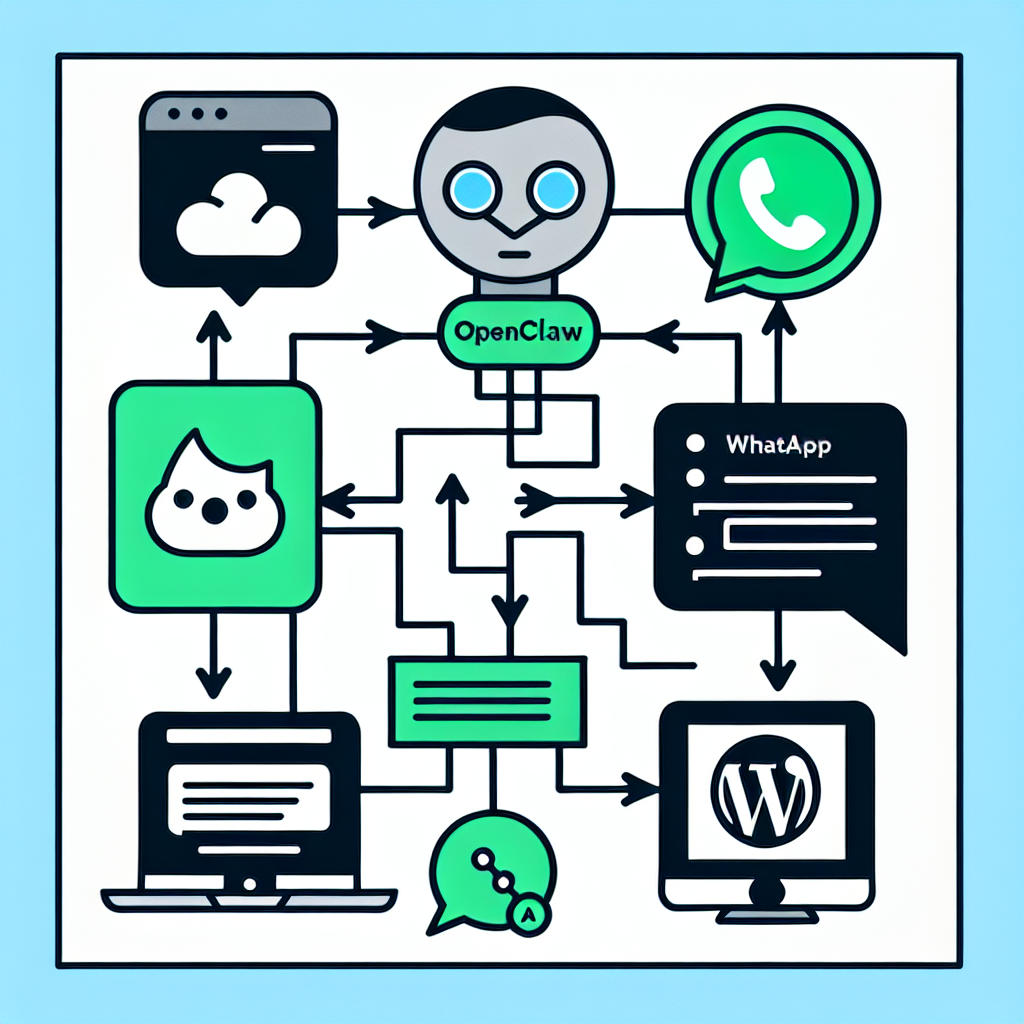
WhatsApp remains one of the most popular messaging platforms globally, with billions of active users. For small businesses, leveraging WhatsApp for customer support offers a direct and familiar channel to engage customers. In this part of the OpenClaw series, we focus on deploying AI-powered WhatsApp bots using OpenClaw AI automation to streamline customer support, reduce response times, and provide 24/7 assistance.
Why WhatsApp Bots Matter for Small Businesses
Small businesses often face resource constraints for providing timely and consistent customer support. WhatsApp bots powered by OpenClaw AI agents can:
- Automate common queries: Answer FAQs instantly.
- Provide personalized assistance: Use customer data to tailor responses.
- Enable multi-channel support: Integrate WhatsApp with other support channels.
- Reduce workload: Allow human agents to focus on complex issues.
- Scale support: Handle multiple conversations simultaneously.
Understanding OpenClaw AI Agents for WhatsApp Integration
OpenClaw AI agents provide modular and customizable automation capabilities, making them ideal for building WhatsApp bots. Key features include:
- Natural Language Understanding (NLU): Understand user intent and context.
- Contextual Memory: Maintain conversation state for coherent dialogues.
- API Integrations: Connect with WordPress databases and external services.
- Event-Driven Automation: Trigger workflows based on user input or system events.
Setting Up WhatsApp Business API with OpenClaw
The WhatsApp Business API is essential for building scalable bots. Follow these steps:
- Register your Business: Apply for WhatsApp Business API access via Meta.
- Choose a Provider: Use a third-party provider or self-hosted solution to manage the API.
- Configure Webhooks: Set up webhook URLs to receive and send messages programmatically.
- Secure Credentials: Protect API keys and tokens within OpenClaw’s secure environment.
Once configured, OpenClaw AI agents can interact with WhatsApp API endpoints to send and receive messages.
Implementation: Building a WhatsApp AI Support Bot with OpenClaw
1. Define Support Use Cases and Intents
Start by identifying common customer support scenarios to automate. Examples:
- Order status inquiries
- Product information requests
- Booking or appointment scheduling
- Technical troubleshooting
Use OpenClaw’s intent recognition modules to train the AI on these scenarios.
2. Develop Conversational Flows
Create dialogue trees that handle user inputs and guide conversations effectively. Include fallback paths to hand off to human agents when necessary.
3. Integrate with WordPress and CRM Systems
Connect the bot to your WordPress site and customer relationship management (CRM) system to retrieve customer data, update records, and log interactions.
4. Automate Message Sending and Response Handling
Use OpenClaw’s automation engine to listen for incoming WhatsApp messages via webhooks, process them with AI intent detection, and respond accordingly.
5. Test and Optimize the Bot
Conduct thorough testing with real users to identify gaps and improve response accuracy. Monitor conversation logs and use OpenClaw analytics to refine AI models.
Example: Sample OpenClaw Workflow for WhatsApp Order Status Inquiry
trigger: whatsapp_message_received
steps:
  - intent_recognition:
      model: order_status
      on_intent:
        - action: fetch_order_status_from_wordpress
        - action: send_whatsapp_message
  - fallback:
      action: escalate_to_human_agent
This simple workflow uses OpenClaw to detect an order status query, fetch details from WordPress, and reply to the customer automatically.
Best Practices for WhatsApp AI Bot Deployment
- Keep Responses Concise: WhatsApp messages should be clear and to the point.
- Maintain Privacy Compliance: Ensure GDPR and local data protection adherence.
- Enable Human Escalation: Provide easy handoff to live agents for complex issues.
- Monitor Bot Performance: Use OpenClaw dashboards to track bot effectiveness and user satisfaction.
- Regularly Update AI Models: Continuously retrain with new conversation data.
Scaling AI-Powered WhatsApp Support with OpenClaw
As your business grows, OpenClaw agents can be extended to handle multi-language support, integrate with payment gateways, and manage proactive notifications such as shipping updates or promotional messages.
Conclusion
Deploying an AI-powered WhatsApp customer support bot using OpenClaw provides small businesses a powerful way to improve customer engagement and operational efficiency. By following the detailed implementation steps, leveraging OpenClaw’s AI capabilities, and adhering to best practices, businesses can deliver personalized, instant support that scales with demand.
In the next part of the series, we will explore integrating OpenClaw AI agents with advanced voice assistant platforms to expand multi-modal customer interactions.

