


OpenClaw AI Automation: Deploying AI-Powered WhatsApp Customer Support Bots for Small Businesses (Part 29)
March 26, 2026
OpenClaw AI Automation: Optimizing AI Agent Collaboration and Workflow Orchestration for Enhanced Business Efficiency (Part 29)
March 27, 2026Introduction
In this installment of the OpenClaw series, we delve into integrating AI-driven automated Customer Relationship Management (CRM) workflows using OpenClaw AI agents. Building on our previous discussions surrounding AI automation in WordPress and customer support, this article focuses on practical strategies to automate CRM tasks — from lead capture and nurturing to follow-ups and customer segmentation — to enhance business efficiency and customer satisfaction.
Why Automate CRM Workflows with OpenClaw?
CRM systems hold critical customer data and interaction history, serving as the backbone of successful sales and support strategies. However, manual CRM management is time-consuming and prone to inefficiencies. OpenClaw AI agents can automate repetitive CRM tasks, ensure timely follow-ups, and intelligently segment customers based on behavior and preferences, freeing business owners and teams to focus on higher-value activities.
Benefits at a Glance
- Time Savings: Automate lead qualification, follow-ups, and task assignments.
- Personalized Engagement: AI-driven segmentation enables tailored communications.
- Data Consistency: Automated updates reduce errors and stale data.
- Scalability: Easily manage growing customer bases with minimal manual intervention.
Core Components for OpenClaw CRM Automation Integration
To implement AI-driven CRM workflows, the following core components are essential:
- OpenClaw AI Agents: Configured to interact with CRM APIs and perform automation tasks.
- WordPress CRM Plugins: Popular plugins such as WP ERP, FluentCRM, or Jetpack CRM that provide CRM capabilities within WordPress.
- Webhook and API Connectors: For seamless data exchange between OpenClaw agents and the CRM system.
- Automation Triggers and Workflows: Defined event-based triggers (e.g., new lead, form submission) and corresponding AI tasks.
Step-by-Step Implementation Guide
1. Selecting the Right CRM Plugin for WordPress
Choose a WordPress CRM plugin that supports robust API access and automation hooks. FluentCRM is a strong candidate with deep WordPress integration, native email marketing support, and REST API endpoints. Ensure the CRM plugin can handle custom fields and segmentation needed for your business.
2. Configuring OpenClaw AI Agents for CRM Tasks
Next, configure OpenClaw AI agents to perform specific CRM automation tasks such as:
- Lead enrichment and scoring by analyzing form inputs and external data sources
- Automated email follow-ups triggered by lead status changes
- Segmenting contacts based on behavior, purchase history, or engagement levels
- Assigning leads to sales representatives based on predefined criteria
Use OpenClaw’s scripting interface to define these tasks, linking API calls to the WordPress CRM endpoints and incorporating AI logic for decision-making.
3. Creating Event-Driven Automation Triggers
Set up event listeners within WordPress or the CRM plugin to trigger OpenClaw workflows. Examples include:
- New contact creation via a form submission
- Contact status updates (e.g., from prospect to qualified lead)
- Customer inactivity detected after a certain period
These events can invoke OpenClaw agents to process the data, run AI evaluations, and perform subsequent actions such as sending personalized emails or updating CRM records.
4. Automating Lead Qualification and Scoring
Lead qualification is critical for prioritizing sales efforts. OpenClaw AI agents can analyze lead data against criteria like engagement level, demographic fit, and previous interactions. For instance, by integrating third-party data enrichment APIs, OpenClaw can append missing information (company size, industry) and score leads automatically.
This scoring can then trigger different workflows, such as immediate follow-up for high-scoring leads or nurture campaigns for lower scores.
5. Dynamic Customer Segmentation and Campaign Automation
Leverage AI to segment your contacts dynamically and automate targeted campaigns. For example, OpenClaw can analyze purchase frequency or website behavior to group customers into segments like “Loyal Buyers” or “At-Risk Customers.”
Once segmented, AI agents can automate email marketing campaigns tailored to each group, increasing engagement and conversion rates.
Practical Example: Automating a Lead Nurturing Workflow
Consider a small business using FluentCRM and OpenClaw AI agents to automate lead nurturing:
- Lead Capture: A visitor submits a contact form on the WordPress site.
- Trigger: Form submission triggers OpenClaw agent via webhook.
- Lead Enrichment: OpenClaw fetches additional data using external APIs and scores the lead.
- CRM Update: Agent updates lead details and score in FluentCRM.
- Segmentation: Based on score, lead is assigned to “Hot Leads” or “Nurture” segment.
- Follow-up Automation: OpenClaw triggers personalized email sequences accordingly.
- Sales Alert: For hot leads, an internal notification is sent to sales reps for immediate action.
Technical Considerations and Best Practices
Security and Data Privacy
Ensure all API communications between OpenClaw agents and CRM systems are secured using HTTPS and proper authentication (OAuth tokens, API keys). Implement data encryption at rest and in transit to comply with regulations such as GDPR.
Scalability and Performance
Design automation workflows to handle increasing volumes of leads without latency. Use asynchronous processing where possible and monitor system performance periodically.
Error Handling and Logging
Incorporate comprehensive logging within OpenClaw workflows to track automation success and failures. Build retry mechanisms for transient API errors and notifications for persistent issues.
Continuous Improvement
Leverage OpenClaw’s AI feedback loops to refine lead scoring models and segmentation criteria based on campaign outcomes and sales feedback, ensuring the automation evolves with your business needs.
Inline Images
Below are two illustrative diagrams to aid understanding:
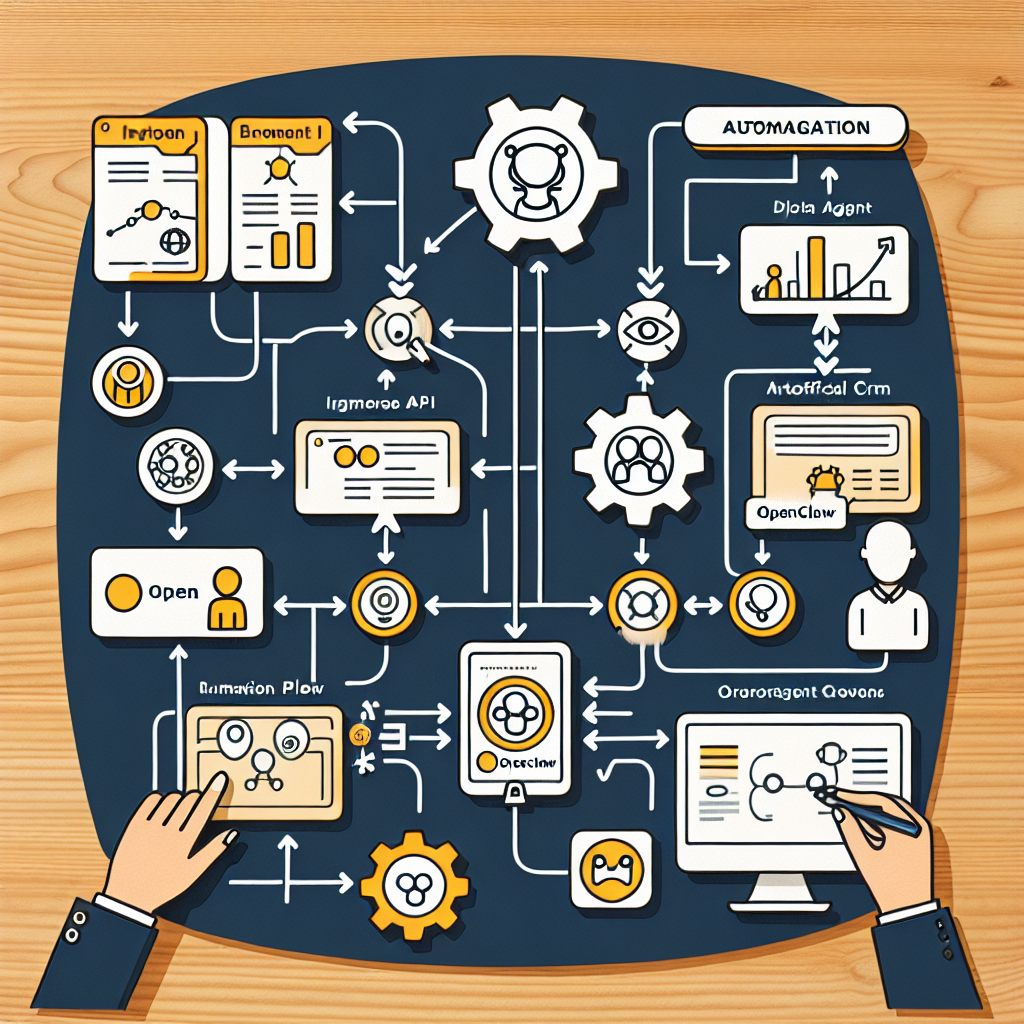
1. OpenClaw AI Agent and CRM Integration Workflow

Diagram illustrating data flow between OpenClaw AI agents, WordPress, and CRM plugin APIs.
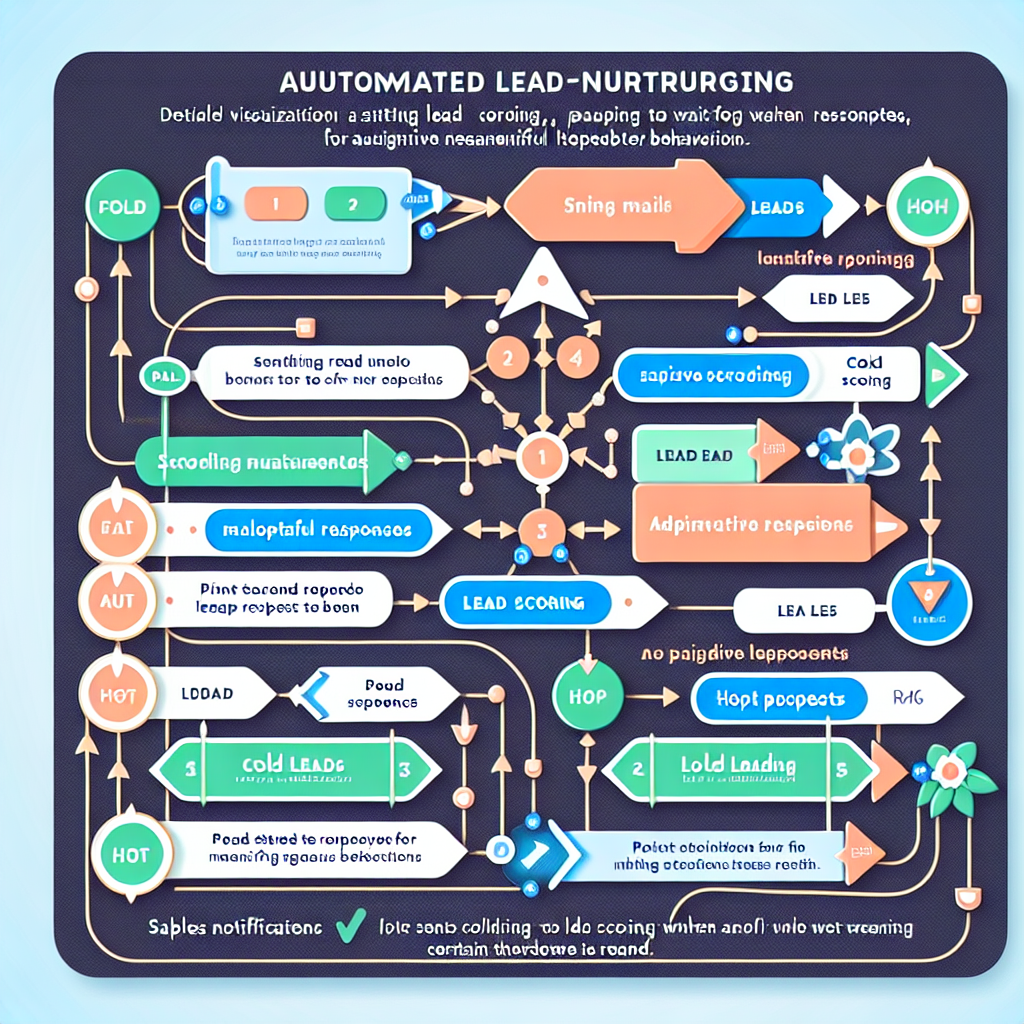
2. Automated Lead Nurturing Sequence Example

Example of automated email and notification triggers based on lead scoring and segmentation.
Conclusion
Integrating OpenClaw AI agents with WordPress CRM systems unlocks powerful automation capabilities that streamline customer management, improve lead nurturing, and enhance personalized engagement. By following the step-by-step implementation outlined in this article, small business owners and technical teams can leverage AI to reduce manual workload, improve data accuracy, and scale sales efforts effectively.
Future installments in this series will explore integrating OpenClaw with other business tools and extending AI-driven automation across marketing and support channels.

