


OpenClaw AI Automation: Implementing AI-Driven Automated WordPress Site Health Monitoring and Proactive Issue Resolution (Part 45)
April 5, 2026
OpenClaw AI Automation: Advanced AI-Driven Automated WordPress SEO Optimization and Content Strategy (Part 47)
April 6, 2026Introduction
In Part 46 of our OpenClaw AI Automation series, we focus on designing and implementing advanced automated backup and disaster recovery strategies specifically tailored for WordPress environments. Building on previous discussions around site health monitoring and incident prediction, this guide provides a comprehensive, practical approach to protect your WordPress site from data loss and downtime using OpenClaw AI agents.
Why Automated Backup and Disaster Recovery Matter
WordPress sites face risks such as server failures, hacking attempts, plugin conflicts, and accidental content deletion. Without reliable backups and a tested recovery process, these events can cause significant business disruption and reputational damage. Automation with AI ensures backups are consistent, verified, and recovery is fast and reliable.
Key Objectives for Automated Backup and Disaster Recovery
- Regular, reliable backups: Systematic backups of all critical data, including files, databases, and configurations.
- Backup validation: Periodic testing of backup integrity to prevent surprises during recovery.
- Incremental and full backups: Efficient use of storage and bandwidth.
- Offsite storage: Protect backups from local server failures.
- Automated recovery workflows: Minimize downtime with quick, automated restoration.
Setting Up OpenClaw AI for Automated Backup Management
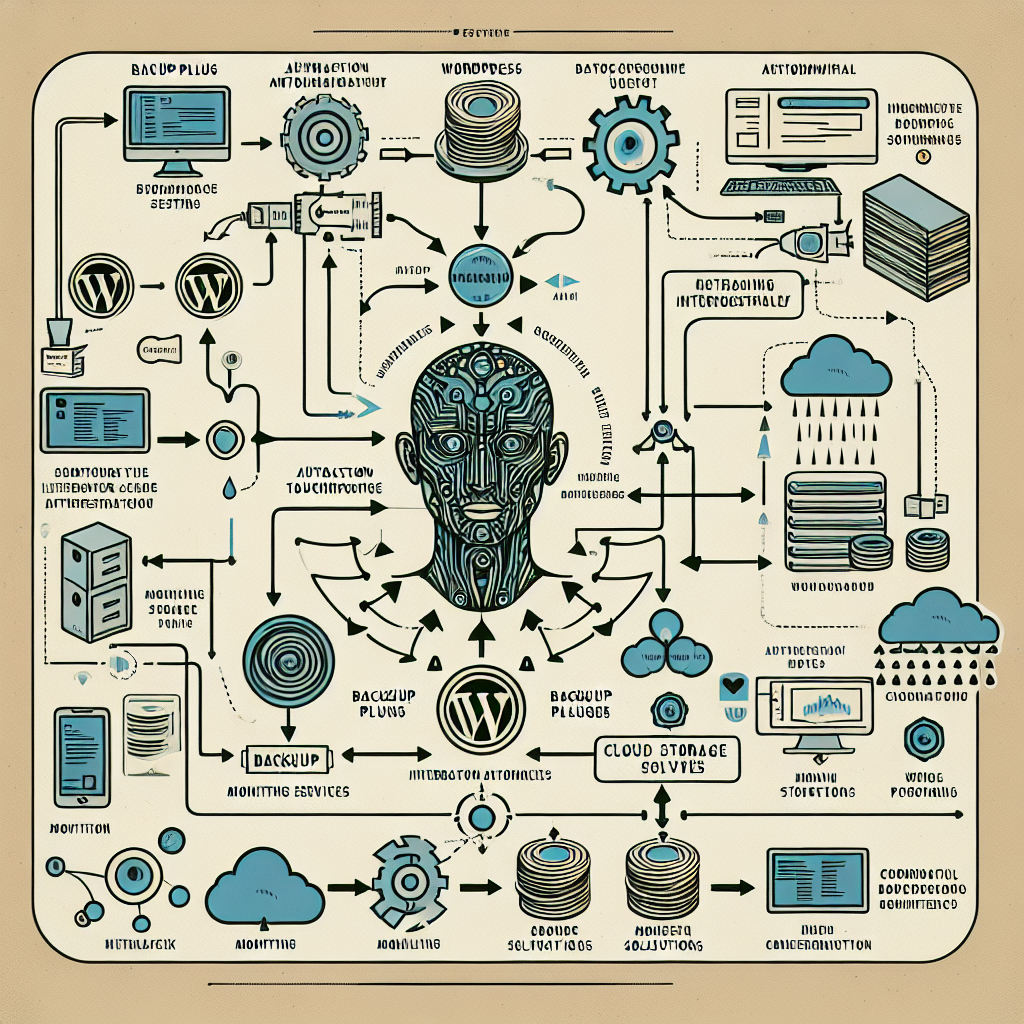
OpenClaw AI can orchestrate backups by integrating with WordPress plugins, server APIs, and cloud storage services. The AI agent monitors backup schedules, verifies success, and triggers alerts or automated recovery if issues arise.
Step 1: Integrate Backup Plugin with OpenClaw
Choose a WordPress backup plugin that supports REST API or CLI commands, such as UpdraftPlus or BackupBuddy. Configure it to perform incremental and full backups on a schedule.
OpenClaw AI agents can then call these APIs or CLI commands to initiate backups or check their status.
Step 2: Automate Backup Scheduling and Monitoring
Using OpenClaw’s workflow automation, set up the following:
- Schedule backups: The AI triggers plugin commands based on predefined intervals (e.g., daily incremental, weekly full backups).
- Verify completion: After each backup run, the AI parses logs and plugin API responses to confirm success.
- Handle failures: If a backup fails, the AI retries with exponential backoff and notifies administrators if issues persist.
Step 3: Validate Backup Integrity Automatically
Backups are useless if corrupted. OpenClaw AI can automate integrity checks by:
- Downloading backup archives from storage and verifying checksums.
- Testing database dump restoration on a staging environment.
- Monitoring storage quotas and alerting on anomalies.
Implementing Offsite Backup Storage with OpenClaw AI
Storing backups offsite protects against local server loss. OpenClaw AI can automate backup uploads to cloud storage services like AWS S3, Google Cloud Storage, or Azure Blob Storage.
Example: Automating Backup Upload to AWS S3
The AI agent can perform these steps:
- Compress and encrypt backup files using strong encryption algorithms for security.
- Use AWS CLI or SDK to upload to a preconfigured S3 bucket with lifecycle policies.
- Verify upload success and log metadata for audit trails.
- Implement automated cleanup of old backups based on retention policy.
Security Considerations
OpenClaw AI agents should use IAM roles with least privilege and encrypted environment variables for credentials to ensure secure access.
Disaster Recovery Automation: From Detection to Restoration
Having backups is one side of the coin; quick and reliable restoration is equally critical. OpenClaw AI can automate the entire disaster recovery workflow:
Step 1: Incident Detection
By integrating with monitoring tools, OpenClaw AI agents can detect incidents like site downtime, database corruption, or unauthorized file changes.
Step 2: Recovery Plan Selection
The AI determines the best recovery action based on incident type, available backups, and priority levels. For example, database corruption might trigger a recent database backup restore, while a full server failure might require restoring a full-site backup on a new instance.
Step 3: Automated Restoration Execution
OpenClaw AI can perform the following:
- Restore database dumps via wp-cli or MySQL commands.
- Extract and deploy backup files to the WordPress root directory.
- Reconfigure site URLs or permalinks if the restoration involves a new server or domain.
- Restart necessary services and flush caches.
Step 4: Post-Restoration Validation and Notification
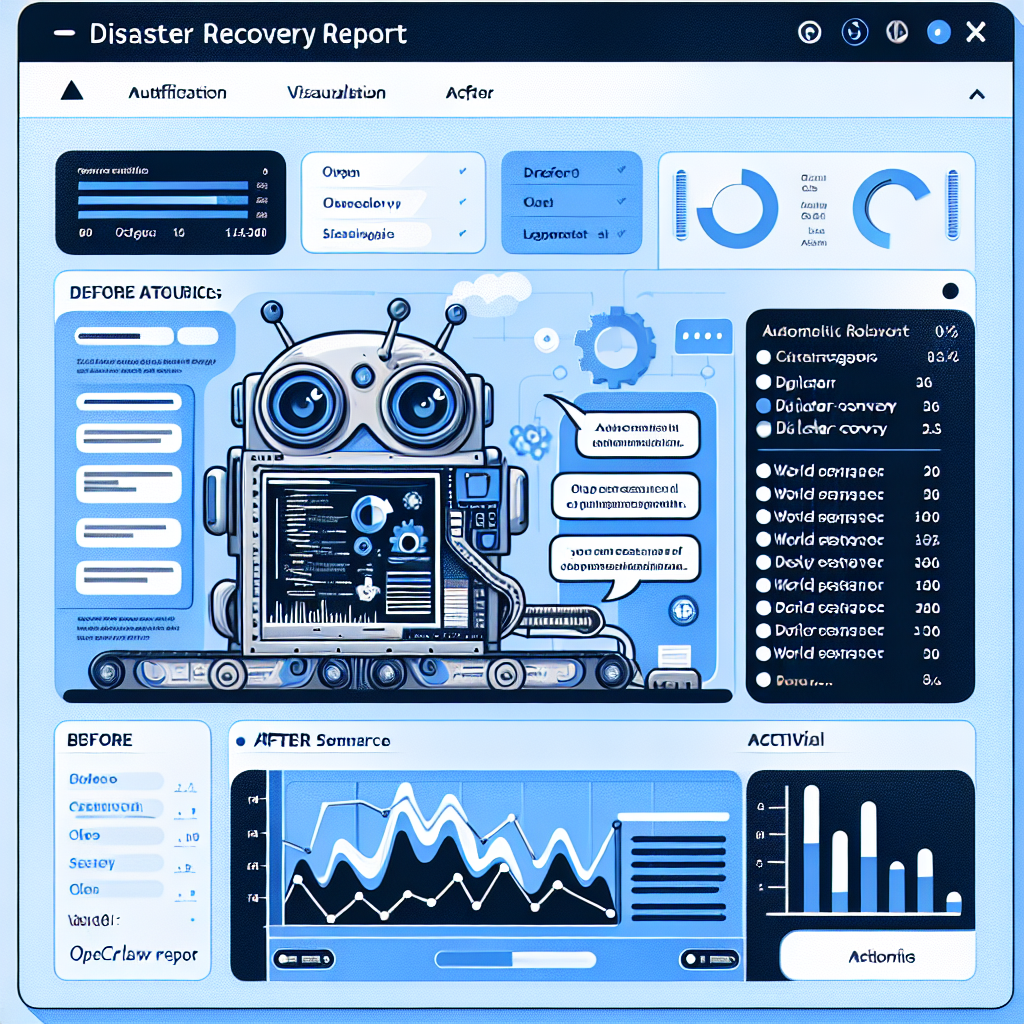
The AI agent runs automated tests to verify site functionality—checking HTTP status, login ability, and critical plugin operations. It then notifies administrators with detailed recovery reports.
Practical Example: Automating a Full Disaster Recovery Workflow
Consider a scenario where a WordPress site experiences a database crash due to plugin malfunction. Here’s how OpenClaw AI automates recovery:
- Detection: The AI agent receives an alert about database connection errors.
- Backup Check: It verifies the existence of the latest database backup.
- Restoration: Executes commands to drop the corrupted database, recreate it, and import the backup SQL file.
- Verification: Runs automated site health checks including loading key pages and login.
- Notification: Sends a detailed email summary to the site admin with recovery status.
Best Practices for Robust Backup and Recovery Automation
- Define clear recovery point and time objectives (RPO/RTO): Tailor backup frequency and recovery speed to business needs.
- Use layered backups: Combine full, incremental, and differential backups for efficiency.
- Secure backups: Encrypt data at rest and in transit.
- Test recovery regularly: Schedule AI-driven disaster recovery drills.
- Document workflows: Maintain clear runbooks for AI agent interventions.
- Monitor storage health: Automate alerts for low storage or failed uploads.
Inline Images
Image 1: Diagram of OpenClaw AI automated backup workflow integrating WordPress, backup plugins, cloud storage, and monitoring systems.
Image 2: Screenshot example of an OpenClaw AI-generated disaster recovery report after automated restoration.
Conclusion
Automated backup and disaster recovery are essential pillars for maintaining resilient WordPress sites. Leveraging OpenClaw AI’s intelligent automation capabilities allows small business owners and technical teams to implement sophisticated backup strategies that operate reliably without manual intervention, reducing downtime and data loss risk.
By integrating backup plugins, cloud storage, monitoring, and restoration workflows, OpenClaw AI creates a comprehensive safety net that ensures your WordPress site remains protected and recoverable—even under adverse conditions.
Stay tuned for Part 47 where we will explore AI-driven automated WordPress performance tuning and resource optimization techniques.

