


OpenClaw AI Automation: Orchestrating Multi-Agent Workflows for Complex WordPress and Business Task Automation (Part 44)
April 4, 2026
OpenClaw AI Automation: Advanced Automated AI-Driven WordPress Backup and Disaster Recovery Strategies (Part 46)
April 5, 2026Introduction
Maintaining a healthy WordPress site is critical for business continuity, user experience, and search engine rankings. Traditional site health checks are often manual, reactive, and error-prone. Leveraging OpenClaw AI automation, businesses can implement continuous, AI-driven site health monitoring combined with proactive issue resolution to reduce downtime and improve site reliability.
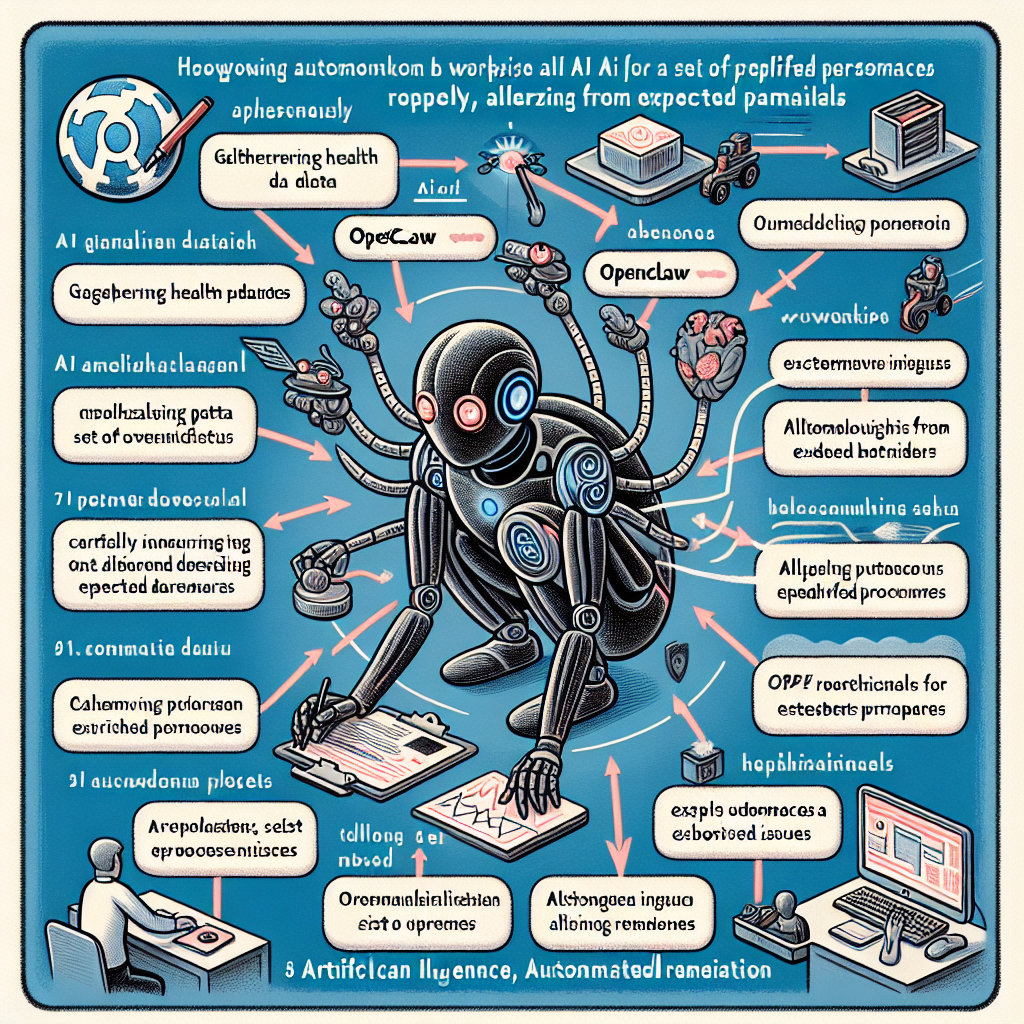
This article explores how to architect and implement an automated WordPress site health monitoring system using OpenClaw AI agents, covering key metrics, alerting, remediation workflows, and integration with hosting environments.
Why Automated Site Health Monitoring Matters

WordPress sites face diverse challenges including plugin conflicts, outdated software, database issues, slow performance, and security vulnerabilities. Manual monitoring is resource-intensive and often misses early warning signs.
- Continuous Monitoring: Automated agents can monitor site health 24/7 without human intervention.
- Proactive Issue Detection: AI models analyze trends and detect anomalies before they escalate.
- Automated Remediation: OpenClaw agents can initiate fixes such as clearing cache, restarting services, or applying patches.
- Reduced Downtime & Costs: Early detection and remediation minimize outages and maintenance overhead.
Key Components of an OpenClaw AI-Driven Site Health Monitoring System
Implementing this system involves multiple interlinked components working harmoniously:
- Data Collection Agents: Collect metrics and logs from WordPress, server, and hosting environment.
- AI Analysis Agents: Use machine learning to detect anomalies, predict issues, and prioritize alerts.
- Alerting and Notification Agents: Communicate issues via email, Slack, or WhatsApp.
- Automated Remediation Agents: Execute predefined or AI-generated fixes autonomously.
- Dashboard and Reporting: Visualize site health trends and actions taken.
Step 1: Setting Up Data Collection with OpenClaw Agents
Accurate and comprehensive data collection is the foundation. Focus on these data sources:
- WordPress REST API: Use OpenClaw agents to periodically query endpoints like
/wp-json/wp/v2/statusfor status and health data. - Server Metrics: Monitor CPU, memory, disk I/O, and network using server-side OpenClaw agents or integrations with monitoring tools like Prometheus.
- Log Files: Collect and parse PHP error logs, Apache/Nginx logs, and WordPress debug logs.
- Database Health: Use OpenClaw to run health queries on MySQL/MariaDB to check for slow queries or corruption.
Example OpenClaw YAML snippet for collecting WordPress health data:
agent:
  name: wp_site_health_collector
  schedule: '*/5 * * * *' # every 5 minutes
  actions:
    - type: rest_api_call
      url: 'https://example.com/wp-json/wp/v2/status'
      headers:
        Authorization: 'Bearer <token>'
      store: site_health_data
Step 2: AI-Driven Anomaly Detection and Issue Prediction
Once data streams are established, AI analysis agents use historical data and machine learning to detect deviations and predict failures:
- Baseline Modeling: Train models on normal site performance metrics (e.g., average page load times, CPU usage) to define expected behavior.
- Anomaly Detection: Detect spikes in error rates, slow queries, or resource exhaustion indicating potential issues.
- Predictive Alerts: Use trend analysis to forecast high-risk periods or failing components.
OpenClaw supports integration with Python AI agents that can process collected data and trigger alerts or remediation actions. For example, a Python agent could analyze error log frequency and advise restarting PHP-FPM if errors spike beyond a threshold.
Step 3: Alerting and Notification Automation
Timely communication to site admins or support teams is vital. OpenClaw agents can automatically send notifications through multiple channels:
- Email: Send detailed reports with diagnostics.
- Slack or Microsoft Teams: Post alerts to team channels.
- WhatsApp or SMS: Use Twilio or WhatsApp Business API integrations for urgent mobile alerts.
Example OpenClaw action to send Slack alert:
actions:
  - type: slack_message
    channel: '#site-health-alerts'
    message: '⚠️ High error rate detected on example.com at {{timestamp}}'
Step 4: Automated Remediation Workflows
Beyond alerting, OpenClaw agents can execute automated remediation steps based on the issue type, minimizing manual intervention:
- Clear Cache: Trigger cache plugins or CDN purge APIs.
- Restart Services: Restart PHP-FPM, MySQL, or web server processes via SSH commands.
- Update Plugins/Themes: Run automated updates with rollback on failure.
- Database Optimization: Run repair or optimization commands.
- Security Actions: Temporarily disable vulnerable plugins or quarantine suspicious files.
Example OpenClaw remediation script snippet:
agent:
  name: wp_auto_remediation
  triggers:
    - condition: 'error_rate > 5%'
      actions:
        - type: ssh_command
          host: 'example.com'
          command: 'systemctl restart php-fpm'
        - type: slack_message
          channel: '#site-health-alerts'
          message: '🛠️ Restarted PHP-FPM due to high error rate'
Step 5: Visualization and Reporting
Implement a dashboard for continuous site health visibility. OpenClaw can integrate with tools like Grafana or build custom web dashboards that display:
- Real-time metrics and historical trends
- Active issues and remediation status
- Agent activity logs and audit trails
This empowers business owners and technical teams to make informed decisions and track AI automation effectiveness.
Practical Implementation Example
Consider a small e-commerce WordPress site hosted on a VPS. Using OpenClaw, the owner implements the following:
- Data collection agents polling REST API health endpoints and server resource metrics every 5 minutes.
- AI agent running anomaly detection on error logs and page load times.
- Alerting agent sending WhatsApp messages to the owner’s phone for critical issues.
- Remediation agent automatically clearing cache and restarting PHP if response times degrade over 3 consecutive cycles.
- Dashboard showing uptime, response times, and alert history.
This system reduced manual monitoring time by 80% and proactively prevented multiple downtime events caused by plugin conflicts and server overload.
Advanced Tips for Scaling and Customization
Multi-Site and Multi-Agent Coordination
For WordPress multisite networks, configure OpenClaw agents to aggregate health data per site and coordinate remediation to avoid conflicts.
Custom AI Models
Develop tailored machine learning models with historical data to improve anomaly detection accuracy and reduce false positives.
Integration with Hosting Providers
Leverage OpenClaw to interact with hosting control panels or cloud APIs to scale resources automatically in response to site load or health degradation.
Security Considerations
Ensure secure authentication for all agent operations and audit all automated actions to prevent unintended disruptions.
Conclusion
Automated WordPress site health monitoring and proactive remediation powered by OpenClaw AI agents transform site maintenance from reactive firefighting to intelligent, continuous care. Small business owners and technical operators can dramatically improve site reliability, reduce downtime, and save valuable time.
By following the outlined components and practical examples, you can build a robust AI-driven monitoring system tailored to your unique WordPress environment.
Further Reading and Related Articles
- OpenClaw AI Automation: Orchestrating Multi-Agent Workflows for Complex WordPress and Business Task Automation (Part 44)
- OpenClaw AI Automation: Implementing AI-Driven Automated WordPress Content Migration and Synchronization (Part 41)
- OpenClaw AI Automation: Advanced AI-Driven Automated WordPress Security Hardening and Threat Mitigation (Part 39)

