


OpenClaw AI Automation: Advanced AI-Driven Automated WordPress Multisite Management and Optimization (Part 69)
April 19, 2026
OpenClaw AI Automation: Implementing AI-Driven Automated WordPress SEO and Content Personalization Workflows (Part 71)
April 20, 2026Introduction
In this installment of the OpenClaw AI Automation series, we explore the advanced capabilities of OpenClaw AI agents in automating WordPress site migration and cross-environment synchronization. While previous parts touched on optimization, management, and security, this part delves into how AI-driven automation can dramatically reduce manual effort, minimize downtime, and ensure data integrity during complex site moves and environment syncing.
Why Automate WordPress Site Migration and Synchronization?
Site migration and environment synchronization are critical but traditionally error-prone and time-consuming tasks for WordPress site owners and administrators. Whether moving from development to staging, staging to production, or even changing hosts, these processes involve multiple steps:
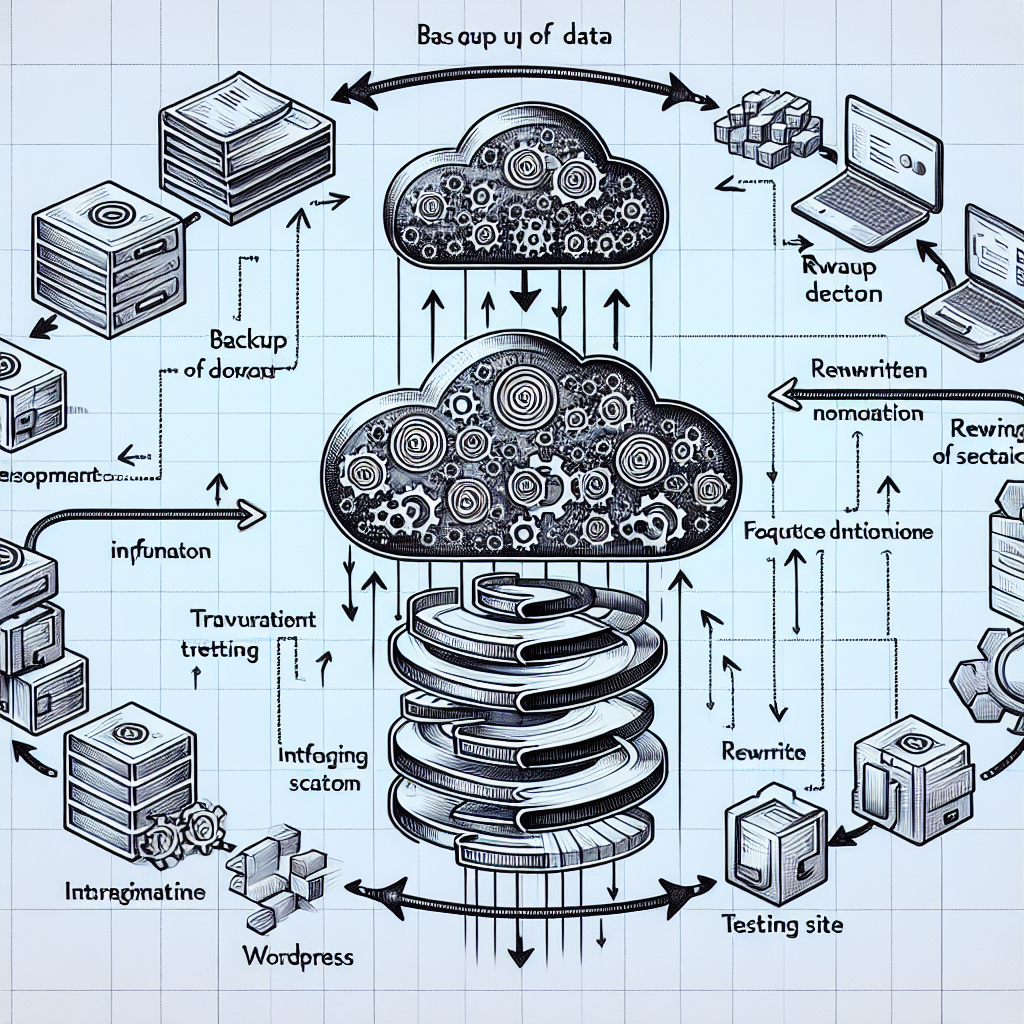
- Backing up databases and files
- Transferring media and codebase
- Updating URLs and configurations
- Validating environment compatibility
- Reindexing and cache clearing
Manual execution risks downtime, data loss, and configuration errors. OpenClaw AI agents leverage intelligent automation to orchestrate these steps flawlessly, learning from past migrations and adapting dynamically.
Key Components of OpenClaw AI-Driven Migration Automation
1. Intelligent Backup and Version Control
Before migrating, OpenClaw agents perform an automated, incremental backup of databases, plugins, themes, and media. They intelligently version these backups with metadata, enabling rollback to any point in the migration timeline. This snapshotting supports rapid disaster recovery.
2. Automated Environment Assessment and Compatibility Checks
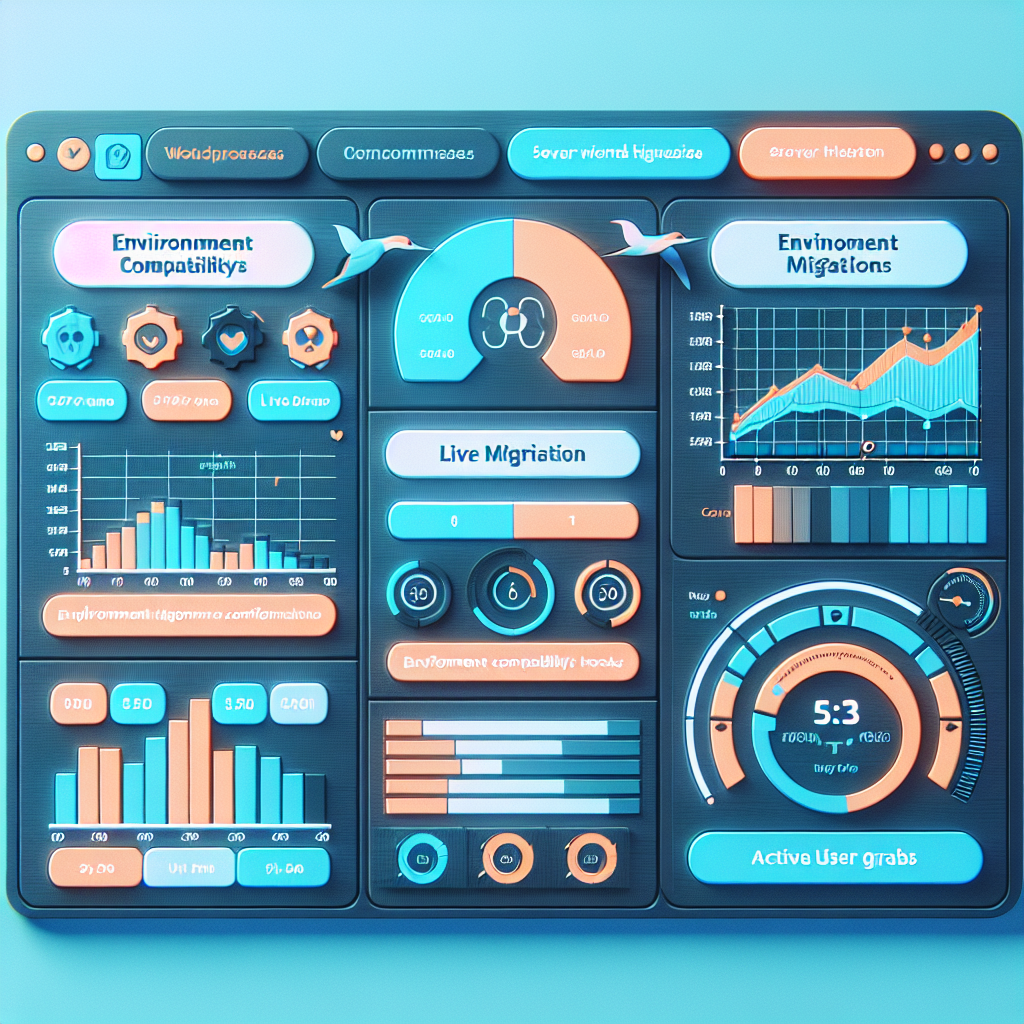
OpenClaw scans target environments for PHP versions, MySQL configurations, and server settings. The AI agent compares these with source environment parameters and flags incompatibilities, suggesting fixes or automated adjustments.
3. Seamless Data Transfer with Adaptive Compression and Security
The AI agent dynamically chooses optimal data transfer protocols (e.g., rsync, SFTP, or API-based sync) based on network conditions, encrypting data in transit. It intelligently compresses large media files while preserving data integrity.
4. URL and Configuration Rewriting Engine
Post-transfer, the agent scans and rewrites URLs, file paths, and environment-specific settings across the database and configuration files. This includes serialized data, widgets, and custom post types, ensuring links function correctly without manual search-and-replace.
5. Automated Testing and Validation
After synchronization, OpenClaw runs AI-powered test suites to verify site functionality, plugin compatibility, and performance benchmarks. It detects anomalies like broken links, missing assets, or PHP errors, reporting or automatically remediating issues.
Implementing OpenClaw AI Site Migration Workflow: A Practical Guide
Let’s explore a detailed example of automating migration from a staging to a production WordPress environment using OpenClaw AI agents.
Step 1: Define Migration Parameters
Configure the OpenClaw agent with:
- Source and target environment credentials (FTP, SSH, database)
- Scope of migration (full site or selective components)
- Backup retention policies
- Downtime windows and maintenance mode settings
Step 2: Pre-Migration Environment Health Check
The AI agent remotely audits both environments, comparing server software versions, PHP modules, and database engines. It generates a compatibility report and applies automatic fixes where safe, such as updating .htaccess or PHP INI settings.
Step 3: Incremental Backup and Snapshot Creation
OpenClaw initiates a full backup of the source site, storing versions securely. It timestamps and tags snapshots, enabling point-in-time restoration if needed.
Step 4: Intelligent Data Transfer
Using adaptive protocols, the agent transfers files and database dumps securely. For large media libraries, it applies chunked transfers with integrity checks. Transfer progress is monitored with alerts on anomalies.
Step 5: Automated URL Rewriting and Configuration Sync
The AI rewrites all environment-specific URLs and file paths in the database and configuration files, including handling serialized arrays and custom meta fields. It updates wp-config.php with new database credentials and environment constants.
Step 6: Post-Migration Testing and Optimization
OpenClaw executes automated tests:
- Page load and response time benchmarks
- Plugin and theme compatibility scans
- Broken link detection
- Security scan for exposed files or vulnerabilities
Detected issues trigger remediation workflows or alert administrators with detailed logs.
Cross-Environment Synchronization for Continuous Deployment
Beyond one-time migrations, OpenClaw AI supports ongoing synchronization between development, staging, and production. This is essential for modern continuous deployment (CD) workflows.
Use Case: Keeping Staging and Production in Sync
OpenClaw agents can be scheduled or event-triggered to:
- Sync only database changes or media uploads
- Merge selective plugin or theme updates from staging to production
- Automatically resolve data conflicts using AI heuristics
- Maintain version control and audit trails across environments
Implementation Tip: Leveraging Webhooks and API Integrations
Integrate OpenClaw with Git repositories, CI/CD pipelines, and hosting control panels (e.g., cPanel, Plesk) to trigger migrations and syncs automatically on code commits or schedule. Webhooks enable real-time responsiveness.
Handling Complex Migration Scenarios
Multisite Networks
OpenClaw supports WordPress multisite migration by intelligently mapping sites, subdomains, and database tables. It manages domain mapping and network-wide plugin activation seamlessly.
Multilingual Sites
The AI ensures all language content, translations, and locale configurations migrate intact, rewriting localized URLs and synchronizing translation plugin data.
Large-Scale Enterprise Sites
For enterprise clients, OpenClaw can distribute migration tasks across multiple AI agents, parallelizing data transfer, and employing AI load balancing to optimize speed without service disruption.
Security Considerations
OpenClaw incorporates stringent security measures:
- Encrypted credential storage and transfer
- Role-based access controls for migration tasks
- Audit logging for compliance and troubleshooting
- Automated malware scanning pre- and post-migration
Benefits for Small Business Owners and Technical Operators
Using OpenClaw AI for WordPress site migration and synchronization delivers:
- Reduced downtime: Automated, reliable processes minimize manual errors and site outages.
- Time savings: Freed from repetitive migration chores, teams focus on strategic growth.
- Improved accuracy: AI-driven rewriting and testing catch errors humans might miss.
- Scalability: Supports growing businesses with complex multisite and multilingual needs.
- Peace of mind: Intelligent backups and rollback options protect against data loss.
Conclusion
OpenClaw AI automation elevates WordPress site migration and cross-environment synchronization from a risky manual task to a streamlined, intelligent workflow. By leveraging adaptive AI agents, businesses can deploy sites faster, maintain consistent environments, and reduce costly errors.
This part of the series equips business owners and technical operators with practical insights and step-by-step guidance to implement these advanced automation workflows. The next part will explore AI-driven automated WordPress database optimization and maintenance for sustained performance.
Inline Images
Figure 1: Workflow diagram of OpenClaw AI automated WordPress site migration process.
Figure 2: Dashboard screenshot showing AI-driven environment compatibility analysis and migration status monitoring.

