


OpenClaw AI Automation: Integrating AI-Driven Automated WordPress Lead Generation and CRM Workflows (Part 76)
April 23, 2026
OpenClaw AI Automation: Implementing AI-Driven Automated WordPress Database Optimization and Maintenance Workflows (Part 78)
April 24, 2026Introduction
Continuing our deep dive into OpenClaw AI automation, Part 77 focuses on automating the critical yet often overlooked task of WordPress backup verification and integrity validation. Reliable backups are the cornerstone of any robust disaster recovery strategy, but backups alone are not enough. Without automated integrity checks and verification, backups could be corrupt, incomplete, or unusable when needed most.
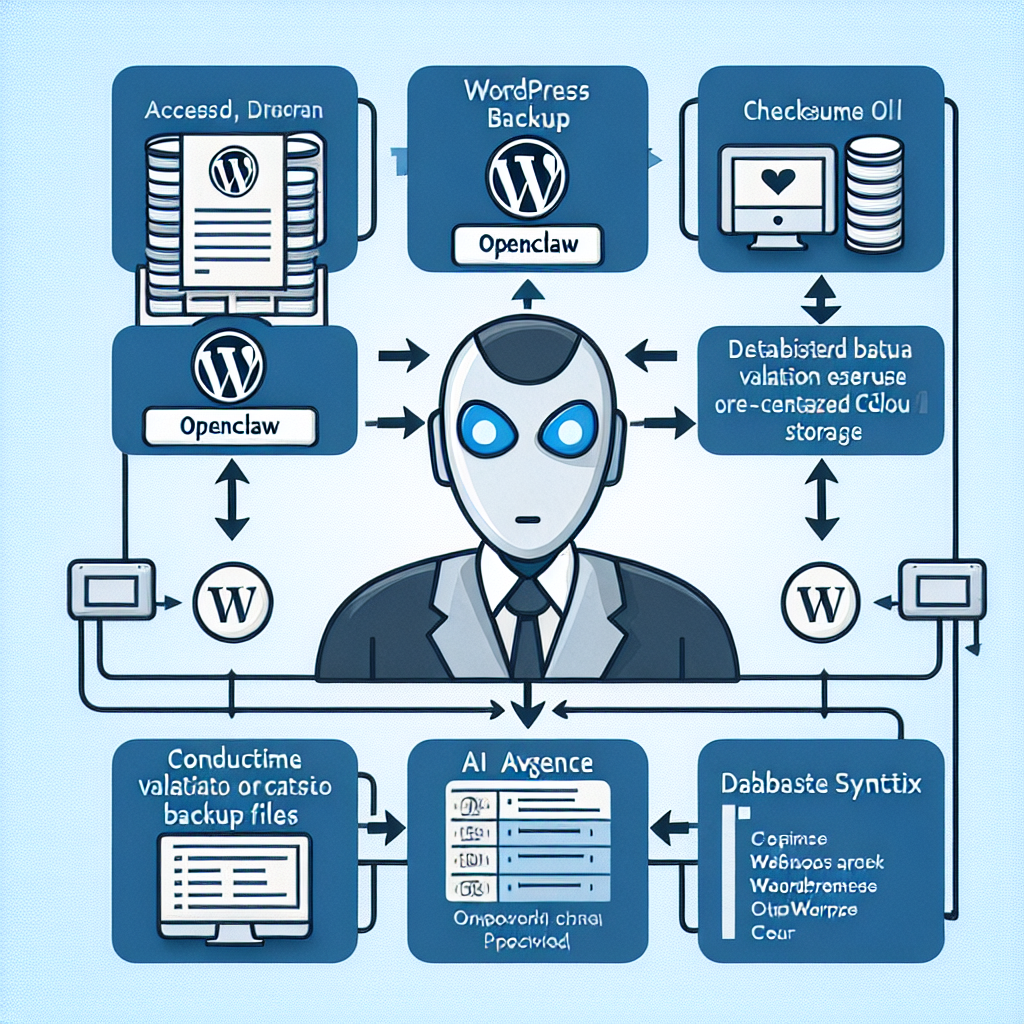
This article presents practical, detailed workflows using OpenClaw AI agents to automate backup verification and integrity validation in WordPress environments. We explore key concepts, implementation tactics, and real-world examples to help business owners and technical operators ensure their WordPress backups are trustworthy and ready for restoration.
Why Automate Backup Verification and Integrity Validation?
Manual backup verification is time-consuming and error-prone, especially as backup frequency and data volumes scale. Automating these tasks with AI agents offers several benefits:
- Proactive detection of corrupted or incomplete backups before disaster strikes.
- Consistent monitoring of backup health across multiple WordPress sites and environments.
- Reduced human error by automating checksum validation, file structure checks, and database consistency tests.
- Faster troubleshooting with automated reports and alerts on backup anomalies.
- Improved confidence in recovery readiness and compliance with data protection policies.
Key Components of OpenClaw Backup Verification Workflows
To build an effective AI-powered backup verification workflow using OpenClaw, several components must be integrated seamlessly:
- Backup data source integration: Access to backup files and databases stored locally or remotely (S3 buckets, FTP, cloud storage).
- Checksum and hash validation: Compute and compare cryptographic hashes (e.g., SHA256) to detect file corruption.
- File structure and completeness checks: Verify expected backup files, folder structures, and timestamps.
- Database consistency tests: Validate SQL dumps with syntax checks and optionally test restore in sandbox environments.
- Automated alerting and reporting: Notify administrators via email, Slack, or integrated CRM when issues arise.
- Periodic scheduling and adaptive retry: Regular execution with retry logic for transient failures.
Implementing AI-Powered Backup Verification with OpenClaw
Step 1: Integrate Backup Storage Access
Begin by configuring your OpenClaw AI agent with credentials and APIs for your backup storage. Whether backups reside on AWS S3, Google Cloud Storage, or a local NAS, the AI agent must securely access the backup files.
// Example: Access AWS S3 backup files using AWS SDK
const AWS = require('aws-sdk');
const s3 = new AWS.S3({ region: 'us-east-1' });

async function listBackupFiles(bucketName, prefix) {
  const params = { Bucket: bucketName, Prefix: prefix };
  const data = await s3.listObjectsV2(params).promise();
  return data.Contents.map(item => item.Key);
}
Step 2: Compute and Validate Checksums
For each backup file, the AI agent calculates a cryptographic hash and compares it to a stored reference checksum (created at backup time). This detects corruption or incomplete transfers.
const crypto = require('crypto');
const fs = require('fs');

function calculateFileHash(filePath) {
  return new Promise((resolve, reject) => {
    const hash = crypto.createHash('sha256');
    const stream = fs.createReadStream(filePath);
    stream.on('data', data => hash.update(data));
    stream.on('end', () => resolve(hash.digest('hex')));
    stream.on('error', reject);
  });
}

async function validateBackupFile(filePath, expectedHash) {
  const actualHash = await calculateFileHash(filePath);
  return actualHash === expectedHash;
}
Step 3: Verify Backup File Structure
The AI agent verifies the presence of all expected backup files and folder organization, ensuring no critical data is missing.
const expectedFiles = ['wp-content.zip', 'database.sql', 'plugins.zip'];

function verifyBackupStructure(files) {
  return expectedFiles.every(file => files.includes(file));
}
Step 4: Perform Database Dump Validation
Database backups require syntax validation and optionally test restores in a sandbox environment. AI agents can parse SQL dumps to detect syntax errors and warn about anomalies.
const { exec } = require('child_process');

function validateSQLDump(filePath) {
  return new Promise((resolve, reject) => {
    exec(`mysql --no-defaults --protocol=socket --skip-column-names --execute="source ${filePath}"`, (error, stdout, stderr) => {
      if (error) {
        reject(stderr);
      } else {
        resolve(true);
      }
    });
  });
}
Step 5: Automate Reporting and Alerts
OpenClaw AI agents generate detailed verification reports and send alerts on failure. Integrate with Slack or email for real-time notifications.
async function sendAlert(message) {
  // Example: send Slack message via webhook
  const slackWebhookUrl = process.env.SLACK_WEBHOOK_URL;
  await fetch(slackWebhookUrl, {
    method: 'POST',
    headers: { 'Content-Type': 'application/json' },
    body: JSON.stringify({ text: message })
  });
}
Step 6: Schedule and Monitor Verification Jobs
Use OpenClaw’s scheduler to run these verification workflows at defined intervals, with retry and escalation logic for persistent failures.
Practical Example: Automating Backup Verification for a WooCommerce Site
Consider a WooCommerce store that performs nightly backups to AWS S3. The OpenClaw AI agent can be configured to:
- Access the S3 bucket daily post-backup
- Validate the checksum of the
wp-content.zipanddatabase.sqlfiles - Ensure the presence of
plugins.zipandthemes.zip - Run SQL syntax validation on the database dump
- Send Slack alerts to the site admin if any validation step fails
- Log results to a dashboard for historical tracking
This automation reduces manual oversight, ensuring the WooCommerce store’s backups are trustworthy and reducing recovery risk.
Advanced Techniques and AI Enhancements
Machine Learning for Anomaly Detection
OpenClaw AI agents can incorporate ML models to learn normal backup patterns and detect unusual changes, such as unexpected file size deviations or missing components, triggering proactive investigations.
Automated Restore Testing
Beyond static validation, AI agents can automate periodic test restores in sandbox environments, verifying the full integrity and usability of backups end-to-end. This includes spinning up temporary WordPress environments and restoring backups to validate functionality.
Integration with Incident Response Workflows
When backup verification fails, OpenClaw can trigger incident response workflows covered in earlier series parts, automating root cause analysis, and remediation steps, minimizing downtime.
Summary and Next Steps
Deploying AI-powered automated backup verification and integrity validation workflows with OpenClaw is essential for maintaining WordPress disaster recovery readiness. By integrating storage access, checksum validation, structure verification, database tests, and alerting, OpenClaw reduces risk and administrative overhead.
Business owners and technical teams should prioritize implementing these workflows as part of their broader automation strategy to safeguard website data and continuity.
In the next installment (Part 78), we will explore AI-driven automated WordPress plugin compatibility and dependency management workflows, further enhancing your site’s stability and performance through intelligent automation.

