


OpenClaw AI Automation: Advanced AI-Driven Automated WordPress Content Workflow Integration and Optimization (Part 66)
April 17, 2026
OpenClaw AI Automation: Automating WordPress Plugin and Theme Update Management with AI Agents (Part 67)
April 18, 2026Introduction
In this 66th part of the OpenClaw AI Automation series, the focus shifts to transforming WordPress analytics and business intelligence (BI) workflows through AI-driven automation. While previous installments covered user management, security, scaling, and content optimization, this article dives into harnessing OpenClaw AI agents to automate data collection, analysis, visualization, and actionable decision-making in WordPress-powered businesses.

Small business owners and technical operators alike will learn how to build intelligent workflows that convert raw data into meaningful insights, driving smarter marketing, customer engagement, and operational efficiency.
Why Automate WordPress Analytics and BI with OpenClaw AI?
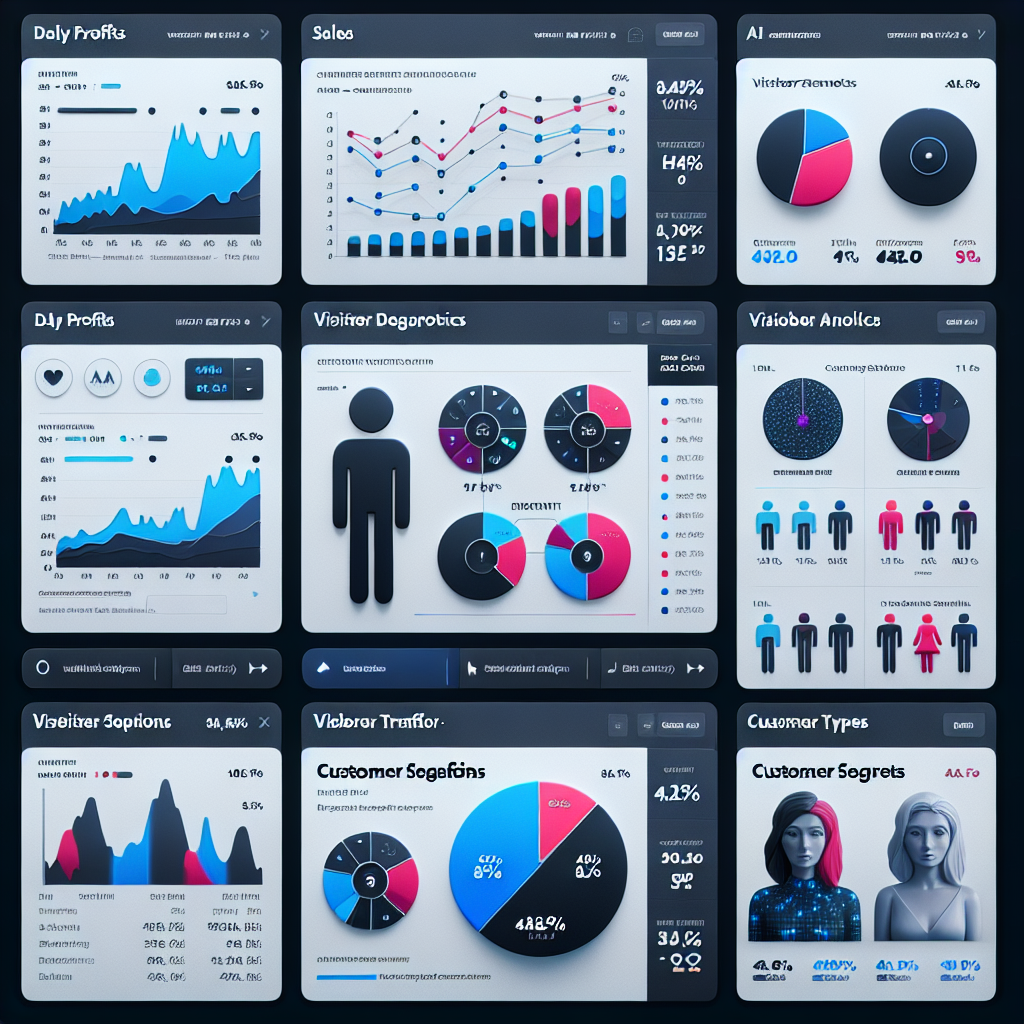
WordPress websites generate vast amounts of data: visitor behavior, sales transactions, content performance, and more. Manually interpreting this data or relying on static reports limits responsiveness and growth potential. OpenClaw AI agents excel at automating complex workflows that:
- Continuously collect and aggregate data from multiple sources
- Perform real-time analysis with AI-powered pattern recognition
- Generate intuitive dashboards and alerts for business owners
- Trigger automated actions based on insights (e.g., personalized marketing)
By integrating these capabilities, businesses can operate with a data-driven mindset without overwhelming technical overhead.
Building Blocks of AI-Driven Analytics and BI Workflows
Before implementation, it’s essential to understand the core components of an OpenClaw-powered automated analytics and BI setup in WordPress:
- Data Sources: WordPress internal data (posts, users, e-commerce), third-party tools (Google Analytics, CRM systems), and server logs.
- Data Collection Agents: OpenClaw AI agents configured to extract, normalize, and store data periodically or in real time.
- AI Analysis Engines: Machine learning models or rule-based systems embedded within OpenClaw to identify trends, anomalies, and predictive signals.
- Visualization and Reporting: Interactive dashboards, automated reports, and alert notifications tailored to business goals.
- Action Orchestration: Triggering workflows such as personalized email campaigns, inventory adjustments, or support interactions based on BI outputs.
Step-by-Step Implementation Guide
1. Define Key Metrics and Objectives
Begin by outlining what metrics matter most for your business. Examples include:
- Visitor acquisition channels and engagement rates
- Sales conversion funnels and average order values
- Customer retention and lifetime value
- Content performance by category or author
- Server performance impacting user experience
Clear objectives ensure your AI agents focus on relevant data and deliver actionable insights.
2. Configure OpenClaw Data Collection Agents
Using OpenClaw’s modular agent framework, set up agents to connect to your WordPress database and external APIs.
- Example: An agent scheduled hourly to retrieve e-commerce transaction data from WooCommerce tables.
- Example: An agent pulling daily Google Analytics visitor statistics via the GA API.
Normalize and store this data in a structured format accessible by analysis agents.
3. Develop AI Analysis Agents
Implement AI-driven agents capable of:
- Identifying traffic spikes or drops and correlating them with marketing campaigns
- Detecting abnormal bounce rates indicating UX issues
- Predicting upcoming inventory demand based on sales trends
- Segmenting customers for targeted promotions using clustering algorithms
Leverage OpenClaw’s integration with machine learning libraries or cloud AI services to build these models.
4. Create Interactive Dashboards and Reports
Use WordPress-compatible BI tools or custom OpenClaw-driven dashboards embedded in the admin interface. Features should include:
- Real-time charts and graphs with drill-down capabilities
- Automated PDF report generation sent via email
- Configurable alert thresholds for KPI deviations
Ensure dashboards are user-friendly for non-technical stakeholders.
5. Automate Workflow Triggers Based on Insights
Close the loop by configuring OpenClaw agents to act on BI findings, such as:
- Launching personalized email or WhatsApp campaigns when customer segments are identified
- Automatically adjusting ad spend based on conversion performance
- Notifying support teams proactively about potential churn risks
- Scaling hosting resources when traffic forecasts predict surges
Practical Example: Automating E-Commerce Analytics and Marketing
Consider a WordPress site running WooCommerce. The following outlines a practical implementation:
Data Collection
- Schedule an OpenClaw agent to pull sales data every 30 minutes.
- Another agent queries Google Analytics to fetch visitor source and behavior data daily.
AI Analysis
- Use clustering to segment customers into “high-value,” “occasional,” and “new” groups.
- Predict next best products to cross-sell based on purchase history.
Dashboard
- Display sales trends, top-performing products, and customer segments.
- Alert the marketing team if conversion rates drop below a threshold.
Automated Actions
- Automatically trigger targeted email campaigns for “high-value” customers with personalized offers.
- Notify inventory management if predicted demand exceeds stock levels.
Advanced Techniques
Integrating External BI Platforms
For businesses requiring extensive BI capabilities, OpenClaw agents can push normalized data into platforms like Power BI or Tableau via APIs or direct database connections. This hybrid approach combines WordPress data with other business systems for comprehensive insights.
Natural Language Query Interfaces
Incorporate AI agents that allow business owners to ask natural language questions about their site data, receiving instant AI-generated reports or visualizations without technical queries.
Predictive Analytics and Forecasting
Build models that forecast sales, traffic, or server load, enabling proactive business decisions and resource management.
Best Practices for Maintenance and Scaling
- Regularly update AI models with fresh data to maintain accuracy.
- Monitor AI agent performance and logs to detect failures early.
- Implement role-based access control to restrict sensitive BI data.
- Scale data storage and compute resources as your data volume grows.
Conclusion
Automating WordPress analytics and business intelligence workflows using OpenClaw AI agents empowers businesses to become truly data-driven. This approach reduces manual analysis overhead, enhances decision-making speed, and enables personalized customer engagement at scale.
By following the steps and examples outlined in this article, small business owners and technical operators can unlock the full potential of their WordPress data, transforming it into actionable insights and automated actions that drive growth.
Further Reading and Resources
- OpenClaw AI Automation: Advanced AI-Driven Automated WordPress Content Workflow Integration and Optimization (Part 66)
- OpenClaw AI Automation: Implementing AI-Driven Automated WordPress User Role and Permission Management (Part 65)
- OpenClaw AI Automation: Implementing AI-Driven Automated WordPress Security Hardening and Threat Prevention (Part 64)

