


OpenClaw AI Automation: Implementing AI-Driven Automated WordPress Performance Optimization and Scalability Strategies (Part 55)
April 11, 2026
OpenClaw AI Automation: Leveraging AI-Driven Automated WordPress Security Incident Response and Remediation (Part 57)
April 12, 2026Introduction
Building on previous discussions around AI-driven WordPress automation, this part delves into automating the hosting environment itself using OpenClaw AI agents. Managing hosting environments—whether on shared servers, VPS, or cloud—presents operational challenges such as provisioning resources, monitoring uptime, applying patches, and scaling infrastructure. Automating these tasks with AI agents reduces manual intervention, accelerates response times, and optimizes cost and performance.
Understanding Hosting Environment Automation
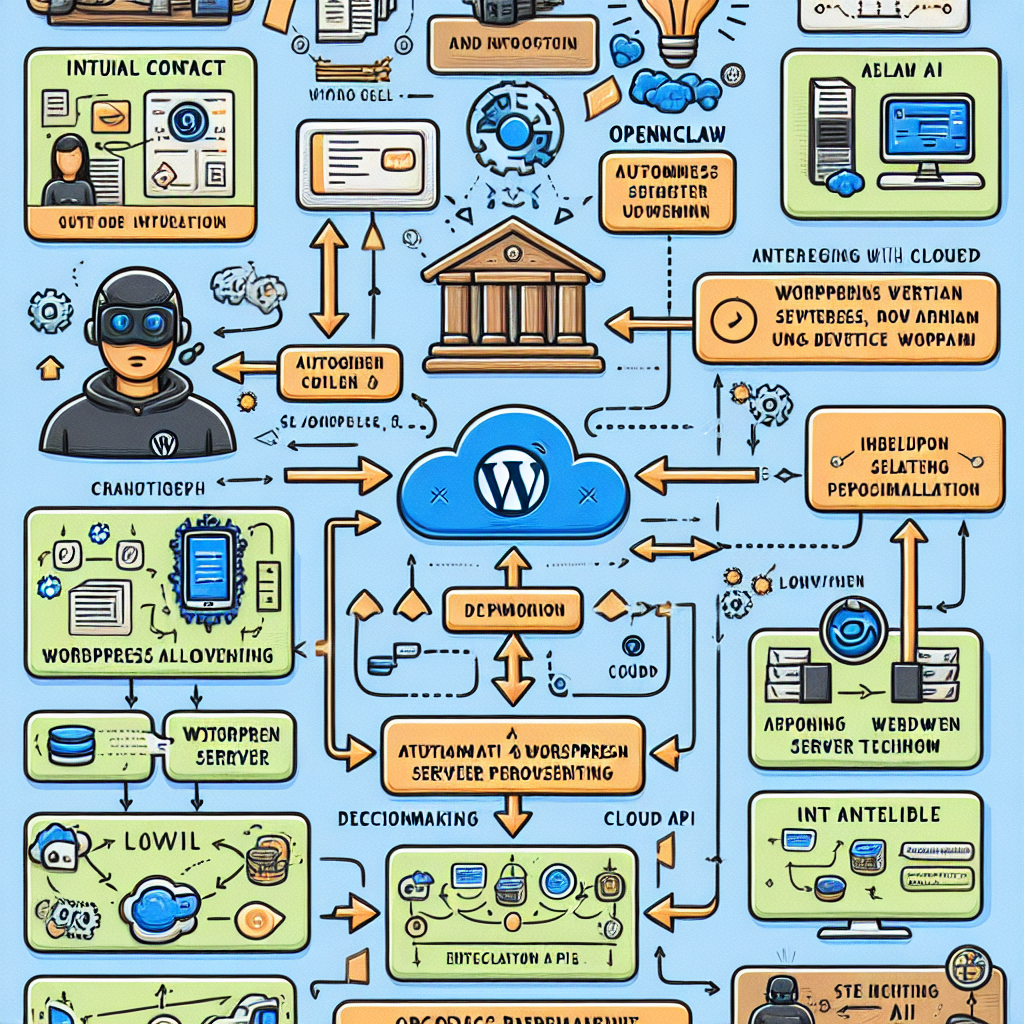
Hosting environment management involves coordinating server configuration, resource allocation, security updates, performance monitoring, and scaling. OpenClaw AI agents can be trained to monitor real-time metrics, detect anomalies, execute routine maintenance, and adjust infrastructure dynamically based on workload.
Key Components Automated by OpenClaw AI Agents
- Provisioning: Automatically setting up new servers or containers with the correct WordPress environment.
- Monitoring: Continuous health checks of server resources, uptime, and application responsiveness.
- Scaling: Dynamically adding or removing resources based on traffic and load.
- Security Updates: Applying patches and updates proactively to reduce vulnerabilities.
- Backup and Recovery: Scheduling automated backups and verifying restore points.
Implementing AI-Driven Hosting Provisioning
Provisioning can be automated by defining agent workflows that interact with your cloud or VPS provider APIs. For example, an OpenClaw AI agent can:
- Receive a trigger (such as a new WordPress site deployment request).
- Authenticate with the hosting provider API (AWS, DigitalOcean, etc.).
- Configure server instance with OS, web server, PHP, and database optimized for WordPress.
- Deploy WordPress using a predefined configuration or container image.
- Run post-deployment tests to verify environment readiness.
Example Workflow Snippet:
trigger: new_site_request
steps:
  - authenticate_api
  - provision_server(instance_type='t3.medium', region='us-east-1')
  - install_wordpress(version='6.2')
  - configure_php(settings={memory_limit: '256M'})
  - run_health_check()
  - notify_admin('New WordPress site provisioned and ready')
Continuous Monitoring and Automated Alerts
OpenClaw AI agents can continuously monitor CPU, memory, disk usage, and network latency. Using AI anomaly detection, agents can identify unusual patterns such as memory leaks or traffic spikes and take automated corrective actions or alert administrators.
For instance, an agent might detect a sudden spike in server load and respond by spinning up additional server instances or throttling resource-heavy processes.
Practical Implementation
- Integrate AI agents with monitoring tools like Prometheus or CloudWatch.
- Use machine learning models to baseline normal behavior and detect deviations.
- Configure automated remediation scripts triggered by AI-detected incidents.
Dynamic Scaling for Optimal Performance and Cost
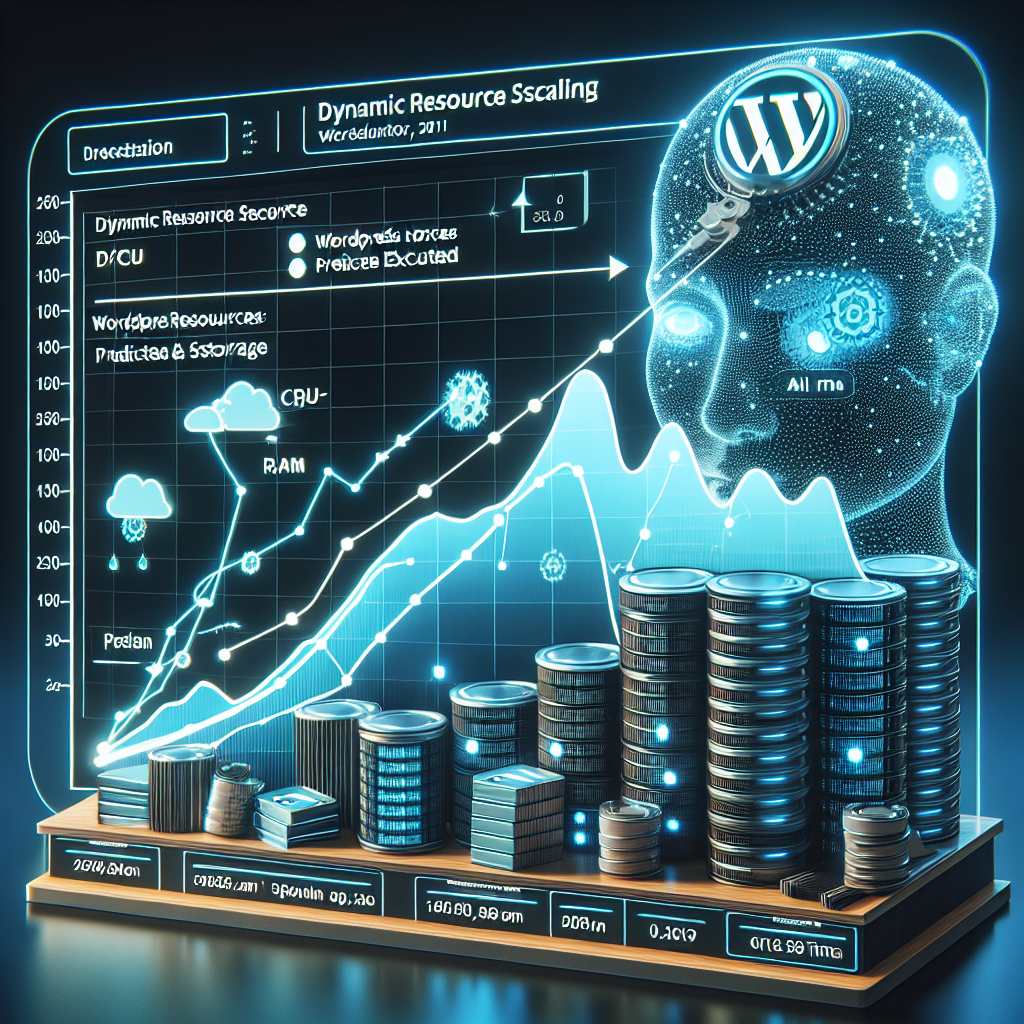
Traffic to WordPress sites can fluctuate drastically. OpenClaw AI agents can forecast demand based on historical data and schedule scaling actions accordingly:
- Horizontal scaling: Adding/removing server instances or containers.
- Vertical scaling: Adjusting server resource allocations (CPU, RAM).
This ensures reliable performance during peak demand while reducing costs during off-peak times.
Example: AI-Driven Auto-Scaling Policy
The AI agent can employ predictive analytics to anticipate traffic surges before major sales or marketing campaigns and preemptively provision resources.
Automating Security Updates and Patch Management
Security is paramount for WordPress hosting. OpenClaw AI agents can automate vulnerability scanning and patch deployment:
- Scan server and WordPress plugins/themes for known vulnerabilities.
- Schedule and apply security updates during off-peak hours.
- Perform post-update validation to ensure stability.
Backup Automation and Verification
AI agents can handle scheduled backups of the entire hosting environment and WordPress databases. They can also verify backup integrity by performing test restores in sandbox environments.
Case Study: Automating Hosting Environment for a WordPress SaaS Platform
A mid-sized SaaS provider managing dozens of WordPress sites implemented OpenClaw AI hosting environment agents. The agents automated server provisioning, applied security patches within 24 hours, and dynamically scaled infrastructure during product launches. This reduced manual hosting management time by 70% and improved uptime to 99.99%.
Implementation Tips and Best Practices
- Start Small: Begin automating monitoring and alerting before full provisioning automation.
- Use Modular Agent Design: Create reusable AI agent modules for common tasks like API authentication or health checks.
- Maintain Logs: Keep detailed logs of AI agent actions for auditing and troubleshooting.
- Security First: Use secure credentials management and enforce least privilege for agent API access.
- Continuous Training: Regularly retrain AI models with new hosting metrics to improve prediction accuracy.
Conclusion
Automating WordPress hosting environment management with OpenClaw AI agents empowers businesses to reduce operational overhead, improve reliability, and respond dynamically to changing demands. By integrating provisioning, monitoring, scaling, and security into AI-driven workflows, organizations can maintain resilient, optimized hosting environments that support business growth.
In the next installment, we will explore advanced AI-driven automated WordPress database optimization and maintenance strategies.

