


OpenClaw AI Automation: Implementing AI-Powered Content Moderation and Spam Filtering for WordPress (Part 17)
March 18, 2026
OpenClaw AI Automation: Implementing AI-Driven Customer Support Chatbots with Natural Language Understanding (Part 17)
March 19, 2026Introduction
Building on our previous discussions around anomaly detection and incident management, this installment focuses on harnessing OpenClaw AI automation to implement comprehensive security and compliance monitoring tailored for WordPress and hosting environments. Security threats and regulatory requirements are ever-evolving, demanding dynamic, intelligent approaches that go beyond traditional static tools.

Why AI-Driven Security and Compliance Monitoring?
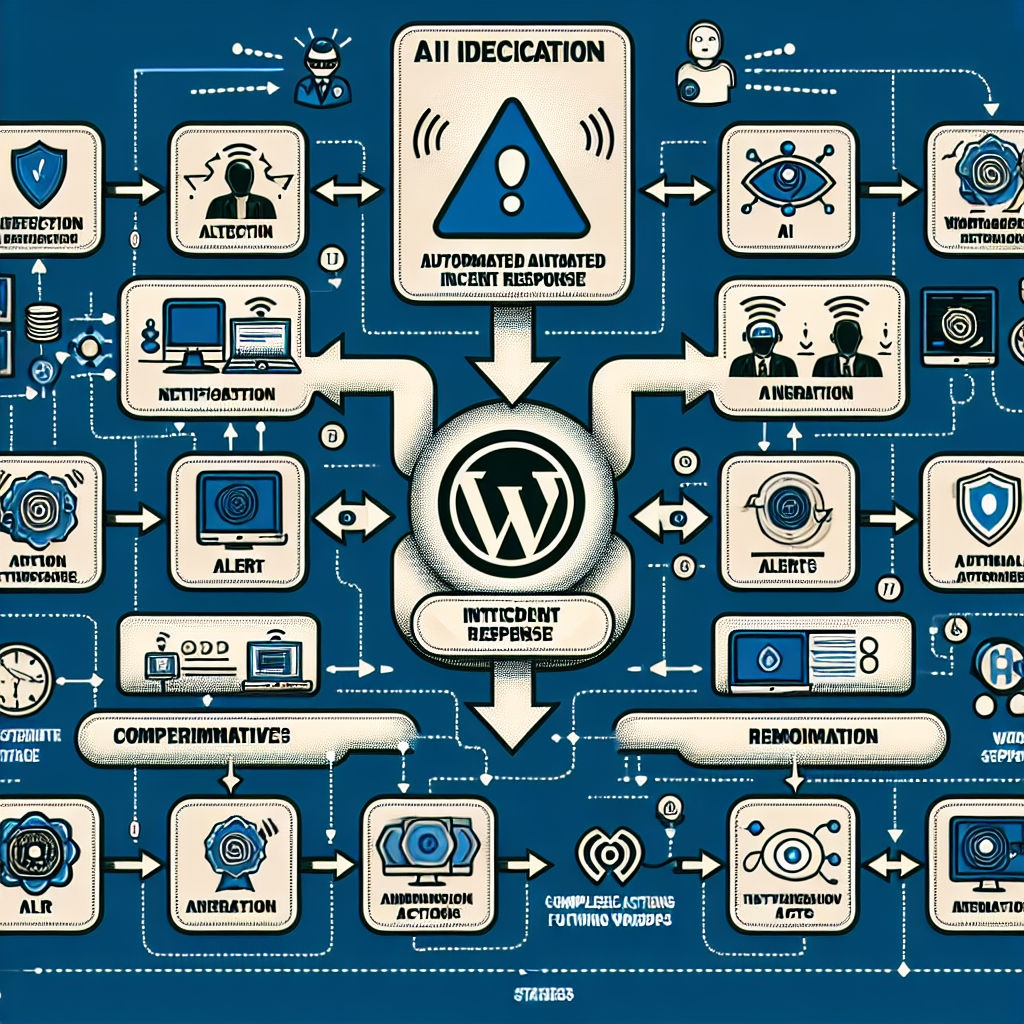
Conventional security tools often rely on predefined signatures or manual configurations, which can lag behind sophisticated threats or recent compliance mandates. AI-driven monitoring offers several advantages:
- Adaptive Threat Detection: AI models learn from patterns and can identify novel attack vectors or suspicious behavior.
- Continuous Compliance Enforcement: Automated checks ensure WordPress configurations and hosting setups adhere to standards like GDPR, PCI DSS, and others.
- Reduced Operational Overhead: Automating routine scans and alerts frees technical staff to focus on strategic tasks.
Key Components of AI-Driven Security Monitoring with OpenClaw
Implementing AI-powered security and compliance monitoring involves several integrated components:
1. Data Collection and Integration
OpenClaw agents aggregate data from multiple sources to build a comprehensive security picture:
- WordPress Logs: Login attempts, plugin usage, failed authentications, and user activity.
- Hosting Environment Metrics: Server resource usage, system logs, file integrity checks.
- Network Traffic: Incoming/outgoing connections, IP reputation data.
- Configuration Snapshots: WordPress and server settings, firewall rules, SSL certificate status.
This data feeds AI models to detect anomalies and compliance deviations.
2. AI-Powered Threat Detection
Deploy machine learning models trained on historical security incidents and benign activity. OpenClaw agents can monitor:
- Brute force attacks and credential stuffing.
- Malicious plugin or theme installations.
- Unexpected file changes indicating malware.
- Unusual outbound network activity suggesting data exfiltration.
The AI continuously updates its patterns, improving detection accuracy.
3. Compliance Monitoring and Reporting
OpenClaw automates compliance checks by:
- Validating WordPress privacy settings and cookie consent mechanisms against GDPR.
- Ensuring payment processing plugins meet PCI DSS requirements.
- Checking server configurations for security best practices (e.g., disabling directory listing, enforcing HTTPS).
- Generating audit reports accessible to administrators and compliance officers.
4. Automated Incident Response and Remediation
Upon detecting breaches or non-compliance, OpenClaw can trigger predefined response workflows such as:
- Temporarily locking suspicious user accounts.
- Isolating affected files or plugins.
- Restarting compromised services or containers.
- Notifying administrators with detailed incident context.
Practical Implementation: Setting Up OpenClaw AI Security Agents
Here is a step-by-step example for deploying AI-driven security monitoring on a WordPress-hosted VPS environment.
Step 1: Configure Data Sources
Set up OpenClaw agents to collect logs and metrics:
- Enable WordPress debug logging and configure OpenClaw to ingest
wp-content/debug.log. - Install server monitoring agents (e.g., collectd) and connect OpenClaw for real-time metrics.
- Configure network flow monitoring with tools like Suricata, feeding data into OpenClaw.
Step 2: Train and Deploy AI Models
Use OpenClaw’s integrated training tools with labeled security data to build models that can:
- Identify anomalous login patterns (e.g., rapid-fire failed attempts from single IPs).
- Detect unauthorized file modifications by comparing hash signatures.
- Flag suspicious outbound connections to blacklisted IP addresses.
Step 3: Define Compliance Rules
Implement compliance checks using OpenClaw rules engine:
- Ensure SSL certificates are valid and auto-renewed.
- Verify GDPR cookie consent plugin status and configurations.
- Monitor user role assignments to prevent privilege escalation.
Step 4: Create Automated Response Workflows
Configure OpenClaw workflows triggered by AI alerts, for example:
- Automatic IP blocking via firewall rules for brute force detection.
- Quarantine suspicious files and alert administrators via email or Slack.
- Initiate backup procedures before remediation steps.
Case Study: Real-World Application in a Small Business Hosting Setup
Consider a small e-commerce store running on WordPress with WooCommerce. By integrating OpenClaw AI security agents:
- The system detected an unusual spike in login attempts targeting administrator accounts.
- Automated IP blocking prevented credential stuffing attacks in real time.
- Compliance checks ensured payment plugin updates met PCI DSS changes.
- Incident reports helped the store owner maintain audit logs required by payment processors.
This led to a significant reduction in manual security interventions and improved customer trust.
Integrating OpenClaw with Existing Tools
OpenClaw can complement traditional security suites and hosting control panels:
- Integration with WordPress security plugins like Wordfence or Sucuri for enhanced insight.
- API hooks into cPanel or Plesk for automated firewall and user management.
- Data export for SIEM platforms to centralize security analytics.
Challenges and Best Practices
While AI-driven monitoring is powerful, consider these factors:
- Data Privacy: Ensure monitoring respects user data privacy and complies with regulations.
- False Positives: Tune AI thresholds carefully to reduce alert fatigue.
- Continuous Training: Regularly update AI models with new threat intelligence.
- Human Oversight: Maintain human in the loop for critical security decisions.
Conclusion
OpenClaw’s AI-powered security and compliance monitoring offers a scalable, adaptive approach to safeguarding WordPress sites and hosting infrastructure. By automating detection, compliance checks, and incident response, businesses can proactively defend against evolving threats while meeting regulatory demands efficiently.
In the next part of the series, we will explore implementing AI-powered content moderation and spam filtering to further enhance the security and quality of your WordPress environment.

