


OpenClaw AI Automation: Advanced Integration and Customization for Business Efficiency (Part 2)
March 9, 2026
OpenClaw AI Automation: Leveraging Data Pipelines and Workflow Orchestration for Smarter Business Automation (Part 4)
March 9, 2026Introduction
Welcome to Part 3 of our deep-dive series on OpenClaw AI automation. Building on the foundational setup and advanced integrations covered in Parts 1 and 2, this installment focuses on scaling your AI agents effectively, optimizing workflows for maximum efficiency, and establishing KPIs to measure success. Whether you’re a business owner, a technical operator, or a developer, this article provides actionable insights and practical examples to help you harness OpenClaw AI automation for sustained growth.
Scaling OpenClaw AI Agents: Strategies and Best Practices
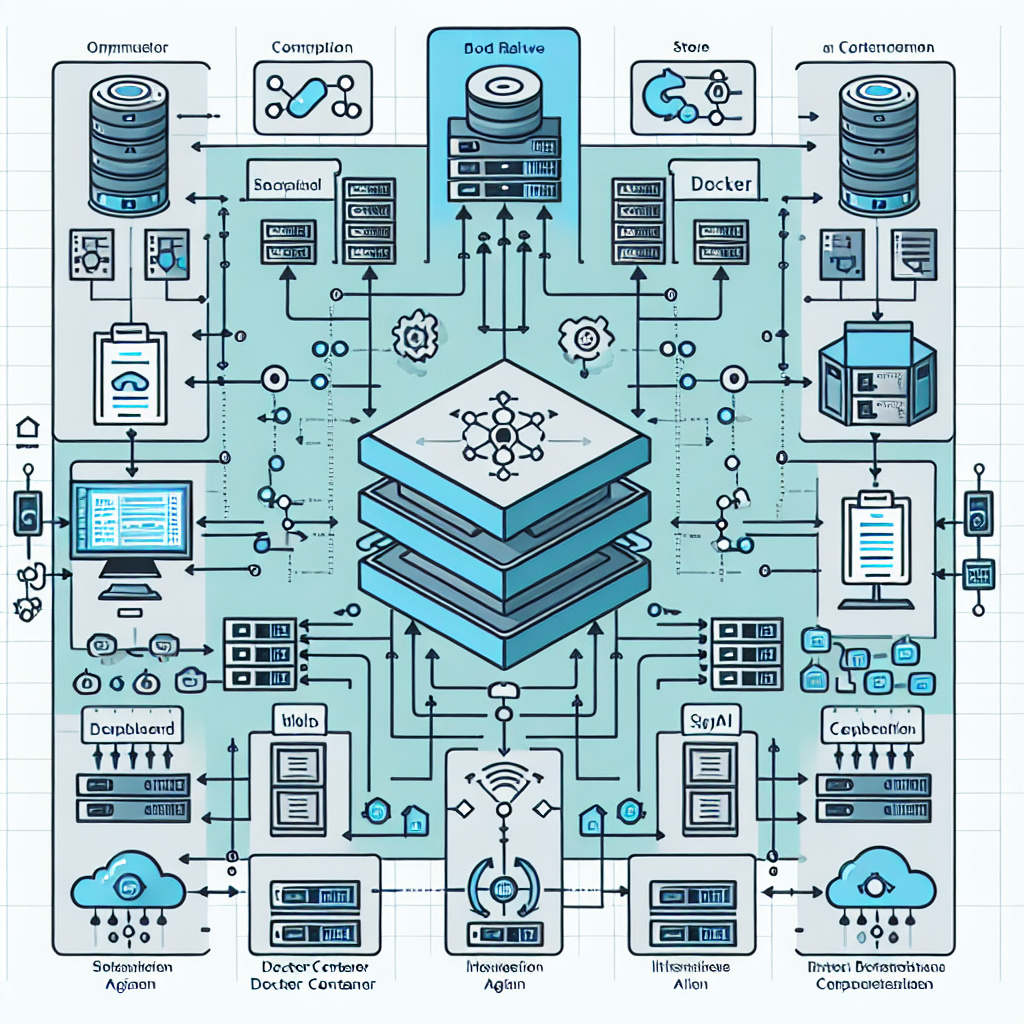
As your business grows, so does the demand on your AI agents. Scaling OpenClaw AI agents involves expanding their capacity, improving responsiveness, and ensuring reliability under increased loads.
1. Horizontal vs. Vertical Scaling
Vertical scaling involves increasing the resources (CPU, RAM) of your current server or VPS hosting your OpenClaw agents. This is straightforward but has limitations and potential downtime during upgrades.
Horizontal scaling means deploying multiple instances of your OpenClaw agents across several servers or containers, distributing traffic and tasks among them. This approach supports higher availability and fault tolerance.
Example: A WooCommerce store using OpenClaw for customer support might start with one AI agent instance. As order volume grows, deploying multiple instances behind a load balancer ensures customers receive fast, uninterrupted responses.
2. Containerization with Docker
Using Docker containers to package and deploy OpenClaw agents simplifies scaling and management. Containers provide consistent environments, easy replication, and portability.
- Create a Docker image of your OpenClaw agent with all dependencies.
- Use orchestration tools like Kubernetes or Docker Swarm to manage multiple container instances.
- Set auto-scaling policies based on CPU usage or request rates.
This approach is ideal for technical teams seeking automated scaling without manual intervention.
3. Caching and Load Balancing
Implement caching layers to reduce redundant API calls and speed up response times. For example, caching common FAQ answers or product information locally in the AI agent reduces load on external APIs.
Load balancers distribute incoming requests evenly across multiple AI agent instances. Popular solutions include NGINX or cloud provider load balancers (AWS ELB, GCP Load Balancer).
Optimizing AI Workflows with OpenClaw
Optimization ensures your AI agents operate efficiently, reduce errors, and deliver consistent value.
1. Workflow Automation Pipelines
Design modular workflows where OpenClaw agents perform specific tasks and pass data downstream. For example:
- Task 1: AI agent handles initial customer queries via WhatsApp.
- Task 2: If complex, forward to specialized AI trained on product returns.
- Task 3: Finalize with automated ticket creation in your CRM.
This division allows easier troubleshooting and incremental upgrades.
2. Continuous Training and Feedback Loops
Regularly update your AI models with new customer interactions to improve accuracy. Implement feedback mechanisms where human agents can flag incorrect responses for retraining.
Implementation tip: Use OpenClaw’s logging features to collect conversation data and integrate with training pipelines, either in-house or via API with your AI provider.
3. Resource Monitoring and Alerts
Monitor CPU, memory, and API usage of your AI agents to detect bottlenecks early. Set up alerts for unusual spikes in traffic or errors. Tools like Prometheus and Grafana can be integrated for detailed dashboards.
Measuring ROI and Impact of OpenClaw AI Automation
Quantifying the benefits of AI automation is crucial for justifying investments and guiding future expansions.
1. Key Performance Indicators (KPIs)
Track metrics such as:
- Response Time: Average time AI agents take to respond to queries.
- Resolution Rate: Percentage of queries resolved without human intervention.
- Support Load Reduction: Decrease in tickets handled by human agents.
- Customer Satisfaction: Feedback scores post-interaction.
- Revenue Impact: Conversion rate improvements or upsells driven by AI recommendations.
2. Setting Up Analytics Integration
Integrate OpenClaw with analytics platforms such as Google Analytics, Mixpanel, or custom dashboards. Track user journeys, drop-off points, and conversion funnels influenced by AI interactions.
3. Case Study Example: E-commerce Store
An online retailer implemented OpenClaw AI for WhatsApp customer support. After scaling to 3 agent instances and optimizing workflows, they saw:
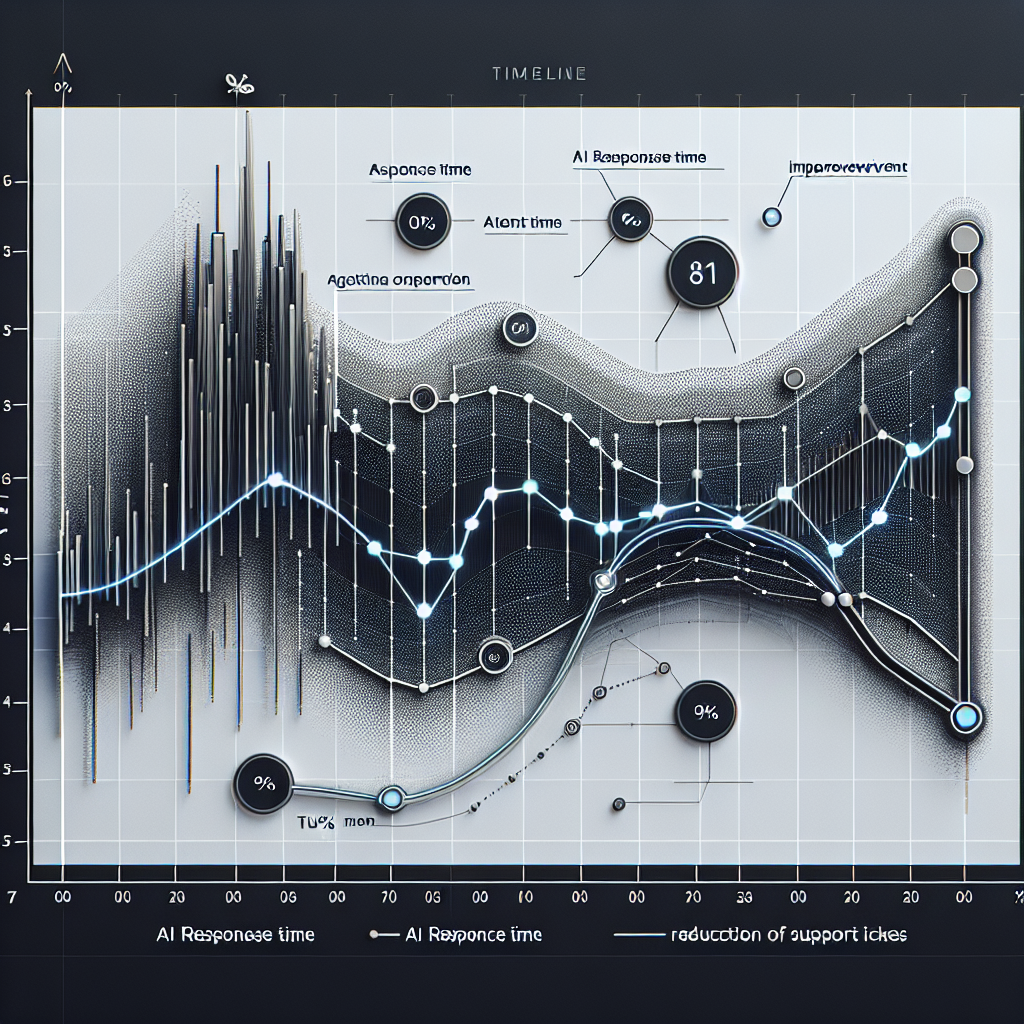
- 40% reduction in support tickets routed to human agents.
- Average response time dropped from 15 minutes to under 2 minutes.
- Customer satisfaction increased by 12% based on post-chat surveys.
- 5% uplift in repeat purchases linked to AI-driven personalized recommendations.
Practical Implementation: Step-by-Step Scaling Example
Let’s walk through scaling OpenClaw AI agents for a small business website running WordPress with WooCommerce.
Step 1: Assess Current Load and Performance
Monitor the existing single OpenClaw agent handling live chat and email queries. Use tools like New Relic or built-in server metrics to measure CPU and memory.
Step 2: Containerize the AI Agent
Create a Dockerfile that installs OpenClaw, dependencies, and your custom AI scripts. Test locally to ensure reproducibility.
Step 3: Deploy Multiple Containers
Use Docker Compose or Kubernetes to spin up 3 instances of the AI agent. Configure NGINX as a reverse proxy and load balancer to distribute incoming requests.
Step 4: Implement Caching
Incorporate Redis caching for frequent queries such as product availability and return policies to reduce API calls and latency.
Step 5: Set Up Monitoring and Alerts
Integrate Prometheus to track container health and response times. Configure alerts via Slack or email for errors or high load.
Step 6: Collect Feedback and Retrain
Enable a feedback button in chat interactions for customers and human agents to report issues. Schedule regular retraining sessions with new data.
Conclusion
Scaling and optimizing OpenClaw AI agents is a critical step for businesses aiming to leverage AI automation for growth. By deploying multiple instances, using containerization, optimizing workflows, and tracking KPIs, you ensure your AI systems remain responsive, efficient, and aligned with business goals.
In our next series installment, we will explore integrating OpenClaw AI with advanced hosting automation to create a fully autonomous business infrastructure.

