


OpenClaw AI Automation: Introduction and Setup for Business Owners and Technical Operators (Part 1)
March 8, 2026
OpenClaw AI Automation: Scaling and Optimizing AI Agents for Business Growth (Part 3)
March 9, 2026Introduction
In Part 1 of this series, we covered the fundamentals of OpenClaw AI automation, including setup basics and initial use cases. Now, in Part 2, we advance into more complex territory: integrating OpenClaw deeply with existing business systems, customizing AI agents for specific workflows, and practical implementation details that ensure smooth, scalable automation.
This article targets business owners and technical operators ready to leverage OpenClaw’s full capabilities to optimize operations, increase productivity, and automate time-consuming tasks beyond simple customer support.
Why Advanced Integration Matters
Many small businesses and website owners start automation with out-of-the-box AI capabilities, but to truly transform workflows, OpenClaw must connect to your critical business tools and data sources. This enables AI agents not just to respond, but to act — updating databases, triggering notifications, managing content, or even handling hosting tasks automatically.
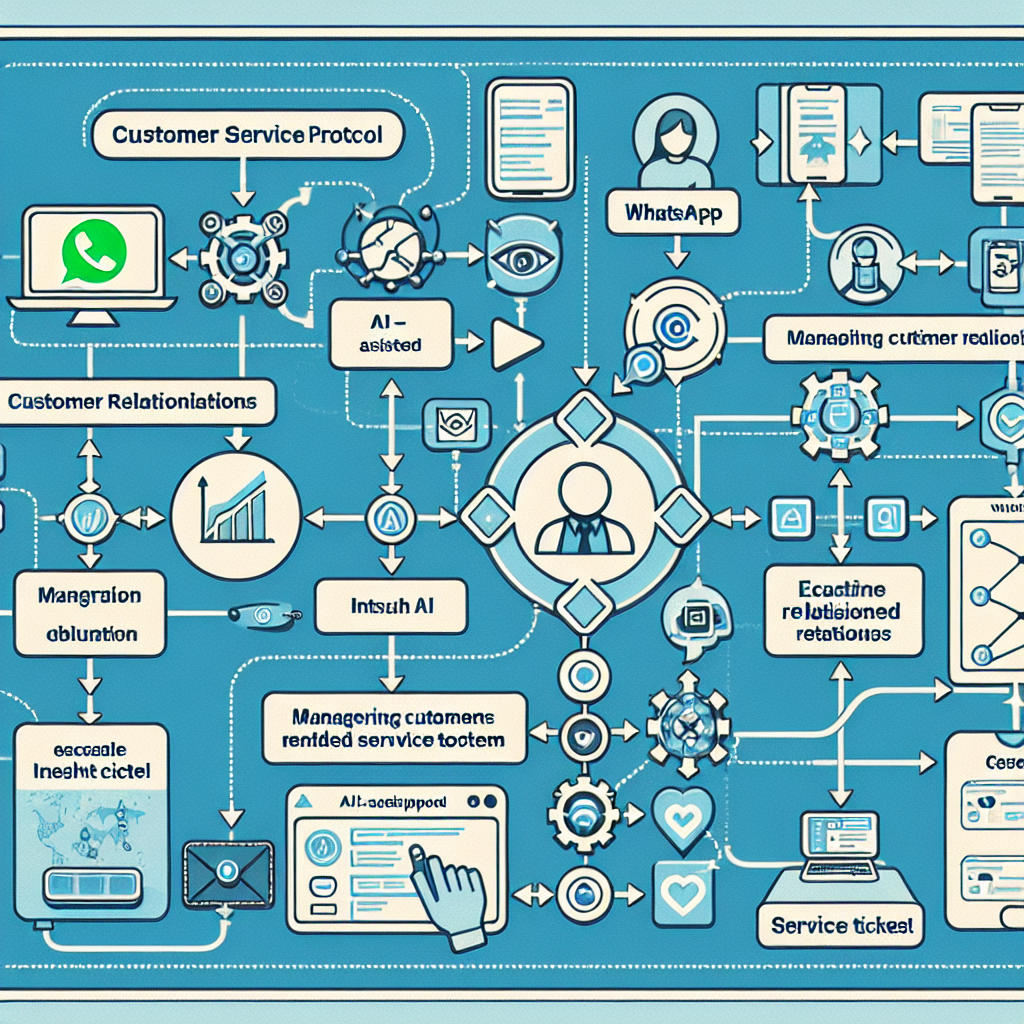
For example, integrating OpenClaw with your Customer Relationship Management (CRM) system means AI can personalize customer interactions based on purchasing history or ticket status. Connecting to your WordPress backend allows AI to manage content updates, plugin health checks, and user queries directly.
Integration Points for OpenClaw
- CRM Systems: Salesforce, HubSpot, Zoho, or custom databases.
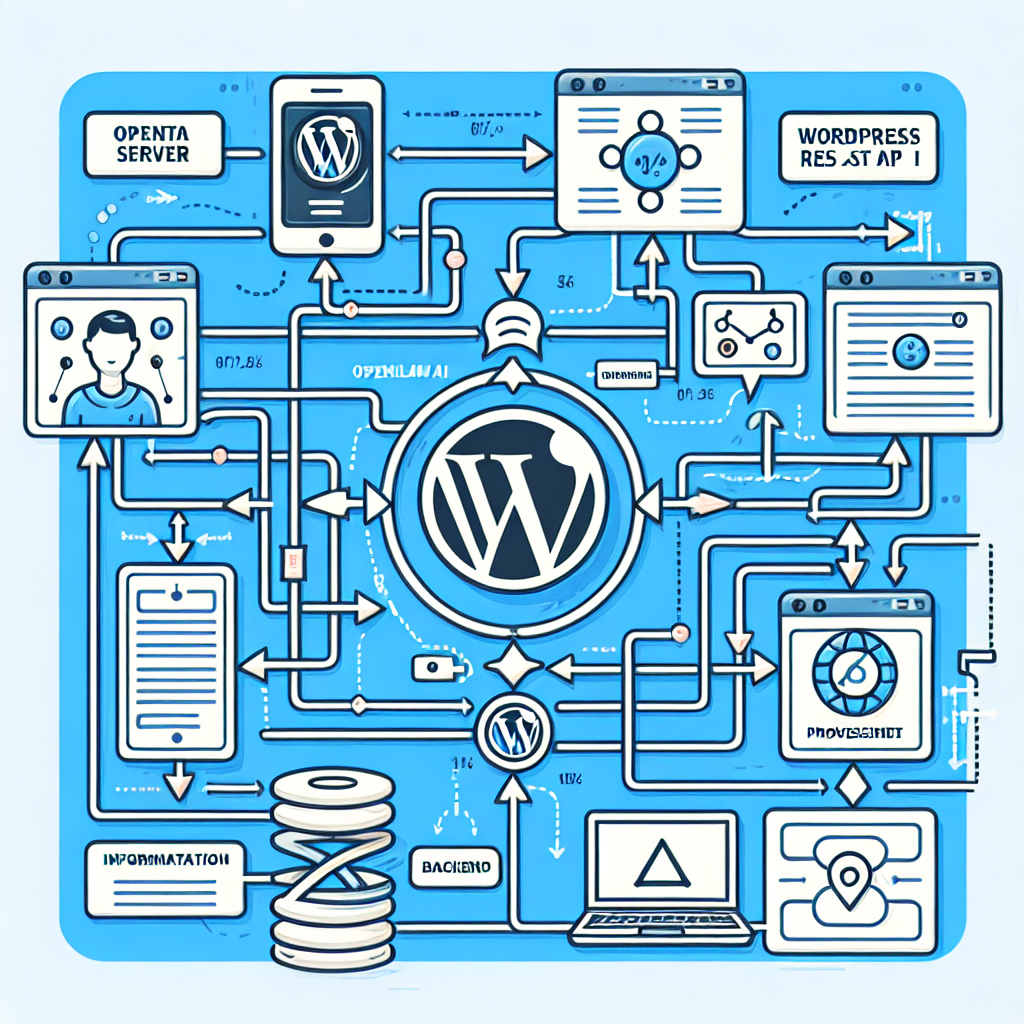
- WordPress: Using REST API or custom hooks to automate content, user management, and plugin maintenance.
- Hosting and VPS Management: Automate server health checks, backups, and scaling via API integrations.
- Communication Channels: WhatsApp Business API, email systems, live chat platforms for multi-channel customer support.
Step-by-Step: Connecting OpenClaw to WordPress for Automated Content Management
Automating WordPress tasks is a powerful use of OpenClaw. Let’s go through a practical example of configuring OpenClaw to manage blog post creation, updates, and SEO checks.
1. Enable WordPress REST API Access
OpenClaw communicates with WordPress via its REST API. Ensure that your WordPress site has the REST API enabled (default in recent versions). For security, generate an API key or use OAuth tokens for authentication.
function create_api_key() {
  // Use plugins like 'Application Passwords' or JWT Authentication for REST API
}
2. Define OpenClaw Agent Tasks
In OpenClaw’s dashboard, define tasks for AI agents such as:
- New post creation: AI drafts posts based on prompts or data feeds.
- Content updates: AI scans and refreshes outdated posts.
- SEO optimization: AI audits metadata and suggests improvements.
These tasks should be scripted or configured to call WordPress REST API endpoints like /wp/v2/posts for creating or updating content.
3. Example API Call for Creating a Post
POST /wp-json/wp/v2/posts
{
  "title": "How OpenClaw Automates WordPress",
  "content": "OpenClaw enables AI-driven content management...",
  "status": "draft"
}
OpenClaw can trigger this call automatically when a new content idea is generated or scheduled.
4. Automate Content Review and Publishing Workflow
Set OpenClaw agents to notify editors via Slack or email when drafts are ready for review. Once approved, AI can update post status to ‘publish’ through REST API.
Customizing AI Agents for Your Business Needs
OpenClaw allows you to customize AI agents to behave exactly as your workflows demand. This includes defining conversation flows, decision trees, and integration triggers.
Using Prompt Engineering and Templates
Customize prompts with business-specific terminology and context to improve AI accuracy. For instance, a support agent can be trained with product FAQs and support ticket examples so it understands your unique customer queries.
Example: Support Agent Customization
"You are an AI support agent for Host Hobbit Web Design. Always greet politely, verify customer identity, and escalate complex issues to human agents. Use knowledge base articles from https://hobbitwebdesign.com/support."Creating Custom Workflows
OpenClaw supports multi-step workflows, such as:
- Customer submits inquiry via WhatsApp.
- AI collects details and checks order status via CRM API.
- If the issue is simple, AI resolves it; otherwise, it creates a support ticket and notifies a human operator.
These workflows can be configured with OpenClaw’s visual workflow editor or scripted using JSON definitions.
Automating Hosting and Server Management
Beyond customer and content automation, OpenClaw can manage hosting environments to reduce downtime and manual maintenance.
Use Case: Server Health Monitoring and Auto-Healing
Integrate OpenClaw with your VPS provider API (e.g., DigitalOcean, AWS) to monitor server metrics like CPU load, memory usage, and disk space.
When thresholds are exceeded, OpenClaw can automatically:
- Restart services or servers.
- Trigger additional backups.
- Scale resources up or down as needed.
Implementation Example: Checking Server Status
GET /v2/droplets/{droplet_id}/metrics
Headers: Authorization: Bearer {API_TOKEN}
OpenClaw parses metrics, and if CPU > 85% for 10 minutes, triggers a script to restart the web server service via SSH or API command.
Best Practices for Deployment and Scaling
When implementing advanced OpenClaw automation, consider these best practices:
- Start Small: Pilot automation on non-critical workflows to validate performance.
- Monitor Closely: Use logs and dashboards to track AI decisions and system responses.
- Maintain Human Oversight: Always have escalation paths to human operators.
- Secure Data: Use encrypted connections and restrict API access with least privilege.
- Document Workflows: Keep clear documentation of AI logic and integrations for maintenance and audits.
Conclusion
OpenClaw AI automation offers immense potential beyond basic chatbot functions. By integrating deeply with WordPress, CRM, hosting environments, and communication platforms, businesses can unlock powerful, customized workflows that save time, reduce errors, and enhance customer experience.
Part 3 will explore real-world case studies and troubleshooting tips to help you maximize your OpenClaw deployment.

