


How Oxford Small Businesses Can Use AI Support Agents Without Losing the Human Touch
March 8, 2026
OpenClaw AI Automation: Advanced Integration and Customization for Business Efficiency (Part 2)
March 9, 2026Understanding OpenClaw AI Automation
OpenClaw is an innovative AI automation platform designed specifically for small business owners, website managers, and technical operators who want to streamline and automate repetitive tasks. From handling customer support conversations to managing WordPress sites and hosting environments, OpenClaw AI agents act as intelligent assistants that reduce manual workload while improving response times and operational reliability.
In this first part of our deep-dive series, we will cover the core concepts of OpenClaw, its architecture, and guide you through the initial setup. The goal is to provide a solid foundation so you can confidently deploy OpenClaw agents to automate your business workflows.
Why OpenClaw Matters for Small Businesses and WordPress Sites
Small businesses often face resource constraints when managing customer queries, website updates, and hosting issues. OpenClaw AI automation addresses these challenges by:
- Reducing support load with AI-powered chat and WhatsApp agents.
- Automating WordPress site monitoring, updates, and troubleshooting.
- Handling hosting tasks such as VPS health checks, backups, and resource scaling.
This holistic approach enables business owners to focus on growth while OpenClaw manages the technical backend seamlessly.
Core Components of OpenClaw AI Automation
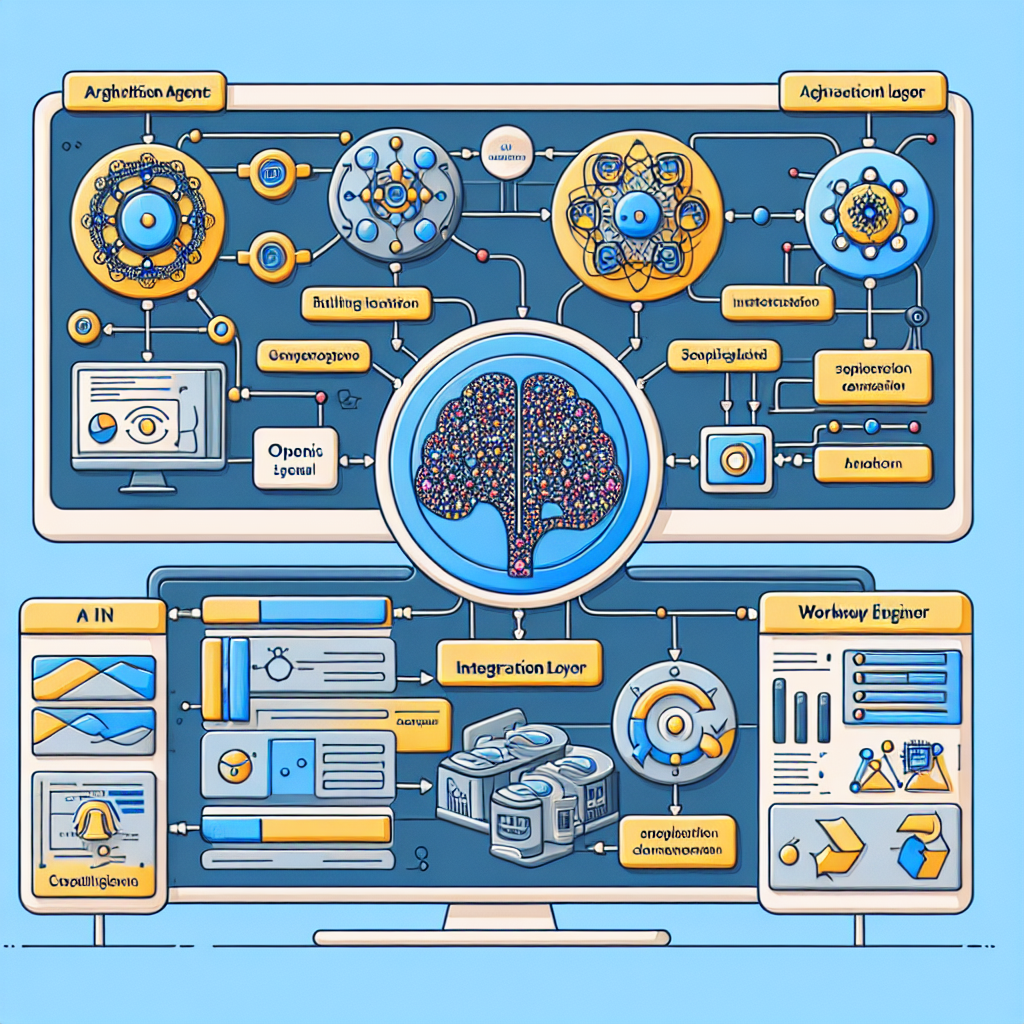
At its heart, OpenClaw consists of several key modules working together to deliver AI-driven automation:
- AI Agents: These are specialized bots trained for specific tasks, such as customer support or website health monitoring.
- Integration Layer: Connects AI agents to WordPress sites, hosting platforms, and communication channels like WhatsApp or email.
- Workflow Engine: Orchestrates task sequences, triggers alerts, and manages agent collaboration.
- Dashboard & Analytics: Provides insights into automation performance and allows manual overrides.
Getting Started: Setting Up OpenClaw
Setting up OpenClaw involves preparing your environment, installing the automation platform, and configuring initial integrations. Follow these steps for a smooth start.
Step 1: Prerequisites and Environment Preparation
Before installation, ensure you have the following:
- A WordPress site hosted on a VPS or managed hosting environment with SSH access.
- API credentials for communication tools you want to automate (e.g., WhatsApp Business API, email SMTP).
- Basic familiarity with server command line and WordPress admin panel.
- OpenClaw installation package and license (contact your provider or visit the official OpenClaw website).
It’s recommended to use a staging environment initially to avoid disruptions on your live site.
Step 2: Installing OpenClaw on Your Server
OpenClaw runs as a set of containerized microservices or as a WordPress plugin depending on your setup. Here’s a typical containerized installation process:
- Connect to your VPS via SSH.
- Ensure Docker and Docker Compose are installed and up-to-date.
- Download the OpenClaw Docker Compose configuration file from the official repository.
- Run
docker-compose up -dto start the OpenClaw services. - Access the OpenClaw dashboard through your browser at the configured IP and port.
If you prefer a WordPress plugin integration, install the OpenClaw plugin via the WordPress admin dashboard and activate it before proceeding to configuration.
Step 3: Connecting OpenClaw to Your WordPress Site
Once OpenClaw is running, connect it to your WordPress site to enable automation tasks such as content updates, plugin management, and monitoring:
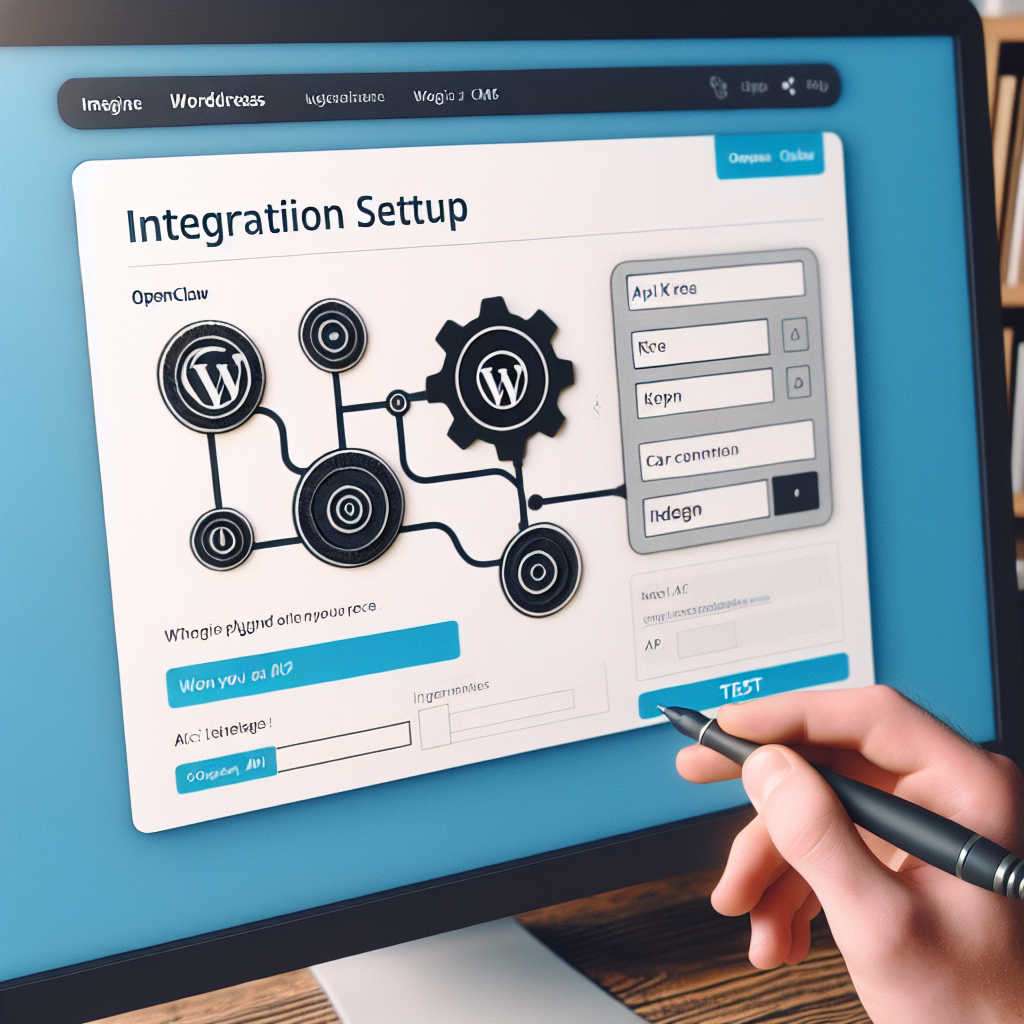
- Generate an API key or token from your WordPress site using a REST API plugin or native authentication.
- Enter these credentials in the OpenClaw dashboard under the Integrations section.
- Test the connection to verify OpenClaw can communicate with WordPress securely.
With this integration, OpenClaw agents can perform automated tasks like scanning for outdated plugins, checking uptime, or posting scheduled content.
Practical Example: Automating WordPress Plugin Updates
To illustrate OpenClaw’s capabilities, let’s walk through creating an AI agent that automatically updates WordPress plugins and notifies the site admin:
- In the OpenClaw dashboard, create a new agent named PluginUpdaterBot.
- Assign it the task to connect to your WordPress REST API and retrieve a list of installed plugins.
- Set a condition for the agent to identify outdated plugins.
- Program the agent to initiate updates for those plugins during off-peak hours.
- Configure email or WhatsApp notification to alert the admin upon completion or if errors occur.
This setup reduces manual maintenance effort and keeps your WordPress site secure and optimized.
Security Considerations
Security is critical when deploying AI automation that interfaces with your business systems. Keep in mind:
- Use strong API keys and rotate them regularly.
- Restrict OpenClaw’s permissions to only the necessary WordPress or server functions.
- Enable HTTPS for all communication channels.
- Monitor OpenClaw logs and alerts for any unusual activity.
Implementing these best practices protects your data and ensures reliable automation.
Next Steps and What to Expect in Part 2
In this introductory part, we’ve covered the basics of OpenClaw AI automation and how to get started with setup and integration. Moving forward, Part 2 will delve into advanced workflow automation, including multi-agent collaboration, customized AI responses for customer support, and real-world case studies demonstrating ROI.

