


OpenClaw AI Automation: Designing Adaptive AI Agent Feedback Loops for Dynamic Business Environments (Part 11)
March 14, 2026
OpenClaw AI Automation: Implementing Multi-Agent Collaboration and Real-Time Workflow Synchronization (Part 13)
March 15, 2026Introduction
In this twelfth installment of the OpenClaw AI Automation series, we explore advanced customization strategies for AI agents, focusing on improving their contextual awareness. Building on previous discussions about feedback loops and orchestration, this article delves into practical methods to tailor OpenClaw agents more precisely to your business needs. Enhanced contextual understanding ensures AI agents make decisions that align better with complex workflows, leading to increased automation efficiency and reduced human intervention.
Why Contextual Awareness Matters in AI Automation
Contextual awareness enables AI agents to interpret and respond to data more intelligently by considering environmental variables and historical interactions rather than reacting to isolated inputs. In business automation, this means AI agents can adapt their behavior dynamically based on ongoing workflows, customer interactions, and operational states.
Without contextual awareness, AI agents risk generating responses or triggering actions that are out of sync with business realities, leading to inefficiencies or errors.
Business Impact of Contextual AI Agents
- Improved Customer Experience: AI agents can tailor responses based on prior customer interactions stored within CRM integrations.
- Operational Efficiency: Contextual agents reduce redundant or conflicting automation steps by understanding workflow states.
- Reduced Manual Oversight: With a deeper understanding of context, the need for human intervention drops significantly.
Customizing OpenClaw AI Agents for Contextual Awareness
OpenClaw’s flexible architecture allows customization at multiple layers. The following sections break down how to enhance AI agents’ contextual sensitivity.
1. Leveraging Multi-Modal Data Inputs
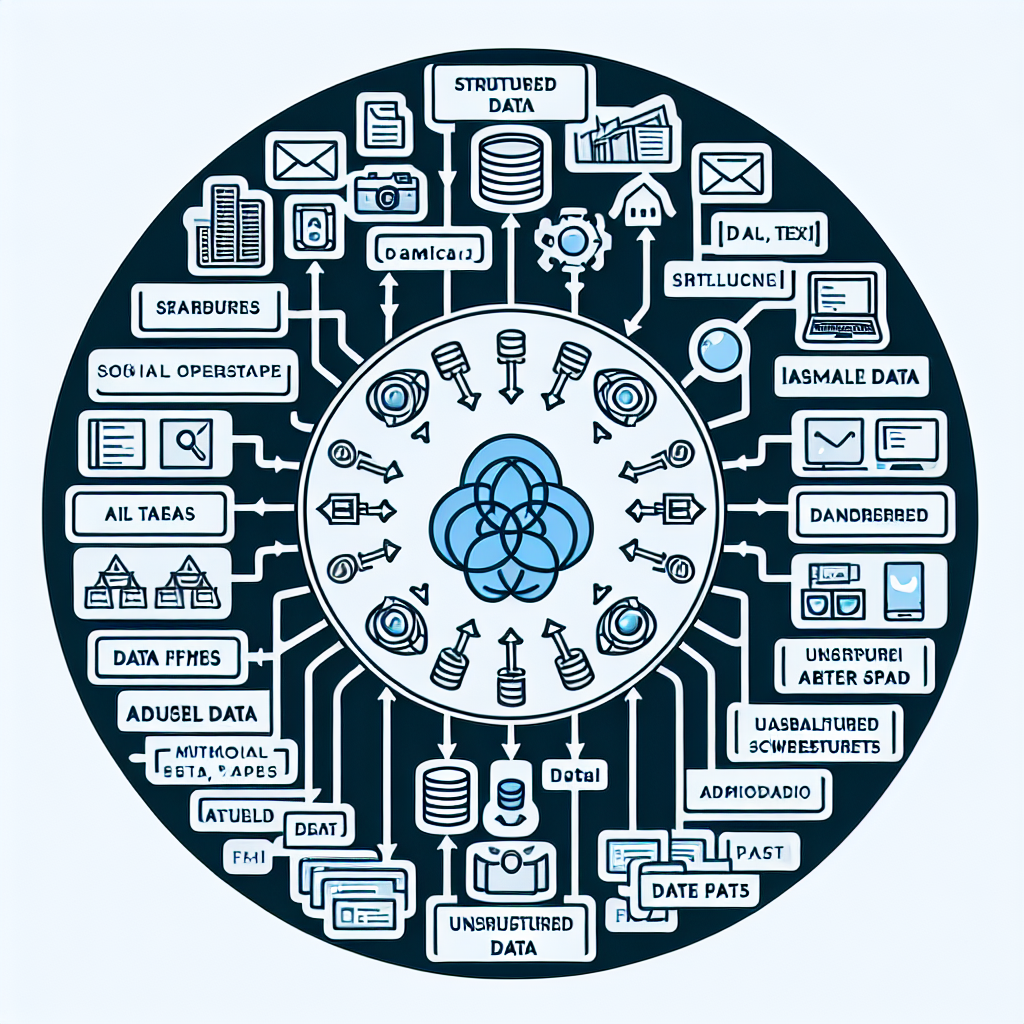
Instead of relying solely on textual inputs, OpenClaw agents can be configured to process diverse data types such as:
- Structured Data: Customer records, transaction logs, and inventory databases.
- Unstructured Data: Customer emails, chat transcripts, and social media mentions.
- Real-Time Signals: Website user behavior, server health metrics, and external news feeds.
By ingesting and correlating these data streams, agents gather richer context for decision-making.
Practical Example: For an AI support agent handling a product inquiry, combining CRM data about the customer’s previous purchases with recent support tickets and current website session information allows the agent to provide personalized recommendations and troubleshooting steps.
2. Contextual Memory and State Management
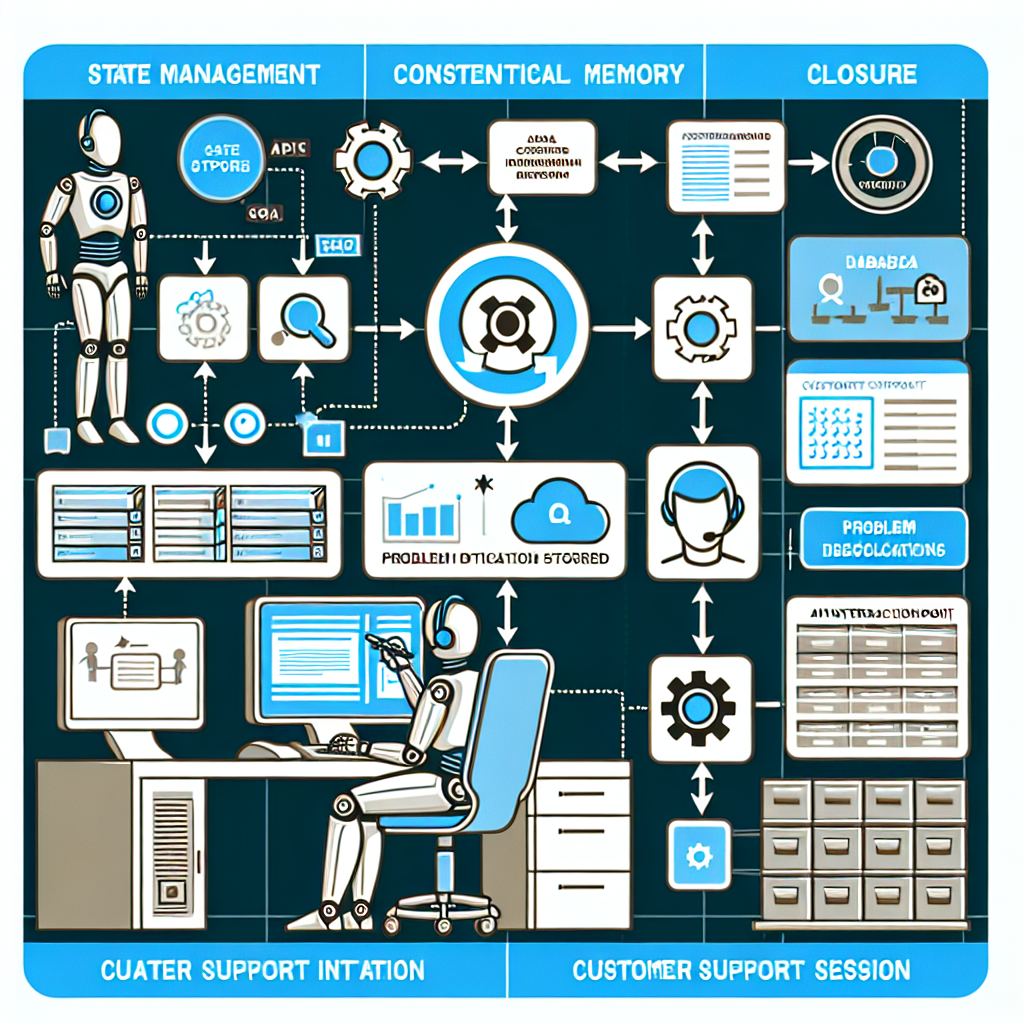
OpenClaw supports persistent memory features where agents maintain state information across sessions. This is critical for multi-step workflows or customer journeys that span days or weeks.
- Session Memory: Temporary storage for interactions within a single session.
- Long-Term Memory: Retention of key facts, preferences, and decisions across multiple interactions.
Implementing contextual memory involves defining data schemas for state information and integrating with databases or cloud storage.
Implementation Tip: Use OpenClaw’s API to store session variables and retrieve historical context before generating responses or triggering automation actions.
3. Rule-Based Contextual Overrides
While machine learning models excel at pattern recognition, deterministic rules are essential for enforcing business policies or handling exceptions.
- Define conditional rules that override AI decisions in critical scenarios.
- Examples include escalation triggers if customer sentiment drops below thresholds or blocking actions during maintenance windows.
OpenClaw’s workflow engine supports embedding such rules alongside AI agent logic, creating hybrid decision frameworks.
4. Dynamic Prompt Engineering for Context Sensitivity
Prompt engineering remains a core method to guide OpenClaw’s language models. Advanced prompt techniques include:
- Context injection: inserting relevant historical or environmental data into prompts dynamically.
- Few-shot examples tailored with recent contextual information.
- Adaptive prompt templates that vary based on workflow stage or user profile.
Example prompt snippet for a customer support AI:
"Customer has purchased [Product X] and reported issue [Y] last week. Current session: user clicked FAQ on [Topic Z]. Provide a response that addresses prior issue and current inquiry."Implementing Contextual AI Agents: Step-by-Step Guide
Here is a practical workflow to customize your OpenClaw AI agents with enhanced contextual awareness.
Step 1: Define Contextual Data Sources
Identify all relevant data repositories your agent can access:
- CRM systems (e.g., Salesforce, HubSpot)
- Customer support platforms (e.g., Zendesk, Freshdesk)
- Website analytics tools (e.g., Google Analytics)
- Operational databases (e.g., product inventory, order status)
Establish APIs or connectors to fetch this data in real-time or batch mode.
Step 2: Build Contextual Data Models
Design data schemas that represent the state and context relevant to your AI workflows.
- Customer profiles with attributes and interaction history
- Workflow states indicating current step or task status
- Sentiment scores or priority flags extracted from communication
Store this structured context in databases accessible to the AI agents.
Step 3: Integrate Context into AI Prompts and Logic
Modify your OpenClaw agent’s prompt templates to include dynamic context placeholders. Use OpenClaw’s scripting capabilities to fetch and inject context data before each AI call.
Step 4: Implement State Persistence
Configure OpenClaw to save session variables or long-term memory after each interaction. This can be done via custom storage plugins or API hooks.
Step 5: Test with Realistic Scenarios
Create test cases that simulate complex, multi-turn interactions requiring contextual awareness. Validate that the AI agent responds appropriately and updates context correctly.
Step 6: Monitor and Refine Context Handling
Use OpenClaw’s monitoring tools to track agent decisions and context usage. Adjust prompt templates, rules, and data models based on observed outcomes.
Case Study: Contextual AI Agent for E-commerce Customer Support
Consider an e-commerce business that wants to automate support using OpenClaw AI agents. Customers often ask about order status, returns, or product usage.
Implementation Highlights:
- Data Integration: Connected OpenClaw to the order management system and CRM.
- Context Model: Included order ID, purchase date, delivery status, and prior support tickets.
- Prompt Engineering: Dynamic prompts incorporate customer name, last order details, and current query topic.
- State Persistence: Session memory tracks if the customer has already been informed about shipping delays to avoid repetition.
- Rule Overrides: If refund requests exceed thresholds, trigger manual review escalation.
This setup led to a 40% reduction in live agent workload and improved customer satisfaction scores due to more personalized responses.
Advanced Tips for Contextual Agent Optimization
- Use Embeddings for Semantic Context: OpenClaw supports vector embeddings to compare new inputs against historical data semantically rather than just keyword matching.
- Context Window Management: Implement sliding windows of recent interactions to keep context relevant and avoid prompt size overflow.
- Hybrid AI and Rule-Based Systems: Combine AI predictions with deterministic logic to enforce compliance and safety in sensitive workflows.
- Multi-Agent Collaboration: Use OpenClaw’s orchestration to have specialized agents share context and handle complex tasks collaboratively.
Conclusion
Advanced customization and contextual awareness are the next frontier in OpenClaw AI Automation. By integrating multi-source data, managing state persistently, applying rule-based controls, and dynamically engineering prompts, businesses can unlock unprecedented efficiency and intelligence in their AI workflows.
Implementing these features requires careful planning and iterative testing but results in AI agents that not only automate but also understand and anticipate business needs.
In the next part of this series, we will explore AI-driven predictive analytics integrated with OpenClaw agents to proactively optimize business operations.
Further Reading and Resources
- OpenClaw AI Automation: Advanced AI Agent Orchestration and Custom Workflow Scaling (Part 8)
- OpenClaw AI Automation: Designing Adaptive AI Agent Feedback Loops for Dynamic Business Environments (Part 11)
- OpenClaw AI Automation: Implementing Intelligent AI Agent Feedback Loops for Continuous Improvement (Part 10)

