


OpenClaw AI Automation: Designing Adaptive AI Agent Feedback Loops for Dynamic Business Environments (Part 11)
March 14, 2026
OpenClaw AI Automation: Advanced AI Agent Customization and Contextual Awareness for Enhanced Business Efficiency (Part 12)
March 15, 2026Introduction
In this eleventh installment of our OpenClaw AI Automation series, we delve deeper into designing adaptive AI agent feedback loops tailored for dynamic business environments. While previous parts covered the foundations and continuous improvement cycles, this part focuses on how to architect feedback loops that adapt intelligently to changing conditions, ensuring sustained performance and business alignment.
Why Adaptive Feedback Loops Matter in AI Automation
Businesses today operate in fast-changing environments with fluctuating customer demands, market trends, and operational variables. Static AI feedback loops risk becoming obsolete or ineffective. Adaptive feedback loops enable AI agents to dynamically recalibrate based on real-time data and evolving goals, providing resilience and agility.
Key Characteristics of Adaptive Feedback Loops
- Context Awareness: The feedback mechanism incorporates environmental and business context to modify agent behavior.
- Multi-Source Feedback: Combines quantitative metrics (KPIs, error rates) with qualitative inputs (customer sentiment, agent confidence).
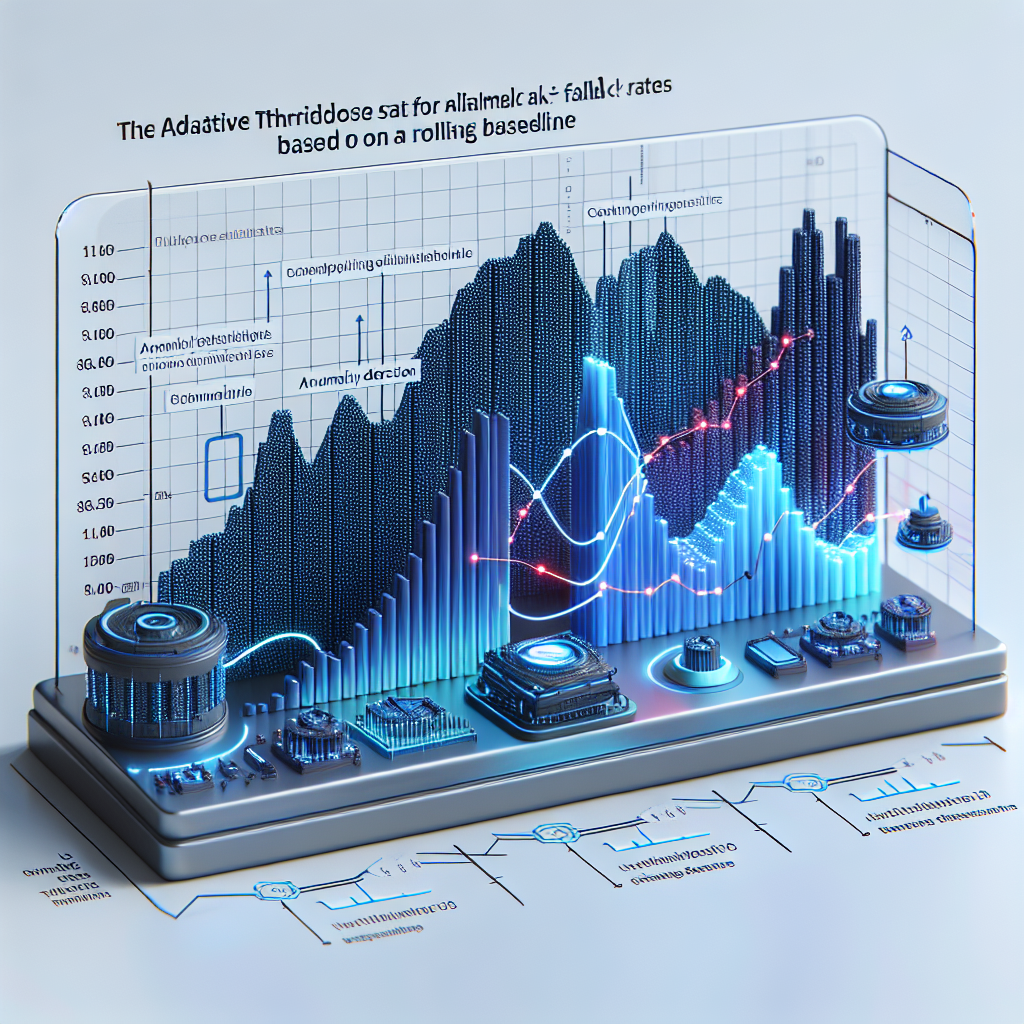
- Dynamic Thresholding: Thresholds for triggering agent adjustments adapt based on historical trends and seasonality.
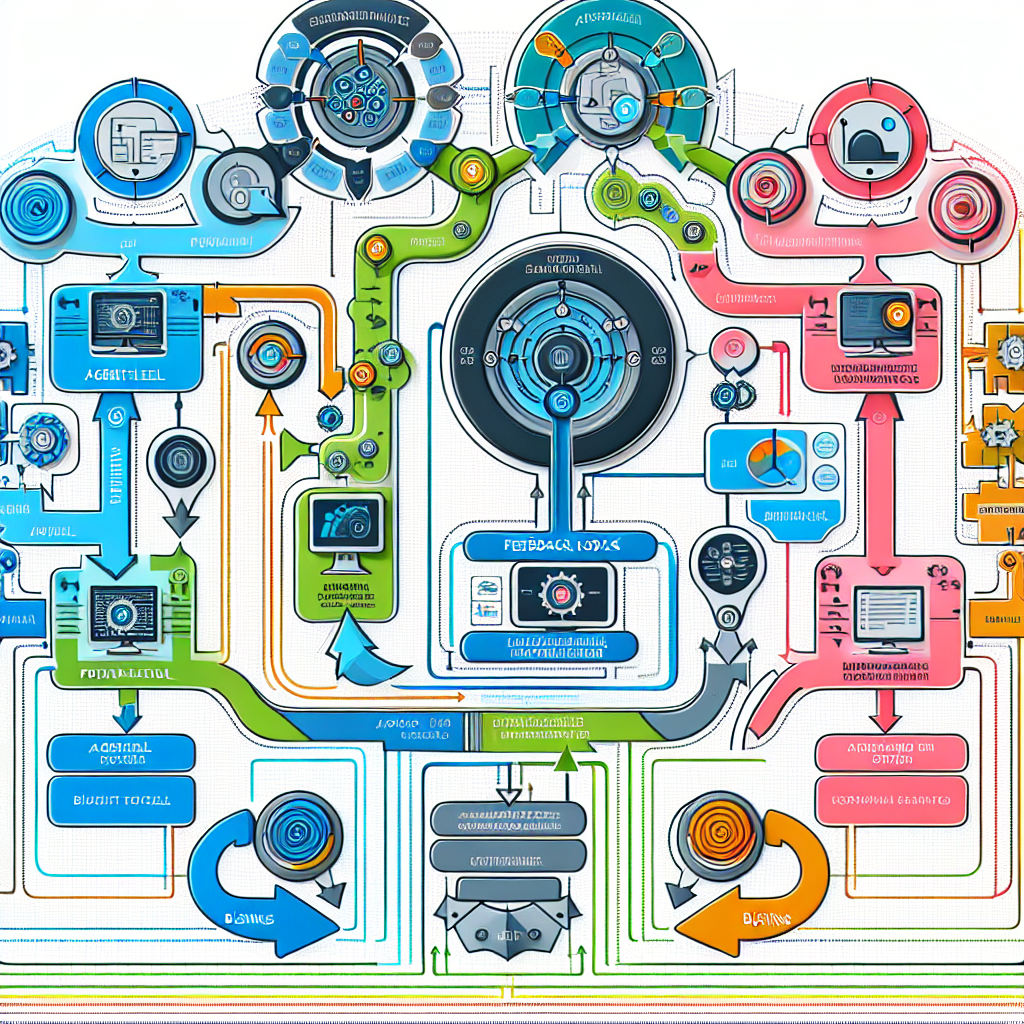
- Hierarchical Control: Feedback loops operate at multiple levels – from micro-feedback on individual AI decisions to macro-feedback affecting overall workflow orchestration.
Architecting Adaptive Feedback Loops with OpenClaw
OpenClaw’s modular AI agent framework supports flexible feedback loop design. Let’s break down a practical approach to building adaptive loops:
1. Define Multi-Tier Feedback Channels
Establish feedback channels at different granularity layers:
- Agent-Level Feedback: Track immediate task success, error rates, and response relevance.
- Workflow-Level Feedback: Aggregate performance across agent chains and workflows.
- Business-Level Feedback: Integrate customer satisfaction surveys, sales data, and operational KPIs.
For example, a customer support AI agent processing WhatsApp queries might receive agent-level feedback from conversation sentiment analysis, workflow-level feedback from average resolution times, and business-level feedback from customer satisfaction scores.
2. Implement Dynamic Data Fusion
Enable the system to fuse structured and unstructured feedback data dynamically. Use OpenClaw’s data pipeline capabilities to ingest logs, CRM data, and customer surveys into a unified feedback repository.
Implement weighting algorithms that adjust the influence of feedback sources based on current business priorities (e.g., prioritizing customer satisfaction during product launches).
3. Adaptive Threshold and Trigger Design
Hard-coded thresholds limit adaptability. Instead, design thresholds that evolve using statistical models or machine learning:
- Rolling Baselines: Calculate performance baselines over moving windows to detect deviations.
- Seasonality Adjustments: Adjust expectations based on known seasonal patterns.
- Anomaly Detection: Use algorithms to flag unusual patterns prompting feedback-triggered interventions.
4. Hierarchical Feedback Controllers
Establish controllers or decision nodes at each feedback level:
- Local Controller: Adjusts agent parameters like response creativity or escalation logic.
- Global Controller: Modifies workflow orchestration, agent collaboration patterns, or resource allocations.
These controllers communicate, enabling coordinated adaptation from micro to macro scales.
Practical Example: Adaptive Feedback Loop for AI-Powered WordPress Support Bot
Consider a WordPress website owner deploying an OpenClaw AI support agent to handle customer queries via chat and email. The agent must adapt to changing product offerings, customer feedback, and support volume fluctuations.
Step 1: Multi-Tier Feedback Setup
- Agent-Level: Monitor chat session sentiment, resolution success, and fallback rates to human support.
- Workflow-Level: Track average time to resolution and frequency of agent handoffs.
- Business-Level: Collect customer satisfaction ratings post-support and correlate with website analytics such as bounce rates.
Step 2: Data Fusion and Weighting
Integrate chat logs, post-support surveys, and website analytics into OpenClaw’s feedback database. During a product update phase, increase weighting on customer satisfaction to prioritize quality over speed.
Step 3: Adaptive Thresholds
Implement rolling baseline calculations for fallback rates to detect degradation in agent understanding. If fallback rate exceeds dynamic threshold, trigger agent retraining or prompt escalation enhancements.
Step 4: Hierarchical Controller Actions
Local Controller: Adjust NLP confidence thresholds and response templates dynamically based on detected sentiment trends.
Global Controller: Reassign agent workflows during peak support demand, deploying additional AI agents or escalating to human teams.
Implementation Details and Code Snippets
Below is a simplified pseudocode example showcasing how to implement an adaptive threshold calculation and feedback trigger using OpenClaw’s Python SDK:
from openclaw import OpenClawAgent
import statistics

class AdaptiveFeedbackLoop:
    def __init__(self, agent: OpenClawAgent):
        self.agent = agent
        self.fallback_history = []  # Stores recent fallback rates
        self.window_size = 50  # Number of recent requests to consider
        self.trigger_threshold = None

    def update_fallback_rate(self, fallback_rate):
        self.fallback_history.append(fallback_rate)
        if len(self.fallback_history) > self.window_size:
            self.fallback_history.pop(0)
        self.calculate_dynamic_threshold()

    def calculate_dynamic_threshold(self):
        if len(self.fallback_history)  self.trigger_threshold:
            print('Triggering agent retraining due to high fallback rate')
            self.agent.trigger_retraining()

# Usage example
agent = OpenClawAgent('wordpress-support-bot')
feedback_loop = AdaptiveFeedbackLoop(agent)

# Simulate updates
fallback_rates = [0.05, 0.06, 0.04, 0.10, 0.12, 0.15, 0.20]  # Example data
for rate in fallback_rates:
    feedback_loop.update_fallback_rate(rate)
    feedback_loop.check_and_trigger(rate)
Monitoring and Continuous Adaptation
To ensure long-term effectiveness, integrate adaptive feedback loops with monitoring dashboards and alerting systems. OpenClaw supports webhook integrations to notify support teams or developers when thresholds are breached or retraining is triggered.
Best Practices for Monitoring
- Visualize feedback metrics over time with trend lines and anomaly markers.
- Set up automated alerts for critical feedback triggers.
- Maintain audit logs of agent parameter changes and retraining events.
Real-World Case Study: Scaling AI Support During Seasonal Demand
A UK-based e-commerce site using OpenClaw AI agents experienced predictable spikes in support demand during holiday sales. By implementing adaptive feedback loops, the AI system dynamically adjusted escalation thresholds and added parallel agent workflows, maintaining customer satisfaction and reducing human agent burnout.
Summary and Next Steps
This part demonstrated how to design, implement, and monitor adaptive AI agent feedback loops using OpenClaw. By leveraging multi-tier feedback, dynamic thresholding, and hierarchical controllers, businesses can ensure their AI automation remains aligned with evolving operational realities.
Next in this series, we will explore advanced AI agent debugging techniques, further empowering technical operators to maintain robust AI deployments.

