


OpenClaw AI Automation: Mastering AI Agent Debugging, Performance Tuning, and Real-World Deployment (Part 9)
March 13, 2026
OpenClaw AI Automation: Designing Adaptive AI Agent Feedback Loops for Dynamic Business Environments (Part 11)
March 14, 2026Introduction
In the previous part of this series, we focused on mastering AI agent debugging, performance tuning, and real-world deployment with OpenClaw. Now, it’s time to explore how to implement intelligent feedback loops within OpenClaw AI agents to enable continuous learning and adaptation. Feedback loops are critical for evolving AI agents beyond static automation, allowing them to improve their performance dynamically based on real-time data and user interactions.

What Are Feedback Loops in AI Automation?
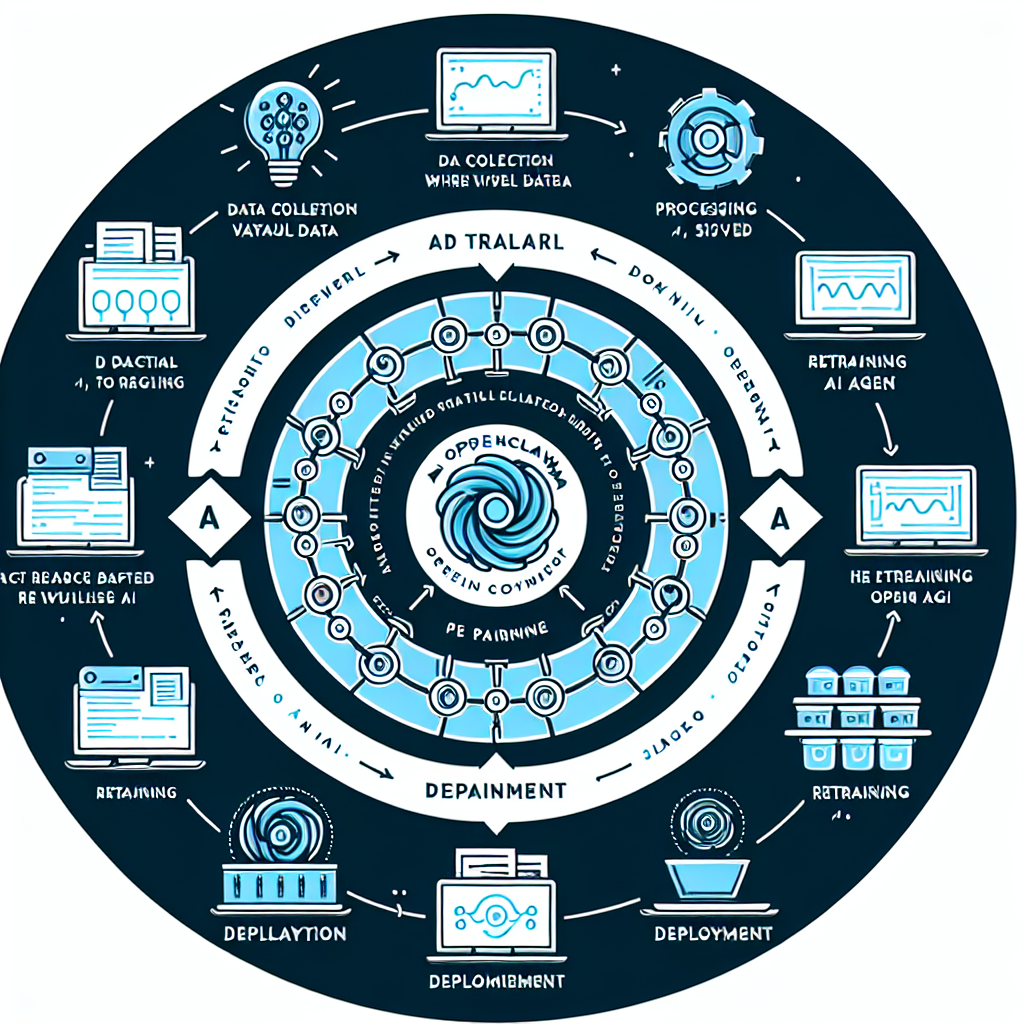
A feedback loop is a system where the output or results of a process are fed back as input, enabling the system to adjust and improve over time. In AI automation, especially with OpenClaw agents, this means the agent can learn from its own actions, user responses, or external signals to refine future behavior and decision-making.
Why Feedback Loops Matter for OpenClaw AI Agents
- Adaptive Performance: Agents improve task accuracy and efficiency without manual intervention.
- Enhanced User Experience: Agents can personalize responses based on user feedback.
- Reduced Maintenance: Continuous improvement reduces the need for frequent manual updates.
Types of Feedback Loops Suitable for OpenClaw
In the context of OpenClaw AI automation for small businesses and WordPress operations, the following types of feedback loops are most applicable:
1. User Interaction Feedback
This involves collecting explicit or implicit feedback from end-users interacting with AI agents. For example, a customer support chatbot can ask users if the provided solution was helpful or detect if a user escalates the issue to a human agent.
2. Performance Metrics Feedback
Automated collection of performance data such as task completion rates, error rates, or time to resolution. These metrics allow the AI to adjust workflows or retrain models based on success or failure patterns.
3. Environmental or Contextual Feedback
Feedback based on external factors like website traffic patterns, system load, or new content updates in WordPress that might affect agent behavior.
Implementing Feedback Loops in OpenClaw: Step-by-Step
Here is a detailed approach to building intelligent feedback loops into your OpenClaw AI agents.
Step 1: Define Feedback Objectives
Before coding feedback mechanisms, clarify what you want to improve. Examples include:
- Reducing incorrect chatbot answers
- Improving automated content tagging accuracy
- Optimizing server resource usage during automated tasks
Step 2: Instrument Data Collection
Enhance your OpenClaw agents and connected systems to collect relevant feedback data:
- User Feedback APIs: Integrate widgets or commands that prompt users for satisfaction ratings or comments.
- Logging: Track agent actions, errors, and user escalations with timestamps.
- Monitoring Tools: Use WordPress plugins or external monitoring to gather system metrics.
Step 3: Design Feedback Processing Pipelines
Use workflow orchestration to process the collected feedback:
- Aggregate user ratings weekly to identify trends.
- Flag repeated errors or failed tasks for review.
- Correlate system metrics with agent performance dips.
Step 4: Automate Agent Behavior Updates
Based on processed feedback, configure OpenClaw agents to adapt:
- Retrain AI models with new data samples gathered from user corrections.
- Adjust response templates to address common user concerns.
- Modify workflow parameters to optimize resource allocation.
Step 5: Validate Improvements
Regularly test the modified agent behavior using A/B testing or controlled deployments to verify that the feedback loop yields measurable improvements.
Practical Example: Feedback Loop for a WordPress AI Support Agent
Imagine you run a WordPress-based support site and have deployed an OpenClaw AI agent to handle customer queries via live chat. Here’s how you might implement a feedback loop:
Collecting User Feedback
After each chat session, the AI agent asks the user to rate the helpfulness of the response on a scale from 1 to 5. This rating is stored in a custom WordPress database table.
Analyzing Feedback Data
Each week, an automated OpenClaw workflow scans the ratings and identifies topics or question types with lower average scores.
Agent Update
OpenClaw triggers a model retraining process using conversation transcripts flagged by low ratings, improving answer accuracy for those topics.
Continuous Monitoring
The agent then monitors if updated responses yield higher user satisfaction scores, closing the feedback loop.
Technical Implementation Details
1. Data Schema for Feedback Collection
Create a WordPress custom table named wp_openclaw_feedback with fields:
id(primary key)session_id(chat session identifier)user_rating(integer 1-5)comments(text)timestamp(datetime)
2. OpenClaw Workflow Snippet for Weekly Aggregation
workflow: aggregate_feedback_weekly
steps:
  - name: fetch_feedback
    action: query_database
    params:
      table: wp_openclaw_feedback
      time_range: last_7_days
  - name: calculate_average_ratings
    action: process_data
    script: |
      feedback = input.fetch_feedback
      avg_rating = sum(f.user_rating for f in feedback) / len(feedback)
      topic_scores = {}  # aggregate by topic if available
      return {"avg_rating": avg_rating, "topic_scores": topic_scores}
  - name: trigger_retraining
    action: conditional
    condition: "output.avg_rating < 4"
    then:
      - retrain_model
3. Retraining Trigger
Configure OpenClaw to invoke AI model retraining APIs with new labeled data from low-rating sessions. This can be automated using scheduled functions or webhook triggers.
Advanced Feedback Loop Enhancements
Multi-Modal Feedback Integration
Combine text feedback, user interaction patterns (e.g., chat abandonment), and sentiment analysis for richer insights.
Self-Healing Automations
Enable the AI agent to automatically rollback recent changes if feedback indicates performance degradation.
Human-in-the-Loop (HITL) Feedback
Incorporate manual reviews by human operators for flagged cases to improve training data quality and agent responses.
Best Practices and Considerations
- Data Privacy: Ensure compliance with GDPR and other regulations when collecting user feedback.
- Feedback Fatigue: Avoid overwhelming users with requests for feedback; use smart prompting strategies.
- Transparency: Inform users how their feedback improves the AI experience.
- Performance Metrics: Choose clear KPIs to measure the impact of feedback loops.
Conclusion
Implementing intelligent feedback loops in OpenClaw AI agents elevates automation from static task execution to dynamic, continuously improving systems. By systematically collecting, processing, and acting on feedback, small businesses and WordPress site owners can ensure their AI agents remain effective, relevant, and responsive to user needs.
In the next part, we will explore integrating OpenClaw AI agents with external business intelligence tools to further enhance decision-making and automation capabilities.

