


OpenClaw AI Automation: Implementing AI-Driven Automated Backup and Disaster Recovery Strategies for WordPress (Part 26)
March 24, 2026
OpenClaw AI Automation: Advanced Automated AI-Driven Email Marketing Campaigns for WordPress (Part 28)
March 25, 2026Introduction
Welcome to Part 27 of our deep-dive OpenClaw AI Automation series. After covering advanced AI agent integration, backup automation, SEO, incident response, and more, this chapter focuses on leveraging OpenClaw AI to automatically analyze user behavior and optimize conversions for WordPress-based websites.

User behavior analytics and conversion optimization are critical for increasing engagement, reducing bounce rates, and improving sales or lead generation. Traditionally, these require manual data analysis and A/B testing. OpenClaw’s AI agents can automate these processes by continuously monitoring, analyzing, and adjusting site elements based on real-time user data.
Why Automate User Behavior Analytics and Conversion Optimization?
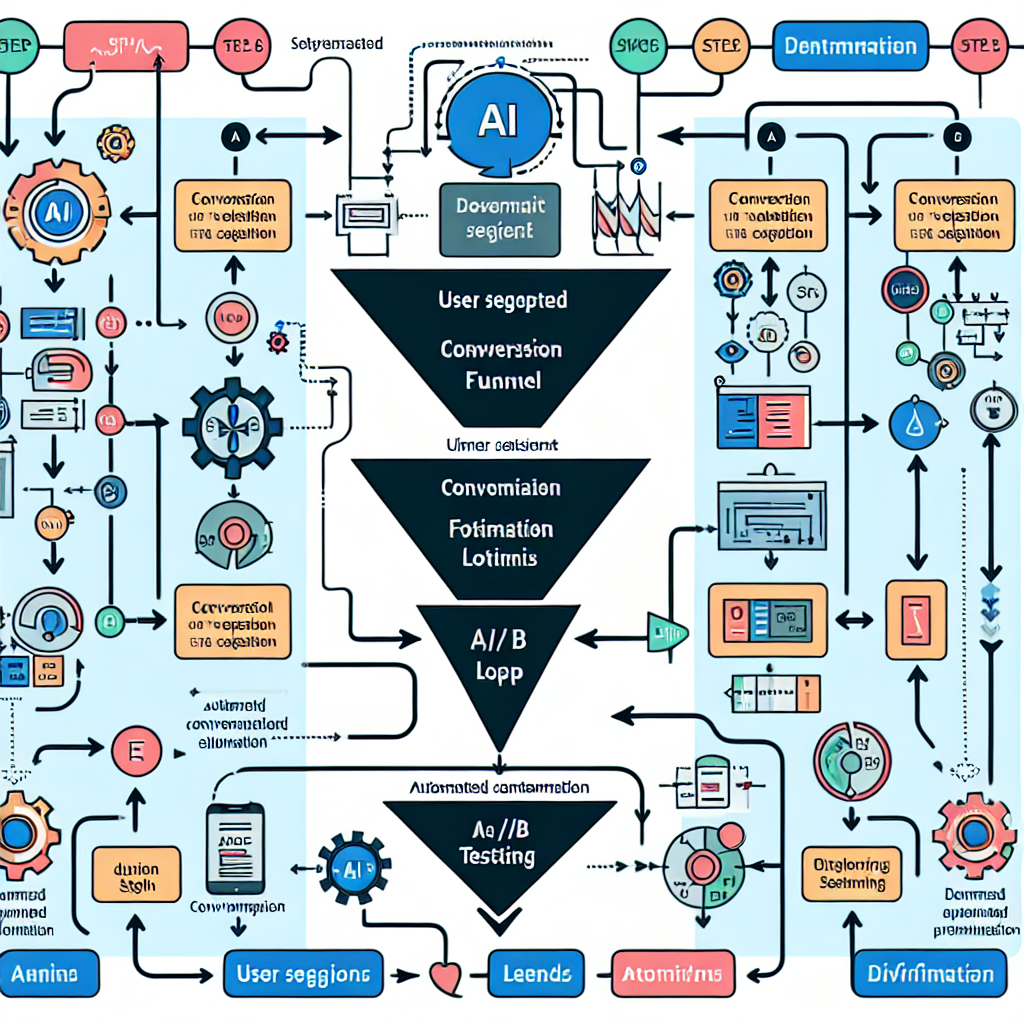
Manual analysis is time-consuming and often delayed, leading to missed opportunities. AI-driven automation offers:
- Continuous real-time insights: AI agents process user actions instantly.
- Adaptive optimization: Automated adjustments to layout, content, or calls-to-action (CTAs) improve conversions dynamically.
- Data-driven personalization: Tailored user experiences based on behavior patterns.
- Reduced workload: Frees business owners and technical teams from repetitive analysis tasks.
Core Components of OpenClaw AI-Driven User Behavior Analytics
Implementing this requires a combination of data collection, AI analysis, and actionable automation. Key components include:
1. Data Collection Layer
Track user interactions such as page views, click patterns, scroll depth, form submissions, and time spent on pages. This can be achieved via:
- Integration with WordPress event tracking plugins augmented by OpenClaw AI scripts.
- Custom JavaScript snippets injected via OpenClaw agents to capture granular events.
- Utilizing existing analytics platforms’ APIs (e.g., Google Analytics) for data ingestion.
2. Behavioral Pattern Recognition
OpenClaw AI agents analyze the collected data to identify patterns indicating user intent, friction points, or drop-off causes. Techniques include:
- Sequence modeling to detect common navigation paths.
- Clustering user segments based on behavior similarity.
- Anomaly detection to flag unexpected user interactions.
3. Conversion Funnel Modeling
Map user behaviors to defined conversion funnels (e.g., product purchase, newsletter signup). AI agents estimate funnel drop-off rates and identify bottlenecks for targeted optimization.
4. Automated Optimization Actions
Based on insights, OpenClaw agents can:
- Trigger A/B or multivariate tests on CTAs, headlines, or page layouts.
- Personalize content dynamically per user segment.
- Recommend UX improvements to site administrators.
- Automatically adjust site elements within preset safety limits.
Implementation Guide: Building OpenClaw AI Behavior Analytics for WordPress
Step 1: Setting Up Data Collection
Begin by installing an event tracking plugin compatible with WordPress, such as WP Event Manager or Google Tag Manager integration. Then, deploy OpenClaw AI scripts to capture richer behavioral data:
function enqueue_openclaw_behavior_tracking() {
  wp_enqueue_script('openclaw-behavior-tracker', 'https://cdn.openclaw.ai/behavior-tracker.js', array(), null, true);
  wp_localize_script('openclaw-behavior-tracker', 'OpenClawConfig', array(
    'siteId' => get_option('openclaw_site_id'),
    'trackingEnabled' => true
  ));
}
add_action('wp_enqueue_scripts', 'enqueue_openclaw_behavior_tracking');
This script enables real-time event capture such as clicks, scrolls, and form interactions.
Step 2: Configuring OpenClaw AI Agents for Pattern Recognition
Set up an OpenClaw AI agent with access to your behavior data. Configure it to perform sequence analysis and clustering. For instance, use a Python-based AI agent running on your VPS that connects to your WordPress database or analytics API:
from openclaw import OpenClawAgent

agent = OpenClawAgent(name='UserBehaviorAnalyzer')

def analyze_user_sequences(data):
    # Implement sequence clustering logic here
    clusters = cluster_sequences(data)
    return clusters

agent.set_task(analyze_user_sequences)
agent.run_periodically(interval='1h')
This agent processes recent user sessions and outputs behavioral segments.
Step 3: Defining Conversion Funnels and KPIs
Create conversion funnel definitions within the OpenClaw dashboard or configuration files. Example funnel for e-commerce:
- Landing page view
- Product page view
- Add to cart
- Checkout initiation
- Purchase completion
Each step is monitored for drop-offs. KPIs such as conversion rate, average order value, and session duration are tracked.
Step 4: Automating Optimization Actions
Based on funnel analysis, OpenClaw agents can trigger optimization workflows:
- A/B Testing Automation: Automatically create and deploy variants of critical pages or CTAs using plugins like Nelio A/B Testing or custom OpenClaw scripts.
- Dynamic Content Personalization: Serve personalized page content based on user segment data.
- Real-Time UX Adjustments: Change button colors, text, or layout to improve engagement.
Example snippet to change a CTA button text dynamically:
document.addEventListener('DOMContentLoaded', function() {
  fetch('/wp-json/openclaw/v1/user-segment')
    .then(response => response.json())
    .then(data => {
      if(data.segment === 'high-intent') {
        document.querySelector('.cta-button').textContent = 'Buy Now & Save 20%';
      }
    });
});
Case Study: Increasing Newsletter Signups with OpenClaw AI Automation
One client running an educational blog integrated OpenClaw AI behavior analytics to optimize their newsletter signup funnel. Initially, they had a 5% conversion rate on the signup form.
- OpenClaw agents analyzed user scroll depth and time on page, identifying users who abandoned just before reaching the signup section.
- AI agents then tested different signup form placements and call-to-action messages automatically.
- Dynamic personalization was implemented, showing targeted incentives (like a free ebook) to different user clusters.
Within four weeks, the newsletter signup conversion rate improved to 12%, more than doubling previous results without manual intervention.
Best Practices and Considerations
- Privacy Compliance: Ensure data collection respects GDPR, CCPA, and other relevant regulations. Inform users and provide opt-out options.
- Testing Boundaries: Set safe limits for automated changes to prevent negative UX impacts.
- Continuous Monitoring: Use OpenClaw AI agent feedback loops to monitor optimization impact and revert if necessary.
- Integration with Existing Tools: Combine OpenClaw insights with Google Analytics, Hotjar, or similar platforms for richer analysis.
Conclusion
Automating user behavior analytics and conversion optimization with OpenClaw AI agents empowers WordPress site owners to improve engagement and business outcomes efficiently. By deploying AI agents that continuously analyze behavior, map conversion funnels, and execute optimization actions, businesses can achieve data-driven growth without the overhead of manual intervention.
In the next part of this series, we will explore advanced OpenClaw AI-driven predictive customer segmentation and targeted marketing automation.
Further Reading and Resources
- OpenClaw AI Automation: Implementing AI-Driven Automated SEO Strategies for WordPress (Part 25)
- OpenClaw AI Automation: Implementing AI-Driven Content Personalization and Dynamic User Experiences for WordPress (Part 24)
- OpenClaw AI Automation: Advanced AI Agent Integration with WordPress REST API for Dynamic Site Management (Part 23)

