


OpenClaw AI Automation: Implementing AI-Driven Automated WordPress User Role and Permission Management (Part 65)
April 16, 2026
OpenClaw AI Automation: Advanced AI-Driven Automated WordPress Content Workflow Integration and Optimization (Part 66)
April 17, 2026Introduction to AI-Driven User Role and Permission Management
Managing user roles and permissions is a critical aspect of WordPress site administration. Traditionally, this requires manual configuration and constant oversight to ensure the right users have appropriate access. With OpenClaw AI Automation, these tasks can be intelligently automated, enhancing security, flexibility, and operational efficiency.
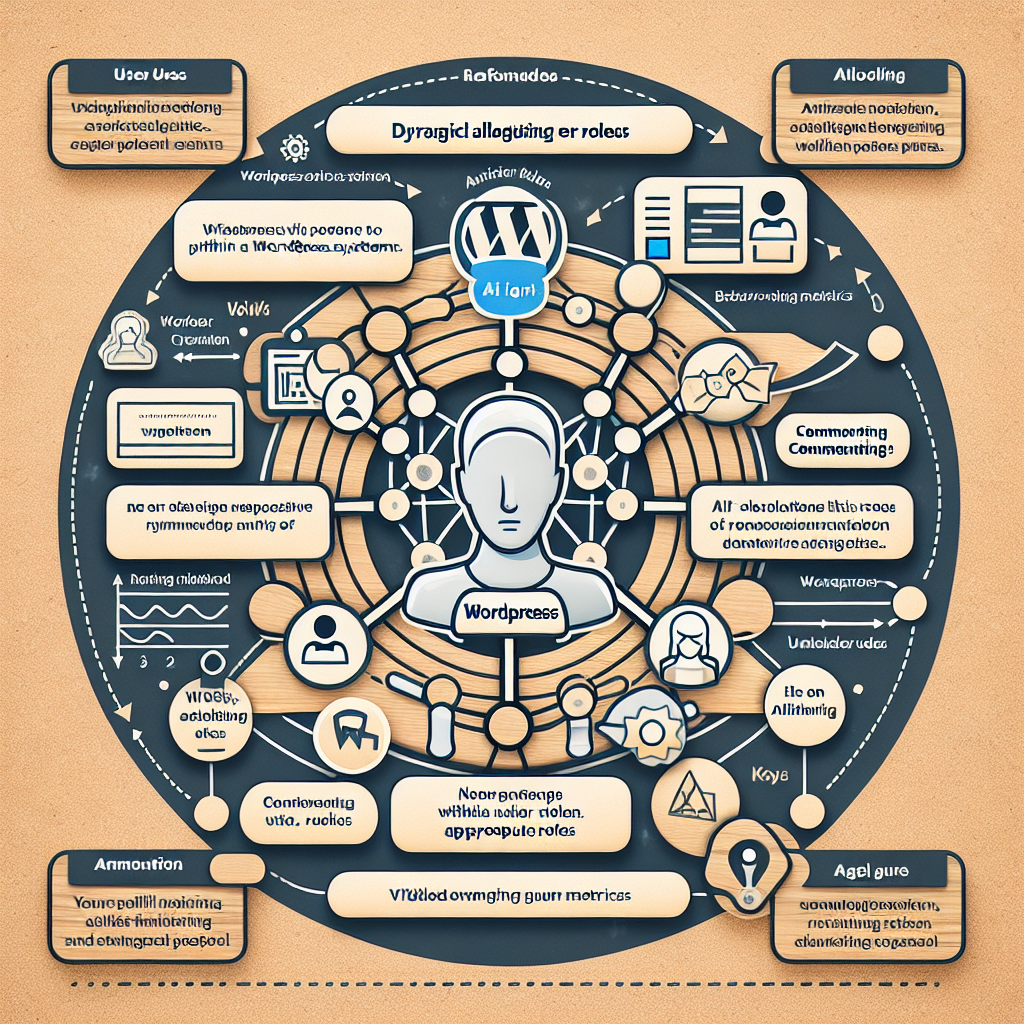
Why Automate User Role and Permission Management?

- Reduce administrative overhead: Automated role assignments and permission updates free up valuable time.
- Enhance security: AI agents enforce least privilege principles and detect anomalous permission changes.
- Improve compliance: Automated audits and role reviews support regulatory requirements.
- Enable dynamic workflows: Roles can be adjusted based on behavior, projects, or external triggers.
Understanding WordPress Roles and Capabilities
WordPress defines a set of default roles such as Administrator, Editor, Author, Contributor, and Subscriber, each with specific capabilities. Custom roles and granular capabilities can also be created to tailor access control.
OpenClaw AI agents interact with these WordPress APIs to read, update, and audit user roles programmatically.
Step 1: Setting Up OpenClaw AI Agent for Role Management
Begin by configuring an OpenClaw AI agent with permissions to access the WordPress REST API and relevant user management endpoints.
const openClawAgent = new OpenClawAgent({
  apiKey: 'YOUR_OPENCLAW_API_KEY',
  wordpressSiteUrl: 'https://yoursite.com',
  permissions: ['user.read', 'user.update', 'role.manage']
});
This setup ensures the agent can securely fetch user data and modify roles as needed.
Step 2: Defining Role Assignment Logic Using AI
Develop AI-driven rules that determine role assignments based on user attributes and behavior. For example, assign ‘Editor’ role to users who have published more than 5 posts and have no security flags.
async function assignRolesBasedOnActivity(userId) {
  const userStats = await openClawAgent.getUserStats(userId);
  if (userStats.publishedPosts > 5 && !userStats.securityFlags) {
    await openClawAgent.updateUserRole(userId, 'Editor');
  } else if (userStats.publishedPosts === 0) {
    await openClawAgent.updateUserRole(userId, 'Subscriber');
  }
}
This approach allows dynamic role updates reflecting real user engagement levels.
Step 3: Automating Permission Audits and Compliance Checks
OpenClaw agents can periodically audit user roles and permissions to detect inconsistencies or unauthorized changes.
async function auditUserPermissions() {
  const users = await openClawAgent.listUsers();
  const anomalies = [];
  for (const user of users) {
    const permissions = await openClawAgent.getUserPermissions(user.id);
    if (permissions.includes('administrator') && !user.isAdminVerified) {
      anomalies.push(user);
    }
  }
  if (anomalies.length > 0) {
    await openClawAgent.notifyAdmin(anomalies);
  }
}
This ensures continuous compliance and rapid response to potential security risks.
Step 4: Integrating with Workflow Automation
Combine role management with broader OpenClaw workflows. For example, automatically upgrade user roles after a successful payment or completion of a training module.
openClawAgent.on('paymentSuccess', async (userId) => {
  await assignRolesBasedOnActivity(userId);
  console.log(`User ${userId} role updated post payment.`);
});
This integration supports seamless user experience and business process automation.
Step 5: Practical Example: Automating Contributor Promotions
Consider a publishing website that wants to promote active contributors to authors automatically. Implement an AI agent that:
- Monitors number of approved posts
- Checks editorial feedback status
- Upgrades roles when criteria are met
async function promoteContributors() {
  const contributors = await openClawAgent.getUsersByRole('contributor');
  for (const user of contributors) {
    const approvedPosts = await openClawAgent.countApprovedPosts(user.id);
    const feedbackScore = await openClawAgent.getEditorialFeedback(user.id);
    if (approvedPosts >= 3 && feedbackScore >= 4.5) {
      await openClawAgent.updateUserRole(user.id, 'author');
    }
  }
}

// Schedule daily
setInterval(promoteContributors, 24 * 60 * 60 * 1000);
Security Best Practices
- Use least privilege principle when granting API keys to AI agents.
- Validate all role changes through audit logs and alerts.
- Implement multi-factor authentication for admin users.
- Encrypt sensitive user data and communication channels.
Monitoring and Reporting
Leverage OpenClaw dashboards to visualize user role distributions, recent changes, and audit anomalies. Set up automated reports to keep stakeholders informed.
Conclusion
AI-driven automation of WordPress user role and permission management via OpenClaw agents empowers site owners to maintain secure, compliant, and efficient user administration. By implementing intelligent role assignment, continuous audits, and workflow integration, businesses can significantly reduce manual overhead and enhance security.

