


OpenClaw AI Automation: Implementing AI-Driven Automated WordPress Backup and Disaster Recovery Strategies (Part 62)
April 14, 2026
OpenClaw AI Automation: Advanced AI-Driven Automated WordPress Site Scaling and Load Balancing Strategies (Part 64)
April 15, 2026Introduction
In this 63rd installment of our OpenClaw AI Automation series, we delve into the critical domain of automated WordPress site health monitoring and proactive issue resolution. Maintaining optimal site health is paramount for delivering excellent user experiences, safeguarding SEO rankings, and reducing downtime. Leveraging OpenClaw AI agents can transform how website owners and technical operators detect, diagnose, and resolve potential issues before they escalate.
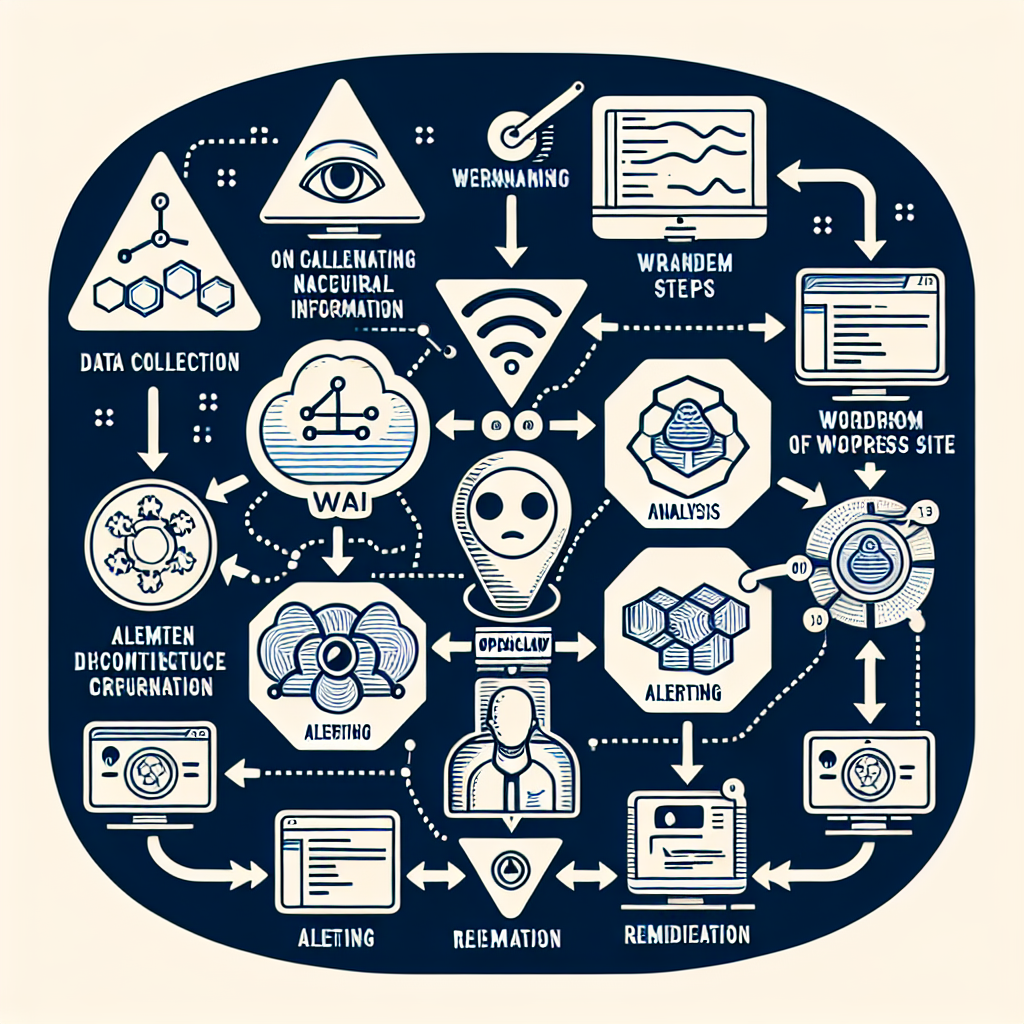
Understanding WordPress Site Health Metrics

WordPress site health encompasses a range of factors including performance indicators, security status, plugin and theme integrity, database optimization, and server environment conditions. Key metrics include:
- Page load speed and responsiveness
- PHP error logs and warnings
- Plugin and theme update statuses
- Database size and overhead
- Security vulnerability alerts
- SSL certificate validity
- Uptime and downtime monitoring
Manually tracking these metrics can be tedious and error-prone. OpenClaw AI agents automate the data collection, analysis, and alerting process, enabling proactive maintenance.
Setting Up OpenClaw AI Agents for Site Health Monitoring
To start, deploy an OpenClaw AI agent configured specifically for site health monitoring. The agent should be programmed to perform the following tasks on a scheduled basis (e.g., every 15 minutes to hourly):
- Fetch and analyze server and WordPress logs: Parse PHP error logs and web server logs for warnings, errors, or suspicious activity.
- Check plugin and theme versions: Verify if installed plugins/themes are up to date and compatible.
- Monitor database health: Assess database size, fragmentation, and identify tables needing optimization.
- Test website performance: Use automated speed tests and measure Time To First Byte (TTFB), and other Core Web Vitals.
- Validate security status: Scan for known vulnerabilities, outdated components, and check SSL certificate expiration.
- Track uptime: Ping the site to detect downtime incidents.
The AI agent should aggregate this data and apply intelligent analysis to detect anomalies or trends indicating potential problems.
Example: AI Agent Configuration Snippet
schedule:
  interval: 15m
tasks:
  - name: fetch_logs
    action: retrieve_php_and_server_logs
  - name: check_updates
    action: verify_plugin_theme_versions
  - name: db_health
    action: analyze_database_optimization
  - name: performance_test
    action: run_speed_and_core_web_vitals_tests
  - name: security_scan
    action: scan_vulnerabilities_and_ssl
  - name: uptime_monitor
    action: ping_website
  - name: analyze
    action: aggregate_and_detect_anomalies
  - name: notify
    action: send_alerts_if_issues_found
Proactive Issue Resolution Workflows
Once the AI agent detects an issue, the next step is automated or semi-automated resolution. OpenClaw enables multi-step workflows combining monitoring, diagnosis, and remediation. Examples include:
1. Automatic Plugin Update and Compatibility Check
Upon identifying outdated plugins, the AI agent can:
- Backup the current plugin files and database tables related to the plugin.
- Perform the update during low-traffic hours.
- Run regression tests to verify site stability post-update.
- If errors are detected, roll back to the previous version and notify the admin with detailed diagnostics.
2. Database Optimization and Repair
When database tables show fragmentation or overhead above a threshold, the agent:
- Creates a backup snapshot of the database.
- Runs optimization commands (e.g.,
OPTIMIZE TABLEfor MySQL). - Checks for corrupt tables and attempts repair.
- Reports summary and success/failure status to the site owner.
3. SSL Certificate Monitoring and Renewal Automation
The AI agent monitors the SSL certificate’s expiration date. If the certificate is near expiration (e.g., within 30 days):
- Automatically initiate the renewal process using APIs like Let’s Encrypt.
- After renewal, validate installation and proper chain configuration.
- Alert the admin if renewal fails or manual intervention is required.
Integrating with WordPress Admin and Notifications
OpenClaw AI agents can integrate with WordPress admin dashboards to provide real-time site health reports and issue alerts. Practical implementation involves:
- Developing a custom WordPress plugin that communicates with OpenClaw agents via REST API.
- Displaying visual dashboards with status indicators, graphs, and logs summaries.
- Configuring email, Slack, or WhatsApp alerts for critical warnings requiring immediate attention.
- Allowing admins to trigger manual scans and remediation tasks from the dashboard.
This integration ensures transparency and control while automating routine monitoring.
Case Study: Small Business Website Health Automation
A local e-commerce site using WooCommerce implemented OpenClaw AI agents for site health. Prior to automation, the owner faced frequent plugin conflicts and slow load times during sales. After deploying automated monitoring and proactive resolution workflows, the site saw:
- Reduction in downtime by 90% through early detection of plugin and database issues.
- Improved page load speed by 35% after automated performance tuning.
- Elimination of manual plugin update errors via safe automated updates with rollback.
- Peace of mind with automated SSL renewal and security scans.
This case highlights how OpenClaw AI agents empower small business owners to maintain robust, secure WordPress sites without needing deep technical expertise.
Advanced Tips for Scaling Monitoring Across Multisite and Multiple Domains
For agencies and hosters managing many WordPress sites, scaling site health monitoring is crucial. OpenClaw supports:
- Centralized dashboards: Aggregate health data from multiple domains.
- Multi-agent orchestration: Assign specialized agents for different subsystems (database, security, performance).
- Automated prioritization: AI-driven triage to escalate critical issues first.
- Customizable alert thresholds: Tailor sensitivity per site to reduce noise.
Implementing multitenant monitoring workflows saves time and enhances service quality.
Conclusion
Implementing AI-driven automated WordPress site health monitoring and proactive issue resolution with OpenClaw dramatically improves website reliability, performance, and security. By intelligently collecting data, analyzing anomalies, and triggering remediation workflows, OpenClaw agents reduce manual workload and prevent costly downtime.
For business owners and technical operators alike, this approach represents the future of WordPress management — combining AI precision with automation to keep sites healthy and performant continuously.
Inline Images
Image 1: Diagram illustrating the OpenClaw AI agent workflow for site health monitoring, depicting data collection, analysis, alerting, and automated remediation steps.
Image 2: Screenshot example of a WordPress admin dashboard enhanced with OpenClaw AI health reports and alert notifications.

