


OpenClaw AI Automation: Enhancing AI-Driven Automated WordPress Analytics and Business Intelligence Workflows (Part 66)
April 18, 2026
OpenClaw AI Automation: Advanced AI-Driven Automated WordPress Custom Plugin Development and Deployment Workflows (Part 68)
April 19, 2026Introduction
Keeping WordPress plugins and themes up to date is essential for security, performance, and compatibility. However, managing updates manually can be tedious, error-prone, and risky if not handled carefully. Leveraging OpenClaw AI automation to orchestrate plugin and theme update workflows introduces an intelligent, reliable approach that minimizes downtime and conflict risks.
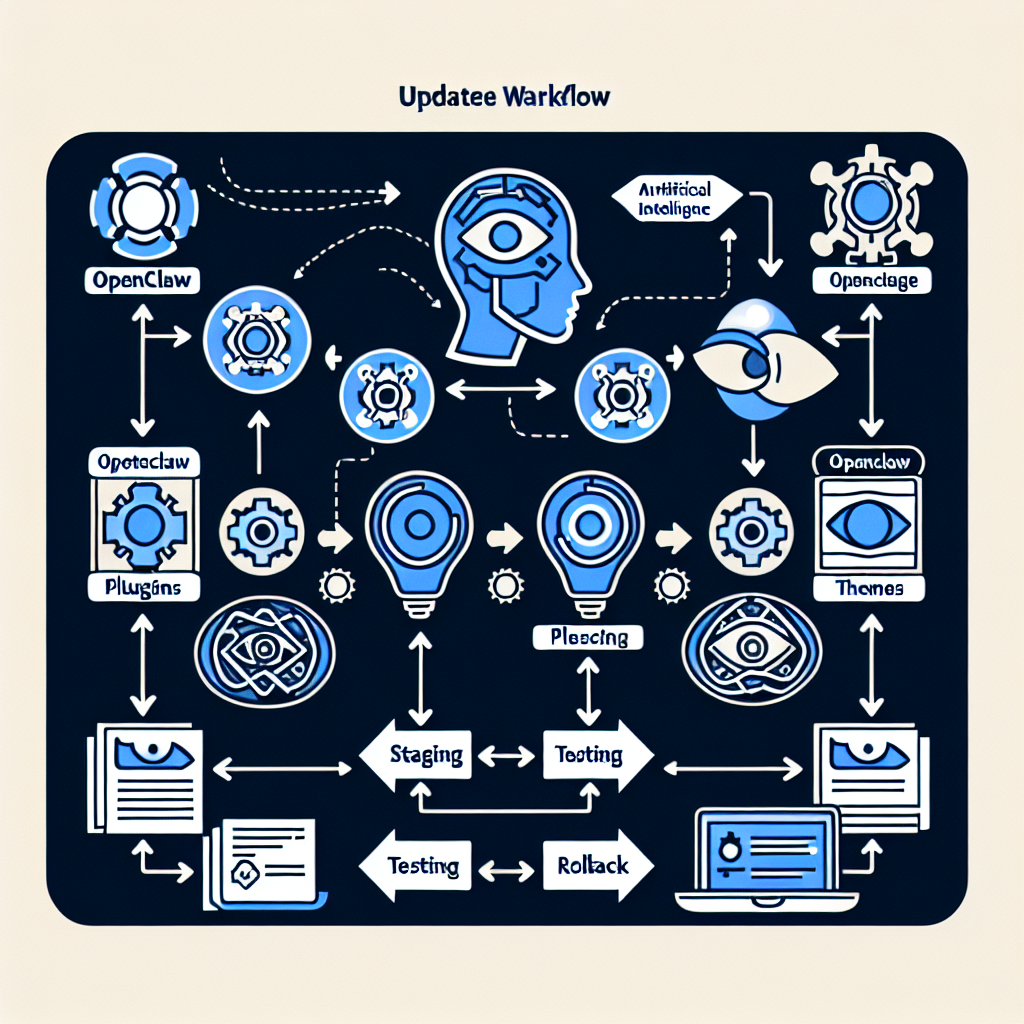
In this installment of the OpenClaw series, we explore how to implement automated update management using AI agents, covering architecture, practical examples, error handling, and best practices tailored for business owners and technical operators.
Why Automate Plugin and Theme Updates with OpenClaw AI?

WordPress sites often run dozens of plugins and multiple themes, each regularly releasing updates for security patches, bug fixes, and new features. Manual updates can lead to:
- Downtime if updates break compatibility
- Missed critical security patches
- Time-consuming troubleshooting
- Version conflicts and plugin incompatibilities
OpenClaw AI agents can intelligently schedule, test, and apply updates with minimal human intervention, learning from past update results to improve decision-making and rollback strategies.
Architecting an OpenClaw AI Update Management Workflow
Core Components
- Update Detection Agent: Monitors WordPress repositories and plugin/theme vendors for new releases.
- Compatibility Analysis Agent: Uses AI models to predict potential conflicts based on changelogs, version history, and plugin interdependencies.
- Staging Deployment Agent: Applies updates first on a staging environment and runs automated tests.
- Rollback and Recovery Agent: Detects failures and initiates automated rollback procedures.
- Notification and Reporting Agent: Communicates update status, issues, and recommendations to site admins.
Workflow Sequence
- Agent detects a new plugin or theme update.
- Compatibility Analysis Agent assesses risks and flags any potential conflicts.
- Update applied automatically on a staging environment.
- Automated functional and performance tests run on staging.
- If tests pass, update is scheduled for production during off-peak hours.
- Production update executed with live monitoring.
- If issues occur, automated rollback restores the previous version.
- Summary report sent to administrators.
Implementing the Detection and Notification Agents
The Update Detection Agent polls plugin and theme update sources via REST APIs or RSS feeds. OpenClaw can be configured with triggers that parse version numbers, changelog entries, and release dates.
function detectUpdates() {
  // Fetch update info from WordPress.org API
  const updates = fetch('https://api.wordpress.org/plugins/info/1.0/')
  // Parse updates and compare versions
  // Trigger downstream AI agents if updates found
}
The Notification Agent integrates with email, Slack, or dashboard widgets to alert site admins of detected updates and their status. OpenClaw’s AI logic can prioritize notifications based on security severity or business impact.
Compatibility Analysis Using AI Models
One of the most challenging parts of update management is predicting conflicts. OpenClaw AI agents analyze:
- Changelogs and commit messages using natural language processing (NLP) to identify breaking changes
- Plugin dependency graphs to find overlapping or deprecated APIs
- Historical update success/failure data from the site and community reports
Based on this data, the AI assigns risk scores to updates, helping decide if an update should proceed automatically or require manual review.
Automated Staging Updates and Testing
OpenClaw agents deploy updates first on a staging server that mirrors production. They then execute a suite of automated tests:
- Unit Tests: Verify plugin/theme functionality remains intact.
- Integration Tests: Confirm compatibility with core WordPress and other plugins.
- Performance Benchmarks: Detect any degradation in page load times or resource usage.
- Visual Regression Tests: Identify unintended UI changes.
Tests results feed back into the AI to refine future update decisions and alert developers to issues.
Example: Triggering a Staging Update with OpenClaw
async function updateStagingSite(pluginSlug, newVersion) {
  try {
    await wpCli('plugin update ' + pluginSlug + ' --version=' + newVersion + ' --path=/staging');
    const testResults = await runAutomatedTests('/staging');
    return testResults;
  } catch (error) {
    logError(error);
    return null;
  }
}
Production Update Execution and Live Monitoring
Once staging tests pass, OpenClaw schedules the update on the live site during predefined maintenance windows to minimize visitor impact.
During and after the update, AI agents monitor:
- PHP error logs and WordPress debug logs
- Performance metrics such as server response time and database query speed
- User feedback signals like increased bounce rates or support tickets
Abnormalities trigger rollback protocols automatically.
Rollback Strategy and Recovery
OpenClaw agents keep detailed backups of the pre-update state, including plugin files and database snapshots. If a failure is detected, rollback agents:
- Revert plugin/theme files to the previous version
- Restore database if necessary
- Notify site admins with incident details and next steps
Continuous learning from rollback cases improves AI predictions and reduces future failures.
Best Practices for Business Owners and Technical Operators
- Test Automation: Invest time in developing robust automated test suites tailored to your site’s unique plugins and functionality.
- Staging Environment: Maintain a staging site that closely matches production for realistic testing.
- Backup Frequency: Ensure frequent backups before updates to enable safe rollbacks.
- Maintenance Windows: Schedule updates during low traffic periods to reduce user disruption.
- Regular AI Model Training: Continuously feed update success/failure data back into OpenClaw to improve AI accuracy.
Case Study: Automating WooCommerce Plugin Updates
A mid-size e-commerce site implemented OpenClaw AI automation to manage WooCommerce and payment gateway plugin updates. Prior to automation, updates caused occasional downtime and manual troubleshooting.
With OpenClaw:
- Update Detection Agent monitored WooCommerce releases daily.
- Compatibility Analysis Agent flagged payment gateway updates with reported API changes.
- Staging environment updates ran automated cart and checkout tests.
- Rollback Agent minimized downtime by restoring to previous versions instantly on failures.
This reduced update-related incidents by 85% and freed technical staff to focus on growth initiatives.
Summary
Automating WordPress plugin and theme update management with OpenClaw AI agents enhances site security, stability, and operational efficiency. By combining update detection, AI-driven compatibility analysis, automated staging tests, live monitoring, and intelligent rollback strategies, businesses can confidently keep their websites current with minimal risk.
In the next part of this series, we will explore how OpenClaw AI can optimize WordPress database maintenance and automated cleanup workflows.

