


OpenClaw AI Automation: Advanced AI-Driven Automated WordPress Custom Plugin Development and Deployment Workflows (Part 68)
April 19, 2026
OpenClaw AI Automation: Advanced AI-Driven Automated WordPress Site Migration and Cross-Environment Synchronization (Part 70)
April 20, 2026Introduction to WordPress Multisite and OpenClaw Automation
WordPress Multisite is a powerful feature that allows multiple websites to run under a single WordPress installation, sharing themes, plugins, and users. For business owners and technical operators managing multisite networks, automation can drastically reduce overhead, improve consistency, and enhance scalability.
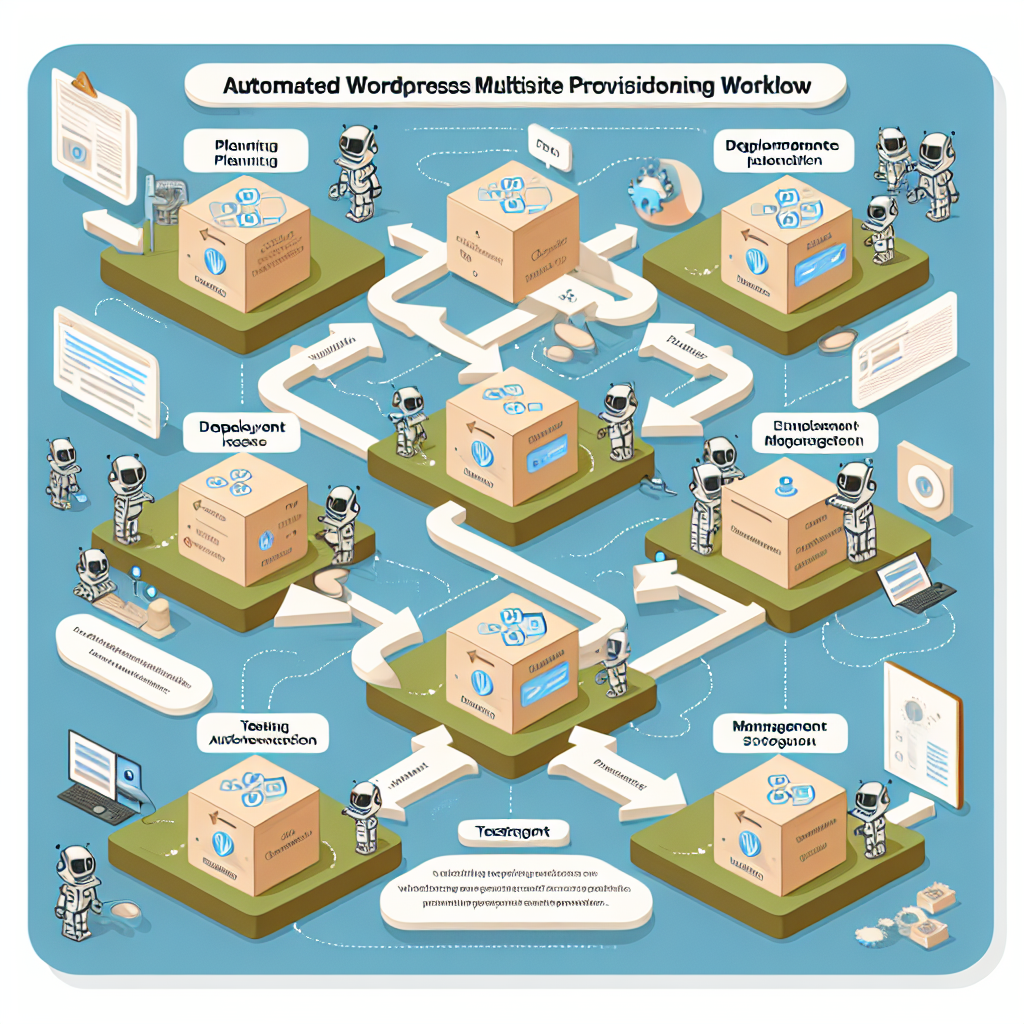
In this Part 69 of our OpenClaw AI Automation series, we will explore advanced AI-driven automation strategies tailored for WordPress multisite environments. We focus on practical implementation details to help you harness OpenClaw AI agents for managing, optimizing, and scaling your multisite network efficiently.
Understanding the Challenges of WordPress Multisite Management
While WordPress Multisite simplifies centralized management, it introduces complexity in areas such as:
- Plugin and theme updates: Ensuring compatibility and consistency across sites.
- User role and permission management: Balancing global and site-specific access.
- Performance optimization: Managing resource allocation and load balancing.
- Backup and disaster recovery: Safeguarding the entire network and individual sites.
- Site provisioning and decommissioning: Automating new site creation and removal.
Manual handling of these tasks is time-consuming and error-prone, especially as the network grows.
Leveraging OpenClaw AI Agents for Multisite Automation
OpenClaw’s AI agents can be configured to automate the complex workflows involved in multisite management. Here’s how AI agents address key multisite challenges with practical examples.
1. Automated Site Provisioning and Configuration
OpenClaw AI agents can automate the creation of new sites within your multisite network based on predefined templates and business rules.
Example workflow:
- Trigger: New client onboarding form submission
- Actions:
  - Create new multisite subsite with standardized themes and plugins
  - Configure site-specific settings (language, timezone, user roles)
  - Initialize default content and pages
  - Notify stakeholders via email or Slack
This automation reduces manual setup time from hours to minutes, ensuring consistency and compliance.
2. Intelligent Plugin and Theme Update Management
Maintaining plugin and theme versions compatible across all subsites can be daunting. OpenClaw AI agents continuously monitor updates and run compatibility tests before deployment.
Implementation details:
- AI agent fetches update metadata from WordPress.org and premium sources
- Runs sandboxed compatibility tests against multisite staging environment
- Generates detailed reports on potential conflicts or breaking changes
- Schedules rollout during low-traffic windows
- Automatically rolls back if issues detected post-deployment
This proactive approach minimizes downtime and preserves site integrity.
3. Automated User Role and Permission Synchronization
OpenClaw AI agents can synchronize user roles and permissions across subsites based on organizational policies.
For example, when a new team member joins, the AI agent:
- Assigns global roles (e.g., network admin, editor)
- Grants or restricts site-specific capabilities
- Monitors for unauthorized role changes and auto-corrects deviations
This ensures secure and compliant access management network-wide.
4. Performance Monitoring and Dynamic Resource Allocation
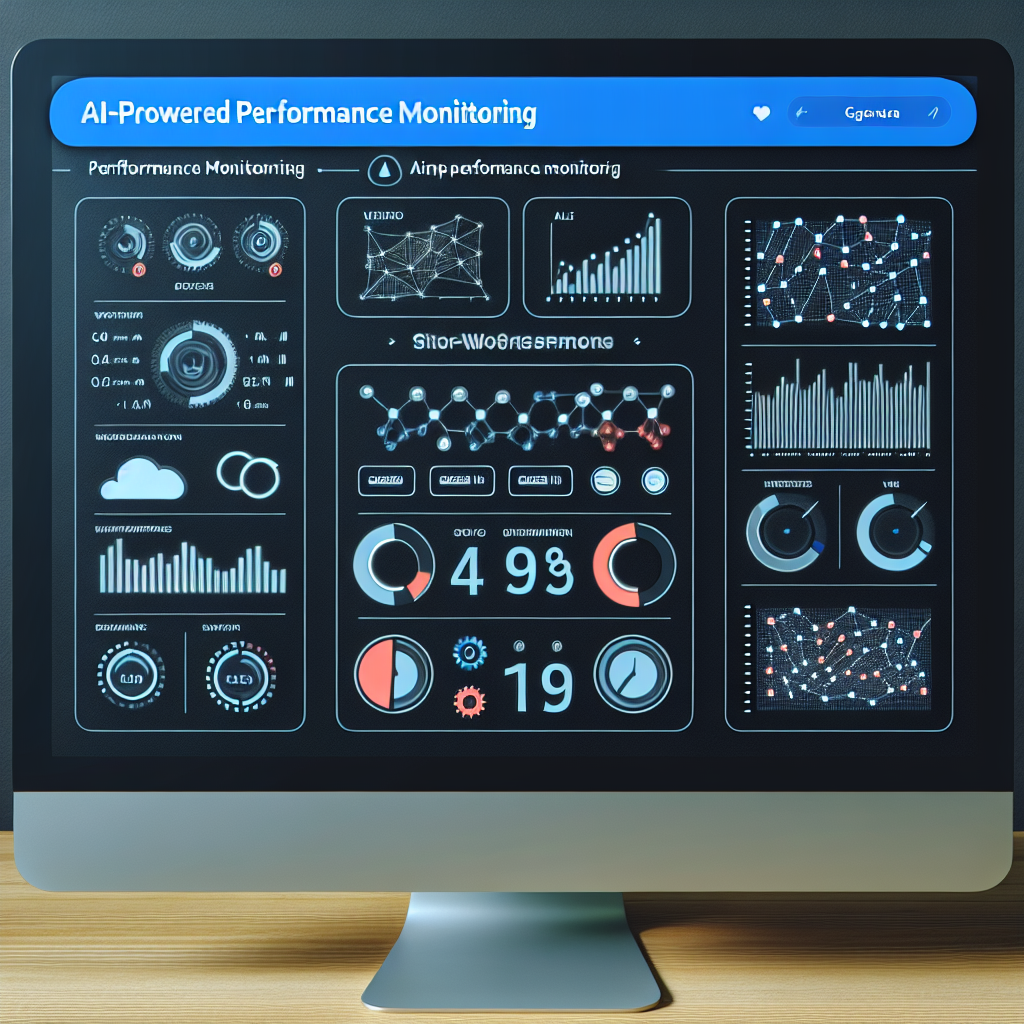
OpenClaw AI agents continuously analyze multisite performance metrics such as page load times, server CPU usage, and database query times.
Based on insights, agents can:
- Automatically adjust caching strategies per subsite
- Trigger resource scaling on hosting infrastructure (e.g., VPS CPU/RAM allocation)
- Balance load by redistributing traffic or enabling CDN optimizations
This dynamic optimization keeps the multisite network responsive under varying loads.
5. Automated Backup and Disaster Recovery for Multisite Networks
OpenClaw AI agents orchestrate multisite backup workflows that include:
- Full network backups with incremental daily snapshots
- Site-specific restore points for granular recovery
- Integrity checks and validation of backup files
- Automated offsite backup uploads (e.g., AWS S3, Google Cloud Storage)
- Scheduled disaster recovery drills with status reporting
These automated processes ensure minimal data loss and rapid restoration capabilities.
Implementation Example: Automating New Site Provisioning with OpenClaw
This example walks through a practical OpenClaw AI agent workflow to automate multisite new site provisioning.
- Trigger Event: A new client fills out an onboarding form integrated via webhook.
- Agent Action 1: Validate submitted data and check for domain conflicts.
- Agent Action 2: Use WordPress CLI commands to create new subsite:
- Agent Action 3: Activate and configure required plugins and themes.
- Agent Action 4: Import starter content and custom menus.
- Agent Action 5: Assign user roles based on client team structure.
- Agent Action 6: Send confirmation notification to client and internal team.
wp site create --slug=clientsite --title="Client Site" [email protected]This end-to-end automation enables rapid, error-free site launches, increasing client satisfaction and operational efficiency.
Best Practices for OpenClaw AI Automation in WordPress Multisite
- Use Staging Environments: Always test AI-driven changes in a staging multisite before production rollout.
- Define Clear Policies: Establish explicit rules for user roles, plugin approvals, and update schedules to guide AI agents.
- Monitor and Audit AI Actions: Keep logs and receive alerts for automated tasks to maintain oversight.
- Maintain Scalability: Design AI workflows that can handle network growth without performance degradation.
- Leverage OpenClaw’s Extensibility: Customize AI agents with hooks and filters to fit unique business needs.
Conclusion
Managing a WordPress multisite network presents unique challenges that scale with network size and complexity. OpenClaw AI automation offers a comprehensive solution by intelligently automating provisioning, maintenance, updates, security, and performance optimizations.
By implementing the advanced strategies and practical workflows detailed in this guide, business owners and technical operators can achieve significant operational efficiencies, reduce human error, and deliver superior site performance and reliability across their multisite networks.
For further exploration of multisite automation and AI-driven WordPress workflows, consider reviewing our previous posts on plugin update management and user role automation:

