


OpenClaw AI Automation: Advanced AI-Driven Automated WordPress Support Ticket Prioritization and Resolution Workflows (Part 73)
April 21, 2026
OpenClaw AI Automation: Mastering AI-Driven Automated WordPress Security Incident Response and Remediation Workflows (Part 75)
April 22, 2026Introduction
In this part of the OpenClaw series, we delve into automating user onboarding and engagement workflows within WordPress using OpenClaw AI automation. While previous parts covered support ticket prioritization, e-commerce optimization, and content workflows, this article focuses specifically on guiding new users through onboarding processes and maintaining active engagement with AI-driven automation.
Why Automate User Onboarding and Engagement?
User onboarding is critical to convert visitors into loyal customers or members. A smooth onboarding process reduces churn, improves user satisfaction, and accelerates value realization from your WordPress site. Manual onboarding workflows can be time-consuming and inconsistent, making automation a strategic advantage.
AI-driven automation with OpenClaw enables personalized, timely, and scalable onboarding experiences. It also supports ongoing engagement strategies to nurture users, increasing retention and lifetime value.
Core Components of AI-Driven User Onboarding Workflows
- User Segmentation: Classify users by source, intent, or behavior to tailor onboarding.
- Automated Messaging: Use AI agents to send personalized welcome emails, tutorials, or tips.
- Interactive Guidance: Implement chatbot-driven walkthroughs or FAQs to assist users real-time.
- Progress Tracking: Monitor onboarding milestones and trigger follow-ups or rewards.
- Feedback Collection: Automatically solicit feedback to improve the onboarding process.
Setting Up OpenClaw AI Agents for User Onboarding
OpenClaw’s modular AI agents can be configured to handle various onboarding tasks, from initial greetings to complex multi-step journeys. Here’s a step-by-step approach to setup:
1. Define Onboarding Goals and User Segments
Start by outlining what a successful onboarding looks like for your users. Examples include completing a profile, making a first purchase, or engaging with key content. Segment new users based on their registration source or role (e.g., subscriber, customer, contributor) using WordPress user meta.
2. Create AI Messaging Templates
Draft dynamic message templates for emails or chatbot responses that can adapt based on user data and behavior. OpenClaw AI agents support natural language generation for personalized content, improving engagement.
3. Implement Trigger Points and Event Listeners
Use WordPress hooks and OpenClaw’s event triggers to detect user actions such as registration, first login, or content interaction. These events will initiate corresponding AI workflows.
4. Automate Multi-Channel Communication
Integrate OpenClaw AI agents with email platforms, WhatsApp, or in-site chatbots to deliver onboarding messages across preferred channels.
5. Track and Analyze User Progress
Leverage OpenClaw’s analytics modules to monitor user responses, completion rates, and engagement metrics. Use this data to refine onboarding sequences continuously.
Practical Example: Automating Welcome Workflow with OpenClaw
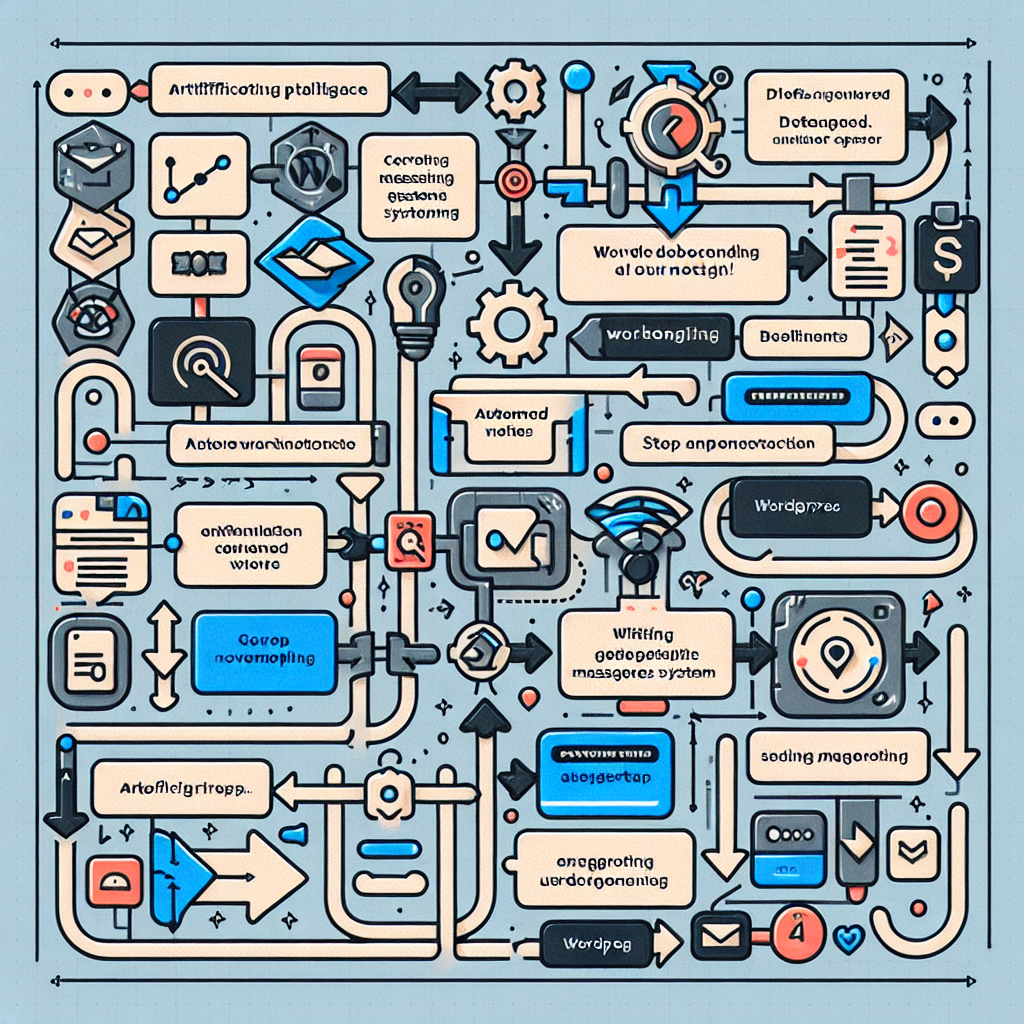
Consider a WordPress membership site where new users receive a personalized welcome sequence via email and chatbot. The workflow includes:
- User registers on the site.
- OpenClaw AI detects registration event.
- AI agent sends a personalized welcome email with links to popular tutorials and community forums.
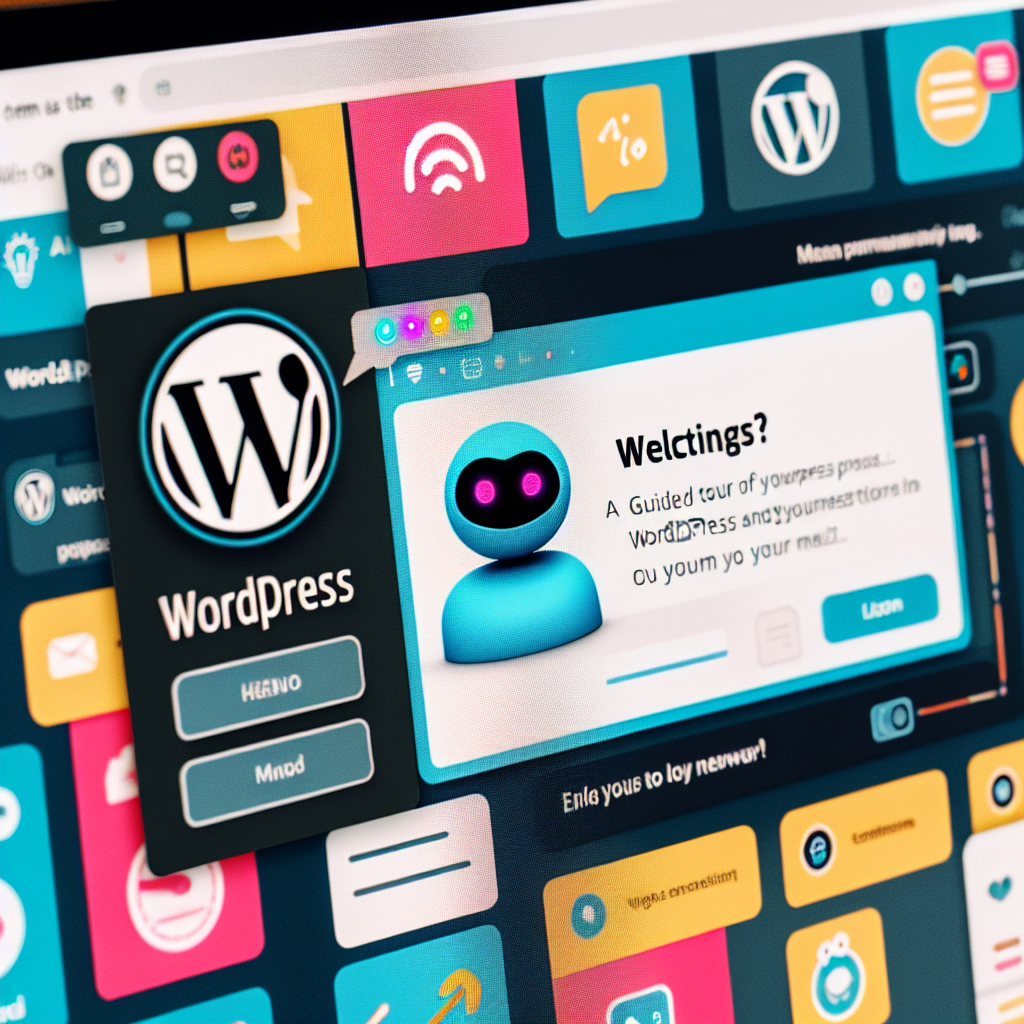
- On first login, chatbot initiates a guided tour offering help based on user role.
- After 3 days, AI agent sends a follow-up email with tips based on user activity.
- If user completes key milestones (profile completion, first post), AI triggers a reward notification.
- Feedback is requested after the first week to improve onboarding.
This approach ensures users feel supported and guided without manual intervention.
Implementation Details and Code Snippets
Registering Event Hooks in WordPress
function openclaw_user_register_trigger( $user_id ) {
    // Initialize OpenClaw AI onboarding workflow for new user
    openclaw_ai_trigger_workflow('user_onboarding', $user_id);
}
add_action('user_register', 'openclaw_user_register_trigger');
OpenClaw AI Agent Workflow Configuration
Define the onboarding workflow in OpenClaw’s dashboard or configuration JSON with states, messages, and transitions tailored to user behavior.
Sending Personalized Emails via OpenClaw AI
$user_info = get_userdata($user_id);
$email_template = openclaw_ai_generate_message('welcome_email', [
    'user_name' => $user_info->display_name,
    'signup_date' => date('F j, Y'),
]);
wp_mail($user_info->user_email, 'Welcome to Our Site!', $email_template);
Enhancing Engagement with AI-Driven Chatbots
Integrate OpenClaw AI chatbots on WordPress login or dashboard pages to proactively assist users. Chatbots can answer FAQs, suggest next steps, or escalate complex queries to human agents.
Example: Chatbot Guided Tour Script
- “Hi {{user_name}}, welcome! Would you like a quick tour of your dashboard?”
- “Here’s how to update your profile…”
- “Need help posting your first article? Just ask!”
Measuring Success and Continuous Improvement
Track KPIs such as onboarding completion rate, engagement frequency, support ticket reductions, and user satisfaction scores. Use OpenClaw AI to analyze feedback and behavioral data to optimize messaging and workflow steps.
Best Practices and Considerations
- Personalization: Use dynamic user data to tailor experiences.
- Multi-Channel: Combine email, chat, and notifications for reach.
- Compliance: Ensure GDPR and privacy compliance when automating communications.
- Fallbacks: Provide easy access to human support if AI can’t resolve issues.
- Testing: A/B test onboarding sequences to find the most effective approaches.
Conclusion
Automating WordPress user onboarding and engagement with OpenClaw AI agents empowers site owners to deliver personalized, scalable, and efficient experiences. By integrating event-driven triggers, AI-generated messaging, and multi-channel communication, businesses can reduce manual workload while boosting user satisfaction and retention.
This part of the series has provided a comprehensive blueprint, practical examples, and technical insights to implement these workflows effectively.

