


OpenClaw AI Automation: Leveraging AI-Driven Automated WordPress E-Commerce Workflow Optimization (Part 72)
April 21, 2026
OpenClaw AI Automation: Implementing AI-Driven Automated WordPress User Onboarding and Engagement Workflows (Part 74)
April 22, 2026Introduction
Building on previous insights into AI-driven automation for WordPress, this installment focuses on leveraging OpenClaw AI agents to streamline support ticket management. For small business owners and WordPress operators, efficient handling of customer support tickets is critical — delays or misprioritization can hurt customer satisfaction and retention.
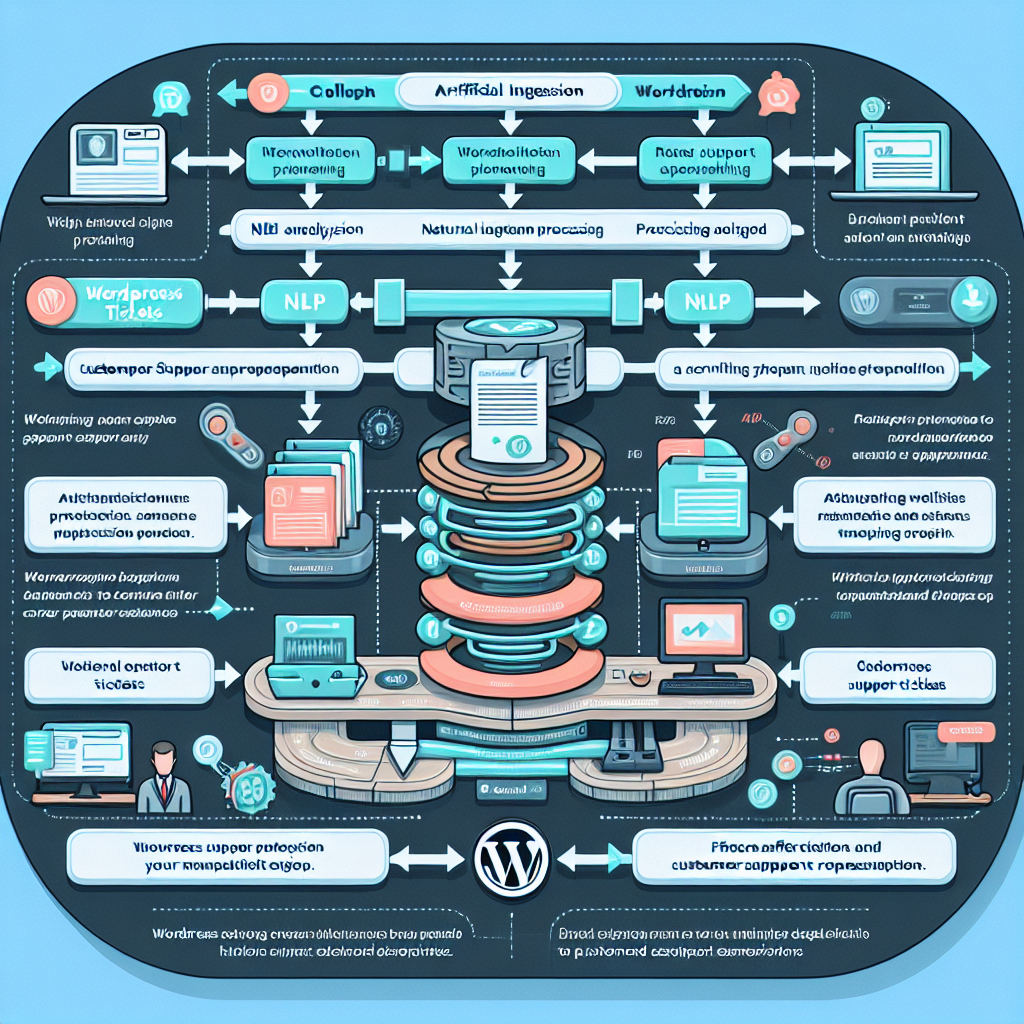
This article delves into designing and implementing an advanced AI-powered system that automatically prioritizes incoming WordPress support tickets based on urgency, complexity, and customer value, and routes them to the most appropriate resolution workflow.
Why Automate WordPress Support Ticket Prioritization?
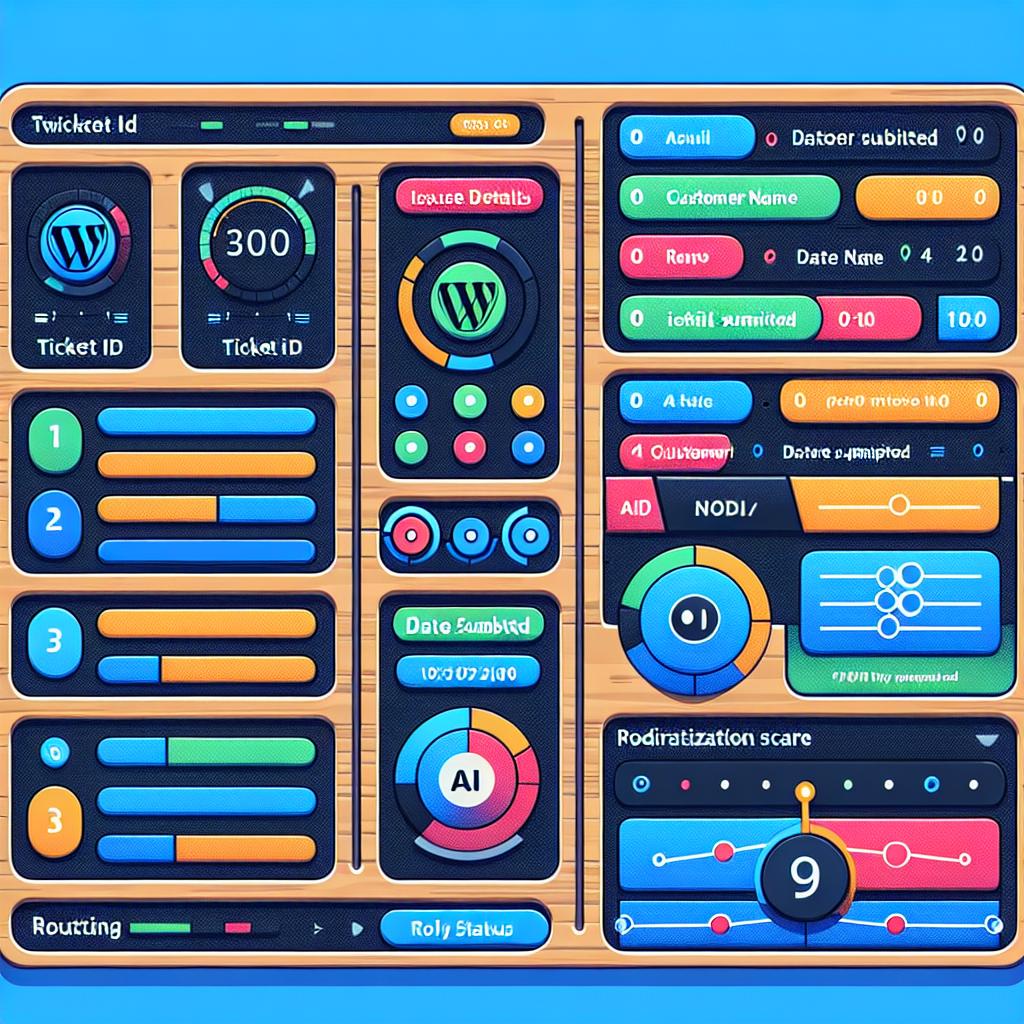
Traditional manual ticket triage is time-consuming and prone to human error or bias. With OpenClaw AI automation, you can:
- Reduce Response Times: Automatically identify critical issues and escalate them rapidly.
- Optimize Resource Allocation: Assign tickets intelligently to agents or AI workflows capable of resolving them efficiently.
- Enhance Customer Satisfaction: Provide faster and more accurate solutions, minimizing customer frustration.
- Generate Insights: Analyze ticket patterns over time to proactively address common issues.
Core Components of AI-Driven Ticket Prioritization Workflows
The system consists of several key components working in concert:
- Ticket Data Ingestion: Captures tickets from WordPress support forms, emails, or integrated chatbots.
- Natural Language Processing (NLP): Extracts intent, sentiment, and key entities from ticket descriptions.
- Priority Scoring Engine: Uses AI models that consider factors like issue severity, customer tier, and historical ticket data to assign priority scores.
- Routing and Workflow Automation: Directs tickets to the right human agents, AI bots, or automated troubleshooting sequences.
- Feedback Loop and Learning: Continuously refines prioritization based on resolution outcomes and customer feedback.
Implementation Details: Step-by-Step Guide
1. Integrating Ticket Sources
Begin by consolidating all WordPress support tickets from various channels into a unified queue. This might include:
- WordPress contact forms (e.g., using plugins like WPForms or Gravity Forms)
- Email support inboxes
- Live chat platforms integrated with the website
- Social media or messaging apps connected via APIs
OpenClaw AI agents can be configured to monitor these sources in real time, ingesting ticket data for analysis.
2. Applying Natural Language Processing
Use OpenClaw’s AI NLP capabilities to analyze the textual content of each ticket. Key tasks include:
- Intent Detection: Classify tickets by type such as “billing issue,” “technical support,” or “feature request.”
- Sentiment Analysis: Gauge customer emotion to detect frustration or urgency.
- Entity Extraction: Identify relevant components like plugin names, error codes, or account details.
For example, a ticket stating “My WooCommerce checkout is failing with an error code 500” would be tagged as a high-priority technical issue involving WooCommerce.
3. Developing the Priority Scoring Model
Create a multi-factor scoring system that evaluates each ticket’s priority. Factors to consider:
- Issue Severity: Critical errors or outages get higher scores.
- Customer Value: Premium customers or frequent buyers may warrant expedited handling.
- Ticket History: Repeat issues or unresolved tickets raise priority.
- Sentiment Score: Negative sentiment increases urgency.
Use supervised machine learning models trained on historical ticket data to assign a numeric priority score from 1 (low) to 10 (urgent). OpenClaw’s AI engine can automate this training with labeled data inputs.
4. Automating Routing and Resolution Workflows
Based on the priority score and ticket classification, tickets can be automatically routed:
- High Priority: Immediate escalation to senior support staff or live chat intervention.
- Medium Priority: Assigned to AI-driven troubleshooting bots or junior agents.
- Low Priority: Queued for standard email response or self-service resources.
For common issues, OpenClaw can trigger predefined automated workflows, such as running diagnostics on hosting environments, resetting user passwords, or sending knowledge base articles.
5. Continuous Learning and Feedback Integration
Integrate feedback mechanisms where customers can rate support interactions. Use these ratings to refine AI models, improving prioritization accuracy over time.
Additionally, monitor resolution times and re-opened tickets as indicators for model adjustments.
Practical Example: Automating WooCommerce Payment Issue Tickets
Consider an online store running WooCommerce on WordPress. Customers frequently report checkout failures.
- OpenClaw AI agent detects tickets mentioning keywords “checkout,” “payment,” and error codes.
- NLP classifies these as high-severity technical issues.
- Priority scoring factors in customer purchase history; a VIP customer’s ticket scores a 9.
- Ticket routed immediately to a senior support agent and triggers an automated diagnostic workflow checking payment gateway status.
- Customer receives instant acknowledgment with expected resolution time.
This reduces downtime impact, speeds resolution, and improves customer experience.
Best Practices for Deploying AI-Driven Ticket Prioritization
- Start Small: Pilot with a subset of tickets or a specific category before full rollout.
- Maintain Human Oversight: Ensure agents can override AI decisions to handle edge cases.
- Secure Data Privacy: Protect sensitive customer information during AI processing.
- Monitor Performance: Regularly audit AI accuracy and customer satisfaction metrics.
- Keep Models Updated: Retrain AI models as new ticket patterns emerge or products evolve.
Conclusion
Automating WordPress support ticket prioritization and resolution with OpenClaw AI agents can transform your customer service operations. By intelligently triaging tickets, assigning resources, and triggering automated workflows, businesses can dramatically reduce response times and improve satisfaction.
Implementing this system requires integrating ticket sources, applying advanced NLP, building priority scoring models, and automating routing — all achievable with OpenClaw’s extensible AI platform tailored for WordPress environments.
Further Learning
Explore the following related OpenClaw deep-dive articles to enhance your automation framework:
- OpenClaw AI Automation: Leveraging AI-Driven Automated WordPress E-Commerce Workflow Optimization (Part 72)
- OpenClaw AI Automation: Implementing AI-Driven Automated WordPress SEO and Content Personalization Workflows (Part 71)
- OpenClaw AI Automation: Advanced AI-Driven Automated WordPress Site Migration and Cross-Environment Synchronization (Part 70)

