


OpenClaw AI Automation: Mastering AI-Driven Automated WordPress Security Incident Response and Remediation Workflows (Part 75)
April 22, 2026
OpenClaw AI Automation: Deploying AI-Powered Automated WordPress Backup Verification and Integrity Validation Workflows (Part 77)
April 23, 2026Introduction
Building on previous parts that covered AI-driven WordPress automation from security to user engagement, Part 76 dives into a crucial business growth area: automated lead generation and CRM integration. For small business owners and website operators, turning traffic into qualified leads and managing those leads effectively are key to sustainable growth. OpenClaw AI agents excel at automating these workflows, reducing manual effort and increasing conversion rates.
Why Automate Lead Generation and CRM Workflows?

Manual lead capture and CRM updates can be time-consuming and error-prone. Automation offers:
- Continuous lead capture: AI chatbots and forms that operate 24/7.
- Lead qualification: AI agents that assess lead quality based on behavior and input.
- CRM synchronization: Seamless updates to CRM systems, avoiding duplicate or missing data.
- Personalized nurturing: Automated tailored follow-ups and content delivery.
Setting Up OpenClaw AI for Lead Generation
1. Deploying AI-Powered Chatbots on WordPress
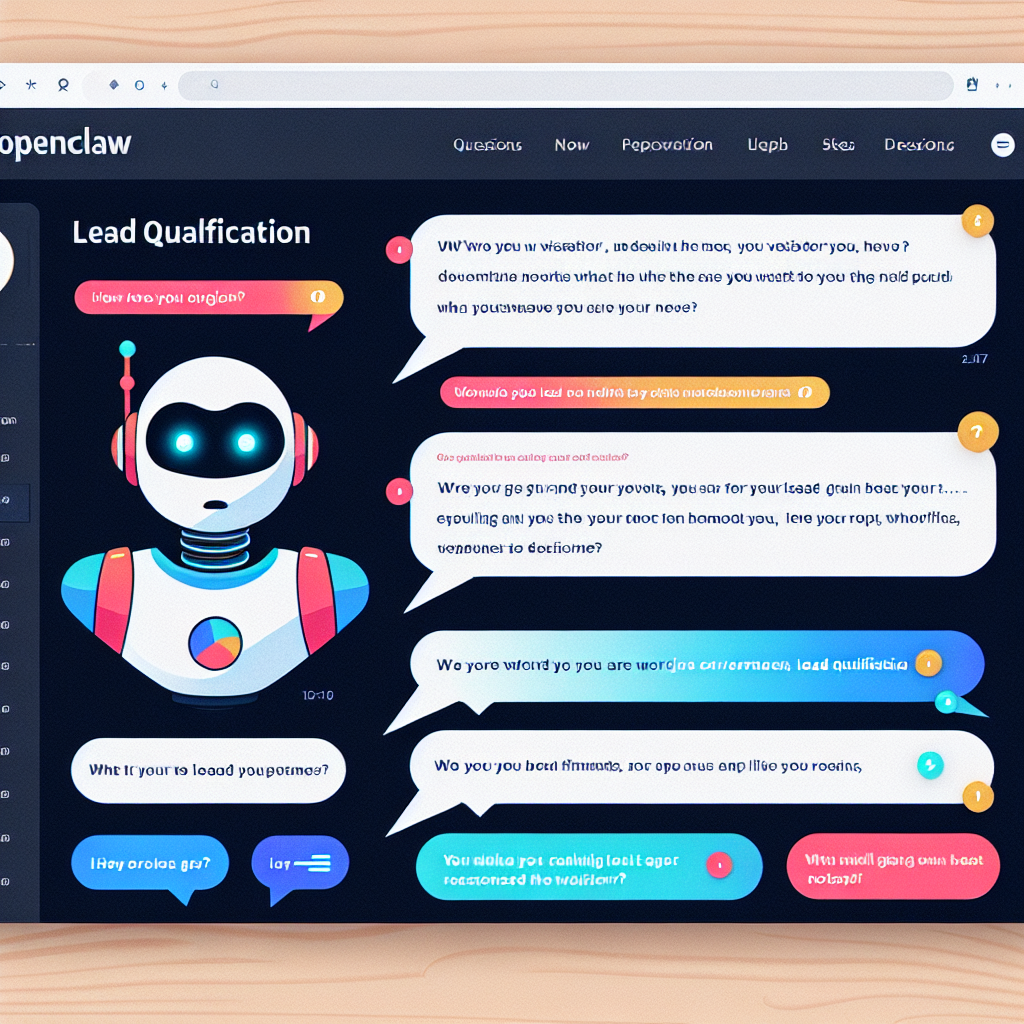
Using OpenClaw AI agents integrated into WordPress, you can deploy chatbots that engage visitors proactively. These chatbots can ask qualifying questions, capture contact details, and even schedule appointments.
Implementation details:
- Use OpenClaw’s WordPress plugin to embed chatbot widgets.
- Define intent flows that qualify leads based on visitor responses.
- Integrate with your site’s analytics to personalize conversations based on visitor behavior.
2. AI-Driven Lead Capture Forms
Beyond chatbots, AI-enhanced forms dynamically adjust questions to reduce friction and improve completion rates.
- Use OpenClaw AI to analyze form abandonment and optimize question order.
- Validate data in real-time to ensure quality inputs.
- Trigger AI workflows based on form inputs for immediate follow-up.
Integrating OpenClaw AI with CRM Systems
Automating data flow from WordPress lead capture to CRM is critical to avoid lost leads and maintain data hygiene.
1. Choosing Compatible CRMs
OpenClaw supports integration with popular CRM platforms like HubSpot, Salesforce, Zoho CRM, and others via APIs or middleware like Zapier.
2. Mapping Lead Data Fields
Define consistent data field mappings between WordPress lead inputs and CRM lead/contact fields to ensure accurate synchronization.
3. Automating Lead Qualification and Tagging
Configure OpenClaw AI agents to analyze captured data and assign CRM tags or lead scores automatically, enabling prioritized sales follow-up.
4. Syncing Follow-Up Workflows
Use OpenClaw to trigger follow-up emails, SMS, or WhatsApp messages based on CRM lead status changes, enhancing engagement.
Practical Example: Automating Lead Generation and CRM Sync for a Service Business
Consider a local digital marketing agency using WordPress with OpenClaw AI agents to automate lead workflows.
- Chatbot Engagement: When visitors arrive on the pricing page, OpenClaw chatbot asks qualifying questions like budget, project timeline, and contact info.
- Lead Scoring: Based on answers and page visit duration, the AI agent assigns a lead score.
- CRM Sync: Qualified leads are automatically pushed to HubSpot CRM with tags like “High Potential”.
- Automated Nurturing: Leads receive a personalized email sequence via HubSpot triggered by OpenClaw status updates.
- Sales Alerts: High-scoring leads trigger Slack notifications to the sales team for immediate outreach.
Implementing the Workflow with OpenClaw AI: Step-by-Step
Step 1: Install and Configure OpenClaw WordPress Plugin
Ensure the latest OpenClaw plugin is installed and linked to your OpenClaw AI account with appropriate API keys.
Step 2: Design Lead Qualification Flow
Use the OpenClaw AI dashboard to create conversation flows for your chatbot that collect and score lead info.
Step 3: Set Up CRM Integration
Connect your CRM through OpenClaw’s integrations panel. Map form/chat data fields to CRM lead/contact fields carefully.
Step 4: Create Automated Actions
Define triggers in OpenClaw for:
- Lead scoring thresholds
- CRM data push events
- Follow-up message sequences
- Notifications to sales or support teams
Step 5: Testing and Optimization
Run test leads through the system to verify data accuracy and workflow triggers. Use OpenClaw analytics to monitor drop-off points and optimize chatbot conversations or forms accordingly.
Advanced Tips for Maximizing Lead Automation Efficiency
- Leverage Behavioral Data: Integrate Google Analytics and heatmap data to enable AI agents to tailor interactions dynamically.
- Multi-Channel Follow-Up: Use OpenClaw to automate follow-ups not just by email but also SMS and WhatsApp, increasing engagement touchpoints.
- Segment Leads Intelligently: Use AI to segment leads by intent and source for targeted marketing campaigns.
- Continuous Learning: Periodically retrain AI models with new lead outcomes to improve qualification accuracy.
Security and Privacy Considerations
When handling lead data and integrating with CRM, compliance with GDPR, CCPA, and other privacy laws is essential. OpenClaw supports data encryption and allows you to configure consent flows within AI chatbots and forms.
Conclusion
Integrating OpenClaw AI automation for WordPress lead generation and CRM workflows empowers small businesses and website owners to run smarter, more efficient sales pipelines. By automating lead capture, qualification, and nurturing with AI agents, businesses reduce manual effort and improve conversion rates — key factors for growth in competitive markets.
Next, consider combining these lead automation techniques with AI-driven customer support workflows to create a fully integrated business automation ecosystem.

