How Small Businesses Can Use AI Agents to Cut Support Load in 7 Days
March 8, 2026
OpenClaw AI Automation: Introduction and Setup for Business Owners and Technical Operators (Part 1)
March 8, 2026For many small businesses, customer support is where growth either accelerates or stalls. When leads wait too long for answers, they move on. But if automation feels robotic or inaccurate, trust drops quickly. The balance is simple in theory and hard in practice: speed from AI, empathy from humans.
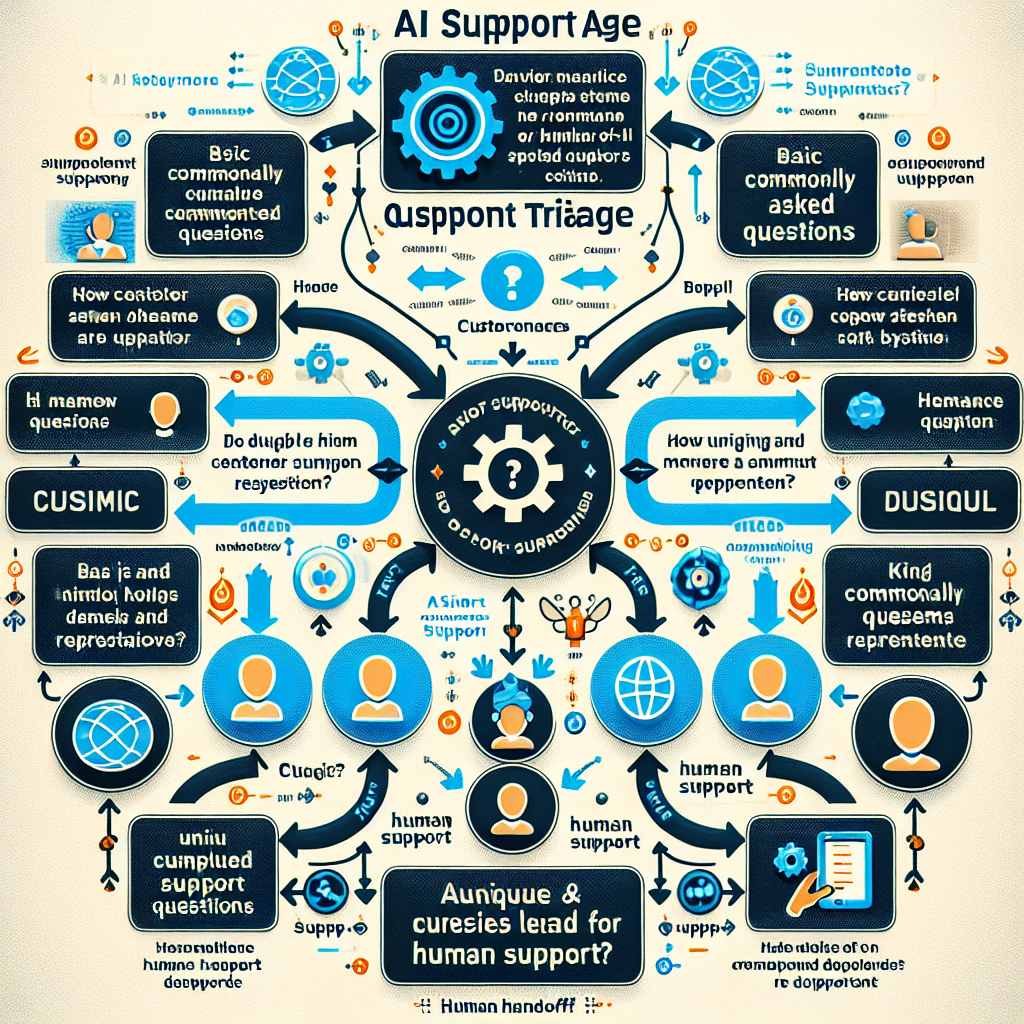
This guide shows a practical model for introducing AI support agents so your team answers faster, protects quality, and still feels human to customers.
1) Start with one channel and one clear promise
Begin in a single channel (for example website chat or WhatsApp) with a clear service promise such as: “We reply instantly, and a human reviews anything critical.” This sets expectations and keeps your rollout measurable.
Many teams get better results by starting with enquiry triage instead of full autonomous support. If your website currently leaks leads, a focused first step like the methods in these website conversion fixes pairs well with AI-first response handling.
2) Design AI for triage, not guesswork
Your AI agent should classify requests into practical buckets: sales enquiry, technical issue, billing, urgent outage, and general question. The goal is routing and context capture, not pretending it knows everything.
- Ask for missing details automatically
- Summarise the request in plain English
- Apply urgency labels your team already understands
- Escalate low-confidence cases quickly
Think of this as reducing admin load so humans can focus on decisions that need judgement.
3) Build a “human handoff” standard
Every automated flow should have a clear handoff rule. If confidence is low, sentiment is negative, or the issue is high-value, route to a human with a structured summary.
A strong handoff includes:
- Customer question in original wording
- AI summary and urgency
- Suggested next action
- Relevant links, account context, and timestamps
This avoids repeated back-and-forth and makes your team look organised from the customer perspective.
4) Use website data to improve support outcomes
Support performance is often tied to website quality. Slow pages, unclear offers, and poor navigation generate avoidable support tickets. If your site is overdue for improvement, combine your AI rollout with a quick UX and performance pass, similar to this 5-minute website health check.
Better pages reduce repetitive questions. Better support flows convert more enquiries into clients.
5) Measure what matters weekly
Track a small set of metrics every week:
- First response time
- First-contact resolution rate
- Manual escalations
- Lead-to-call conversion rate
- Customer satisfaction notes
These numbers show whether your AI setup is helping or just adding complexity.
6) Keep brand voice consistent
AI responses should sound like your business, not generic template text. Define tone guidelines, approved phrases, and disallowed language. Keep messages short, useful, and transparent about when a human is stepping in.
If your business depends on local trust, this matters as much as technical accuracy. Positioning and clarity are part of the same growth strategy described in strategic website growth planning.
7) Expand only after stability
Once one channel performs reliably, expand to email automation, ticket triage, and proactive status updates. Scale in layers, not all at once.
This reduces risk and keeps your team confident in the system.
Final takeaway
AI support agents work best when they remove repetitive workload and strengthen human service, not replace it. For Oxford small businesses, the winning approach is simple: deploy narrowly, measure weekly, and keep escalation quality high. Done right, you get faster support, better customer trust, and more consistent growth.