


OpenClaw AI Automation: Building AI-Driven Automated WordPress Multilingual Content Management Workflows (Part 84)
April 27, 2026OpenClaw Deep Dive Part 121: Advanced Workflow Orchestration with OpenClaw AI Automation
May 17, 2026Introduction
In Part 84 of our OpenClaw series, we explored AI-driven automated multilingual content workflows. Now, in Part 85, we delve into automating user feedback analysis on WordPress sites using OpenClaw AI agents. Capturing and acting on user feedback is critical for improving customer satisfaction and optimizing website performance. However, manually processing this data is time-consuming and error-prone. OpenClaw AI automation offers a scalable solution to systematically gather, analyze, and respond to user feedback, turning it into actionable insights.
Why Automate User Feedback Analysis?

WordPress websites often receive feedback through multiple channels: comments, contact forms, surveys, and social media. Handling this diverse data manually can lead to delayed responses, overlooked issues, and inconsistent follow-ups.
- Efficiency: AI agents can process large volumes of feedback continuously without fatigue.
- Consistency: Automated sentiment analysis and categorization ensure uniform interpretation.
- Actionability: AI triggers workflows to assign tasks, send notifications, or update content based on feedback.
Key Components of an Automated User Feedback Workflow
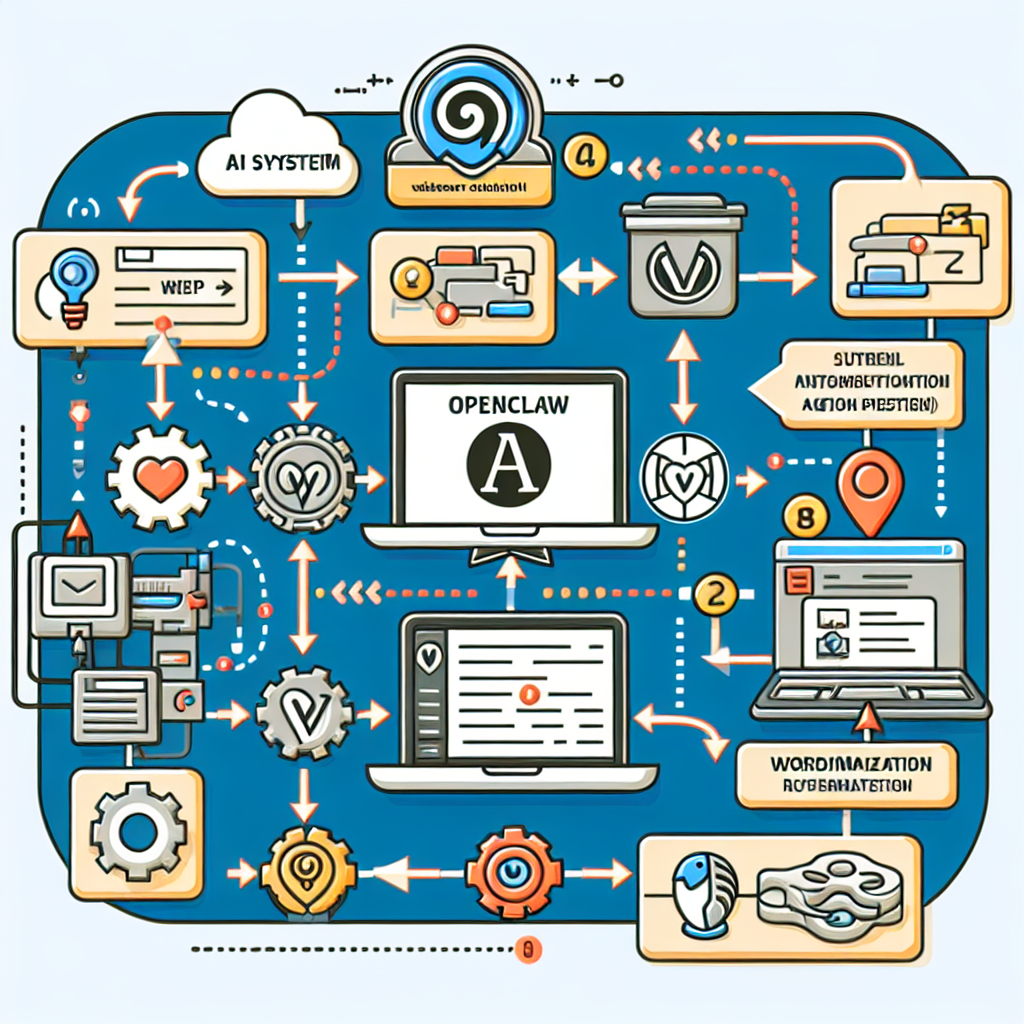
An effective OpenClaw AI feedback automation workflow involves several stages:
- Data Collection: Aggregating feedback from WordPress comment sections, contact forms, and integrated survey plugins.
- Preprocessing: Cleaning, normalizing, and formatting feedback text for analysis.
- Sentiment Analysis: Classifying feedback as positive, neutral, or negative.
- Topic Categorization: Grouping feedback into predefined categories such as usability issues, feature requests, or content quality.
- Action Triggering: Automating responses, task assignments, or content updates based on analysis outcomes.
- Reporting and Monitoring: Generating dashboards and alerts for ongoing feedback trends.
Step-by-Step Implementation Using OpenClaw
1. Integrating Feedback Sources
Begin by configuring OpenClaw AI agents to connect with your WordPress feedback channels. For example:
- Comments API: Use WordPress REST API endpoints to fetch new comments periodically.
- Contact Forms: Integrate with popular form plugins like Contact Form 7 or Gravity Forms via webhooks.
- Surveys: Connect with survey plugins or external services via API.
OpenClaw agents can be set to poll or listen for incoming feedback in real time.
2. Preprocessing Text Data
Raw feedback often contains noise such as HTML tags, emojis, and typos. Implement preprocessing steps including:
- Stripping HTML and special characters.
- Lowercasing text for uniformity.
- Spell correction and removing stopwords.
This improves the accuracy of downstream AI models.
3. Applying Sentiment Analysis
OpenClaw can utilize pretrained sentiment analysis models or custom fine-tuned models to classify feedback sentiment. For example, feedback like “The new layout is fantastic!” is positive, while “The checkout process is confusing and buggy” is negative.
Sentiment scores can be stored as metadata for each feedback entry.
4. Categorizing Feedback Topics
Using natural language processing (NLP) classification, categorize feedback into actionable buckets. Define categories relevant to your business such as:
- Usability
- Feature Requests
- Bug Reports
- Content Suggestions
- Customer Support
OpenClaw can be trained on labeled datasets or use zero-shot classification techniques to assign categories dynamically.
5. Automating Response and Task Assignment
Once feedback is analyzed and categorized, trigger automated actions such as:
- Sending personalized acknowledgment emails to users for positive or neutral feedback.
- Creating support tickets in integrated helpdesk systems (e.g., Zendesk, Freshdesk) for negative or urgent feedback.
- Notifying relevant team members via Slack or email about feature requests or bugs.
- Updating internal WordPress dashboards with summarized feedback metrics.
Example OpenClaw workflow snippet:
if (feedback.category === 'Bug Reports' && feedback.sentiment === 'Negative') {
  createSupportTicket(feedback);
  notifyTeam('support', feedback);
} else if (feedback.sentiment === 'Positive') {
  sendThankYouEmail(feedback.userEmail);
}
6. Reporting and Continuous Monitoring
Set up OpenClaw AI agents to generate weekly reports highlighting trends such as rising issues, satisfaction levels, and frequently requested features. Visual dashboards can be embedded within WordPress admin or sent as email summaries.
Practical Example: Automating Feedback on a WooCommerce Store
Consider a WooCommerce store that wants to automate feedback workflows to improve customer experience post-purchase.
- Collect Feedback: Use WooCommerce review data and contact form submissions.
- Preprocess: Clean review text and normalize.
- Analyze Sentiment: Identify dissatisfied customers for immediate action.
- Categorize: Distinguish between product issues, shipping complaints, or praise.
- Act: Automatically create tickets for delivery problems, send thank-you coupons for positive reviews.
- Report: Monitor overall product satisfaction trends.
This approach reduces manual review monitoring and accelerates issue resolution.
Technical Considerations and Best Practices
- Data Privacy: Ensure compliance with GDPR and other regulations when processing user data.
- Model Accuracy: Continuously retrain classification models on new feedback to improve performance.
- Fallback Handling: Design workflows to escalate unclear or ambiguous feedback for human review.
- Integration: Leverage OpenClaw’s modularity to connect with existing plugins and third-party services.
- Performance: Schedule analysis tasks to avoid peak server loads and maintain site responsiveness.
Conclusion
Automating WordPress user feedback analysis and action workflows with OpenClaw AI agents empowers businesses to be more responsive, data-driven, and customer-centric. By systematically capturing and acting on feedback, website owners can improve product quality, support efficiency, and user satisfaction with minimal manual effort.
This deep-dive in Part 85 builds on previous OpenClaw automation concepts, focusing on turning raw user input into automated operational workflows that directly impact business outcomes.
Further Reading
- OpenClaw AI Automation: Building AI-Driven Automated WordPress Multilingual Content Management Workflows (Part 84)
- OpenClaw AI Automation: Advanced AI-Driven Automated WordPress Security Incident Response and Forensic Analysis Workflows (Part 83)
- OpenClaw AI Automation: Integrating AI-Driven Automated WordPress Lead Generation and CRM Workflows (Part 76)

