


OpenClaw AI Automation: Advanced AI-Driven Automated WordPress Security Auditing and Vulnerability Management Workflows (Part 82)
April 26, 2026
OpenClaw AI Automation: Building AI-Driven Automated WordPress Multilingual Content Management Workflows (Part 84)
April 27, 2026Introduction
As WordPress sites face increasingly sophisticated cyber threats, rapid and accurate security incident response coupled with detailed forensic analysis is crucial to mitigate damage and prevent future incidents. Building upon previous parts that covered vulnerability management and incident remediation workflows, this article dives deeper into automating advanced security incident response and forensic investigations using OpenClaw AI agents.
This part of the series presents practical implementations and detailed examples for business owners, WordPress administrators, and technical operators to leverage AI-driven automation for enhanced security posture and operational efficiency.
Understanding Security Incident Response and Forensic Analysis in WordPress

Security incident response involves detecting, analyzing, containing, and eradicating threats in real-time or near-real-time. Forensic analysis focuses on investigating the root cause and impact of incidents to inform remediation and future prevention.
Typical manual processes can be slow, error-prone, and require specialized skills. Automating these processes with AI agents like OpenClaw enables faster, consistent, and scalable responses.
Key Components of Automated Incident Response Workflows
- Real-time Threat Detection: Monitoring site logs, traffic, and system events to identify anomalies or known attack signatures.
- Incident Classification: AI agents categorize incidents by severity, type, and affected components.
- Automated Containment: Immediate actions such as blocking IPs, disabling compromised accounts, or isolating affected plugins.
- Forensic Data Collection: Gathering relevant data such as logs, file hashes, and database snapshots for investigation.
- Root Cause Analysis: AI-driven correlation of indicators to identify attack vectors and vulnerabilities exploited.
- Reporting and Notification: Generating detailed incident reports and alerting stakeholders.
- Remediation and Recovery Automation: Patching, restoring files, and validating system integrity.
Building an OpenClaw AI Agent for Automated Security Incident Response
Below is a detailed walkthrough of implementing an OpenClaw AI agent workflow that automates complex incident response and forensic analysis tasks for WordPress environments.
Step 1: Integrate Real-Time Log Monitoring
Leverage OpenClaw’s capability to ingest and analyze WordPress server logs (e.g., Apache/Nginx access and error logs, PHP error logs, WordPress debug logs). The agent uses AI models trained on typical and malicious patterns to flag suspicious activity.
function monitor_logs() {
  const logs = fetch_latest_logs();
  const anomalies = OpenClaw.analyze_logs(logs);
  if (anomalies.length > 0) {
    OpenClaw.trigger_event('security_incident_detected', anomalies);
  }
}
Step 2: Automated Incident Classification
Once an incident is detected, the AI agent classifies it by leveraging natural language processing and pattern recognition to determine attack types such as SQL injection, brute force login attempts, or malware upload.
function classify_incident(anomalies) {
  return OpenClaw.classify_incident(anomalies);
}
Step 3: Immediate Automated Containment Actions
Based on classification, the agent executes predefined containment actions. For example, it may block source IPs using firewall rules, disable compromised user accounts, or quarantine suspicious files.
function contain_incident(incident) {
  switch(incident.type) {
    case 'brute_force':
      block_ip(incident.source_ip);
      disable_user(incident.target_user);
      break;
    case 'malware_upload':
      quarantine_files(incident.files);
      break;
    // Add more cases
  }
}
Step 4: Forensic Data Collection and Preservation
To support root cause analysis, the agent collects forensic evidence such as:
- Full HTTP request and response logs
- Hashes and metadata of suspicious files
- Database snapshots highlighting recent changes
- System state and user activity logs
These are securely stored for later analysis and compliance requirements.
Step 5: AI-Driven Root Cause Analysis
The agent correlates collected data to identify intrusion vectors. For instance, it can detect a vulnerable plugin exploited for code injection or a compromised admin credential from phishing.
function root_cause_analysis(forensic_data) {
  return OpenClaw.analyze_root_cause(forensic_data);
}
Step 6: Reporting and Stakeholder Notification
The agent automatically generates comprehensive incident reports summarizing findings, actions taken, and recommendations. Notifications are sent via email, Slack, or integrated business communication platforms.
function notify_stakeholders(report) {
  send_email(report);
  post_slack_message(report);
}
Step 7: Automated Remediation and Recovery Validation
Based on root cause analysis, the agent applies patches, updates or removes vulnerable components, and restores affected files from clean backups. It then validates system integrity and monitors for recurrence.
function remediate_and_recover(root_cause) {
  apply_patches(root_cause.vulnerable_plugins);
  restore_files(root_cause.affected_files);
  validate_integrity();
}
Practical Example: Automating a Brute Force Login Attack Response
Consider a WordPress site experiencing a brute force attack targeting user login pages. Here’s how OpenClaw AI automates response:
- Detection: AI detects multiple failed login attempts from the same IP within a short time.
- Classification: Incident classified as brute force login attack.
- Containment: IP is automatically blocked, and targeted user accounts temporarily locked.
- Forensic Collection: Logs of login attempts and HTTP headers saved for analysis.
- Root Cause: Analysis reveals weak passwords on targeted accounts.
- Notification: Admin receives detailed incident report with remediation advice.
- Remediation: AI triggers forced password resets for vulnerable accounts and enables two-factor authentication.
- Validation: Post-remediation monitoring confirms attack mitigation.
Implementation Tips and Best Practices
- Customize Containment Actions: Tailor automated responses to your site’s risk tolerance and business continuity needs.
- Regularly Update AI Models: Keep OpenClaw AI models trained with latest threat intelligence to improve detection accuracy.
- Maintain Forensic Data Privacy: Secure all collected data with encryption and access controls to comply with privacy regulations.
- Test Workflows Thoroughly: Simulate incidents in staging environments to validate automated workflows before production deployment.
- Integrate with Existing Tools: Connect OpenClaw with SIEMs, ticketing, and communication platforms for seamless workflow orchestration.
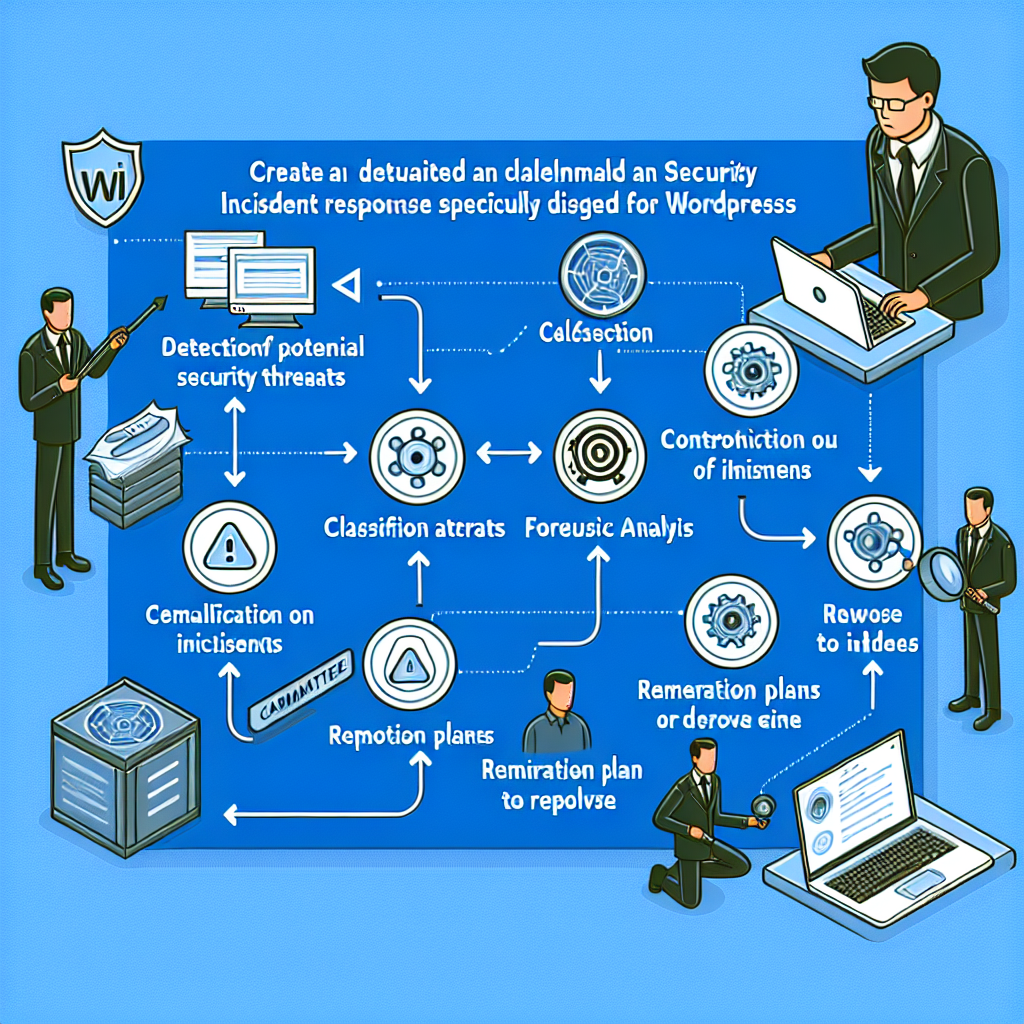
Visualizing the Automated Incident Response Workflow
The following diagram illustrates the end-to-end automated security incident response and forensic analysis workflow powered by OpenClaw AI agents.
Summary
Automating security incident response and forensic analysis with OpenClaw AI agents empowers businesses to detect and respond to WordPress threats swiftly and effectively. This reduces downtime, limits damage, and improves security posture with minimal manual effort.
By implementing the detailed workflows and practical examples outlined in this article, WordPress site owners and operators can harness AI automation to stay ahead of evolving cyber threats.

