


OpenClaw AI Automation: Implementing Advanced AI-Driven Automated WordPress Workflow Orchestration and Task Scheduling (Part 54)
April 10, 2026
OpenClaw AI Automation: Implementing AI-Driven Automated WordPress Performance Optimization and Scalability Strategies (Part 55)
April 11, 2026Introduction to AI-Driven DevOps for WordPress
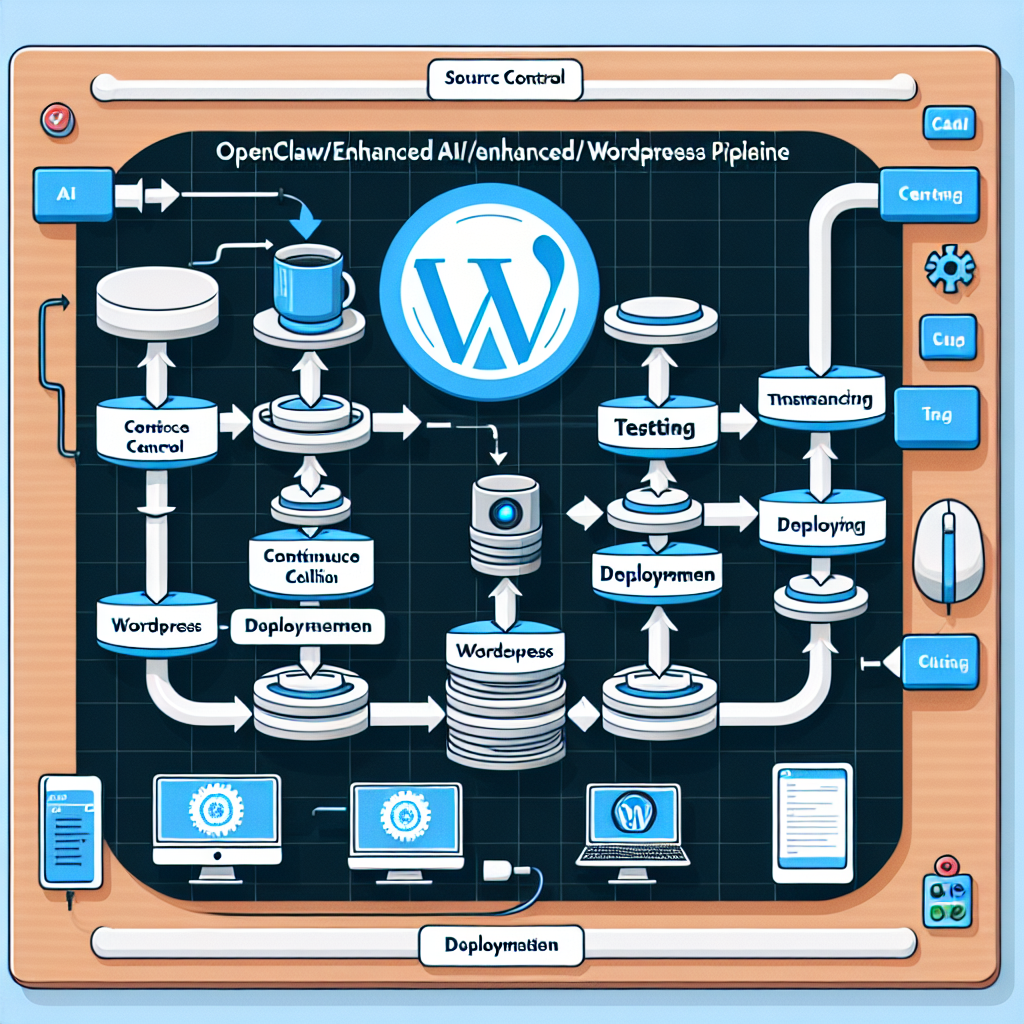
As WordPress sites grow in complexity, maintaining robust development and deployment workflows becomes critical. OpenClaw AI automation enables business owners and technical operators to enhance their DevOps pipelines by integrating intelligent AI agents that orchestrate testing, deployment, and monitoring tasks. This part of our series dives deep into implementing AI-driven Continuous Integration and Continuous Delivery (CI/CD) pipelines tailored specifically for WordPress environments.
Why Integrate AI Into WordPress DevOps?
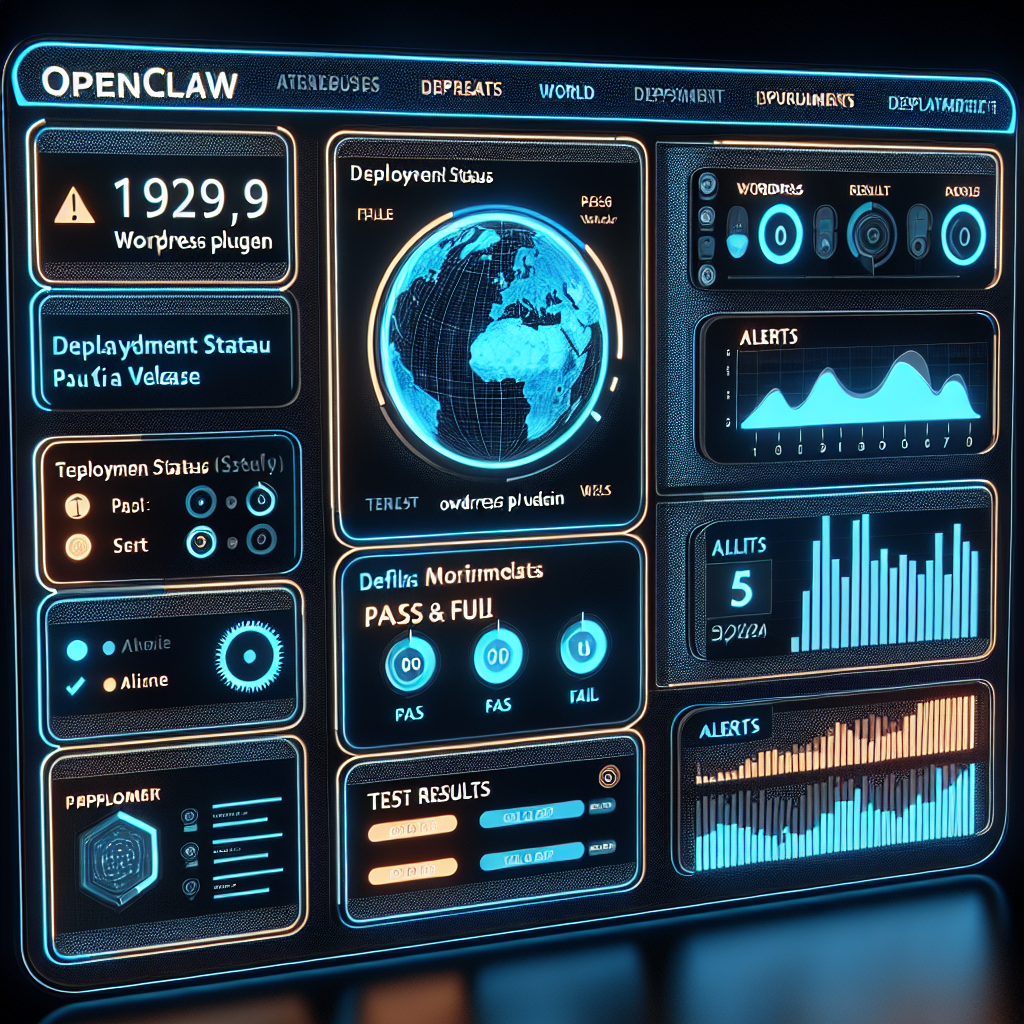
Traditional CI/CD pipelines automate building, testing, and deploying software updates, but often require manual configuration and monitoring. By embedding OpenClaw AI agents, these processes gain adaptive intelligence that can proactively detect issues, optimize task execution, and streamline collaboration between developers and systems. The benefits include:
- Automated code quality analysis: AI agents can review code changes for potential bugs, security vulnerabilities, or performance regressions.
- Adaptive test orchestration: Dynamically selecting and prioritizing tests based on code impact and historical failure data.
- Proactive deployment decision-making: Using predictive analytics to schedule deployments for optimal timing and rollback planning.
- Continuous monitoring and feedback: AI-driven insights from live environments to improve future iterations.
Key Components of an AI-Enhanced WordPress CI/CD Pipeline
To implement AI-driven DevOps workflows with OpenClaw, the pipeline should integrate the following components:
- Source Code Repository Integration: Connect your WordPress theme/plugins repository (e.g., GitHub, GitLab) with OpenClaw to enable AI agents to access code changes.
- Automated Build and Packaging: AI agents manage build tasks, such as bundling assets, compiling Sass/JS, and packaging WordPress plugins or themes.
- AI-Powered Testing Modules: Incorporate unit, integration, and UI tests with AI agents prioritizing execution and analyzing failures.
- Deployment Orchestration: Use OpenClaw agents to automate deployment to staging and production environments, including pre-deployment readiness checks.
- Monitoring and Feedback Loop: Post-deployment monitoring using AI to detect anomalies and generate actionable reports.
Example Workflow: AI-Driven WordPress Plugin Deployment
This example demonstrates an AI-enhanced pipeline for deploying a WordPress plugin update.
- Step 1 – Code Commit: Developer pushes changes to GitHub repository.
- Step 2 – OpenClaw Agent Trigger: OpenClaw AI detects the new commit, analyzes code diff for potential risks.
- Step 3 – Intelligent Test Selection: AI agent prioritizes relevant unit and integration tests based on changed files.
- Step 4 – Automated Build: Build agent compiles and packages plugin files.
- Step 5 – Deployment Decision: AI evaluates test results and system health to schedule deployment to staging.
- Step 6 – Staging Deployment & Monitoring: Plugin deployed to staging; AI monitors for errors and user feedback.
- Step 7 – Production Deployment: After a green light from AI agents, deployment occurs on production with rollback plan ready.
Implementing AI Agents for WordPress CI/CD: Practical Tips
1. Connecting OpenClaw to Your Git Repository
Set up OAuth or personal access tokens to allow OpenClaw agents to pull code changes securely. Configure webhook triggers to notify agents immediately when commits occur.
2. Customizing AI Test Orchestration
Leverage OpenClaw’s AI to analyze code complexity and historical test outcomes. Implement custom tagging for tests (e.g., “critical”, “slow”) to help AI prioritize effectively.
3. Configuring Deployment Pipelines
Define deployment stages within OpenClaw workflows, specifying staging and production environments. Use AI to automate environment health checks, such as verifying database connectivity, plugin compatibility, and server resource availability.
4. Monitoring with AI-Driven Anomaly Detection
Integrate OpenClaw with monitoring tools like New Relic or custom WordPress logging. Configure AI agents to analyze logs and alert on unusual patterns such as increased error rates or slow page loads.
Advanced Use Case: Multi-Agent Collaboration in WordPress CI/CD
OpenClaw supports multi-agent workflows where different AI agents specialize in tasks like code review, testing, deployment, and monitoring. This collaboration allows for:
- Concurrent task processing to reduce pipeline duration.
- Intelligent handoff between stages with validation checkpoints.
- Scenario-based rollback strategies managed autonomously.
For example, a Code Quality Agent flags security concerns to a Deployment Agent which then delays deployment until fixes are applied, ensuring safer releases.
Case Study: Small Business WordPress Site Automation
A digital agency managing client WordPress sites implemented OpenClaw AI agents to automate their deployment process. By integrating AI-driven testing and deployment scheduling, they reduced failed releases by 40% and cut average deployment time from 30 minutes to under 10 minutes. Automated monitoring agents alerted the team immediately on post-deployment issues, enabling rapid incident resolution.
Conclusion
Integrating OpenClaw AI automation into your WordPress DevOps and CI/CD pipelines elevates your development workflow by adding intelligent automation, reducing manual errors, and speeding up deployment cycles. The practical steps covered in this guide empower business owners and technical operators to build resilient, adaptive pipelines tailored to their unique WordPress environments.
In our next installment, we will explore leveraging OpenClaw AI for automated WordPress multisite management and optimization, expanding your automation capabilities across complex networked sites.
References and Further Reading
- OpenClaw AI Automation: Implementing Advanced AI-Driven Automated WordPress Workflow Orchestration and Task Scheduling (Part 54)
- OpenClaw AI Automation: Advanced AI-Driven Automated WordPress Analytics and Business Intelligence Workflows (Part 53)
- OpenClaw AI Automation: Harnessing AI-Driven Automated WordPress Content Moderation and Compliance Workflows (Part 52)

