


OpenClaw AI Automation: Advanced AI-Driven Automated WordPress Analytics and Business Intelligence Workflows (Part 53)
April 9, 2026
OpenClaw AI Automation: Enhancing Automated WordPress DevOps and CI/CD Pipelines with AI Agents (Part 54)
April 10, 2026Introduction
In this installment of the OpenClaw deep-dive series, we advance into the realm of automated workflow orchestration and task scheduling within WordPress environments powered by OpenClaw AI agents. While previous parts have covered AI-driven analytics, content moderation, and security automation, this part focuses on how business owners and technical operators can implement sophisticated, AI-powered workflow orchestration to streamline complex, interdependent tasks.
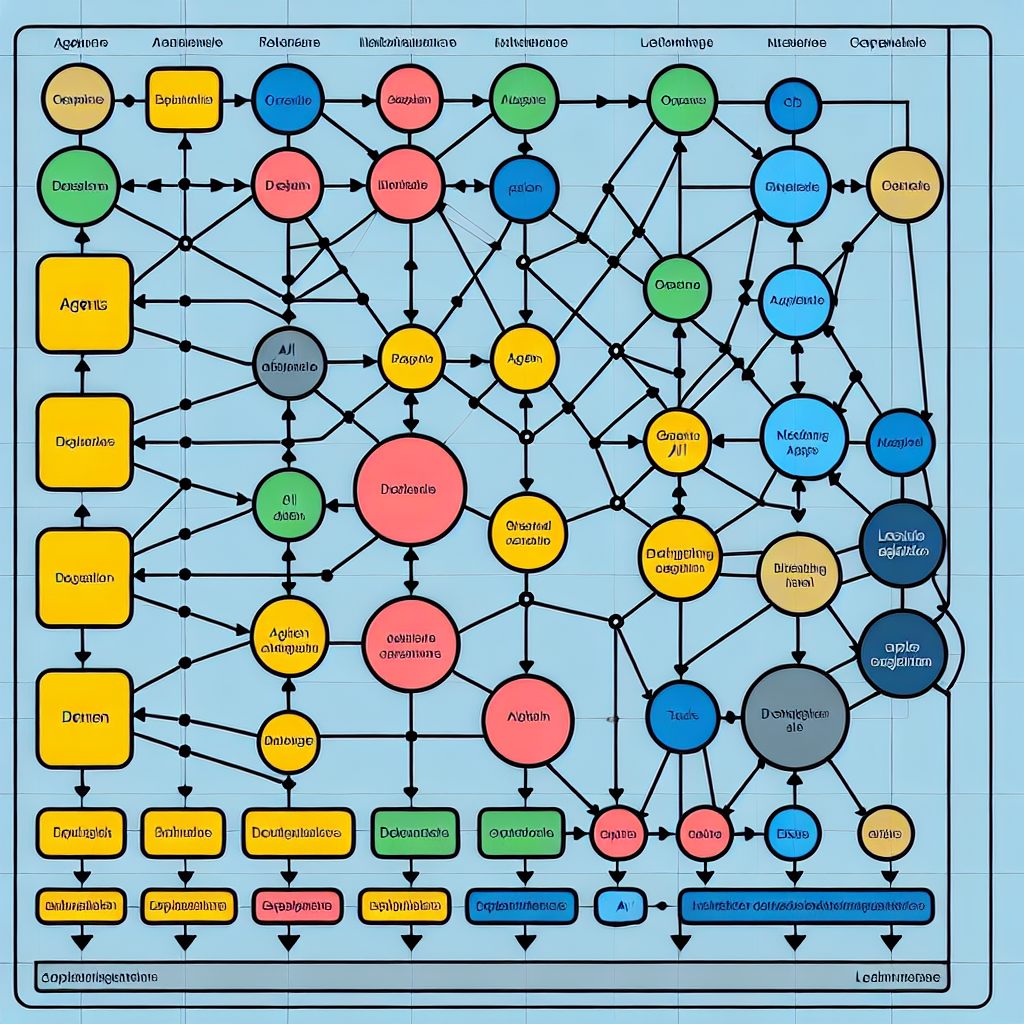
Effective workflow orchestration is critical for scaling automation beyond isolated tasks. By intelligently scheduling and coordinating AI agents and WordPress processes, businesses can achieve higher operational efficiency, reduce manual intervention, and ensure seamless task execution aligned with business goals.
Understanding Workflow Orchestration in OpenClaw

Workflow orchestration refers to the automated coordination and management of multiple tasks or processes in a sequence or parallel manner, respecting dependencies and timing constraints. OpenClaw AI agents excel in orchestrating such workflows by leveraging AI decision-making, event-driven triggers, and dynamic scheduling.
Key Components of OpenClaw Workflow Orchestration
- Task Scheduler: Manages timing and frequency of tasks, supporting cron-like schedules and event-based triggering.
- Dependency Manager: Ensures tasks execute in the correct order by managing dependencies between actions.
- Event Handler: Responds to WordPress hooks, API calls, or external events to start, pause, or modify workflows dynamically.
- AI Decision Engine: Uses AI to optimize task sequences, resource allocation, and error handling based on real-time data.
Implementing AI-Driven Task Scheduling in WordPress with OpenClaw
Task scheduling automates the execution of routine or complex actions at specified times or conditions. OpenClaw extends WordPress’s native scheduling capabilities with AI intelligence to adapt schedules dynamically.
Step 1: Defining Task Parameters
Start by defining the tasks to automate, their triggers, and expected outcomes. For example, an ecommerce site may schedule inventory sync, sales report generation, and customer segmentation updates.
task = {
  id: "inventory_sync",
  trigger: "cron",
  schedule: "daily 2:00 AM",
  dependencies: ["sales_report"],
  action: function() { /* sync inventory data */ }
}
Step 2: Establishing Dependencies
Some tasks require completion of others before starting. OpenClaw’s dependency manager tracks task states to enforce these constraints, preventing premature execution and ensuring data integrity.
Step 3: Integrating AI for Dynamic Scheduling
OpenClaw AI agents analyze historical execution times, server load, and business priorities to adjust schedules. For instance, if a backup task usually takes longer on Fridays, OpenClaw may reschedule non-critical tasks to off-peak hours.
Practical Example: Dynamic Newsletter Dispatch
A WordPress site running OpenClaw can automate newsletter dispatch based on real-time user engagement metrics. If AI detects higher engagement in the evening, it reschedules dispatch from the default morning time to maximize open rates.
Orchestrating Complex Multi-Agent Workflows
Many business processes require multiple AI agents or services to work in concert. OpenClaw supports multi-agent orchestration with flexible communication and event propagation.
Scenario: Automated Customer Support Ticket Resolution
Consider a workflow involving:
- Agent A: Classifies incoming support tickets using NLP.
- Agent B: Searches knowledge base for suggested solutions.
- Agent C: Escalates unresolved tickets to human agents.
OpenClaw orchestrates these agents by triggering Agent B only after Agent A completes classification, and Agent C activates if Agent B fails to find a match within a timeout.
Implementing with OpenClaw Workflow Graphs
OpenClaw uses directed acyclic graphs (DAGs) to represent workflows. Nodes are tasks or AI agents; edges define their execution order and data flow.
{
  "nodes": ["classify_ticket", "search_kb", "escalate"],
  "edges": [
    {"from": "classify_ticket", "to": "search_kb"},
    {"from": "search_kb", "to": "escalate", "condition": "no_solution_found"}
  ]
}
Handling Failures and Retries Automatically
Robust orchestration must anticipate failures. OpenClaw integrates AI-driven error detection and retry policies to maintain workflow reliability.
Failure Detection
OpenClaw monitors task execution logs and performance metrics to identify anomalies indicating failures or degraded performance.
Automated Retries with Backoff
When a task fails, OpenClaw applies exponential backoff retry strategies, adjusting according to task priority and failure type. For example, transient network errors trigger rapid retries, while persistent failures escalate alerts.
Fallback Procedures
Workflows can define fallback tasks to execute in case of failure, such as notifying administrators or triggering alternative processes.
Optimizing Resource Usage with AI Scheduling
AI can optimize resource consumption by scheduling intensive tasks during off-peak hours or distributing workloads intelligently.
Load-Aware Scheduling
OpenClaw analyzes server CPU, memory, and network usage to defer or parallelize tasks accordingly. This minimizes performance impact on live user activity.
Cost-Efficient Cloud Operations
For WordPress sites hosted in cloud environments, OpenClaw can schedule batch processing jobs to align with lower-cost periods or spot-instance availability, reducing hosting expenses.
Real-World Implementation: Automating Multi-Step Marketing Campaigns
Marketing campaigns often involve multiple coordinated steps such as content publishing, social media posting, email dispatch, and analytics reporting.
Workflow Design
Using OpenClaw, define a workflow that:
- Publishes a blog post on WordPress.
- Automatically generates and schedules social media posts linked to the blog.
- Triggers segmented email campaigns to subscribers.
- Collects engagement metrics and adjusts subsequent campaign steps.
Benefits
- Reduced manual coordination efforts.
- Adaptive scheduling based on audience response.
- Consistent, timely campaign execution.
Practical Tips for Business Owners and Technical Operators
- Start Small: Begin with automating simple task sequences to familiarize your team with workflow orchestration concepts.
- Map Your Processes: Document current manual workflows to identify automation opportunities and dependencies clearly.
- Leverage OpenClaw’s AI Capabilities: Use AI not only to automate but also to optimize and adapt workflows dynamically.
- Monitor and Adjust: Continuously monitor workflows for failures or inefficiencies and refine scheduling and orchestration rules.
- Ensure Security and Compliance: Incorporate security checks and compliance validations within workflows, especially when handling sensitive data.
Conclusion
This part of the OpenClaw series has explored advanced AI-driven workflow orchestration and task scheduling strategies that enable business owners and technical operators to automate complex, interdependent WordPress processes efficiently. By integrating AI decision-making with dynamic scheduling and robust failure handling, OpenClaw empowers organizations to streamline operations, reduce manual workload, and scale automation intelligently.
Upcoming parts will delve into integrating OpenClaw orchestration with external business systems and extending AI automation beyond WordPress.
Further Reading and Resources
- OpenClaw AI Automation: Advanced AI-Driven Automated WordPress Analytics and Business Intelligence Workflows (Part 53)
- OpenClaw AI Automation: Orchestrating Multi-Agent Workflows for Complex WordPress and Business Task Automation (Part 44)
- OpenClaw AI Automation: Leveraging AI-Driven Automated WordPress REST API Extensions and Custom Integrations (Part 43)

