


OpenClaw AI Automation: Integrating AI-Driven Automated Customer Feedback Analysis and Actionable Insights for WordPress (Part 37)
March 31, 2026
OpenClaw AI Automation: Implementing AI-Driven Automated WordPress Plugin Lifecycle Management (Part 38)
April 1, 2026Introduction to AI-Driven Knowledge Base Management
In this installment of the OpenClaw series, we delve into implementing AI-driven automated knowledge base management tailored for WordPress websites. Efficient knowledge bases empower customers to find answers quickly, reducing support tickets and improving satisfaction. However, maintaining a dynamic, accurate, and comprehensive knowledge base can be time-consuming for small business owners and site operators. OpenClaw AI agents offer a solution by automating content creation, update detection, relevance ranking, and user query analysis.
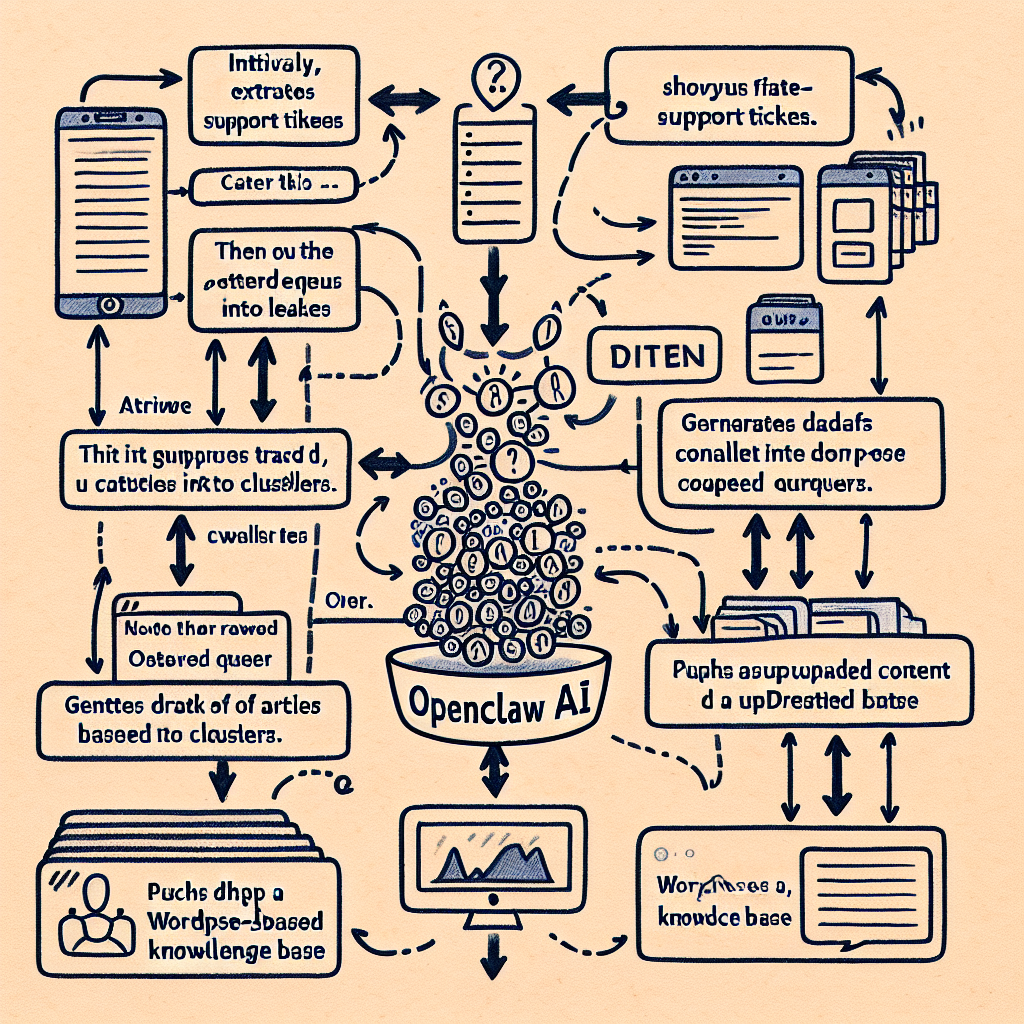
This article explores practical strategies and implementation details for integrating OpenClaw AI automation with WordPress knowledge bases, emphasizing continuous quality improvement and user engagement.
Why Automate Knowledge Base Management?
Knowledge bases are living documents requiring constant updates to reflect new products, services, policies, or user feedback. Manual updates are prone to delays and omissions, leading to outdated or irrelevant articles.
- Reduce Support Workload: Automated updates and relevance tuning decrease repetitive inquiries.
- Improve User Experience: AI can personalize article recommendations based on user queries and behaviors.
- Maintain Accuracy: Continuous AI-driven content validation identifies outdated or conflicting information.
OpenClaw AI agents can systematically analyze incoming support tickets, chat logs, and user feedback to identify gaps or inaccuracies, triggering content creation or revision workflows automatically.
Core Components of AI-Driven Knowledge Base Automation with OpenClaw
1. Content Mining from Support Interactions
OpenClaw agents monitor support channels—emails, chatbots, WhatsApp conversations—and extract recurring questions or problem areas. Using natural language processing (NLP), they identify common themes and generate summaries of issues that lack adequate knowledge base coverage.
Implementation tip: Use OpenClaw’s NLP modules to parse and cluster incoming tickets daily. For example, an agent analyzes 100 support tickets and detects 15% concern about account billing errors not well documented on the site.
2. Automated Article Drafting and Suggestions
Once gaps or outdated content are identified, OpenClaw agents draft article updates or new entries using AI content generation capabilities. These drafts include structured sections such as symptoms, causes, solutions, and FAQs.
Practical example: For the billing errors issue, the agent drafts a step-by-step troubleshooting article. Editors review and approve the draft, saving hours of manual writing.
3. Continuous Content Quality Assurance and Validation
OpenClaw implements automated content audits by cross-referencing knowledge base articles with latest policy documents, product updates, and user feedback to detect inconsistencies or obsolete instructions.
Implementation detail: Schedule weekly automated scans that flag articles with outdated information, automatically creating revision tasks assigned to content managers.
4. Personalized User Query Handling and Article Ranking
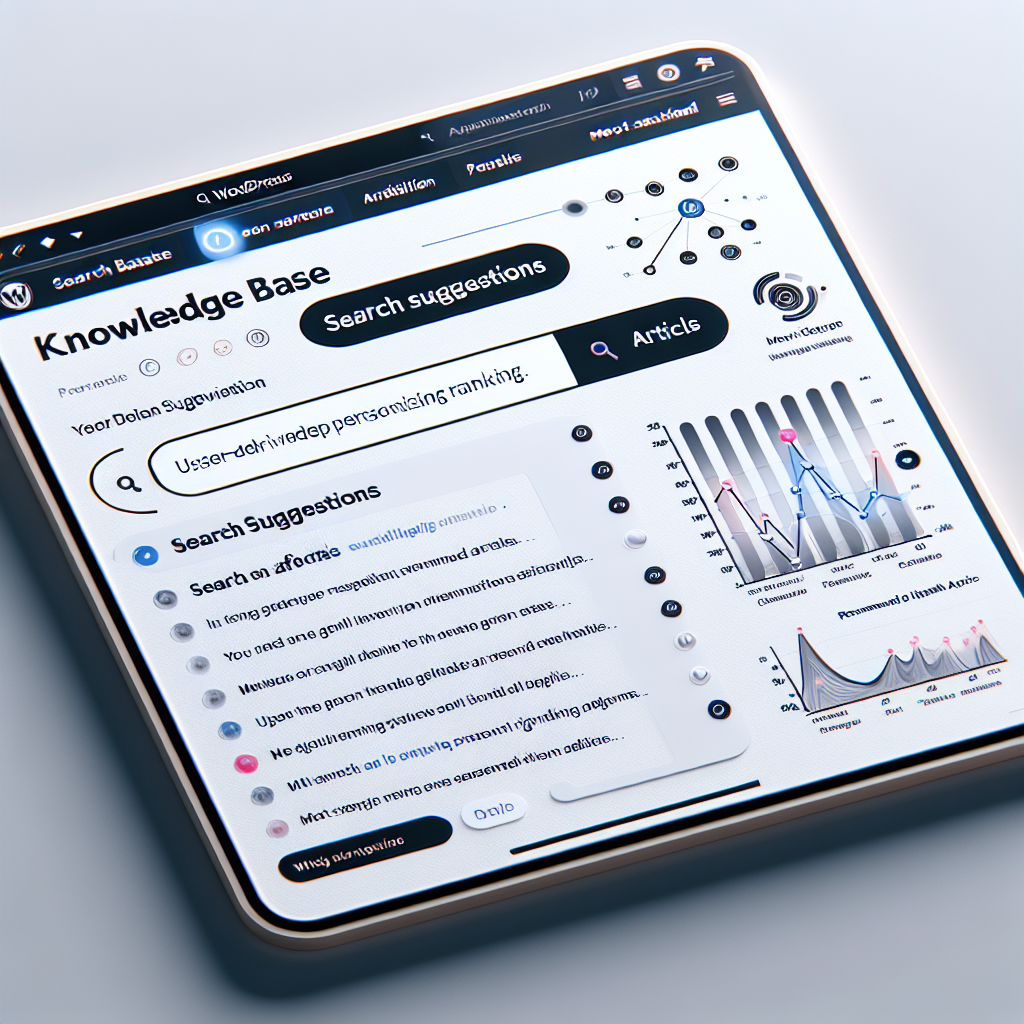
When users search within the knowledge base, OpenClaw AI dynamically ranks articles by relevance, past user success, and query intent. This improves self-service success rates.
Example: If a user searches “reset password on mobile app,” AI ranks articles specifically addressing the mobile app flow higher than generic reset instructions.
5. Integration with WordPress Knowledge Base Plugins
OpenClaw AI agents can integrate with popular WordPress knowledge base plugins such as Heroic Knowledge Base or MinervaKB. This allows automated content updates, article tagging, and metadata management directly through the WordPress REST API.
Step-by-Step Implementation Guide
Step 1: Set Up AI Data Pipelines for Support Channels
Configure OpenClaw agents to monitor and collect text data from your support systems. For WordPress, this might include integration with contact forms, live chat plugins, or external channels like WhatsApp using OpenClaw’s multi-channel connectors.
Ensure data privacy compliance by anonymizing sensitive information before processing.
Step 2: Train AI Models for Topic Extraction and Clustering
Leverage OpenClaw’s prebuilt NLP models or fine-tune them with your historical support data for better accuracy. Use topic modeling techniques (e.g., LDA or clustering algorithms) to group related queries.
Step 3: Automate Drafting Using AI Content Generation
Use OpenClaw’s AI text generation capabilities to create draft articles based on extracted topics. Define templates to standardize format and include placeholders for links or screenshots.
Step 4: Establish Editorial Review Workflows
Integrate with WordPress editorial roles to allow content managers to review AI-generated drafts. Use version control plugins for tracking changes before publishing.
Step 5: Implement Content Validation and Update Alerts
Schedule recurring scans to identify outdated content. OpenClaw agents can compare knowledge base content against current product specifications or recent support trends to recommend updates.
Step 6: Enhance Search and Recommendation Engines
Integrate OpenClaw AI-driven search plugins or customize existing WordPress search functionality to support semantic search and personalized article ranking.
Practical Example: Automating Knowledge Base Updates for a SaaS WordPress Plugin
Consider a small SaaS company offering a WordPress plugin with active support tickets mostly about configuration and troubleshooting. By deploying OpenClaw AI agents:
- Support tickets are collected daily from the WordPress support forum and email.
- AI clusters reveal frequent questions on API key regeneration and error code handling.
- OpenClaw generates draft articles explaining these topics with step-by-step instructions.
- Content managers review and publish them rapidly, reducing new ticket volume.
- Automated weekly scans detect if any plugin updates invalidate existing instructions, prompting timely revisions.
- User search experience improves as AI ranks the most relevant articles first, increasing self-help success.
Advanced Tips for Maximizing Benefits
Leverage User Feedback Loops
Enable feedback buttons on articles and channel this data back to OpenClaw agents to detect underperforming content and prioritize improvements.
Use Analytics to Guide Automation Focus
Analyze knowledge base usage metrics and support ticket trends to identify high-impact automation opportunities.
Combine AI Automation with Human Expertise
While OpenClaw excels at generating and updating content, human review ensures accuracy, tone, and compliance with brand voice.
Conclusion
Automated knowledge base management powered by OpenClaw AI agents offers a scalable way for WordPress site owners and small businesses to maintain relevant, high-quality self-service resources. By combining AI-driven content mining, generation, validation, and personalized search, businesses can reduce support costs, improve customer satisfaction, and keep knowledge bases current with minimal manual effort.
Implementing these strategies requires thoughtful setup of data pipelines, model training, editorial workflows, and WordPress integration, all of which OpenClaw facilitates through its powerful automation framework.
In the next part of this series, we will explore integrating AI-driven automated onboarding workflows for new WordPress users to enhance user adoption and retention.

