


OpenClaw AI Automation: Implementing AI-Driven Automated WordPress Multisite Management and Optimization (Part 40)
April 2, 2026
OpenClaw AI Automation: Advanced AI-Driven Automated WordPress User Role and Permission Management (Part 42)
April 3, 2026Introduction
In this installment of our OpenClaw deep-dive series, we focus on a crucial yet often challenging aspect of WordPress site management: content migration and synchronization. For business owners and technical operators managing multiple WordPress sites, content migration can be time-consuming and error-prone, especially when updates must be synchronized across staging, production, and multisite environments.
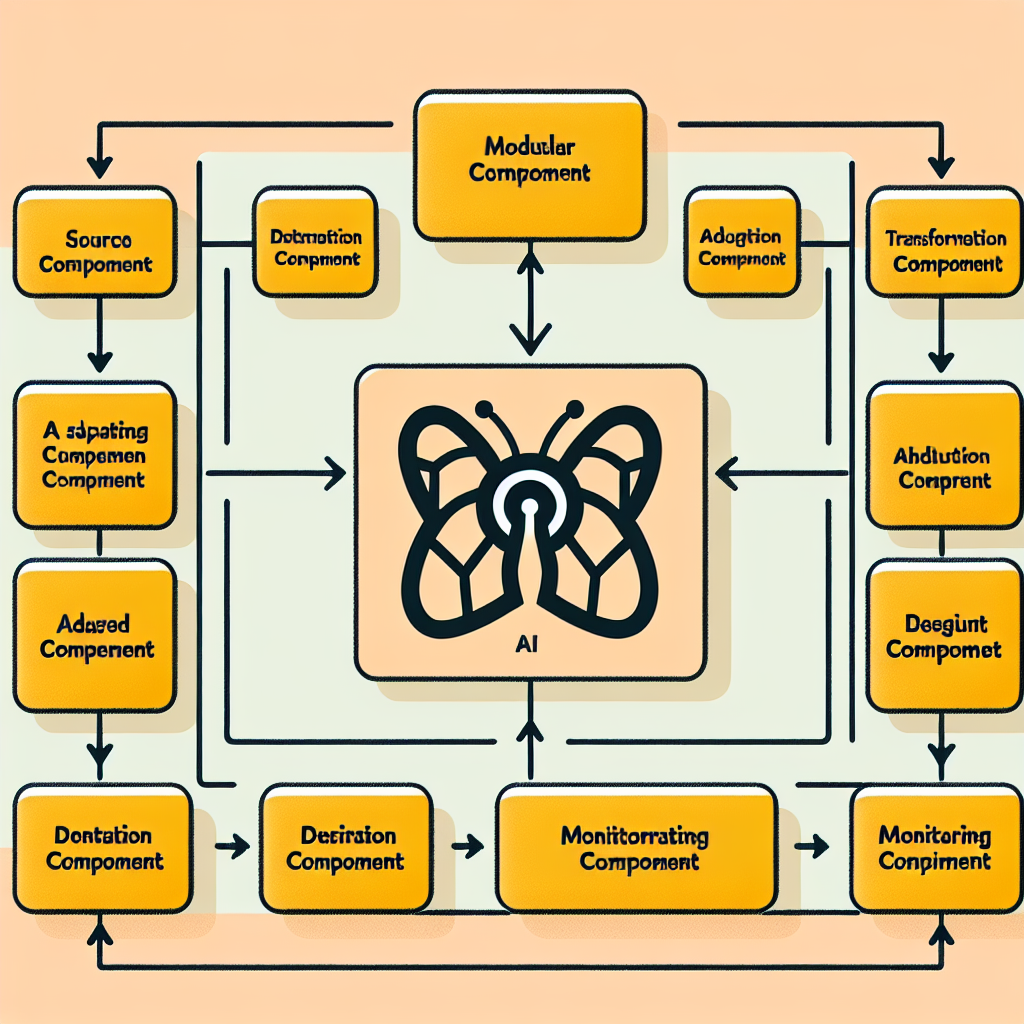
OpenClaw AI automation offers advanced capabilities to streamline and secure these processes through intelligent, autonomous agents. This article provides a comprehensive guide on implementing AI-driven automated WordPress content migration and synchronization using OpenClaw, with practical examples and step-by-step implementation details.
Why Automate WordPress Content Migration and Synchronization?

Manual migration and synchronization involve exporting databases, copying files, and running scripts—tasks prone to human error, downtime risks, and inconsistent content states. Automating these workflows with AI agents brings several advantages:
- Consistency: Ensures content parity across environments by validating and reconciling differences automatically.
- Speed: Significantly reduces time spent migrating large volumes of posts, pages, media, and settings.
- Error Reduction: Detects and resolves conflicts or data corruption during transfer.
- Scheduling & Monitoring: Enables migrations to run during off-peak hours with real-time progress tracking.
- Rollback & Recovery: Maintains backups and rollback points for safe failure recovery.
Overview of OpenClaw AI Agent Architecture for Migration
OpenClaw agents are designed to execute modular, autonomous workflows. For content migration and synchronization, the architecture typically includes:
- Source Agent: Extracts content from the origin WordPress site, including database records and media files.
- Transformation Agent: Applies data normalization, serialization, and conflict resolution logic.
- Destination Agent: Imports content into the target WordPress environment, ensuring data integrity and compatibility.
- Monitoring Agent: Tracks migration progress, logs events, and triggers alerts for any anomalies.
This modular approach allows flexibility to customize migration logic per project requirements.
Step-by-Step Implementation Guide
1. Setting Up OpenClaw Agents for Migration
Start by deploying OpenClaw agents with access credentials to both source and destination WordPress sites. Ensure API user permissions include:
- Read and export rights for posts, pages, taxonomies, users, and media.
- Write and import rights for content creation and updates.
- File system access for media synchronization.
Use secure REST API tokens or OAuth for authentication to maintain security best practices.
2. Extracting Content from Source
The Source Agent initiates a selective export based on defined criteria such as date ranges, content types, or categories. OpenClaw can utilize WordPress REST API endpoints like /wp/v2/posts with filters to paginate and batch extract content efficiently.
Media files are fetched via URLs and cached locally for transfer. Metadata, including custom fields and taxonomies, are serialized into JSON objects for transformation.
3. Data Transformation and Conflict Resolution
Content extracted often requires normalization to fit the destination environment. The Transformation Agent performs:
- ID Mapping: Re-maps post and media IDs to avoid collisions.
- URL Rewriting: Updates embedded links and media URLs to point to the new site.
- Duplicate Detection: Compares incoming content hashes against existing items to prevent duplicates.
- Conflict Resolution: Applies rules to handle content updates, e.g., overwrite, merge, or skip.
Advanced AI models can analyze content similarity and suggest the best resolution approach based on historical patterns.
4. Importing Content into Destination
The Destination Agent uses WordPress REST API endpoints such as /wp/v2/posts (POST and PUT methods) to create or update posts and pages. Media uploads use the /wp/v2/media endpoint with multipart/form-data.
To maintain relationships like featured images or parent-child pages, the agent tracks mapped IDs and updates references accordingly after import.
5. Synchronizing Across Multiple Environments
For businesses operating multisite networks or separate staging and production sites, OpenClaw agents can schedule synchronization workflows that:
- Detect changes since the last sync via timestamps or content versioning.
- Replicate only incremental updates to reduce overhead.
- Trigger notifications for manual review of complex conflicts.
Practical Example: Automating Blog Post Migration from Staging to Production
Consider a client managing a corporate blog with frequent staged content updates. Using OpenClaw, the migration process can be automated as follows:
- Trigger: New or updated posts in staging tagged as “Ready for Production”.
- Extraction: Source Agent collects these posts with associated media.
- Transformation: URLs rewritten from staging domain to production domain; duplicate slugs checked.
- Import: Destination Agent publishes posts on the production site, preserving featured images and categories.
- Verification: Monitoring Agent confirms all posts are live and sends summary report.
This workflow can be scheduled nightly or triggered by webhooks for near real-time updates.
Handling Common Challenges
Large Media Files and Bandwidth Constraints
OpenClaw supports chunked uploads and resumable transfers to handle large media efficiently. Agents can throttle bandwidth usage and retry failed uploads automatically.
Database Serialization and Complex Data Types
WordPress stores data in serialized PHP arrays which can break if not handled correctly during migration. OpenClaw integrates serialization-aware parsers to safely extract and inject such data.
Maintaining SEO Integrity
URL rewriting and redirection rules are managed during migration to avoid broken links and preserve search rankings. OpenClaw can update sitemaps and notify search engines of changes via API calls.
Monitoring and Logging for Reliable Automation
OpenClaw agents log detailed migration steps, including success rates, conflicts resolved, and anomalies detected. Dashboards provide real-time visualization of migration status and historical reports for audits.
Alerts can be configured to notify administrators via email or messaging platforms when manual intervention is required.
Extending Automation with Custom AI Models
Beyond standard migration, businesses can train custom AI models integrated with OpenClaw to:
- Predict content conflicts based on historical data.
- Optimize synchronization frequency based on traffic patterns.
- Automatically categorize or tag migrated content using natural language processing.
Conclusion
Automating WordPress content migration and synchronization with OpenClaw AI agents empowers businesses to maintain content consistency across environments with minimal effort and risk. By following the modular architecture and implementation steps outlined, technical operators can deploy reliable, scalable workflows that save time and reduce errors.
Future articles will explore integrating these migration workflows with broader AI-driven content management systems and predictive analytics.
Further Reading
- OpenClaw AI Automation: Implementing AI-Driven Automated WordPress Multisite Management and Optimization (Part 40)
- OpenClaw AI Automation: Implementing AI-Driven Automated WordPress Plugin Lifecycle Management (Part 38)
- OpenClaw AI Automation: Advanced AI-Driven Automated Workflow Analytics and Optimization for Small Businesses (Part 30)

