


OpenClaw AI Automation: Enhancing AI-Driven Automated WordPress Performance and Scalability Workflows (Part 80)
April 25, 2026
OpenClaw AI Automation: Leveraging AI-Driven Automated WordPress Security Auditing and Vulnerability Management Workflows (Part 82)
April 26, 2026Introduction
Welcome to Part 81 of our comprehensive OpenClaw AI Automation series. After exploring various facets of AI-driven WordPress automation — from security incident response to content moderation and scalability — this installment focuses on automated performance monitoring and real-time optimization workflows. Leveraging OpenClaw AI agents, business owners and technical operators can now implement continuous, intelligent performance management that minimizes downtime, improves user experience, and automates routine optimization tasks.
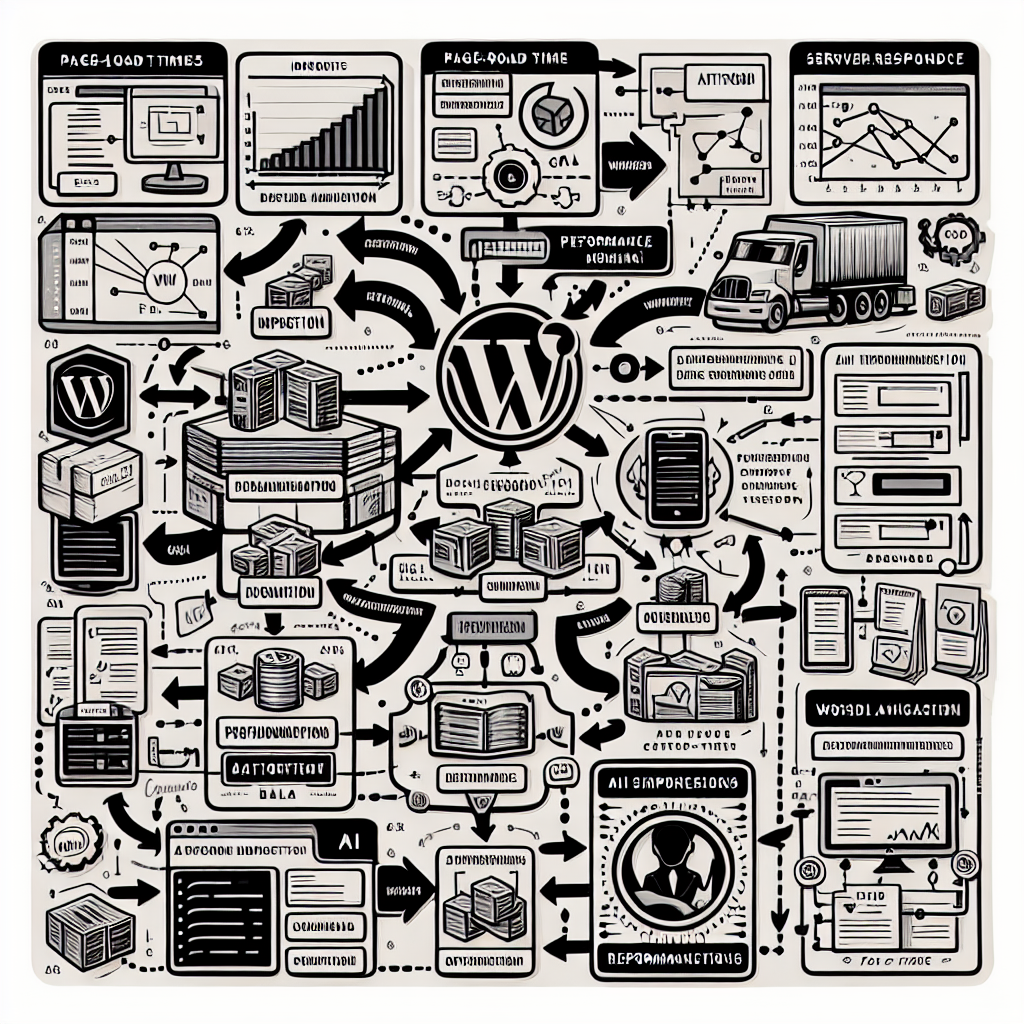
WordPress sites are dynamic and can face numerous performance challenges: slow page load times, database query bottlenecks, plugin conflicts, and server resource constraints, among others. Manual monitoring and tuning are time-consuming and error-prone. By integrating AI-driven automation directly into your WordPress hosting environment, you can proactively maintain optimal performance without constant human oversight.
Why Automated Performance Monitoring Matters
Traditional performance monitoring tools typically alert you after problems have already impacted users. OpenClaw AI automation takes a proactive approach, continuously analyzing key metrics such as page speed, server response time, database query performance, and resource usage. Using machine learning models trained on historical data and real-time inputs, AI agents can:
- Detect anomalies and performance degradations early
- Identify root causes rapidly through pattern recognition
- Trigger targeted optimization workflows automatically
- Learn from ongoing performance trends to fine-tune alerts and actions
This approach reduces downtime, enhances SEO rankings through faster load times, and improves conversion rates by delivering a seamless user experience.
Setting Up OpenClaw AI Agents for Performance Monitoring
1. Define Key Performance Indicators (KPIs)
Start by identifying the performance metrics most critical for your WordPress site. Common KPIs include:
- Page load time: Time taken for pages to fully render
- Time to first byte (TTFB): Server responsiveness
- Database query latency: Speed of critical database operations
- CPU and memory usage: Server resource consumption
- Error rates: HTTP errors or plugin failures
Configure these KPIs as monitoring targets in OpenClaw’s AI agents dashboard with threshold values that trigger alerts or automation.
2. Integrate Performance Data Sources
OpenClaw agents can ingest data from multiple sources:
- WordPress monitoring plugins: Such as Query Monitor or New Relic
- Server metrics: Via APIs from hosting providers or VPS environments
- Real user monitoring (RUM): Collecting user-side performance data through browser scripts
- Third-party APIs: For synthetic monitoring, e.g., Pingdom or GTmetrix
Use OpenClaw connectors to aggregate this data in real time for AI analysis.
3. Train AI Models for Anomaly Detection
OpenClaw agents employ machine learning algorithms to detect unusual patterns that indicate performance issues. Begin with supervised learning using labeled historical data, then enable continuous learning as new data streams in. For example, train models to recognize normal load time fluctuations vs. spikes caused by plugin conflicts or server overload.
Implementing Real-Time Automated Optimization Workflows
Once performance issues are detected, OpenClaw AI agents can autonomously execute predefined workflows to remediate problems. Below we break down practical examples of such workflows.
Workflow Example 1: Automatic Plugin Conflict Resolution
- Detection: AI agent identifies increased page load time and error rates after a plugin update.
- Analysis: Correlates the timing with recent plugin changes and isolates problematic plugin(s).
- Action: Automatically disables the conflicting plugin and clears WordPress cache.
- Notification: Sends an alert to the site admin with detailed diagnostics and steps taken.
- Follow-up: Monitors performance post-action to confirm resolution.
Workflow Example 2: Database Query Optimization
- Detection: AI detects slow database queries causing page latency.
- Analysis: Queries slow logs and identifies inefficient SQL statements or missing indexes.
- Action: Applies optimized queries or triggers automated database index creation scripts.
- Notification: Logs changes and informs the DBA or site admin.
- Follow-up: Continues monitoring query performance for improvements.
Workflow Example 3: Server Resource Auto-Scaling
- Detection: CPU and memory usage spike during traffic surges.
- Analysis: AI forecasts sustained high load based on traffic patterns.
- Action: Triggers automated provisioning of additional resources (e.g., CPU cores, RAM) on VPS or cloud hosting.
- Notification: Alerts the hosting admin that scaling actions occurred.
- Follow-up: Scales down resources when traffic subsides to optimize cost.
Implementation Best Practices
Continuous Feedback Loops
Set up OpenClaw AI agents to continuously learn from the outcomes of automated interventions. For instance, if a workflow action does not resolve the issue, the AI should escalate or try alternative remediation steps. This adaptive feedback loop improves effectiveness over time.
Granular Permissions and Safety Nets
Grant AI agents only the permissions necessary for their tasks to minimize risks. Implement rollback or manual approval mechanisms for critical changes like plugin deactivation or server scaling.
Customizable Thresholds and Alerts
Performance tolerance varies by site type and audience. Customize thresholds for alerts and automated actions to avoid false positives or missed issues.
Comprehensive Logging and Reporting
Maintain detailed logs of AI decisions and actions. Generate periodic performance reports with insights and recommendations for human operators.
Practical Implementation: Sample OpenClaw Workflow YAML Snippet
name: wordpress-performance-optimization
triggers:
  - type: performance_anomaly
    indicators:
      - page_load_time
      - db_query_latency
actions:
  - type: analyze_root_cause
  - type: disable_plugin
    condition:
      plugin_conflict_detected: true
  - type: optimize_database
    condition:
      slow_queries_detected: true
  - type: scale_server_resources
    condition:
      high_cpu_memory_usage: true
  - type: notify_admin
    message: "Automated performance optimization actions executed. See logs for details."
This snippet shows a simplified workflow where OpenClaw triggers actions based on detected performance anomalies.
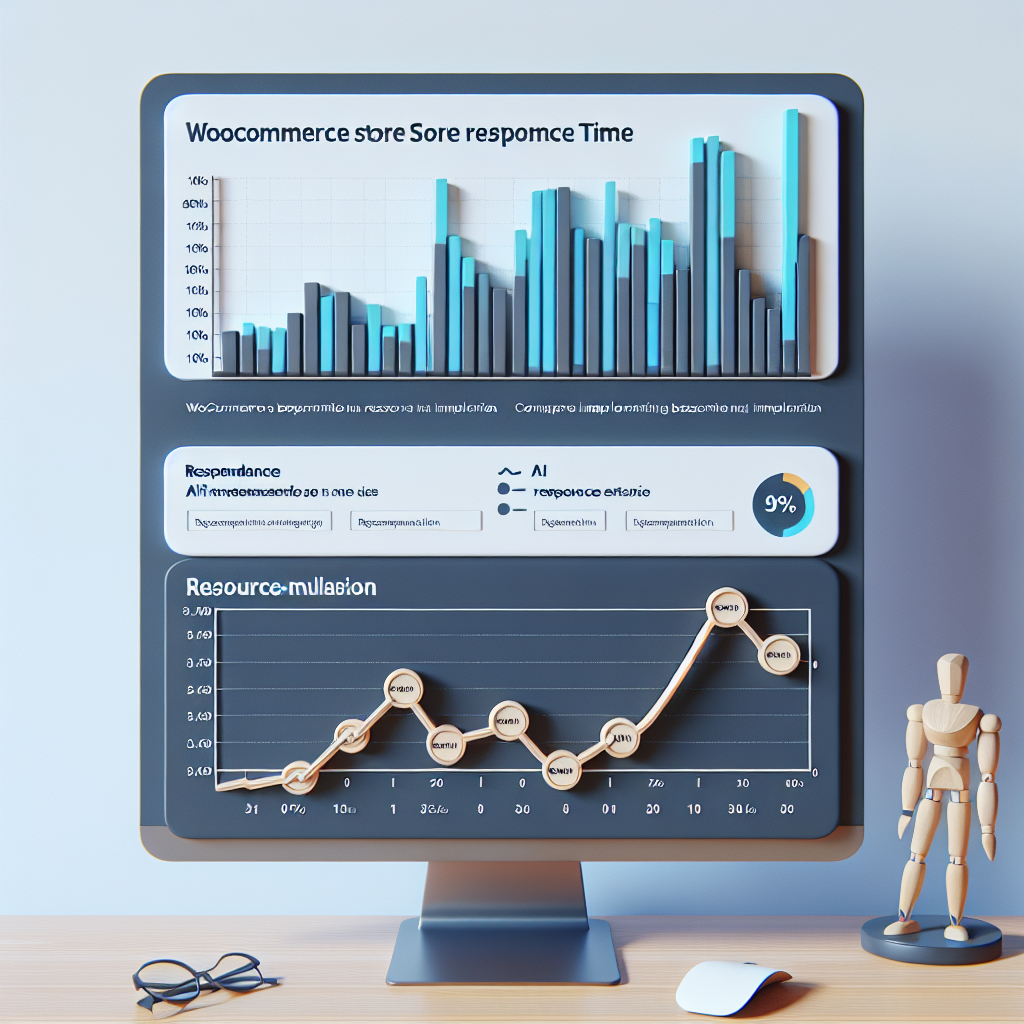
Case Study: Optimizing a WooCommerce Store with OpenClaw AI Automation
Consider a WooCommerce store experiencing intermittent page slowdowns during sales events. By deploying OpenClaw AI agents configured as above, the store owner was able to:
- Automatically detect plugin conflicts caused by coupon code plugins during peak traffic.
- Trigger immediate deactivation of problematic plugins without downtime.
- Optimize database indexes for order queries, reducing checkout latency by 30%.
- Auto-scale VPS resources during flash sales, maintaining stable response times.
- Receive detailed alerts and reports to monitor ongoing performance health.
This automation reduced manual troubleshooting time by 80% and improved customer satisfaction through faster site responsiveness.
Conclusion
Implementing AI-driven automated WordPress performance monitoring and real-time optimization workflows with OpenClaw empowers site owners and operators to maintain peak website efficiency with minimal manual overhead. By defining key metrics, integrating data sources, training AI models, and deploying automated remediation workflows, businesses can proactively avoid performance bottlenecks and ensure superior user experiences.
In the next installment, we will explore advanced AI-driven automated WordPress content personalization strategies that complement these performance optimizations. Stay tuned!

