


OpenClaw AI Automation: Integrating AI-Driven Automated WordPress Multilingual Content Management Workflows (Part 61)
April 14, 2026
OpenClaw AI Automation: Implementing AI-Driven Automated WordPress Site Health Monitoring and Proactive Issue Resolution (Part 63)
April 15, 2026Introduction
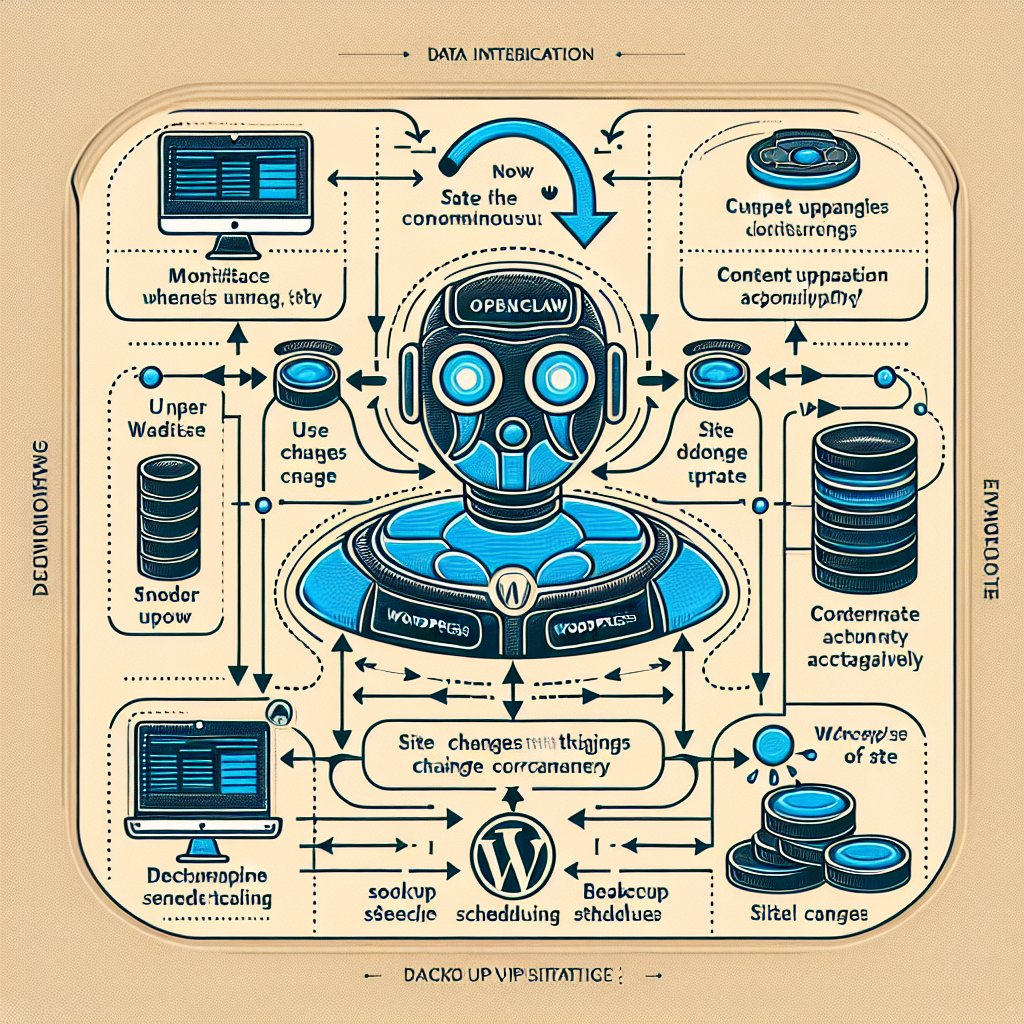
In this installment of the OpenClaw series, we dive deep into implementing AI-driven automated WordPress backup and disaster recovery strategies. While previous parts have touched on performance, security, and content workflows, this part focuses specifically on protecting your WordPress environment through intelligent backup automation and rapid recovery techniques powered by OpenClaw AI agents.
Why AI-Driven Backup and Disaster Recovery Matters for WordPress
WordPress sites face constant threats — from accidental data deletion, plugin conflicts, malicious attacks, to server failures. Traditional backup solutions often require manual intervention or rigid scheduling that may not reflect actual site risk or activity. OpenClaw AI automation transforms backup and recovery by:
- Adapting backup frequency: AI agents analyze site changes and traffic patterns to trigger backups dynamically.
- Ensuring backup integrity: Automated validation detects corrupted or incomplete backups.
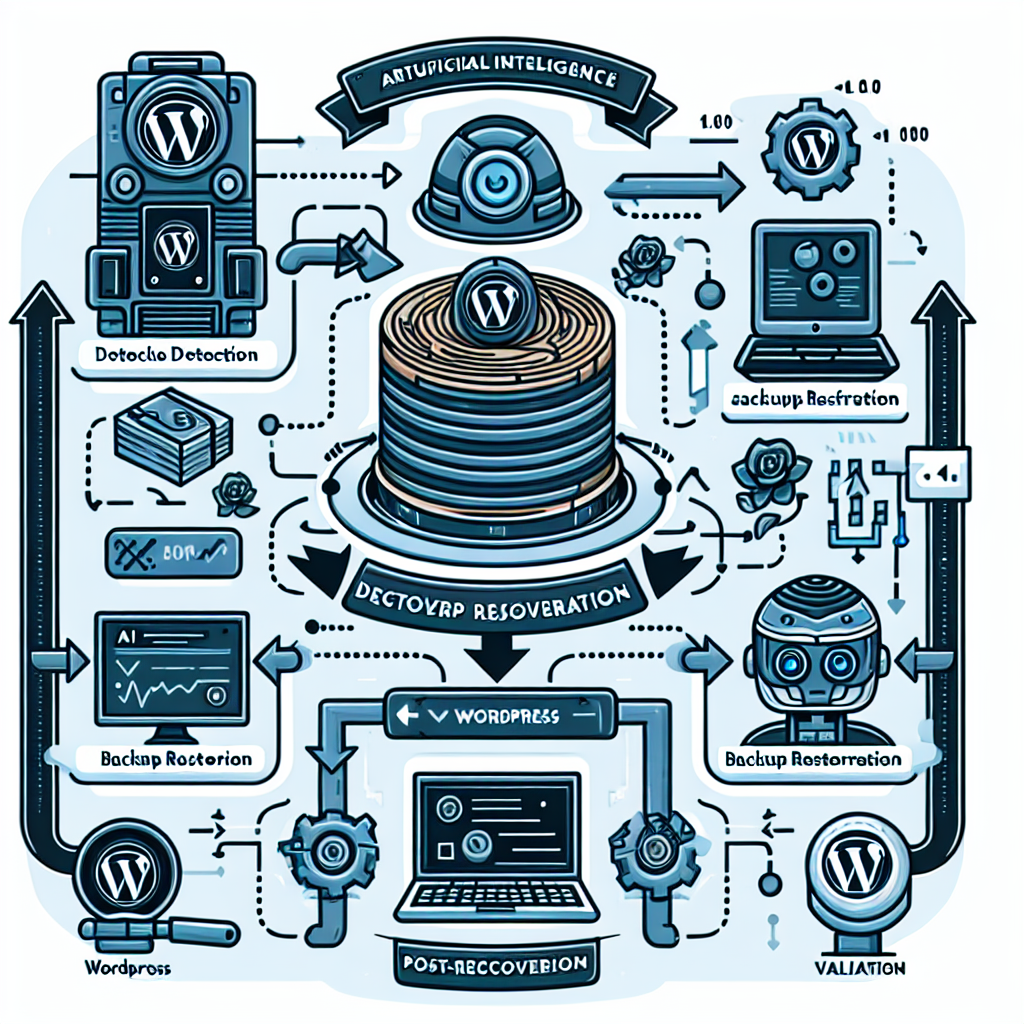
- Orchestrating rapid recovery: In disaster scenarios, AI agents coordinate restoration workflows minimizing downtime.
Core Components of an AI-Driven Backup and Disaster Recovery Workflow
Implementing an effective automated strategy requires integrating multiple components that OpenClaw orchestrates seamlessly:
1. Intelligent Backup Scheduling and Monitoring
Instead of fixed intervals, the OpenClaw AI agent monitors:
- Content updates — posts, pages, media uploads
- Plugin and theme changes
- User activity spikes
- Server health metrics
Based on these signals, the agent schedules backups immediately after significant changes or during low-traffic windows. This minimizes data loss risk while avoiding unnecessary backups.
2. Secure and Redundant Backup Storage
Backups can be stored across multiple destinations for redundancy — local storage, cloud providers (AWS S3, Google Cloud Storage), or remote FTP servers. OpenClaw automates encryption, compression, and verification of backups before transfer, ensuring security and efficient storage use.
3. Automated Backup Validation and Reporting
After each backup, the AI agent performs integrity checks to confirm completeness and readability. If corruption or failure is detected, it triggers remediation workflows such as retrying the backup, alerting admins, or rolling back to the last good backup.
4. Disaster Detection and Recovery Orchestration
OpenClaw AI continuously monitors site availability and error logs for signs of failure. Once a disaster is detected (e.g., site down, database corruption), it initiates an automated recovery process:
- Isolates the issue by disabling problematic plugins or themes.
- Restores the site from the latest verified backup.
- Runs post-recovery tests to verify site health.
- Notifies stakeholders with detailed recovery reports.
Practical Implementation: Step-by-Step Guide
This section walks through implementing a complete OpenClaw AI-driven backup and disaster recovery workflow for a typical WordPress site.
Step 1: Configure Backup Sources and Destinations
Define what components to back up:
- WordPress files (wp-content, core files)
- Database dumps
- Configuration files (.htaccess, wp-config.php)
Set up secure storage endpoints — for example, an AWS S3 bucket with encryption enabled.
Step 2: Implement AI-Driven Backup Scheduling
Deploy an OpenClaw AI agent that tracks:
- File system changes using inotify or WordPress hooks
- Database write operations
- User login and content publishing events
The agent uses this data to decide when to trigger backups. For example, if a new post is published or a plugin is updated, it schedules an immediate backup. If traffic is high, it defers the backup to off-peak hours.
Step 3: Automate Backup Execution and Validation
The AI agent calls scripts to:
- Export the database using
mysqldumpwith compression - Archive WordPress files with
tarand encrypt with GPG - Transfer backups securely to cloud storage via API calls
- Verify backup integrity by checksum comparison and sample file extraction
If validation fails, the agent retries or escalates the issue.
Step 4: Monitor Site Health and Detect Disasters
OpenClaw runs continuous health checks:
- HTTP status monitoring
- Database connection tests
- Log scanning for error patterns
When anomalies are detected, the AI agent correlates events and decides whether to initiate recovery.
Step 5: Orchestrate Automated Recovery
The recovery workflow includes:
- Temporarily disabling plugins/themes via WP-CLI commands to isolate causes
- Restoring database and files from the latest verified backup
- Clearing cache and resetting permalinks
- Running automated functional tests (e.g., homepage loads, login works)
- Sending recovery status reports to admins via email or Slack
Case Study: AI-Driven Backup Saves E-Commerce Site from Data Loss
An online store running WooCommerce experienced a plugin conflict after an update that corrupted its product database. The OpenClaw AI agent detected abnormal database errors and triggered an immediate rollback to the last successful backup made minutes before the update. The site was restored with zero data loss and minimal downtime, preserving sales and customer trust.
Best Practices and Considerations
- Test your recovery regularly: Schedule periodic drills to verify backup restorations work end-to-end.
- Use incremental backups: To save storage and speed up processes, leverage incremental backup strategies supported by OpenClaw agents.
- Encrypt sensitive data: Always encrypt backups, especially when stored offsite.
- Maintain multiple backup copies: Retain backups over varying timeframes (daily, weekly, monthly) for comprehensive recovery options.
- Integrate with monitoring tools: Combine OpenClaw with external monitoring (e.g., UptimeRobot) for enhanced disaster detection.
Conclusion
OpenClaw AI automation empowers WordPress site owners with a proactive, intelligent backup and disaster recovery system that adapts to real-time changes and site conditions. By automating backup scheduling, integrity validation, and recovery orchestration, it significantly reduces risk, downtime, and manual effort. Implementing these strategies is essential for business continuity and maintaining a professional online presence.
Further Reading and Related Topics
- OpenClaw AI Automation: Integrating AI-Driven Automated WordPress Multilingual Content Management Workflows (Part 61)
- OpenClaw AI Automation: Building AI-Driven Automated WordPress Content Generation and SEO Optimization Workflows (Part 60)
- OpenClaw AI Automation: Implementing AI-Driven Automated WordPress User Behavior Analytics and Personalized Marketing Workflows (Part 59)

