


OpenClaw AI Automation: Advanced AI-Driven Automated WordPress User Role and Permission Management (Part 42)
April 3, 2026
OpenClaw AI Automation: Orchestrating Multi-Agent Workflows for Complex WordPress and Business Task Automation (Part 44)
April 4, 2026Introduction to Extending WordPress REST API with OpenClaw AI Agents
In previous parts of this series, we explored various facets of automating WordPress management and support workflows using OpenClaw AI agents. In this installment, Part 43, we focus on extending the WordPress REST API with custom endpoints and integrations powered by OpenClaw AI automation. This approach empowers businesses and technical operators to unlock new automation possibilities by harnessing AI-driven logic directly within their WordPress environments.
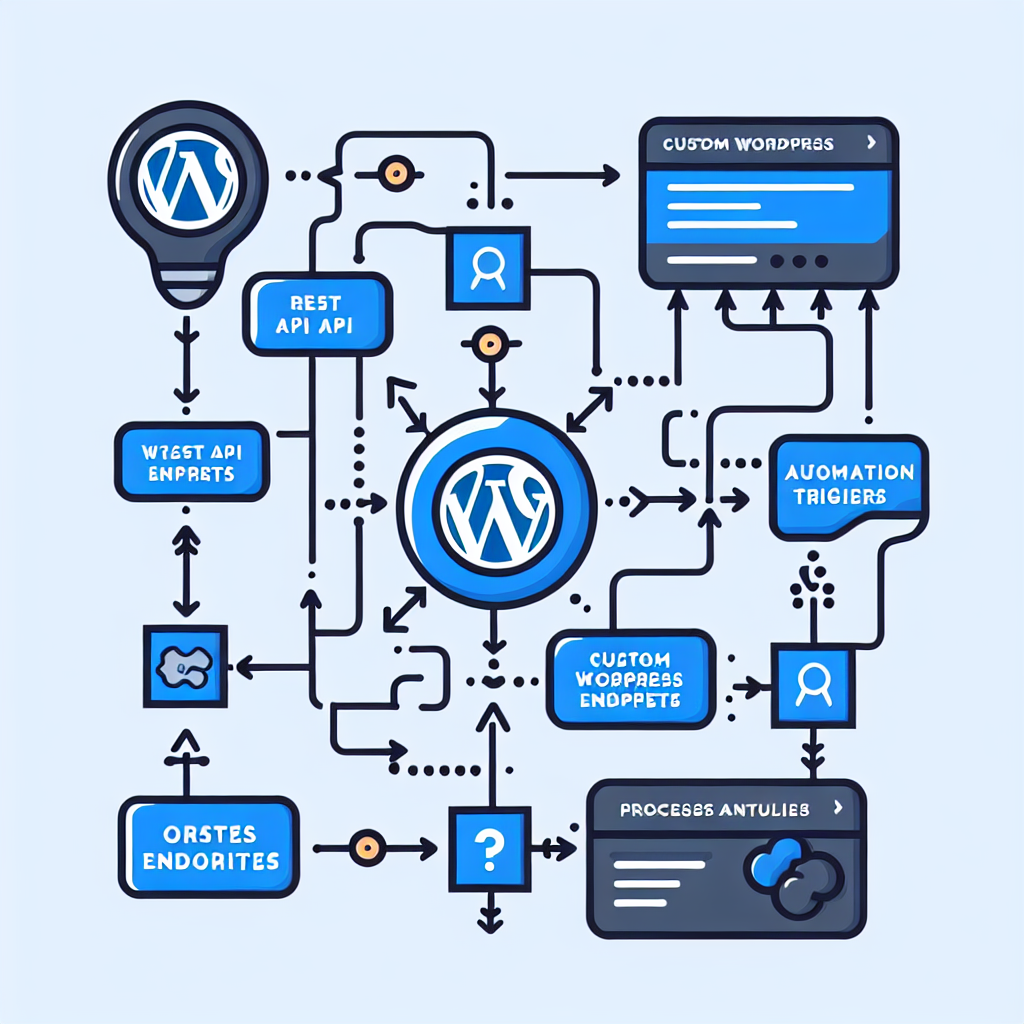
Why Extend the WordPress REST API?

The WordPress REST API provides a robust foundation for programmatic interaction with WordPress sites. However, out-of-the-box endpoints may not cover all business-specific needs. Extending the API allows developers and AI agents to:
- Expose custom data relevant to business workflows
- Trigger AI-powered automation based on precise, real-time conditions
- Integrate with third-party platforms through tailored API contracts
- Implement complex logic that supports dynamic user experiences or backend operations
By combining OpenClaw AI agents with REST API extensions, organizations can automate otherwise manual tasks such as client onboarding, content personalization, inventory updates, and more with minimal human intervention.
Planning Your Custom REST API Extensions
Identify Business Use Cases Suitable for Automation
Start by outlining processes where AI can add value through automation. Examples include:
- Automated product recommendations based on user behavior
- Dynamic content generation triggered by user queries
- AI-powered validation and enrichment of form submissions
- Real-time synchronization with external CRM or ERP systems
Mapping these workflows to API endpoints ensures your OpenClaw agents have the right hooks to operate effectively.
Define the API Endpoints and Data Contracts
Design RESTful endpoints with clear URLs, HTTP methods, and request/response payloads. For example, a POST endpoint at /wp-json/openclaw/v1/recommendations might accept user profile data and return AI-generated suggestions.
Implementation: Creating a Custom REST API Endpoint for AI-Powered Content Recommendations
Let’s walk through an example of building a custom endpoint that integrates OpenClaw AI to provide dynamic content recommendations.
Step 1: Register the Custom REST Route
add_action('rest_api_init', function () {
    register_rest_route('openclaw/v1', '/recommendations', array(
        'methods' => 'POST',
        'callback' => 'openclaw_recommendations_handler',
        'permission_callback' => function () {
            return current_user_can('read');
        }
    ));
});
Step 2: Define the Callback Handler
function openclaw_recommendations_handler(WP_REST_Request $request) {
    $params = $request->get_json_params();
    $user_profile = $params['user_profile'] ?? null;

    if (empty($user_profile)) {
        return new WP_Error('no_user_profile', 'User profile data is required', array('status' => 400));
    }

    // Example: Pass user profile data to OpenClaw AI agent for processing
    $recommendations = openclaw_ai_generate_recommendations($user_profile);

    return rest_ensure_response(array('recommendations' => $recommendations));
}
Step 3: Integrate OpenClaw AI Agent Logic
The function openclaw_ai_generate_recommendations() encapsulates the AI-driven logic. It could invoke OpenAI APIs, local AI models, or orchestrate AI workflows via OpenClaw agents.
function openclaw_ai_generate_recommendations(array $user_profile) {
    // Prepare prompt or input data for AI
    $prompt = "Generate content recommendations for user with interests: " . implode(', ', $user_profile['interests'] ?? []);

    // Call OpenClaw AI service (pseudo-code)
    $ai_response = OpenClawAI::requestCompletion($prompt);

    // Parse and format response
    $recommendations = json_decode($ai_response, true)['recommendations'] ?? [];

    return $recommendations;
}
Securing Your Custom API Endpoints
Security is paramount when exposing custom endpoints:
- Permission Callbacks: Use WordPress capabilities to restrict access (e.g.,
current_user_can('read')or custom capabilities). - Nonce Verification: For frontend AJAX requests, implement nonces to prevent CSRF.
- Input Validation and Sanitization: Always validate incoming data and sanitize outputs.
- Rate Limiting: Consider limiting requests to prevent abuse.
Real-World Use Case: Automated Customer Support Ticket Classification
By extending the REST API, OpenClaw AI agents can automatically classify support tickets submitted via a custom form.
Workflow Overview:
- User submits support ticket data to an endpoint
/wp-json/openclaw/v1/ticket-classify. - The AI agent analyzes the issue description, categorizes the ticket, and assigns a priority.
- The system updates the ticket post type metadata accordingly, triggering workflow automations.
Sample Endpoint Handler Snippet:
function openclaw_ticket_classify_handler(WP_REST_Request $request) {
    $data = $request->get_json_params();
    $issue_description = sanitize_text_field($data['description'] ?? '');

    if (empty($issue_description)) {
        return new WP_Error('missing_description', 'Issue description is required', array('status' => 400));
    }

    $classification = openclaw_ai_classify_ticket($issue_description);

    // Save classification metadata to ticket post (example)
    $ticket_id = (int) $data['ticket_id'];
    if ($ticket_id) {
        update_post_meta($ticket_id, '_ticket_category', $classification['category']);
        update_post_meta($ticket_id, '_ticket_priority', $classification['priority']);
    }

    return rest_ensure_response($classification);
}
Testing and Debugging Your Custom API Endpoints
Use tools like Postman or cURL to send test requests and verify responses. Enable WP_DEBUG and REST API logging plugins to capture errors and performance metrics.
Example cURL Command:
curl -X POST
  https://yourwebsite.com/wp-json/openclaw/v1/recommendations
  -H 'Content-Type: application/json'
  -d '{"user_profile": {"interests": ["technology", "AI", "business"]}}'
Advanced Integration: Chaining OpenClaw AI Agents via REST API
For complex workflows, multiple OpenClaw AI agents can interact through chained REST API calls:
- Agent A processes input and creates a summarized report.
- Agent B receives the summary via a custom endpoint and generates automated emails.
- Agent C triggers follow-up workflows based on user responses.
This modular approach provides scalability and maintainability for enterprise-grade automation.
Best Practices for Maintaining API Extensions
- Document all endpoints with request/response examples.
- Version your API namespaces (e.g.,
openclaw/v1,openclaw/v2) to allow iterative improvements. - Implement comprehensive logging for audit trails.
- Regularly review and update AI prompt engineering for accuracy and relevance.
Conclusion
Extending WordPress REST API with OpenClaw AI-driven custom endpoints unlocks a new dimension of automation and integration possibilities. By carefully designing your API, securing access, and embedding intelligent AI workflows, businesses can automate complex processes, improve customer experiences, and reduce operational overhead. This approach is ideal for small businesses and technical operators aiming to leverage AI in scalable, maintainable ways.
In upcoming series parts, we will explore orchestration patterns combining multiple AI agents and advanced monitoring techniques for OpenClaw-powered WordPress ecosystems.

