


OpenClaw AI Automation: Leveraging AI-Driven Automated WordPress REST API Extensions and Custom Integrations (Part 43)
April 4, 2026
OpenClaw AI Automation: Implementing AI-Driven Automated WordPress Site Health Monitoring and Proactive Issue Resolution (Part 45)
April 5, 2026Introduction to Multi-Agent Workflow Orchestration in OpenClaw
Building on previous discussions about single-agent automation for WordPress and business tasks, this part delves into orchestrating multiple OpenClaw AI agents to handle complex workflows collaboratively. Multi-agent orchestration enables businesses to scale automation, delegate specialized tasks, and build robust end-to-end AI-driven systems.
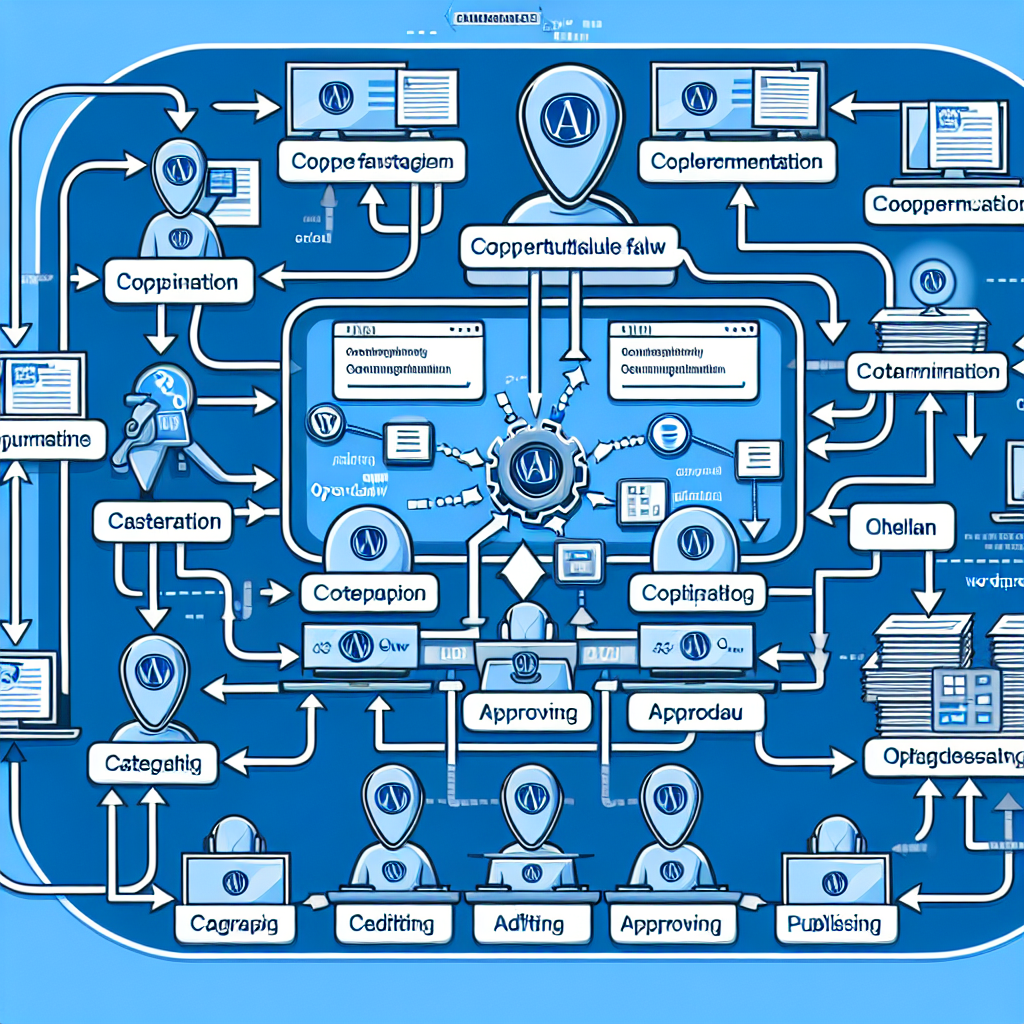
Why Orchestrate Multiple AI Agents?
While a single AI agent can automate discrete tasks, complex business processes often require coordination of multiple specialized agents. Advantages include:
- Task Specialization: Different agents can focus on content generation, data analysis, customer support, or system monitoring, leveraging their strengths.
- Parallel Processing: Multiple agents can work concurrently, reducing total execution time for workflows.
- Reliability and Redundancy: Agents can monitor each other’s outputs and recover from errors collaboratively.
- Scalability: New agents can be added to workflows as business needs grow without redesigning the entire system.
Core Components of OpenClaw Multi-Agent Orchestration
Orchestrating multi-agent workflows in OpenClaw requires understanding several foundational components:
1. Agent Roles and Responsibilities
Define clear roles for each agent in the workflow. For example, in a WordPress automation context, you might have:
- Content Creator Agent: Generates blog posts or product descriptions.
- SEO Optimizer Agent: Analyzes and enhances content for SEO compliance.
- Publishing Agent: Handles WordPress REST API calls to schedule and publish posts.
- Monitoring Agent: Continuously checks site health and workflow status.
2. Communication and Data Exchange
Agents communicate via structured messages or shared data stores. OpenClaw supports JSON-based message passing, enabling agents to exchange task status, intermediate results, and commands.
3. Workflow Engine and Scheduler
A central orchestrator or workflow engine coordinates the sequence and timing of agent tasks. It schedules agent execution, manages dependencies, and handles error recovery.
Implementing a Multi-Agent Workflow: A Practical Example
This section walks through a concrete example: automating a WordPress content marketing workflow involving three specialized OpenClaw agents.
Workflow Overview
- Agent 1 – Topic Researcher: Uses AI to identify trending topics based on keyword and competitor analysis.
- Agent 2 – Content Generator: Drafts blog posts based on topics provided.
- Agent 3 – WordPress Publisher: Manages scheduling and publishing posts via WordPress REST API.
Step 1: Define Agent Tasks and APIs
Each agent exposes a REST endpoint for task invocation. Example JSON payload for Agent 1:
{
  "action": "generate_topics",
  "parameters": {
    "keywords": ["AI automation", "small business"],
    "competitorUrls": ["https://competitor1.com", "https://competitor2.com"]
  }
}
Step 2: Orchestrator Logic
The orchestrator triggers Agent 1, waits for topic results, then passes those to Agent 2 to generate content. Upon content creation, it instructs Agent 3 to publish to WordPress.
Example pseudocode for orchestrator:
function orchestrateContentWorkflow() {
  const topics = callAgent('topicResearcher', { keywords, competitorUrls });
  for (const topic of topics) {
    const content = callAgent('contentGenerator', { topic });
    callAgent('wordpressPublisher', { content, scheduleDate: calculateSchedule() });
  }
}
Step 3: Handling Agent Responses and Errors
Each agent returns status codes and detailed messages. The orchestrator implements retry logic and fallback mechanisms.
Advanced Strategies for Multi-Agent Coordination
Agent Chaining with Event-Driven Triggers
Agents can emit events upon task completion that trigger downstream agents asynchronously. This reduces orchestrator complexity and improves scalability.
Shared Data Repositories
Using a centralized database or cache (e.g., Redis, Firebase) allows agents to read/write workflow state and share results independently.
Monitoring and Logging
Implement centralized logging and monitoring dashboards to track agent health, workflow progress, and bottlenecks. Visualization tools like Grafana integrated with OpenClaw can provide real-time insights.
Use Case: Automated Customer Support Escalation Workflow
Beyond content automation, multi-agent orchestration is invaluable in customer support scenarios. For example:
- Agent A: AI-powered WhatsApp support bot handling FAQs.
- Agent B: Sentiment analysis agent detecting frustrated customers.
- Agent C: Escalation agent opening tickets in CRM and notifying human agents.
These agents collaborate seamlessly to improve customer experience and reduce manual workload.
Best Practices and Considerations
- Clear API Contracts: Maintain well-defined input/output schemas for each agent to ensure smooth interoperability.
- Idempotency: Design agents to handle repeated requests safely to avoid duplicate actions.
- Security: Secure inter-agent communication with authentication and encryption.
- Resource Management: Monitor system resources to prevent overload from concurrent agents.
- Incremental Deployment: Start with small multi-agent workflows and gradually increase complexity.
Conclusion
Orchestrating multiple OpenClaw AI agents unlocks powerful automation capabilities for WordPress sites and business operations. By defining clear agent roles, establishing robust communication patterns, and implementing a reliable workflow engine, businesses can streamline complex tasks, improve efficiency, and scale automation with confidence.
In the next part of this series, we will explore advanced role-based access controls for AI agents to further secure your multi-agent workflows.

