Can customers read your website text? Contrast and zoom checks
Check text contrast and try your website at 200% zoom. A practical way to spot faint labels, clipped words and buttons that become hard to use.
Read article

THE HOBBIT WEB DESIGN BLOG
Explore web design, WordPress and automation, one article at a time.
Browse, learn and find your next idea.
Check text contrast and try your website at 200% zoom. A practical way to spot faint labels, clipped words and buttons that become hard to use.
Read articleCheck your website downloads for clear labels, current information and a usable phone experience. Start with one important PDF and a simple review routine.
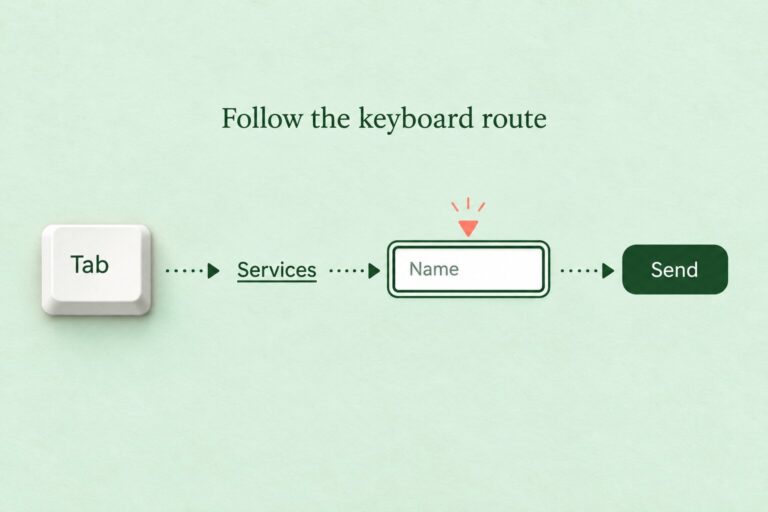
Read articleCheck your website with a keyboard: follow links, spot visible focus, test menus and record problems along a real customer journey.
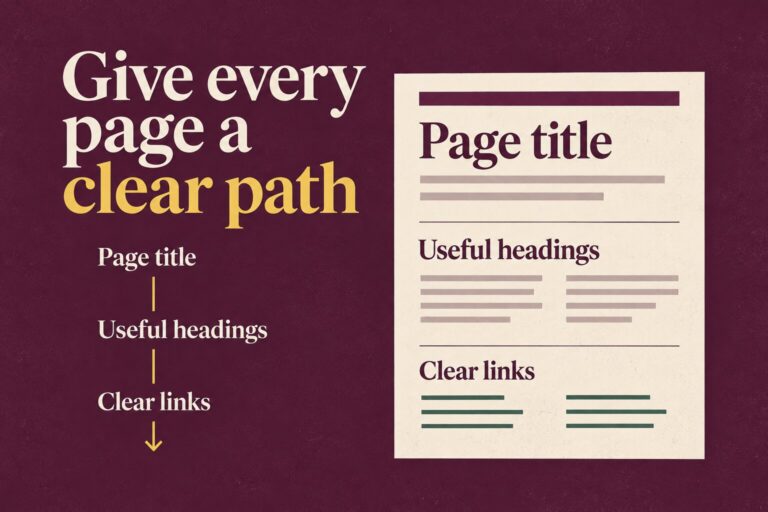
Read articleHelp readers find their way through your service page. Review its headings, check their structure and replace vague link labels with useful words.
Read articleDiscover how to leverage OpenClaw AI Automation to implement advanced, AI-driven accessibility improvements on WordPress sites. This comprehensive guide explores practical techniques, implementation details, and real-world examples…
Read articleExplore advanced techniques to automate WordPress content accessibility improvements using OpenClaw AI Automation. Learn practical implementation strategies to ensure your websites meet accessibility standards, improve user experience,…
Read articleExplore how OpenClaw AI Automation can elevate your WordPress site’s content quality assurance and compliance processes through advanced AI-driven techniques, practical workflows, and seamless integrations.
Read article