How to recover missing page text with WordPress revisions
Recover missing WordPress page text carefully: compare revisions, preserve newer details and check the corrected page before customers rely on it.
Read article

THE HOBBIT WEB DESIGN BLOG
Explore web design, WordPress and automation, one article at a time.
Browse, learn and find your next idea.
Recover missing WordPress page text carefully: compare revisions, preserve newer details and check the corrected page before customers rely on it.
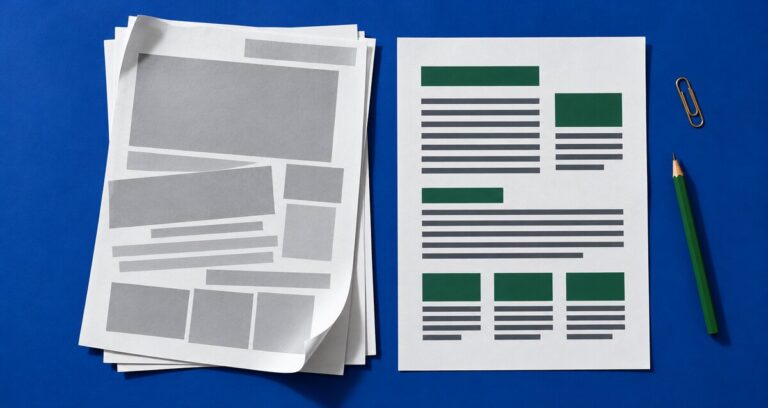
Read articleCheck that customers can print useful website pages without clipped text, missing instructions or wasted sheets. Start with one page and a simple print preview.
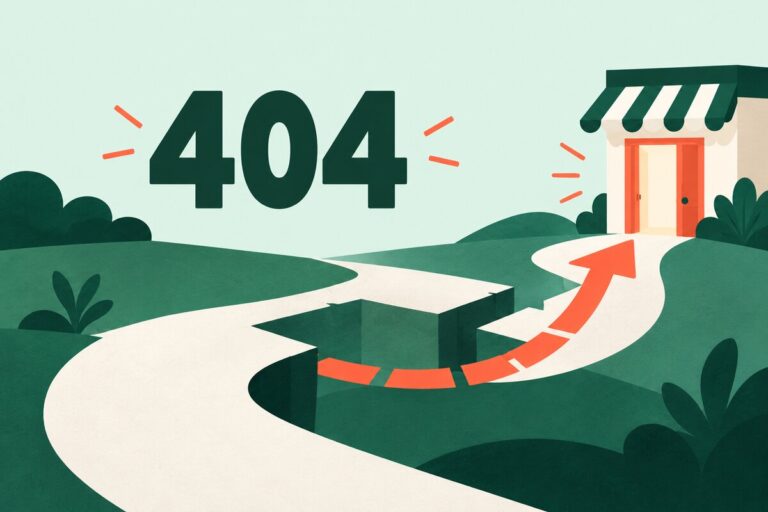
Read articleCheck your website’s page-not-found screen: use a clear message, helpful links and the right response to get customers back on track.
Read articleCheck your website telephone links, visible numbers, call destinations and opening hours so customers know how to reach the right person.
Read articleCheck your homepage slideshow for readable slides, clear pause controls and a useful customer journey on phones and keyboards.
Read articleHelp customers check whether you cover their area. Review place names, service limits, maps and the next step for addresses near your boundary.
Read articleTest your website search with five customer phrases. Check useful results, clear controls and what happens when nothing matches.
Read articleCheck your website tables on a phone: use clear labels, proper headers and a layout that keeps every value understandable.
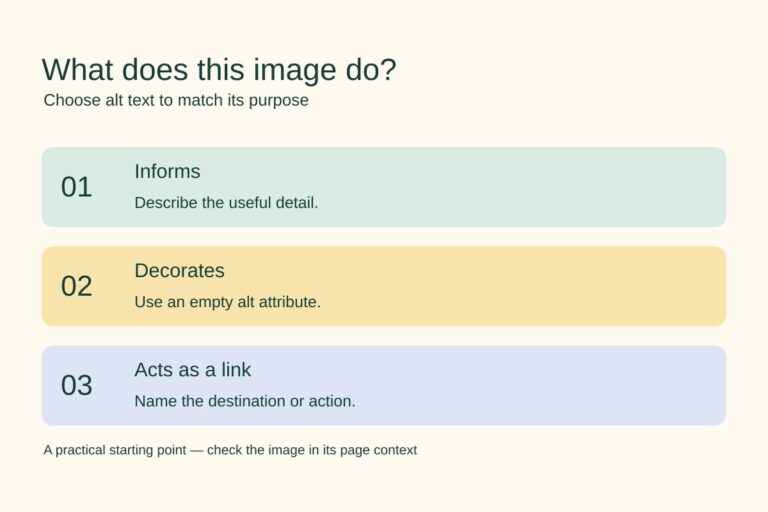
Read articleCheck what each image does, write useful alt text and avoid unnecessary descriptions. A practical guide for small-business websites.
Read articleFirst impressions matter—and your website is often the first encounter a customer has with your business. But what if your site is actually driving them […]
Read article