Can customers call you from your website? Check your telephone links
October 25, 2026
Do your website pages print clearly? A practical check
October 26, 2026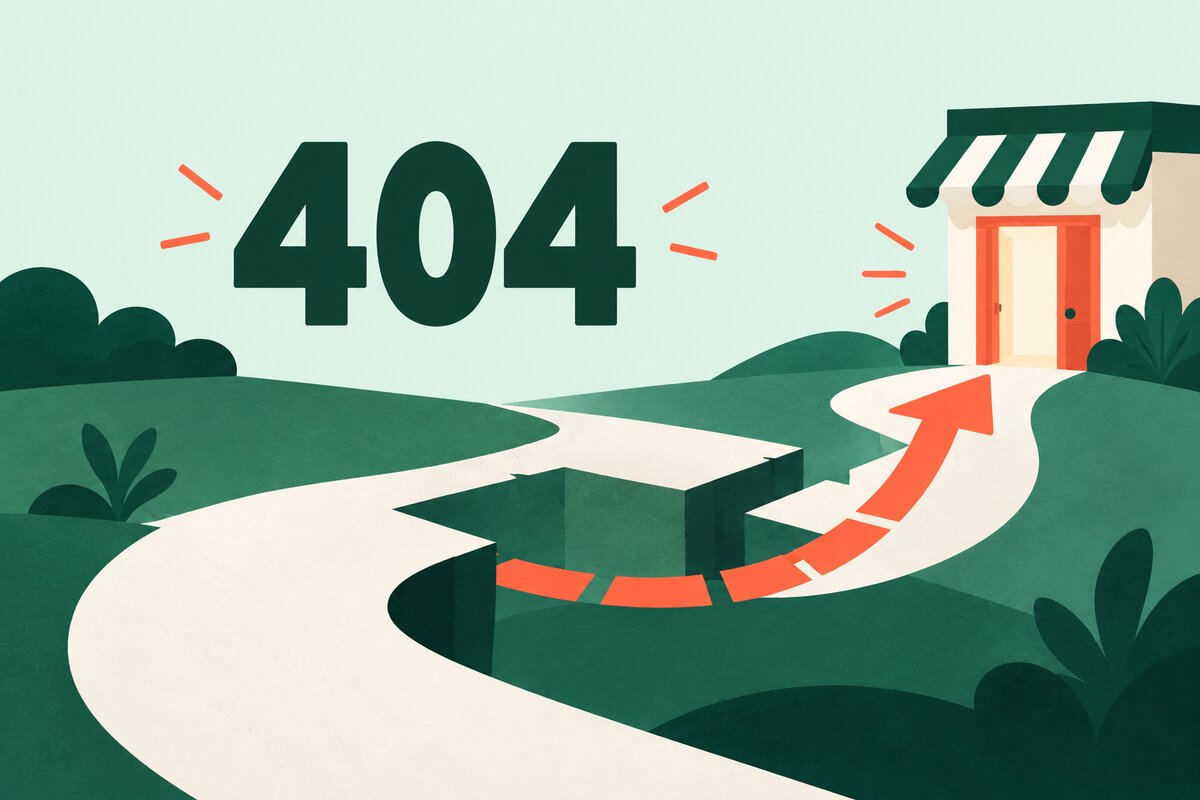
A customer follows an old bookmark, types an address incorrectly or opens a link to a page you have removed. What do they see next? A useful 404 page explains that the page cannot be found and gives them a clear way to continue.
For a small-business website, this is a practical housekeeping check. You do not need a clever joke or an elaborate animation. You need a short explanation, working links and a route to help.
Start by checking a missing address
Open your website in a signed-out browser window. Add a deliberately invented path, such as /page-check-not-real-123/, after your domain name. Do not remove a real page to run this test.
Read the result as a customer would. Does it still look like your business? Is it clear that this particular page is missing? Can you find a useful next step without guessing what went wrong?
Repeat the check on a phone. Long menus, oversized illustrations and a large “404” heading can push the useful links out of view. Keep the explanation and next action easy to find.
Write a message that helps people recover
Try plain wording such as: “We cannot find that page. The address may have changed. Browse our services or contact us if you need help.” Treat this as a starting point and adapt it to the options your site actually offers.
Avoid blaming the visitor. They may have followed an old link from your own website, a printed leaflet or a search result. Also avoid a message that sounds as if the whole business has closed.
Choose a small number of useful destinations:
- Your main service or product overview, with a descriptive label.
- Your homepage, so visitors can start again.
- A contact route for people who cannot find what they need.
- Site search, if it is available and returns useful results.
Test every option. A search box that produces empty results or a contact link that leads to another missing page makes recovery harder. For larger sites, our guide to checking your website search results gives you a separate test to run.
Check the response behind the page
The message visitors read and the response your server sends are separate things. Ask the person who maintains your website to confirm that a genuinely missing address returns HTTP status 404, rather than a success response of 200.
Google’s guidance on HTTP status codes explains that Google Search does not index URLs which return a 4xx response. An error message served with a success response can instead be treated as a soft 404. A friendly design does not replace the correct server response.
If an old page has moved to a directly relevant replacement, ask your maintainer to assess a redirect to that replacement. Give them the old and new addresses. Do not use a blanket trip to the homepage as a substitute for deciding where each important old page belongs.
Fix the route that brought people there
A helpful error page is a fallback. It is still worth correcting broken links you control. Check links from your menu, service pages and recent emails, especially after renaming pages.
Keep a short record with three fields: the missing address, where the link appeared and the correct destination. Our broken-link checking guide can help you turn that record into a tidy-up list.
Finish with one customer journey
Return to your invented address and follow the most useful link. Can you reach a real service page, understand the offer and find the next action? Check that route with a phone and with the keyboard as well as your mouse.
Record the date of the check and who will fix any problems. Repeat it after a redesign or navigation change. If you would like to discuss a confusing route on your website, get in touch through Hobbit Web Design and include the address where you got stuck.