


OpenClaw AI Automation: Enhancing Automated WordPress DevOps and CI/CD Pipelines with AI Agents (Part 54)
April 10, 2026
OpenClaw AI Automation: Implementing AI-Driven Automated WordPress Hosting Environment Management (Part 56)
April 11, 2026Introduction
As WordPress sites grow in traffic and complexity, maintaining optimal performance and scalability becomes a critical challenge. Traditional manual tuning and infrastructure upgrades often lag behind dynamic demand patterns, leading to degraded user experience and lost revenue. In this part of our OpenClaw series, we explore how AI-driven automation can revolutionize WordPress performance optimization and scalability management.
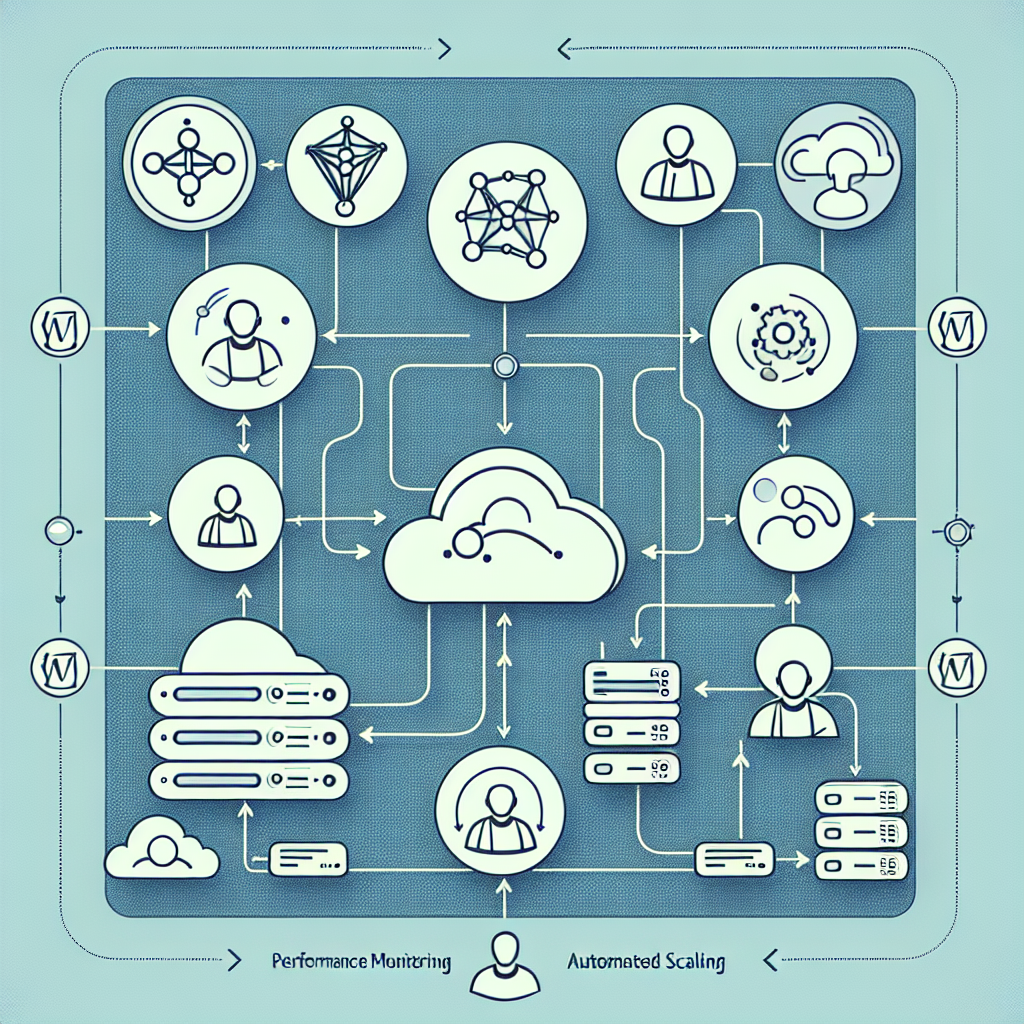
Leveraging OpenClaw AI agents allows business owners and technical operators to implement continuous, intelligent monitoring, adaptive resource allocation, and proactive performance tuning without human intervention. This article dives into practical strategies, multi-agent workflows, and implementation details to unlock scalable, high-performing WordPress environments.
Understanding WordPress Performance and Scalability Challenges

Before implementing AI-driven automation, it’s essential to identify the core performance bottlenecks and scalability pain points typical in WordPress hosting environments:
- Page Load Speed: Slow page loads caused by inefficient queries, unoptimized assets, or server overload.
- Traffic Spikes: Sudden surges in visitor numbers can overwhelm servers and cause downtime.
- Resource Constraints: CPU, memory, and I/O limitations leading to degraded site responsiveness.
- Plugin and Theme Inefficiencies: Outdated or poorly coded plugins and themes that slow down the site.
- Database Performance: Large or fragmented databases causing slow query execution.
OpenClaw AI agents can continuously monitor these factors to identify, diagnose, and remediate issues dynamically.
Key Components of AI-Driven WordPress Performance Automation
1. Intelligent Monitoring and Anomaly Detection
OpenClaw agents collect detailed performance metrics including server CPU/memory usage, database query times, cache hit ratios, and frontend load times. By applying machine learning anomaly detection, these agents can spot unusual deviations from baseline metrics, indicating emerging performance problems.
2. Automated Resource Scaling
Integrating OpenClaw with cloud or VPS APIs enables automatic scaling of infrastructure resources. For example, when CPU usage exceeds a threshold during peak traffic, AI agents can provision additional server instances or increase container resources to maintain smooth performance.
3. Dynamic Caching and CDN Optimization
OpenClaw agents analyze traffic patterns and identify cacheable content segments. They can then automate cache purges, pre-warming, and CDN configuration adjustments to ensure content delivery is optimized for speed and efficiency.
4. Plugin and Theme Performance Management
AI agents periodically evaluate plugin and theme impact on site speed by measuring execution time and resource usage. Based on findings, agents can recommend updates, disable problematic plugins, or trigger alerts to site admins for manual review.
5. Database Optimization
OpenClaw agents automate database maintenance tasks such as optimizing tables, cleaning transient options, and archiving old data. They also identify slow queries and suggest indexing strategies or query refactoring.
Practical Implementation: Building an OpenClaw Multi-Agent Workflow
To illustrate, let’s construct a multi-agent OpenClaw workflow focusing on automated WordPress performance optimization and scalability:
Step 1: Setup Monitoring Agents
Deploy OpenClaw agents with customized plugins to monitor server metrics, PHP-FPM status, database query logs, and frontend performance metrics (e.g., Google Lighthouse API integration). These agents feed data into a centralized monitoring controller agent.
Step 2: Anomaly Detection and Alerting Agent
This agent analyzes the collected metrics using statistical models and ML anomaly detection algorithms. For example, it uses time-series forecasting to predict expected CPU usage and flags deviations beyond confidence intervals.
Step 3: Automated Scaling Agent
Upon receiving anomaly alerts indicating resource saturation, this agent communicates with cloud provider APIs (AWS, DigitalOcean, or custom VPS providers) to spin up new server instances or scale container resources. It also updates load balancer configurations dynamically.
Step 4: Cache and CDN Optimization Agent
This agent analyzes cache hit ratios and traffic distribution. When cache miss rates increase, it triggers cache purging and pre-warming routines. It also updates CDN rules via API to optimize edge delivery based on recent traffic patterns.
Step 5: Plugin Performance Auditor Agent
Periodically, this agent runs performance profiling on active plugins. It generates detailed reports highlighting slow hooks, excessive database queries, or memory usage spikes. It can execute automated plugin disablement for critical issues or notify administrators.
Step 6: Database Maintenance Agent
This agent schedules regular database optimization tasks, cleans transients and expired options, and monitors slow query logs. It can automatically apply indexing recommendations or generate tickets for manual query optimization.
Example: Automating Scale-Out on Traffic Surge
Consider a WordPress e-commerce site experiencing a flash sale event. The monitoring agents detect a spike in server CPU usage from 40% baseline to 90%. The anomaly detection agent flags this as an outlier.
The scaling agent then requests two additional VPS instances, configures the load balancer to distribute traffic, and updates DNS records if necessary. Simultaneously, the caching agent pre-warms caches for high-demand product pages to reduce backend load.
After the event, the agents automatically scale down resources, purge caches, and generate a post-event performance report.
Best Practices and Considerations
- Define Clear Thresholds: Customize anomaly detection thresholds per site to reduce false positives.
- Test Automation in Staging: Validate automated scaling and plugin management workflows in a staging environment to prevent disruptions.
- Maintain Human Oversight: For critical actions like plugin disablement or database schema changes, prefer alerting humans alongside automation.
- Leverage Logs and Metrics: Integrate OpenClaw with centralized logging and monitoring platforms (e.g., ELK stack, Prometheus) for comprehensive observability.
- Security Hardening: Ensure API keys and credentials used by AI agents are securely stored and rotated.
Conclusion
Automating WordPress performance optimization and scalability with OpenClaw AI agents empowers businesses to deliver consistently fast, reliable websites that adapt to changing demand seamlessly. By orchestrating multi-agent workflows for monitoring, anomaly detection, resource scaling, caching, plugin management, and database maintenance, organizations reduce operational overhead and risk.
In upcoming parts, we will explore deeper integrations with container orchestration platforms and AI-driven predictive scaling models. Meanwhile, the strategies outlined here provide a robust foundation to transform WordPress hosting into a dynamic, self-optimizing system.
References and Further Reading
- OpenClaw AI Automation: Enhancing Automated WordPress DevOps and CI/CD Pipelines (Part 54)
- OpenClaw AI Automation: Implementing Advanced AI-Driven Automated WordPress Workflow Orchestration (Part 54)
- OpenClaw AI Automation: Advanced Automated AI-Driven WordPress Backup and Disaster Recovery (Part 46)

