


OpenClaw AI Automation: Leveraging AI-Driven Automated WordPress Security Auditing and Vulnerability Management Workflows (Part 82)
April 26, 2026
OpenClaw AI Automation: Advanced AI-Driven Automated WordPress Security Incident Response and Forensic Analysis Workflows (Part 83)
April 27, 2026Introduction
WordPress security remains a critical concern for website owners and technical operators. With the growing complexity of sites and increasing cyber threats, manual security auditing is no longer sufficient. This installment in our OpenClaw series explores how advanced AI-driven automation can transform WordPress security auditing and vulnerability management workflows, leveraging OpenClaw AI agents to continuously monitor, detect, and remediate vulnerabilities with minimal human intervention.
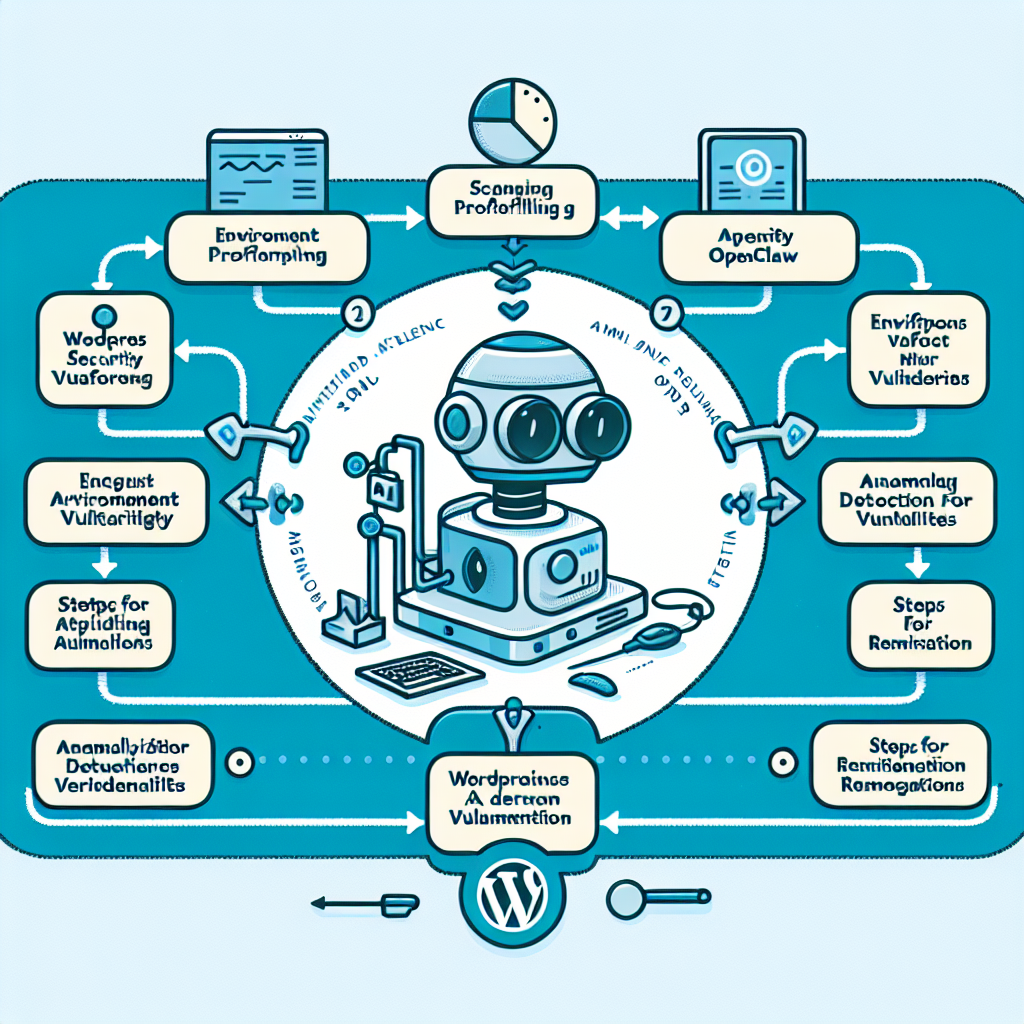
Why Automate WordPress Security Auditing?

Traditional security audits are periodic, manual, and often reactive, leaving sites exposed between checks. Automated AI-driven workflows enable continuous security posture assessment, real-time threat detection, and proactive remediation. Benefits include:
- 24/7 Monitoring: AI agents continuously scan for vulnerabilities, suspicious activity, and configuration weaknesses.
- Rapid Detection and Response: AI can identify zero-day exploits and emerging threats faster than manual methods.
- Reduced Human Error: Automation standardizes audits, eliminating oversight and inconsistencies.
- Scalability: AI workflows easily handle multiple WordPress sites and complex environments.
Building an Advanced AI-Driven WordPress Security Auditing Workflow with OpenClaw
Implementing automated security auditing using OpenClaw involves integrating AI agents with WordPress environments and security tooling. Below we break down a practical workflow.
1. Initial Environment Profiling
Before auditing, the AI agent collects baseline data about the WordPress site, including:
- Installed WordPress version
- Active themes and plugins with versions
- Server environment details (PHP, database, web server)
- Current security settings and configurations
This profiling informs the AI about potential vulnerabilities relevant to the specific setup.
2. Automated Vulnerability Scanning
Using OpenClaw AI agents integrated with vulnerability databases (such as WPScan vulnerabilities, CVEs, and plugin security advisories), the workflow performs:
- Plugin and theme vulnerability checks
- Core WordPress version security audit
- Configuration and permission audits (e.g., file permissions, user roles)
- Detection of known malware signatures
The AI continuously cross-references the environment profile with vulnerability intelligence to flag issues.
3. Behavior-Based Anomaly Detection
OpenClaw’s AI agents analyze real-time site activity logs and traffic patterns to identify anomalies that may indicate security breaches or exploit attempts:
- Unusual login attempts and brute-force patterns
- Unexpected file changes or uploads
- Abnormal outbound connections or code injections
This adds a dynamic layer beyond static vulnerability scanning.
4. Automated Remediation Recommendations
Once vulnerabilities or suspicious behaviors are detected, the AI agent generates prioritized remediation plans, including:
- Plugin and theme update recommendations
- Security configuration adjustments (e.g., enforcing two-factor authentication)
- Removing or quarantining malicious files
- Suggesting firewall rule updates or access restrictions
These recommendations can be delivered to administrators or integrated with automated patching workflows.
5. Integration with Continuous Deployment Pipelines
For sites with CI/CD setups, OpenClaw AI agents can be embedded to scan new code and plugin updates before deployment, preventing vulnerabilities from reaching production.
Implementing OpenClaw AI Agents for Security Automation: A Practical Example
Consider a medium-sized e-commerce WordPress site running multiple plugins and custom themes. The site owner wants to automate security auditing to reduce manual workload and improve response time.
Step 1: Setup OpenClaw AI Agent
Deploy an OpenClaw AI agent on the hosting server with access to the WordPress installation files, database, and logs. Configure it with API keys for vulnerability databases like WPScan.
Step 2: Schedule Daily Automated Scans
Configure the AI agent to perform daily scans at off-peak hours. The scans include version checks, plugin vulnerability analysis, and configuration audits.
Step 3: Real-Time Anomaly Monitoring
Enable the AI agent to monitor login attempts and file system changes in real time, setting alert thresholds for suspicious activity.
Step 4: Automated Remediation Workflow
Integrate the AI agent with the site’s management dashboard to notify administrators of detected issues. For critical vulnerabilities, the agent can automatically update plugins or disable compromised components, subject to owner approval.
Step 5: Reporting and Continuous Improvement
Generate weekly security reports summarizing findings and actions taken. The AI agent uses feedback and new threat intelligence to refine scanning models and detection rules.
Advanced Techniques: AI-Powered Vulnerability Prediction and Prioritization
Beyond detection, OpenClaw AI agents leverage machine learning models trained on historical vulnerability and exploit data to predict which plugins or configurations are most likely to be targeted next. This enables proactive hardening and prioritization of remediation efforts, optimizing resource allocation.
Example: Predictive Vulnerability Scoring
The AI agent assigns risk scores to installed components based on factors such as:
- Recent vulnerability disclosures
- Exploit availability in the wild
- Plugin popularity and usage context
- Exposure level based on site configuration
Administrators receive a prioritized list of high-risk items to address immediately.
Challenges and Best Practices
While AI-driven security automation offers significant advantages, operators should be mindful of:
- False Positives: Tuning AI detection thresholds to balance sensitivity and accuracy.
- Agent Access and Permissions: Ensuring AI agents have secure, least-privilege access.
- Regular Updates: Keeping AI models and vulnerability databases current.
- Human Oversight: Retaining manual review for critical decisions and complex incidents.
Conclusion
Advanced AI-driven automated WordPress security auditing and vulnerability management workflows powered by OpenClaw transform website protection from reactive to proactive. By combining continuous environmental profiling, vulnerability scanning, behavioral anomaly detection, and AI-powered prioritization, site owners can significantly reduce risk while optimizing operational efficiency.
Implementing these workflows requires thoughtful integration, proper configuration, and ongoing tuning, but the payoff in improved security posture and reduced manual workload is substantial.
Next in our series, we will explore how to extend OpenClaw AI automation for continuous WordPress compliance monitoring and automated incident reporting.

