


OpenClaw AI Automation: Implementing AI-Driven Intelligent Incident Response and Resolution for WordPress and Hosting Environments (Part 21)
March 21, 2026
OpenClaw AI Automation: Advanced AI Agent Integration with WordPress REST API for Dynamic Site Management (Part 23)
March 22, 2026Introduction
As OpenClaw AI agents become increasingly integrated into WordPress and hosting environments, a critical aspect that often gets overlooked is explainability and transparency. For business owners and technical operators alike, understanding the rationale behind AI decisions is key to trust, compliance, and effective management.
This article explores how to enhance the explainability of AI agents within OpenClaw automation workflows, providing detailed implementation guidance, practical examples, and integration tips tailored for WordPress and hosting environments.
Why Explainability Matters in OpenClaw AI Automation
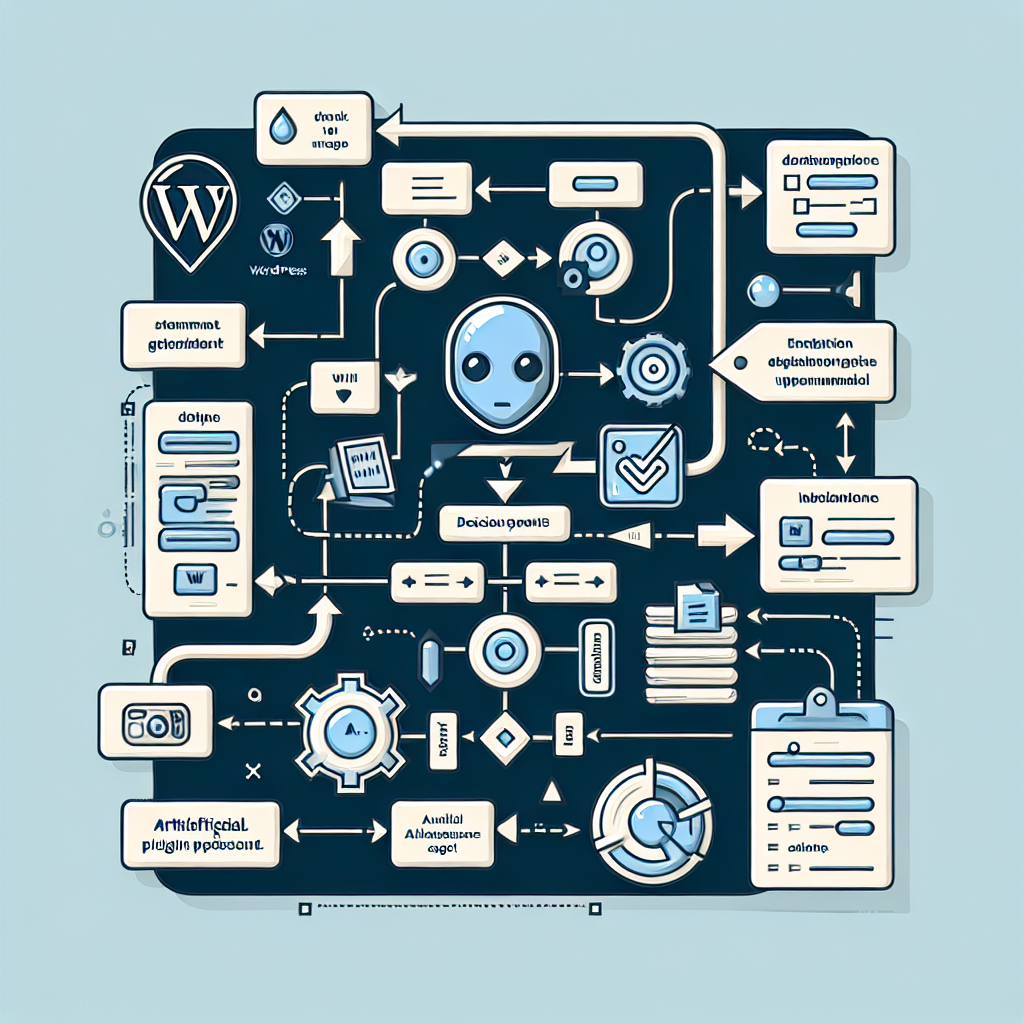
Explainability refers to the ability of an AI system to clearly communicate the logic, processes, and factors influencing its decisions or actions. Transparency is the broader concept of making AI behavior observable and understandable.
For AI automation in business-critical environments, such as WordPress site management or hosting infrastructure, explainability helps in:
- Trust Building: Users and administrators gain confidence when they can see why an AI agent performs certain actions.
- Compliance: Certain regulations require audit trails and explanations for automated decisions.
- Troubleshooting: Clear insights into AI reasoning streamline debugging and improvement.
- User Adoption: Transparent AI fosters smoother adoption among non-technical stakeholders.
Core Techniques to Improve AI Agent Explainability
OpenClaw’s architecture supports multiple strategies to increase explainability. Here are key techniques with examples applicable to WordPress and hosting automation:
1. Logging Decision Contexts and Reasoning
Every AI decision should be accompanied by detailed logs that capture the input data, the model or rule applied, confidence scores, and the reasoning summary.
Example Log Entry:
{
  "timestamp": "2024-06-15T14:30:00Z",
  "agent": "WP Backup Manager",
  "action": "Initiate backup",
  "trigger": "Scheduled event",
  "decision_reason": "Last backup > 24 hours ago and server load < 70%",
  "confidence": 0.92
}
Implementation Tip: Use structured JSON logs stored in a centralized logging system (e.g., ELK stack or hosted solutions) for easy querying and visualization.
2. Natural Language Explanation Generation
Augment AI agent responses with human-readable explanations using natural language generation (NLG). For instance, when an AI agent adjusts server settings or throttles resources, it can send a message like:
“The CPU limit was reduced to 60% because usage exceeded 80% for 10 minutes, preventing potential overload.”
This can be generated dynamically by templates or small NLG models fed with decision variables.
3. Visual Workflow Tracing
Visualizing AI agent workflows helps stakeholders understand multi-step processes. For example, a WordPress deployment agent might have a flowchart showing steps: code fetch → test run → backup → deploy → notify.
Implementation: Integrate OpenClaw with workflow visualization tools like Camunda or use libraries such as Mermaid.js to generate dynamic diagrams on dashboards.
4. Explainable AI (XAI) Model Integration
For AI agents utilizing machine learning models, integrate XAI techniques such as SHAP (SHapley Additive exPlanations) or LIME (Local Interpretable Model-agnostic Explanations) to interpret predictions.
Example: Anomaly detection AI for hosting environments can highlight which server metrics contributed most to flagging an incident.
5. Configurable Explanation Levels
Allow users to set the detail level of explanations, ranging from simple summaries to in-depth technical logs. This makes AI agents flexible for different audiences, from business owners to IT staff.
Practical Implementation: Building Explainability into OpenClaw AI Agents
Let’s walk through a practical example: an AI agent that monitors WordPress plugin updates and auto-applies critical patches.
Step 1: Capture Decision Inputs
- Plugin current version
- Available update version
- Security severity rating
- Site traffic load
Step 2: Decision Logic with Explainability
if (security_severity >= 8 and site_traffic < 75%) {
  action = 'auto-update'
  explanation = 'Critical security update detected with low traffic; proceeding with auto-update.'
} else {
  action = 'notify admin'
  explanation = 'Update severity is moderate or traffic is high; notifying admin for manual review.'
}
Step 3: Log and Communicate Explanation
Store the explanation in logs and send it as part of the admin notification or update report.
Step 4: Dashboard Display
On your WordPress admin dashboard, create a widget showing recent automated decisions with their explanations, timestamps, and confidence levels.
Technical Details: Integrating Explainability with OpenClaw APIs
OpenClaw provides hooks and APIs designed to support transparent agent actions.
OpenClaw.logDecision(agentId, decisionData, explanation): Logs decision with context.OpenClaw.explainAction(agentId, actionId): Retrieves human-readable explanation for a given action.OpenClaw.configureExplanationLevel(agentId, level): Sets verbosity for agent explanations.
Implement these in your AI scripts or plugins to embed explainability directly within your automation pipeline.
Case Study: Transparent AI Monitoring for Hosting Resource Management
Consider a hosting environment where an OpenClaw AI agent dynamically reallocates CPU and bandwidth resources based on usage patterns.
Challenge: Hosting operators need to understand why resources fluctuate to avoid surprises and maintain SLA compliance.
Solution Approach:
- Agent logs every resource adjustment with usage metrics snapshot.
- Natural language summaries sent via Slack or email explaining causation (e.g., “Increased bandwidth on VPS #23 due to sustained 30% traffic rise over 15 minutes.”).
- Dashboard with interactive timeline charts showing resource allocations and decision triggers.
Result:
Operators report higher trust in AI automation and faster incident resolution as root causes are more visible.
Best Practices for Maintaining Explainability Over Time
- Regularly Review Logs: Schedule audits of AI decision logs to detect anomalies or explanation gaps.
- Update Explanation Models: As AI logic evolves, keep explanation templates and models in sync.
- User Feedback Loops: Collect user input on explanation clarity and adjust verbosity or detail accordingly.
- Documentation: Maintain comprehensive documentation on AI agent decision criteria and explanation generation.
Summary
Explainability and transparency elevate OpenClaw AI automation from a black-box tool to a trusted partner in WordPress and hosting environments. By implementing detailed logging, natural language explanations, visual workflow tracing, and XAI techniques, business owners and technical operators can fully understand, trust, and effectively manage their AI agents.
Following this part’s guidance will help you build AI automation that is not only powerful but also clear and accountable—key for long-term success and adoption.

