


OpenClaw AI Automation: Implementing AI-Driven Automated Security Incident Response for WordPress (Part 31)
March 28, 2026
OpenClaw AI Automation: Leveraging AI-Driven Automated Content Generation and Editorial Workflows for WordPress (Part 33)
March 29, 2026Introduction
In this 32nd installment of our OpenClaw AI Automation series, we delve into advanced techniques for automating the performance monitoring and optimization of WordPress websites using OpenClaw AI agents. While previous parts covered security, workflow, and customer support automation, this part focuses on maintaining peak website performance—a crucial factor for user experience, SEO, and business success.
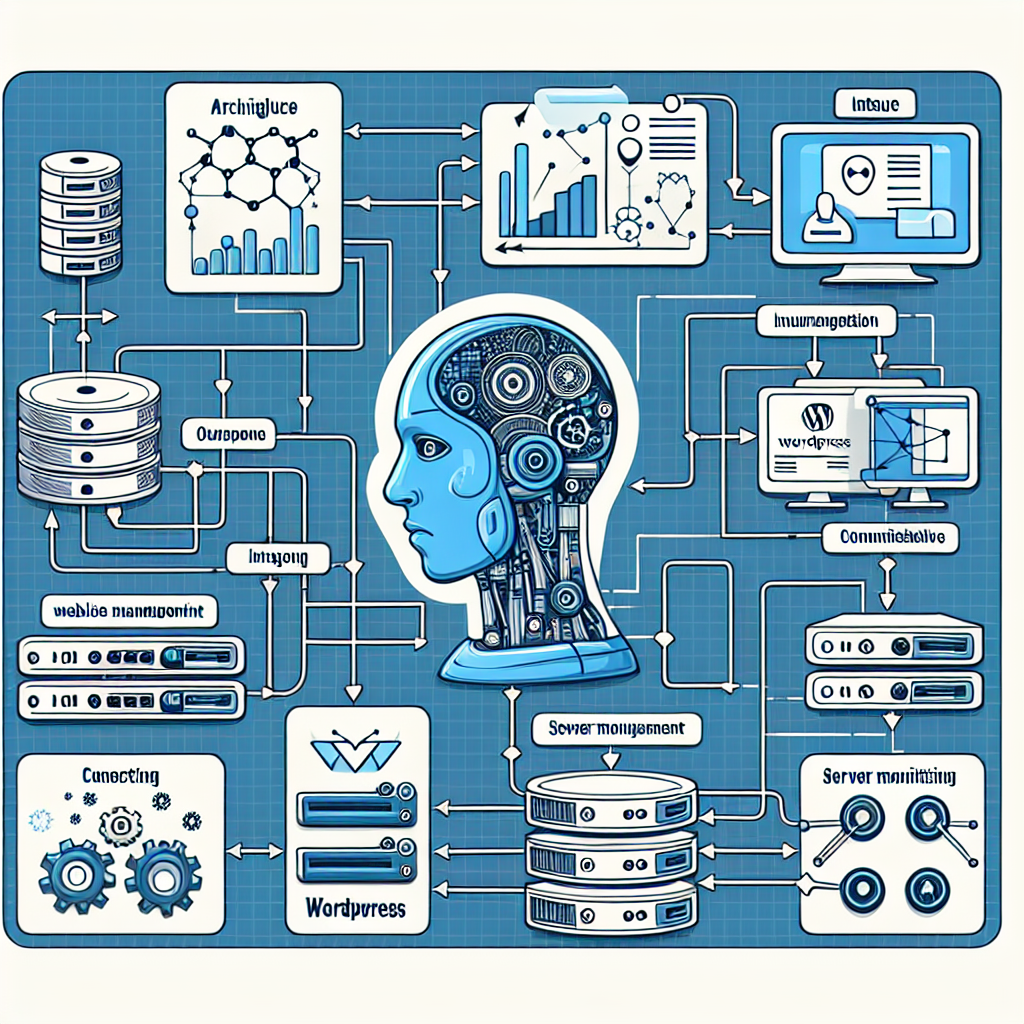
Why Automated Performance Monitoring Matters

Website performance directly impacts conversion rates, search rankings, and customer satisfaction. Traditional manual monitoring can miss subtle degradations or require constant human oversight. OpenClaw AI agents enable continuous, intelligent monitoring that detects anomalies early and implements optimizations automatically, freeing up valuable technical resources.
Key Performance Metrics to Monitor
Effective performance monitoring hinges on tracking the right metrics. OpenClaw AI agents can be configured to collect and analyze:
- Page Load Time: The total time it takes for a page to fully render in a user’s browser.
- Time to First Byte (TTFB): Measures server responsiveness.
- Core Web Vitals: Including Largest Contentful Paint (LCP), First Input Delay (FID), and Cumulative Layout Shift (CLS).
- Server Resource Usage: CPU, RAM, and disk I/O stats on hosting infrastructure.
- Database Query Performance: Slow queries or excessive connections.
- Error Rates: HTTP 5xx errors or timeouts indicating backend issues.
Implementing Automated Monitoring with OpenClaw
1. Setting Up Data Collection Agents
Begin by deploying OpenClaw AI agents that integrate with your WordPress environment, server OS, and hosting control panel APIs. These agents collect real-time metrics through:
- WordPress hooks and REST API endpoints for page timing and errors.
- Server-level monitoring tools (e.g.,
top,vmstat, or hosting APIs) for resource stats. - Database query logs for slow query analytics.
Example configuration snippet for a monitoring agent to track page load time using WordPress REST API:
{
  "agent_type": "performance_monitor",
  "metrics": ["page_load_time", "ttfb", "error_rate"],
  "poll_interval": 60,
  "wordpress_endpoint": "/wp-json/performance/v1/metrics"
}
2. Anomaly Detection and Alerting
OpenClaw agents use machine learning models to establish baseline performance patterns. When deviations exceed thresholds (e.g., sudden spike in load time or CPU usage), agents trigger alerts and initiate diagnostics automatically.
For example, if average LCP exceeds 3 seconds consistently for 5 minutes, the agent flags a performance degradation.
3. Automated Remediation Workflows
Upon detecting issues, OpenClaw agents can execute predefined remediation steps such as:
- Clearing WordPress cache (e.g., via WP Rocket or W3 Total Cache plugin APIs).
- Restarting web server or PHP-FPM services on the hosting server.
- Temporarily disabling resource-intensive plugins identified as bottlenecks.
- Optimizing database tables or repairing corrupt indexes.
- Scaling up hosting resources dynamically if integrated with VPS or cloud provider APIs.
These actions are orchestrated through OpenClaw’s intelligent workflow engine, ensuring minimal downtime and swift recovery.
Practical Example: Automating Performance Optimization on a WooCommerce Site
Consider a WooCommerce store experiencing performance slowdowns during peak traffic. Implementing OpenClaw AI automation involves:
- Deploying Monitoring Agents: Configure agents to track TTFB, page load, and server resource usage.
- Baseline Establishment: Agents learn normal traffic patterns and performance benchmarks over a week.
- Real-Time Anomaly Detection: On Black Friday, agents detect a 50% increase in page load time and rising CPU load.
- Automated Response: Agents clear cache, restart PHP-FPM, and spin up additional VPS instances via cloud API integration.
- Post-Event Analysis: Agents generate reports identifying plugin conflicts and recommend permanent optimizations.
This approach reduces manual firefighting and ensures the store remains responsive during crucial sales periods.
Integrating with WordPress Plugins and Hosting APIs
OpenClaw’s modular architecture allows seamless integration with popular WordPress caching and optimization plugins. For instance:
- WP Rocket: Agents can call WP Rocket’s REST API to clear cache programmatically.
- Query Monitor: Use insights to target slow database queries.
- Hosting Control Panels: Automate service restarts or resource scaling via cPanel or Plesk APIs.
Example PHP snippet for OpenClaw agent to clear WP Rocket cache via REST API:
function clear_wp_rocket_cache() {
  $response = wp_remote_post('https://example.com/wp-json/wp-rocket/v1/cache/clear');
  if (is_wp_error($response)) {
    error_log('Failed to clear WP Rocket cache');
  }
}
Advanced Optimization: AI-Powered Resource Allocation
Beyond reactive remediation, OpenClaw can proactively optimize hosting resources by analyzing historical performance and traffic trends to:
- Schedule intensive tasks like backups or database optimization during off-peak hours.
- Predict traffic spikes and pre-scale resources accordingly.
- Recommend or automatically adjust PHP memory limits, max execution times, and other server parameters.
This reduces latency and prevents performance bottlenecks before they impact users.
Monitoring Dashboard and Reporting
OpenClaw includes a customizable dashboard for real-time visualization of key metrics and remediation history. Features include:
- Trend graphs for load times, CPU/memory usage, and error rates.
- Alerts timeline with automated actions logged.
- Custom report generation for stakeholders, highlighting performance improvements and remaining issues.
This transparency boosts confidence in AI-driven automation and aids continuous improvement.
Summary and Next Steps
Automating performance monitoring and optimization with OpenClaw AI agents empowers WordPress site owners and operators to maintain fast, reliable websites with minimal manual intervention. By leveraging real-time metrics, anomaly detection, and automated remediation workflows, businesses can enhance user experience, improve SEO rankings, and reduce operational overhead.
Upcoming parts will explore integrating AI-driven performance automation with security and customer experience workflows for a holistic site management strategy.

