


OpenClaw AI Automation: Advanced AI-Driven Automated WordPress Plugin Conflict Detection and Resolution (Part 58)
April 12, 2026
OpenClaw AI Automation: Building AI-Driven Automated WordPress Content Generation and SEO Optimization Workflows (Part 60)
April 13, 2026Introduction
Building upon previous insights into OpenClaw AI automation for WordPress, this installment (Part 59) delves into harnessing AI-driven user behavior analytics combined with personalized marketing workflows. For business owners and technical operators, understanding visitor interactions and tailoring automated marketing campaigns are critical for improving engagement, retention, and sales.
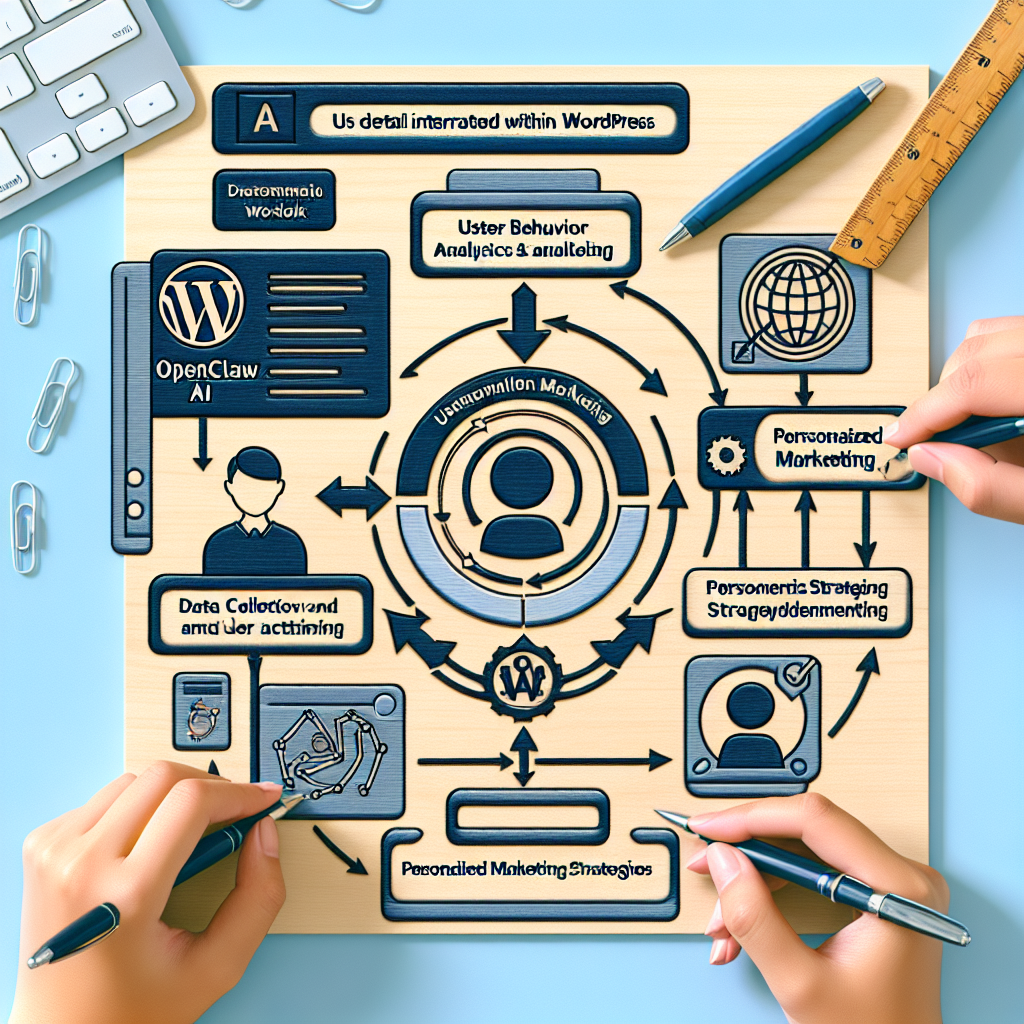
This article provides a detailed exploration of how OpenClaw AI agents can be implemented to capture, analyze, and act on user behavior data within WordPress environments. We discuss architectural considerations, practical coding approaches, and examples integrating AI analytics with marketing automation to create responsive, personalized user experiences.
Why User Behavior Analytics and Personalized Marketing Matter

Traditional marketing automation often relies on static user segments or manual campaign triggers. However, AI-driven user behavior analytics enables dynamic understanding of visitors’ actions, preferences, and intent. When combined with personalized marketing workflows, businesses can:
- Deliver targeted content and offers based on real-time user activity.
- Increase conversion rates by anticipating needs and pain points.
- Reduce churn through proactive engagement and tailored messaging.
- Optimize resource allocation by focusing on high-value visitors.
OpenClaw AI agents provide the automation backbone to seamlessly orchestrate these complex analytics and marketing tasks at scale.
Core Components of AI-Driven User Behavior Analytics in WordPress
Implementing AI-powered analytics and marketing workflows involves several layers:
1. Data Collection and Event Tracking
Accurate, granular data is the foundation. This includes tracking page views, clicks, scroll depth, form interactions, and e-commerce events. Within WordPress, this can be implemented via custom plugins or integration with existing analytics tools enhanced by OpenClaw agents.
Implementation example: Using OpenClaw AI agents to inject JavaScript event listeners that capture user interactions and send enriched event data to a centralized AI analytics service for processing.
2. Data Processing and Behavioral Modeling
Raw event data is processed using AI models to identify patterns, segment users, and predict intent or value. OpenClaw agents can orchestrate this by invoking AI APIs or running local machine learning models optimized for user behavior insights.
Example: An OpenClaw agent periodically aggregates session data, applies clustering algorithms to segment users into personas like new visitors, engaged shoppers, or at-risk subscribers.
3. Personalized Marketing Workflow Automation
Based on behavioral insights, automated workflows trigger personalized communications such as email campaigns, on-site content changes, or push notifications. OpenClaw AI agents manage these workflows, integrating with marketing platforms like Mailchimp, HubSpot, or native WordPress email systems.
Step-by-Step Implementation Guide
Step 1: Setting Up Event Tracking with OpenClaw AI Agents
Start by deploying an OpenClaw AI agent configured to listen for and log relevant user events. This agent can be embedded as a WordPress plugin or a theme extension.
function openclaw_enqueue_tracking_scripts() {
  wp_enqueue_script('openclaw-tracker', plugins_url('/js/openclaw-tracker.js', __FILE__), array('jquery'), null, true);
}
add_action('wp_enqueue_scripts', 'openclaw_enqueue_tracking_scripts');
The JavaScript openclaw-tracker.js captures dynamic user events and sends them to OpenClaw’s processing endpoint:
document.addEventListener('DOMContentLoaded', () => {
  document.body.addEventListener('click', event => {
    const data = {
      eventType: 'click',
      targetId: event.target.id || null,
      timestamp: Date.now(),
      pageUrl: window.location.href
    };
    fetch('https://api.openclaw.com/track', {
      method: 'POST',
      headers: {'Content-Type': 'application/json'},
      body: JSON.stringify(data)
    });
  });
});
Step 2: Behavioral Data Aggregation and Analysis
Once data flows into OpenClaw’s AI platform, configure an agent to analyze and categorize users. For example, using clustering and propensity models:
- Segment visitors by engagement level and purchase intent.
- Score users on likelihood to convert or churn.
This agent runs scheduled tasks to update user profiles with AI-driven tags that WordPress can consume.
Step 3: Integrating AI-Driven Insights with WordPress Marketing Automation
Using the AI-derived user segments, OpenClaw agents trigger personalized marketing workflows. Examples include:
- Dynamic content replacement on pages using WordPress hooks.
- Automated email campaigns sent through integrated services.
- Real-time chatbots offering tailored assistance.
Example code snippet to display personalized content:
function openclaw_display_personalized_content() {
  $user_tags = get_user_meta(get_current_user_id(), 'openclaw_user_tags', true);
  if (in_array('high_value', $user_tags)) {
    echo '<div class="personalized-offer">Exclusive deal just for you!</div>';
  } else {
    echo '<div>Welcome to our store! Check out our latest products.</div>';
  }
}
add_action('wp_footer', 'openclaw_display_personalized_content');
Example Use Case: E-Commerce Store Personalized Upsell Campaign
An online store leverages OpenClaw AI agents to track product views, abandoned carts, and purchase history. The AI segments users into high potential upsell candidates and triggers personalized email offers with discount codes after exit intent is detected.
This workflow involves:
- Tracking user activity with the OpenClaw tracking agent.
- Analyzing behavior with AI cluster and propensity models.
- Triggering automated email workflows via integrated marketing services.
- Displaying personalized product recommendations onsite through WordPress hooks.
Architectural Considerations and Best Practices
Data Privacy and Compliance
Ensure your event tracking and data processing comply with GDPR, CCPA, and other regulations. OpenClaw AI agents support anonymization and consent management features to help maintain compliance.
Performance Optimization
Minimize front-end tracking script impact by using asynchronous loading and batching events. Also, balance AI processing frequency to avoid excessive server load.
Extensibility and Integration
OpenClaw’s modular AI agents can integrate with popular WordPress marketing plugins and external platforms via REST APIs, enabling flexible workflow customization as business needs evolve.
Visualizing the Workflow
To illustrate, below is a diagram showing the OpenClaw AI automation flow for user behavior analytics and personalized marketing in WordPress.

Conclusion
This comprehensive guide demonstrates how OpenClaw AI automation can transform WordPress websites into intelligent, adaptive platforms that understand and engage users through AI-driven behavior analytics and personalized marketing workflows. Business owners gain actionable insights and automated engagement capabilities without manual intervention, driving better results efficiently.
Next steps include experimenting with tailored AI models and extending automation to multi-channel marketing and customer support workflows as covered in prior parts of this series.
Further Reading and Resources
- OpenClaw AI Automation: Advanced AI-Driven Automated WordPress Plugin Conflict Detection and Resolution (Part 58)
- OpenClaw AI Automation: Implementing AI-Driven Automated WordPress Performance Optimization and Scalability Strategies (Part 55)
- OpenClaw AI Automation: Leveraging AI-Driven Automated WordPress Customer Support Workflows with WhatsApp Integration (Part 50)

