


OpenClaw AI Automation: Leveraging AI-Driven Automated WordPress Security Incident Response and Remediation (Part 57)
April 12, 2026
OpenClaw AI Automation: Implementing AI-Driven Automated WordPress User Behavior Analytics and Personalized Marketing Workflows (Part 59)
April 13, 2026Introduction
WordPress plugin conflicts are a common source of website instability and downtime, especially as sites grow in complexity and number of active plugins. While traditional conflict detection involves manual troubleshooting, OpenClaw AI automation offers a powerful alternative: intelligent, automated detection and resolution of plugin conflicts using AI agents.
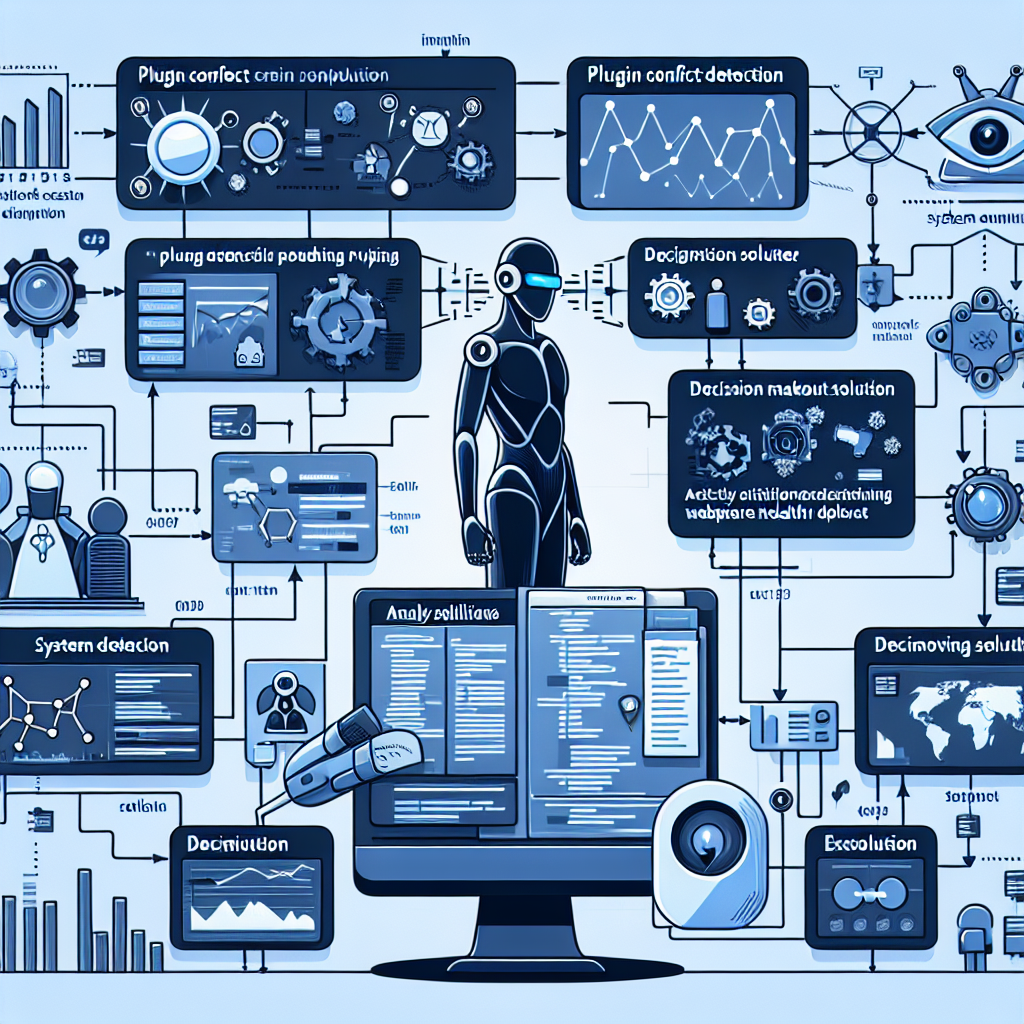
In Part 58 of our OpenClaw series, we will dive deep into designing and implementing advanced AI-driven workflows that proactively identify, diagnose, and resolve WordPress plugin conflicts, minimizing downtime and reducing the need for human intervention.
Understanding Plugin Conflicts: Challenges and Impact

Plugin conflicts typically arise from incompatible code, overlapping functionality, or resource contention. These issues can manifest as PHP errors, JavaScript failures, or broken front-end behavior. The challenge is to pinpoint which plugins are causing the conflict, especially when multiple plugins interact in complex ways.
Manual conflict resolution is time-consuming and error-prone, often requiring developers to deactivate plugins one by one and test the site repeatedly. This is where OpenClaw’s AI automation shines by enabling intelligent analysis and targeted remediation.
Architecting AI-Driven Plugin Conflict Detection
1. Data Collection and Monitoring
The first step is continuous monitoring of the WordPress environment for anomalies that may indicate plugin conflicts. This includes:
- Error Logs: Parsing PHP error logs and JavaScript console errors in real time.
- Performance Metrics: Tracking sudden slowdowns or spikes in resource usage.
- User Experience Monitoring: Detecting broken pages or missing functionality through automated front-end checks.
OpenClaw AI agents gather this data via custom WordPress hooks and integration with hosting environment logs.
2. Anomaly Detection Using AI Models
The collected data feeds into trained AI models that detect deviations from normal site behavior. Techniques include:
- Time Series Analysis: To identify performance degradation.
- Natural Language Processing (NLP): For parsing error messages and correlating them to specific plugins.
- Clustering Algorithms: To group related errors and identify patterns suggesting conflict.
This automated anomaly detection reduces false positives and highlights the most probable plugin conflict scenarios.
Implementing Automated Conflict Resolution Workflows
1. Intelligent Plugin Deactivation and Isolation
Once a conflict is suspected, OpenClaw AI agents initiate controlled plugin deactivation workflows:
- Priority Ordering: Plugins are ranked based on recent updates, error association, and usage patterns.
- Batch Deactivation and Testing: AI agents deactivate subsets of plugins and run automated functional tests.
- Rollback Mechanisms: If a deactivation worsens the site, the agent rolls back changes immediately.
This iterative approach quickly isolates the conflicting plugin(s) without manual intervention.
2. Automated Conflict Resolution Suggestions
Beyond isolation, AI agents leverage a knowledge base of known plugin conflicts, compatibility issues, and patch information to suggest fixes:
- Applying Patches: Automatically deploying available plugin patches or updates.
- Configuration Adjustments: Tweaking plugin settings to avoid conflict.
- Alternative Plugins: Recommending replacements when conflicts cannot be resolved.
These suggestions can be applied automatically or presented to site administrators for approval.
Practical Example: Automated Conflict Detection and Resolution Workflow
Consider a WooCommerce site experiencing intermittent checkout failures after installing a new caching plugin. The OpenClaw AI agent workflow proceeds as follows:
- Monitoring: Error logs reveal JavaScript errors on checkout pages; performance metrics detect spikes during checkout submission.
- Anomaly Detection: AI correlates errors temporally with caching plugin activation and checkout failures.
- Isolation: Agent temporarily deactivates the caching plugin and re-runs checkout tests, confirming the conflict.
- Resolution Suggestion: Agent identifies a known conflict with the caching plugin’s minification feature and recommends disabling it.
- Auto-Apply Fix: The agent updates caching plugin settings accordingly and monitors site stability post-change.
This entire process occurs with minimal human oversight, dramatically reducing downtime and troubleshooting time.
Implementing OpenClaw AI Agents for Conflict Management
Developing Custom AI Agents
Using OpenClaw’s extensible framework, developers can create AI agents with capabilities such as:
- Error Log Parsers: Custom parsers to extract and classify WordPress-specific errors.
- Automated Test Suites: Scripts to validate key site functionality after plugin state changes.
- Knowledge Base Integration: Access to a continually updated database of plugin compatibility issues.
These agents can be orchestrated to operate sequentially or in parallel for efficient conflict detection.
Workflow Orchestration and Scheduling
OpenClaw’s AI-driven workflow engine enables scheduling conflict detection scans during off-peak hours or triggered by events such as plugin updates. Alerts and reports are generated automatically for site administrators, including detailed logs and suggested remediation steps.
Best Practices and Considerations
- Backups: Always ensure recent backups before automated plugin state changes.
- Staging Environments: Test conflict resolution workflows on staging sites to minimize risk.
- Administrator Controls: Provide override options and manual approval steps for critical changes.
- Continuous Learning: AI models should be regularly retrained with new data from resolved conflicts.
Conclusion
Advanced AI-driven automated WordPress plugin conflict detection and resolution significantly improve site reliability and reduce manual workload. By leveraging OpenClaw AI agents to monitor, diagnose, and remediate conflicts, businesses can maintain seamless website operations and improve user experience.
Future installments will explore integrating these conflict detection workflows with broader WordPress health monitoring and AI-powered customer support automation.
References and Further Reading
- OpenClaw AI Automation: Implementing AI-Driven Automated WordPress Site Health Monitoring and Proactive Issue Resolution (Part 45)
- OpenClaw AI Automation: Enhancing Automated WordPress DevOps and CI/CD Pipelines with AI Agents (Part 54)
- OpenClaw AI Automation: Implementing Advanced AI-Driven Automated WordPress Workflow Orchestration and Task Scheduling (Part 54)

