


OpenClaw AI Automation: Leveraging AI-Driven Automated WordPress Customer Support Workflows with WhatsApp Integration (Part 50)
April 8, 2026
OpenClaw AI Automation: Harnessing AI-Driven Automated WordPress Content Moderation and Compliance Workflows (Part 52)
April 9, 2026Introduction
As WordPress powers a significant portion of the web, security remains paramount for businesses relying on it. While previous parts of this series have explored optimization, content personalization, and support automation, this installment focuses on OpenClaw AI Automation for automated WordPress security auditing and vulnerability remediation. Leveraging AI agents to continuously monitor, detect, and fix security issues can drastically reduce risk exposure and operational overhead for business owners and technical teams.
Why Automated Security Auditing Matters for WordPress

WordPress sites face constant threats from malware, brute force attacks, outdated plugins, and configuration vulnerabilities. Manual security checks are time-consuming, error-prone, and often reactive. Integrating AI-driven automation with OpenClaw enables a proactive, continuous security posture that can:
- Identify vulnerabilities early
- Automatically remediate common issues
- Reduce human error and workload
- Ensure compliance with security best practices
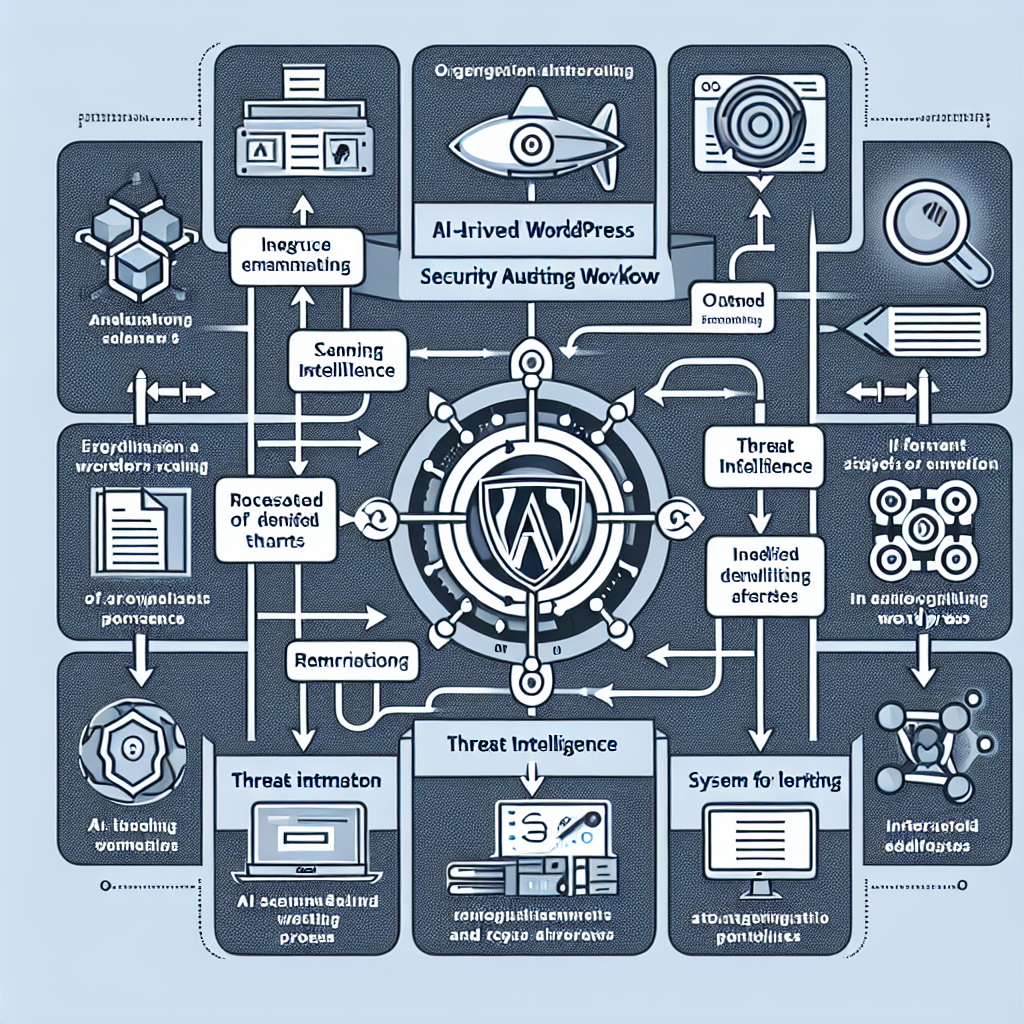
Core Components of an AI-Driven Security Auditing Workflow
An effective OpenClaw security auditing workflow combines multiple AI agents and tools to cover all critical layers:
- Vulnerability Scanner Agent: Periodically scans WordPress core, plugins, and themes for known vulnerabilities and configuration risks.
- Threat Intelligence Agent: Consumes threat feeds and updates vulnerability databases to inform scanning and detection.
- Remediation Agent: Automatically applies patches, updates, or configuration fixes for detected vulnerabilities.
- Alert & Reporting Agent: Notifies admins of critical issues and generates compliance reports with actionable insights.
Example: Setting Up a Vulnerability Scanner Agent
Using OpenClaw, create a scanner agent that leverages WPScan or similar APIs to detect vulnerabilities. The agent runs scheduled scans and parses results to identify critical, high, and medium severity issues.
def scan_wordpress_site(site_url):
    # Call WPScan API or similar
    response = call_wpscan_api(site_url)
    vulnerabilities = parse_scan_results(response)
    return vulnerabilities
This agent can be configured to invoke scans weekly or after updates, providing a baseline for remediation actions.
Integrating Threat Intelligence for Up-to-Date Protection
OpenClaw agents can consume real-time threat intelligence feeds from sources like the National Vulnerability Database (NVD) or commercial threat intelligence providers. This ensures vulnerability definitions and exploit patterns are always current.
Implementation involves:
- Fetching and parsing CVE data regularly
- Updating internal vulnerability databases used by scanner agents
- Prioritizing remediation based on exploit trends
Automated Vulnerability Remediation: Balancing Automation and Safety
While automation accelerates mitigation, it requires safeguards to avoid disruptions. OpenClaw’s remediation agent can:
- Automatically update vulnerable plugins and themes after validating compatibility
- Patch misconfigurations such as open file permissions or weak credentials
- Rollback changes if issues are detected post-update
- Escalate complex issues to human operators
For example, the remediation agent might execute a workflow like this:
if vulnerability_detected:
    if safe_to_patch:
        apply_patch()
        verify_site_integrity()
    else:
        notify_admin()
This approach ensures automation enhances security without risking site stability.
Continuous Monitoring and Incident Response
Beyond scanning and remediation, OpenClaw agents can monitor site logs, traffic anomalies, and file integrity to detect active threats. When suspicious activity is detected, agents can isolate affected components, notify stakeholders, and initiate incident response playbooks.
Example: File Integrity Monitoring Agent
This agent uses cryptographic hashes to detect unauthorized changes in critical WordPress files:
def generate_hash(file_path):
    with open(file_path, 'rb') as f:
        data = f.read()
    return hashlib.sha256(data).hexdigest()

# Periodically compare hashes to baseline
Upon detecting unexpected modifications, the agent triggers alerts and optionally restores files from backups.
Practical Implementation Steps for Small Businesses
- Assess Existing Security Posture: Audit current plugin versions, configurations, and hosting environment.
- Deploy OpenClaw Security Agents: Start with vulnerability scanner and threat intelligence agents.
- Configure Automated Patch Management: Enable remediation agent with safe update policies.
- Set Up Monitoring and Alerting: Implement file integrity and traffic anomaly monitoring.
- Establish Incident Response Protocols: Define escalation paths for manual intervention when needed.
- Regularly Review and Tune Automation: Adjust agent parameters based on site changes and emerging threats.
Case Study: Automating Security for a Boutique E-Commerce WordPress Site
A small online retailer running WooCommerce integrated OpenClaw AI agents to automate security audits. Within the first month, the scanner agent detected several outdated plugins with known vulnerabilities. The remediation agent safely updated these plugins during off-peak hours. Continuous monitoring identified a brute force login attempt, triggering an automated IP block and alert to the site admin. This reduced manual security management time by 70% and prevented potential data breaches.
Best Practices and Considerations
- Backup Before Automation: Always maintain reliable backups before enabling automated patching.
- Test in Staging: Validate automated updates in a staging environment before production deployment.
- Prioritize Critical Vulnerabilities: Focus remediation on high-risk issues first.
- Maintain Agent Updates: Keep OpenClaw agents and their threat intelligence sources current.
- Integrate with Existing Security Tools: Combine AI automation with firewalls, malware scanners, and manual audits for layered defense.
Conclusion
Integrating OpenClaw AI Automation for WordPress security auditing and vulnerability remediation empowers businesses to maintain a robust security posture with minimal manual effort. By combining continuous scanning, real-time threat intelligence, automated remediation, and proactive monitoring, organizations can reduce risk, save time, and focus on growth. This approach is especially beneficial for small business owners and technical operators seeking scalable, intelligent website security solutions.
Additional Resources
- OpenClaw AI Automation: Implementing AI-Driven Automated WordPress Site Health Monitoring and Proactive Issue Resolution (Part 45)
- OpenClaw AI Automation: Advanced AI-Driven Automated WordPress Security Hardening and Threat Mitigation (Part 39)
- OpenClaw AI Automation: Implementing AI-Driven Automated WordPress Plugin Lifecycle Management (Part 38)

