Can customers upload files through your website without getting stuck?
October 28, 2026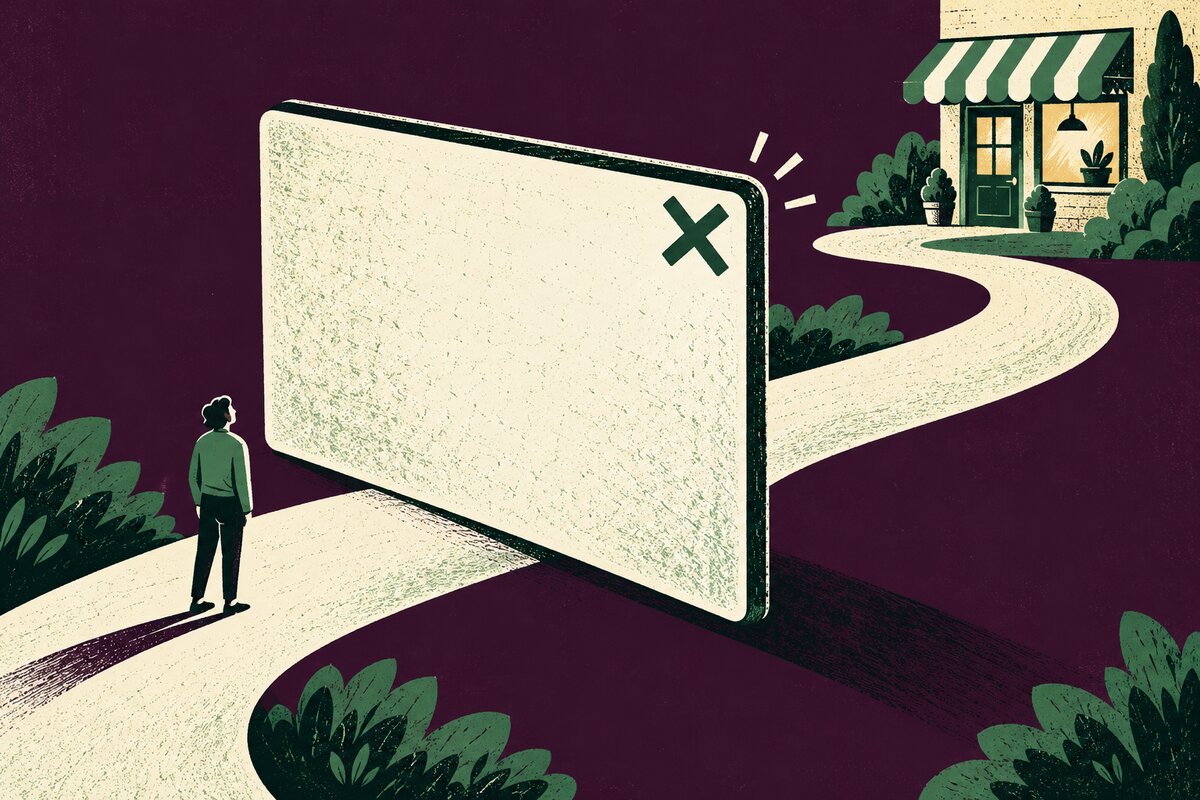
A newsletter offer can be useful. But if a website pop-up covers your service details before a visitor has read them, it may interrupt the very enquiry you wanted to encourage. Start with a simple question: can a customer finish their task without accepting the promotion?
This check is for optional promotional pop-ups, such as mailing-list invitations and discount offers. Review one real customer journey, from arrival to the information or contact option they need.
Test the pop-up as a first-time visitor
Choose a service page and open it in a fresh private browsing window on your phone. This can help reveal prompts that your usual browser has already dismissed. It is not a perfect simulation of every visitor: saved preferences and other site rules can affect what appears.
Try to find one specific answer, such as whether the business handles your type of job. Wait, scroll and move to another page. Note what opens, when it opens and whether you can continue reading.
- Does the offer cover the answer or the contact button?
- Can you find and tap the close control without zooming out?
- Does a chat bubble or another banner cover that control?
- After closing the offer, can you scroll and use the page normally?
- Does the same offer return on the next page and interrupt you again?
Repeat the journey with larger text and with the phone turned sideways. Record the page address, device, browser and steps for any failure so the person maintaining the site can reproduce it.
Give optional promotions a less disruptive place
Ask whether the offer needs to float over the page at all. A short invitation below a useful section, or a clearly labelled link to a sign-up page, may fit the customer journey better.
For example, imagine a fictional garden-maintenance business. A visitor reading about hedge trimming first needs to understand the service. An invitation to receive seasonal tips could sit below those details, leaving the enquiry route visible. This is a layout suggestion, not a claim about conversion results.
Google’s guidance on intrusive pop-ups recommends small banners instead of full-page promotional interruptions. It also warns that obstructive overlays can make content harder for search engines to understand. Removing one does not guarantee a ranking improvement.
Check that keyboard users can close the dialog
Some pop-ups act as modal dialogs: they temporarily prevent interaction with the page behind them. On a computer, try the feature without your mouse. Use Tab and Shift+Tab to move between controls, and check that you can see which control is selected.
The W3C modal dialog pattern describes focus moving into the dialog when it opens, staying inside while it is open, and Escape closing it. It also recommends a visible close or cancel button. After a user-opened dialog closes, focus normally returns to the control that opened it, unless the next step calls for another logical location.
If the selection disappears behind an optional promotion, or you cannot close it and resume the task, record the problem for your developer. This short check can reveal faults; it does not establish full accessibility compliance. Our guide to checking a website without a mouse covers the wider journey.
Choose one change and repeat the journey
Separate the offer’s purpose from how it appears. You might move it into the page, show it only when someone asks for it, or fix its close control. For an optional promotion that prevents enquiries, removing the obstruction should take priority over polishing its wording.
After the change, repeat the same phone and keyboard checks. Confirm that the offer still works if you keep it, that dismissal restores the page, and that customers can reach the next step. Keep a brief record of what changed and who checked it.
Have a pop-up that gets in the way? Contact Hobbit Web Design with the page address and a short description of what happens.