Make your website forms easier to fill in with autofill
October 27, 2026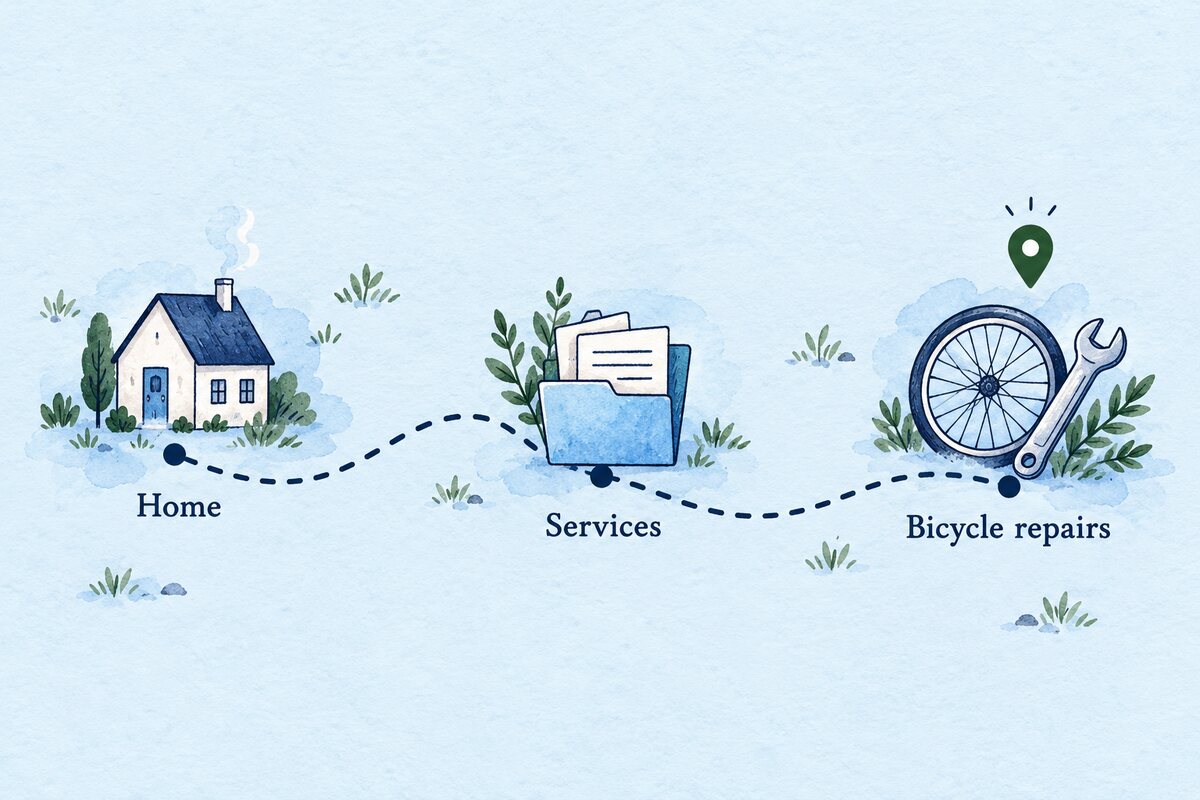
A customer lands straight on a service page from a shared link. Can they tell which part of your website they are in, and find the wider range of services? Breadcrumb navigation can give them that context without making them start again at the homepage.
A breadcrumb is a short trail such as Home → Services → Bicycle repairs. It shows where a page belongs in the website. This practical check will help you decide whether your site needs one and whether an existing trail makes sense.
When is breadcrumb navigation useful?
Start with the shape of your site. If you have several service groups, product categories or advice sections, a trail can give visitors a useful route back to the relevant parent page. A small site with only a few top-level pages may gain little from adding another row of links.
Imagine a fictional cycle shop with repair, hire and sales pages. A visitor reading about bicycle repairs might want to see the other services. A link to the Services page gives them that choice. It should lead to a useful overview, rather than a blank page created only to fill a gap in the trail.
The W3C breadcrumb pattern describes an ordered set of links to a page’s parents, commonly placed before the main content. It describes the site’s structure, rather than a record of every page the visitor has clicked.
Write a trail that matches the customer’s task
Choose one detailed page and write down its logical parent. Then check the parent of that page. Stop when you reach the top of the structure. Read the result aloud: does each label give a clear idea of what the visitor will find?
- Use recognisable page names, such as Services or Repairs.
- Keep labels consistent with the destination pages and main menu.
- Avoid internal department names that customers would not know.
- Make the current page easy to identify.
If you cannot agree where a page belongs, settle that content decision before adding a breadcrumb. Our website menu review can help you examine the wider structure. Keep the main menu available: customers may want a different section altogether.
Check the links on a real page
- Open the detailed page directly, without first visiting the homepage.
- Read the trail and say where you expect each link to go.
- Follow each parent link and compare the destination with that expectation.
- Return to the detailed page on a phone. Check that long labels remain readable and do not overlap.
- Use the Tab key to reach the breadcrumb links. Check that the focused link is visible and that Enter opens the expected page.
Record the page address, device and exact fault. “Services opens our old price list” is a useful repair note. “The navigation feels wrong” leaves the maintainer guessing. Repeat the same checks after any change.
Ask for an accessibility check as well
Appearance alone does not show how a screen reader identifies the trail. Ask your developer to check its underlying structure. W3C recommends a labelled navigation region and, when the current page is a link, aria-current="page" on that link. If the current page is plain text, that attribute is optional.
These checks are a starting point for one navigation feature. They do not establish that the whole website is accessible.
Keep search markup separate from the visible trail
Your site may also provide breadcrumb structured data for search engines. Google’s breadcrumb documentation explains the required markup and validation process. Ask your maintainer to check what your existing setup already supplies before adding another implementation.
A visible trail is not proof that structured data exists or is valid. Equally, a successful markup test does not guarantee a particular search appearance or ranking. Make the navigation useful to customers first.
Start with one service section
Choose a section with a clear overview page and a few detailed pages. Check the labels, destinations and phone layout, then give one person responsibility for reviewing the trail when pages move or change name.
Need help reviewing how your pages fit together? Contact Hobbit Web Design with an example page and the route you want customers to follow.